

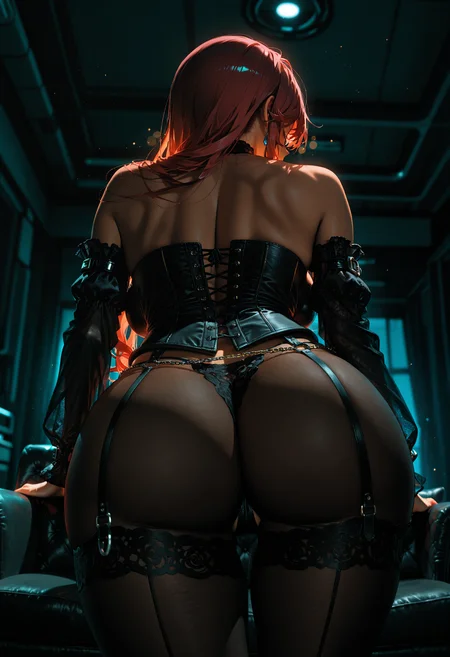
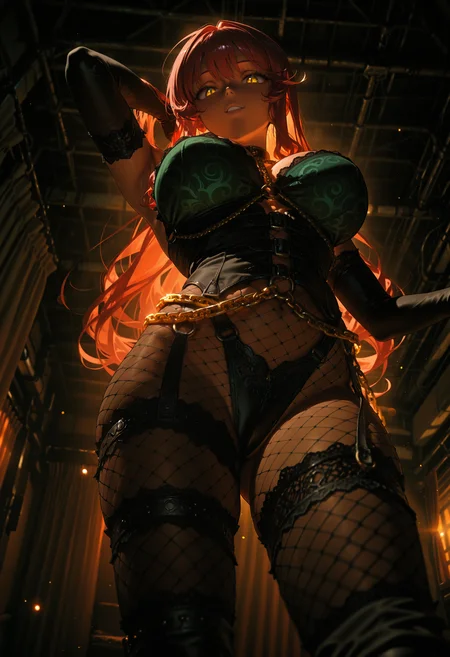
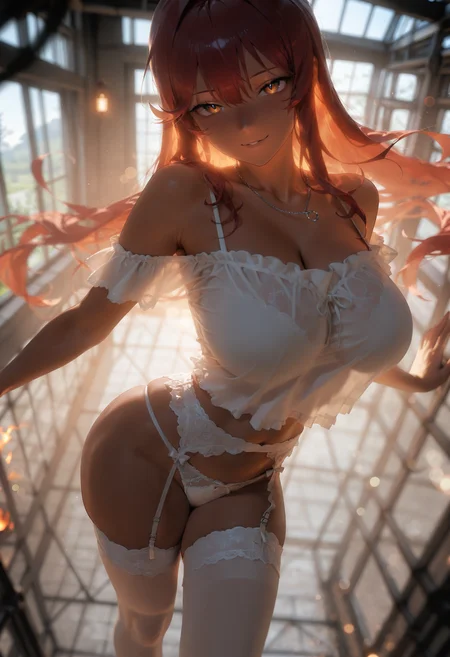
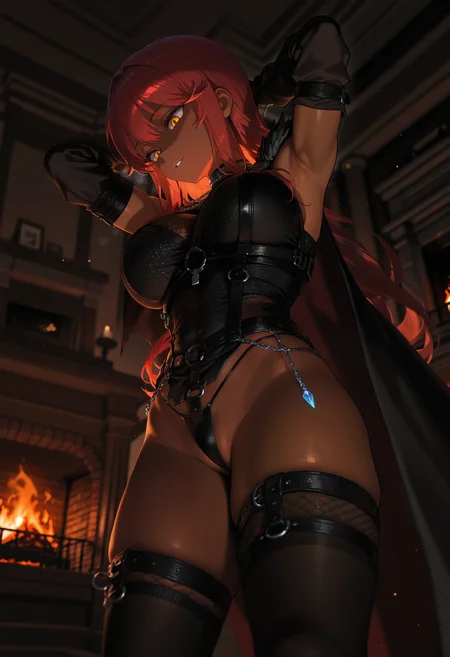
🛠️ Purpose & Design Philosophy
This workflow is a high-fidelity environment built for Illustrious. It prioritizes stability and professional texture over generation speed. It follows an "all-in-one" philosophy: configure your prompts, hit queue, and let the workflow handle the multi-stage refinement from start to finish.
Not for Speed: This is a heavy-duty refinement tool. If you want 2-second previews, use a basic workflow.
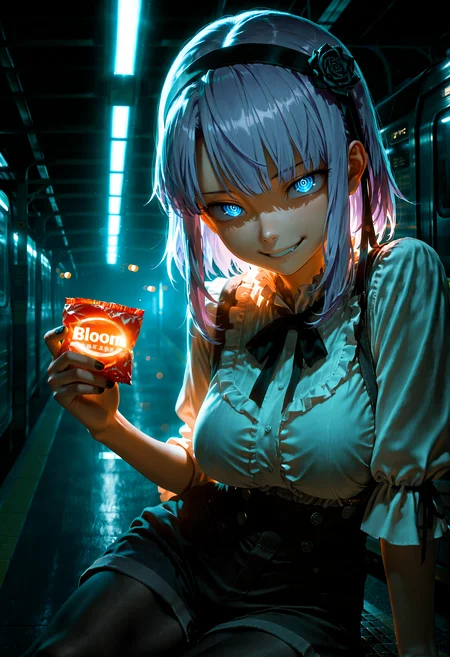
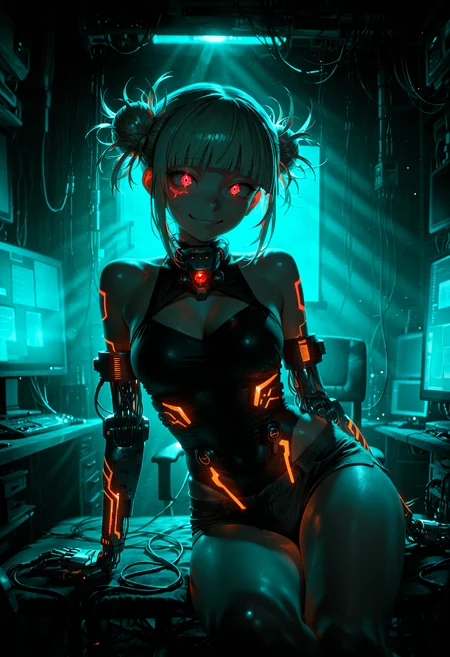
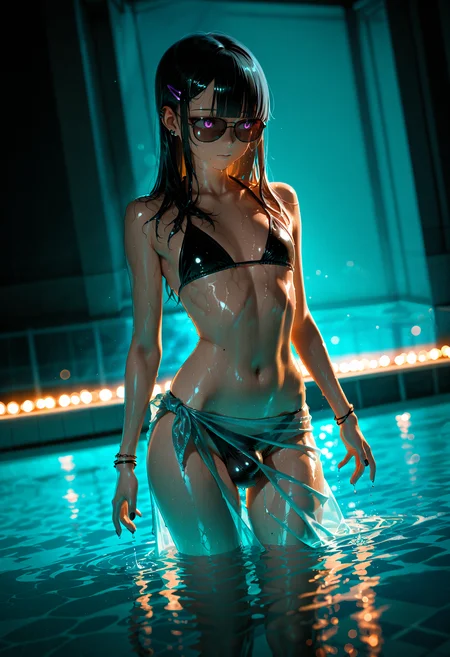
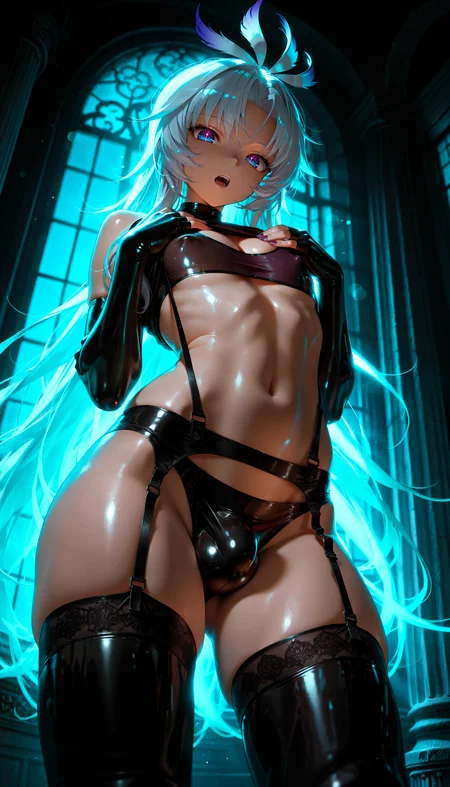
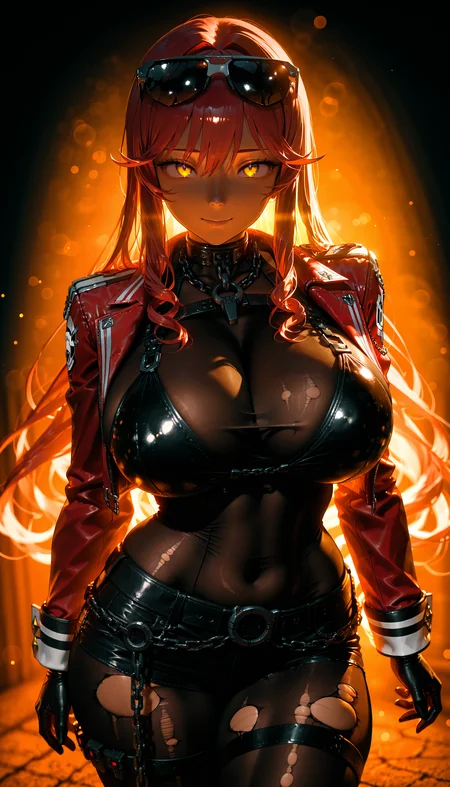
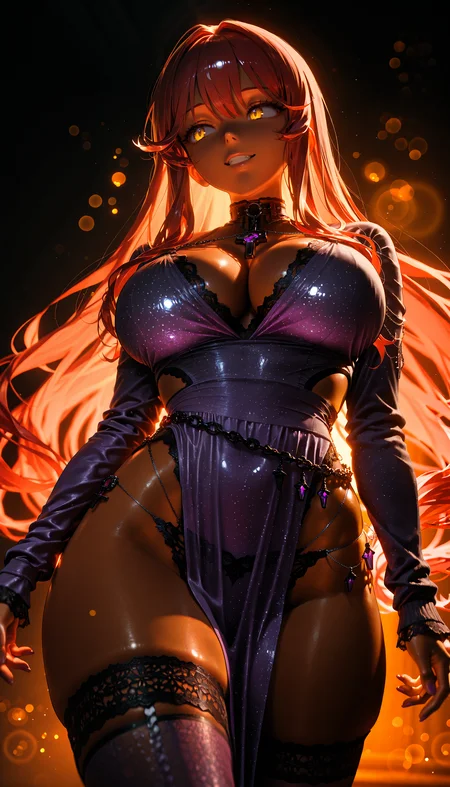
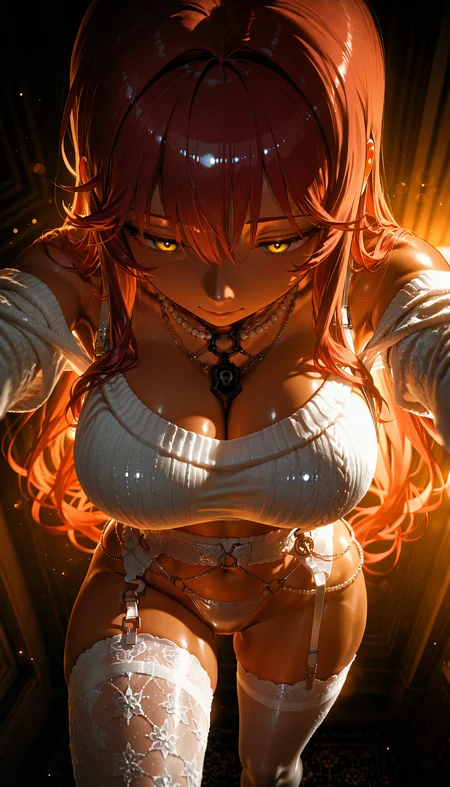
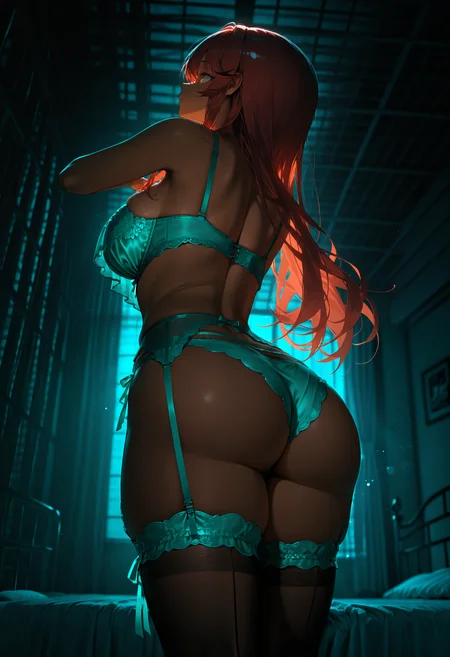
Personal Use: Built for my specific production needs. It is shared as-is for those who want a "set-and-forget" pipeline for Illustrious. Adjust the settings and models to fit your needs. The defaults on v19+ will be what I used for the sample images.
All-in-One Logic: The workflow handles generation, detailing, and upscaling in one continuous pass.
If you're needing something with more features: Try checking out Silly All-in-one, Multiple Characters With Regional Loras which is on civitai. I have no plans to implement additional features.
⚠️ Disclaimer & Compatibility
Install at Your Own Risk: Custom nodes can break your environment. I am not responsible for troubleshooting your specific installation.
ComfyUI: Built and tested on the non-app version. Desktop app users may face additional hurdles.
The "Your Version" Factor: Your node versions and environment are 99.9% likely to differ from mine.
Nodes 2.0: I do not recommend using Nodes 2.0. It creates unpredictable UI behavior; I will not provide support for issues involving this feature.
🤝 Support & Boundaries
I have not and never will monetize my workflow. CivitAI is the only platform I am maintaining this workflow on. If you find a version of my workflow posted and/or monetized anywhere and use it, then whoever posted it is responsible for providing you any support. This is the main reason why I don't monetize this: I don't want to be or feel obligated to provide support.
No DMs: DMs are disabled due to repeat spam. Please check the Discussions tab below; most questions have already been answered.
Modifications: You are free to hack this workflow apart. However, you are responsible for fixing it if it breaks.
Custom Requests: I do not make private workflows. If you need a custom solution, post a Bounty on CivitAI. There are many talented creators ready to help you for a fee.
Description
Update Notes: v18g
This update focuses on expanding the high-resolution pipeline for those who want to push their outputs to the absolute limit. We are re-introducing a refined multi-stage upscaling logic that I’ve been testing to solve the "muddiness" often found in massive upscales.
New Feature: Secondary USDU Refinement Pipeline
In v18g, I have added an optional secondary set of groups designed to "double-down" on detail and texture. This is a complex chain that includes:
Image Downscaling: To reset the pixel grid.
Pre-USDU2 Upscale: To prepare the canvas.
CFG Zero Star USDU2 & Ultimate SD Upscale 2: For the final detail injection.
⚠️ The "Double-Edged Sword" Warning
This new pipeline is powerful but can be temperamental. While it excels at creating incredible skin textures and cinematic lighting, it can struggle with high-frequency micro-patterns.
Best For: Portraits, skin-heavy shots, and dramatic low-key lighting.
Avoid For: Fine lace, intricate embroidery, or extremely dense mechanical greebles.
Note: If your image starts looking "over-processed" or you lose the crispness of fine threads, simply Bypass the 2nd USDU groups.
Recommended Settings (TL;DR)
To get the best out of the dual-pass system, the goal is "High Precision, Low Impact" on the second pass:
Pass 1: Use your standard settings to build the structure.
Pass 2: Increase the Step Count but Lower the Denoise (suggested range: 0.20–0.35 depending on your sampler/scheduler combo).
The Logic: This allows the sampler more time to refine the image without having enough "permission" to radically change or blur your existing details.
Other Changes
Legacy Support: The simple Image-to-Image option introduced in v18f remains fully integrated.
Workflow Optimization: General cleanup to accommodate the new node groups without sacrificing the overall speed of the Illustrious base.
FAQ
Comments (4)
v18g uploaded.
Civitai allows us to upload the actual JSON now.
This version adds the previously popular (for some) 2nd USDU.
Since nobody's made the comment, 18g is MAGIC. I've produced some mesmerizing images. People are really sleeping on the power of this workflow.
how to add more adetailer
非常好用的节点,小白也能快速上手: )
Looks like we don't have an active mirror for this file right now.
CivArchive is a community-maintained index — we catalog mirrors that volunteers upload to HuggingFace, torrents, and other public hosts. Looks like no one has uploaded a copy of this file yet.
Some files do get recovered over time through contributions. If you're looking for this one, feel free to ask in Discord, or help preserve it if you have a copy.