















🛠️ Purpose & Design Philosophy
This workflow is a high-fidelity environment built for Illustrious. It prioritizes stability and professional texture over generation speed. It follows an "all-in-one" philosophy: configure your prompts, hit queue, and let the workflow handle the multi-stage refinement from start to finish.
Not for Speed: This is a heavy-duty refinement tool. If you want 2-second previews, use a basic workflow.
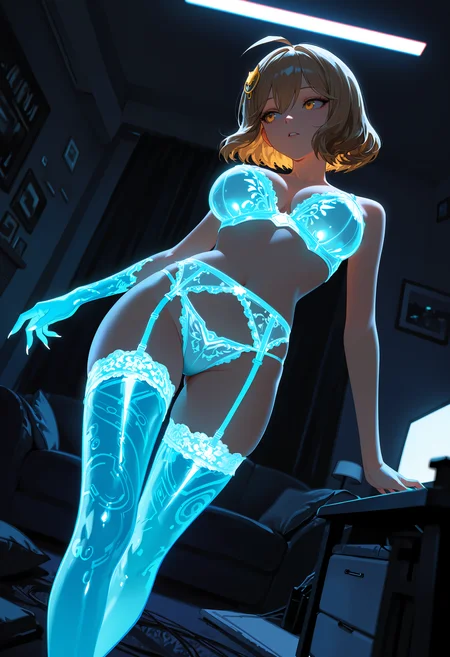
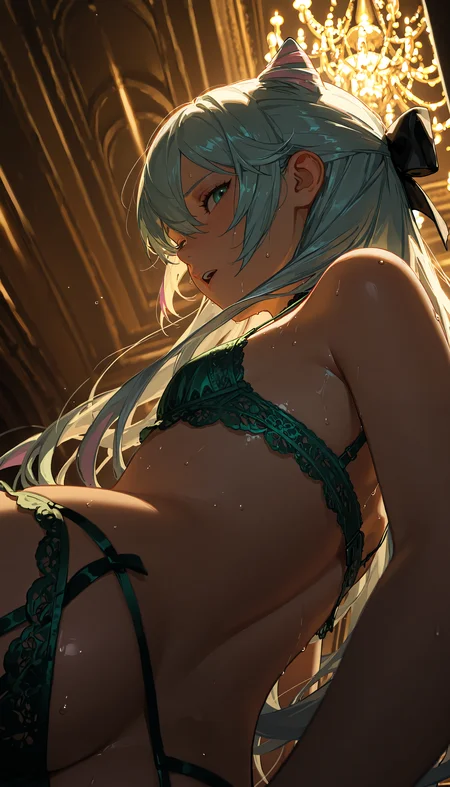
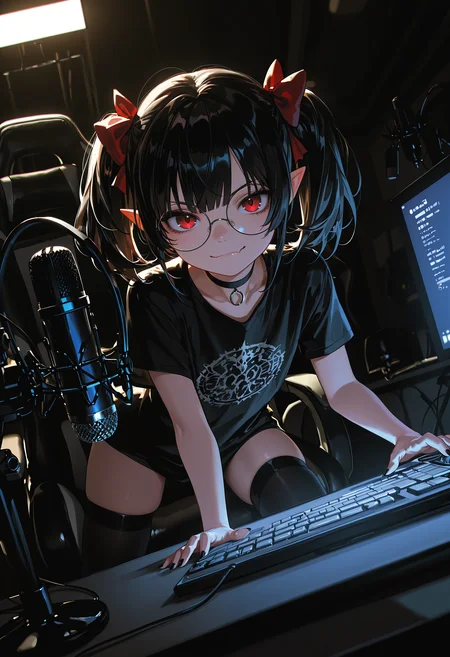
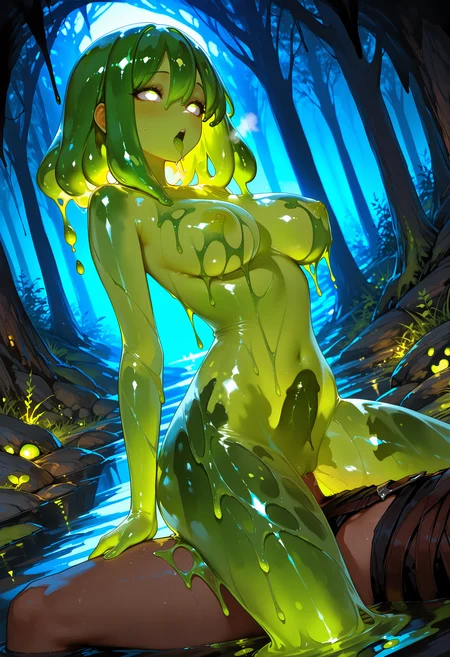
Personal Use: Built for my specific production needs. It is shared as-is for those who want a "set-and-forget" pipeline for Illustrious. Adjust the settings and models to fit your needs. The defaults on v19+ will be what I used for the sample images.
All-in-One Logic: The workflow handles generation, detailing, and upscaling in one continuous pass.
If you're needing something with more features: Try checking out Silly All-in-one, Multiple Characters With Regional Loras which is on civitai. I have no plans to implement additional features.
⚠️ Disclaimer & Compatibility
Install at Your Own Risk: Custom nodes can break your environment. I am not responsible for troubleshooting your specific installation.
ComfyUI: Built and tested on the non-app version. Desktop app users may face additional hurdles.
The "Your Version" Factor: Your node versions and environment are 99.9% likely to differ from mine.
Nodes 2.0: I do not recommend using Nodes 2.0. It creates unpredictable UI behavior; I will not provide support for issues involving this feature.
🤝 Support & Boundaries
I have not and never will monetize my workflow. CivitAI is the only platform I am maintaining this workflow on. If you find a version of my workflow posted and/or monetized anywhere and use it, then whoever posted it is responsible for providing you any support. This is the main reason why I don't monetize this: I don't want to be or feel obligated to provide support.
No DMs: DMs are disabled due to repeat spam. Please check the Discussions tab below; most questions have already been answered.
Modifications: You are free to hack this workflow apart. However, you are responsible for fixing it if it breaks.
Custom Requests: I do not make private workflows. If you need a custom solution, post a Bounty on CivitAI. There are many talented creators ready to help you for a fee.
Description
re-uploaded to fixed version on 12 Nov 1855PM UTC. Looks like 9 downloads happened prior.
V14 is a stripped down version of v13 with some adjustments. This is based on what I am currently using and have no plans to add what I removed from the workflow.
The following were removed:
ControlNet
Image to Image
Dynamic Thresholding
Detail Daemon
A side effect of no longer using DT and DD is that some sampler+scheduler combos that did not work well previously are now usable (for me at least).
This version uses the standard Comfy Core KSampler for the initial image.
Removal of the items above simplifies the workflow for folks who are newer to comfyUI.
The only setting out of the norm (IMO) will be the Epsilon Scaling nodes. I left a big note on how it works and the recommended settings for it.
This version is compatible with RES4LYF in a limited capacity
You can use the samplers/schedulers available on the nodes in the workflow that have the samplers/scheduler from RES4LYF without issues. None of the custom nodes from RES4LYF are used in this workflow.
Samplers/schedulers will have to be set manually if you want to use the schedulers from RES4LYF. The Impact Pack nodes are not compatible with RES4LYF schedulers (AFAIK) so you will have to pick from what is available.
RES4LYF schedulers are not selectable via the Global Sampler node other than bong_tangent.
FaceDetailer nodes have all been replaced with Detailer (SEGS) nodes.
FAQ
Comments (37)
v14 uploaded. This version will work for folks who have RES4LYF installed.
Edit: fixed version 14 uploaded. Fully tested.
Found a weird issue with v14. Will re-upload when I have it fixed.
Looks like I have some of the connections toward the end mixed up. Fixing and testing before re-upload.
If you see that things are being detected but not actually being "detailed", toggle on "force inpaint" to force it to do so.
Hey, any reason you chose to delete img2img and controlnet as well as a bunch of features from your v14 workflow?
@SolHel yep, I don't use them and over-complicates the workflow for people just getting into comfyui. Plus, I really dislike answering questions about how to use things that I literally don't use.
The older workflow is still perfectly fine, but I just don't need all that.
I think most people who use those know how to add it themselves if they really want to use v14. As mentioned, v14 is just a stripped down version of v13 pretty much. Doesn't make it better per se.
@Gladas If I may have a suggestion, would be to at least bring back controlnet and img2img There are useful nodes
@SolHel There is zero incentive for me to go out of my way to re-add those after explaining why I removed them. The point of stripping down the workflow was to make it easier to use AND zero-out the amount of people asking me how to use ControlNet or IMG2IMG, especially when I don't use those functions.
If you like those functions: you can re-add them or stick to the previous version. It's not difficult to do considering they are basically at the start of the workflow. You can just copy/paste the nodes from the previous workflow into the new one and connect them.
Love your work G! Thanks
Would you consider adding a 'foot detailer' feature? I often notice that the generated images have issues with feet, like an incorrect number of toes.
You can use the any of the detailers for that if you have a foot detection model and/or add another detailer group and use a foot detection model there.
What's the reasoning behind removing Detail Demon, Dynamic Thresholding and SamplerCustomAdvanced? Just curious
Simplifying the workflow. Plain and simple.
The move from SamplerCustomAdvanced to the normal KSampler was to allow people who use RES4LYF to be able to use my workflow without having to uninstall RES4LYF.
As always, people are not required to jump to the newest version of the workflow and it isn't necessarily better.
It's just what I am using and what is better for me.
@Gladas Fair enough! Appreciate the explanation
if a stripped down version of v13, its mean downgrade version or something better?
since i read that this is you currently use..
better for my personal use. If you like having the stuff that was removed, then v13 will probably be better for you!
@Gladas which part better than v13? on v14 in your perspective like speed? or more good on detailer?
@saytolol12 TL;DR - Less settings to potentially make the results worse. Speed difference is probably minimal for most unless they are on lower-end hardware. Quality difference for detailers: probably the same except for eyes. I think these do better for the eyes, but that's just my perspective.
The stuff I removed basically just gives you more settings to make your results better or worse. Dynamic Thresholding and Detail Daemon are good tools, but not always beneficial IMO. Epsilon Scaling and CFG Zero Star are plenty good for my tastes.
The speed gain is probably minimal for most people. At the same time, having DT and DD did not seem to give much benefit once CFG Zero Star and Epsilon Scaling were added.
The changing of the detailers is more of a personal choice and for experimentation.
If you like Dynamic Thresholding: it's easy enough to add it back in between model connections.
As far as ControlNet and Image to Image being removed: I just don't use these enough to want to keep them in the workflow.
I love you so much for piping in RES4LYFE compatibility into v14. As always, excellent workflow!
Hi, thank you so much for your workflow, it's amazing!
I have a quick question: can i add controlnet to the new version of the workflow? (v14)?
Hey there, you can add whatever you want. Adjust it to your preference!
Awesome workflow! (v14) Now I just need to somehow squeeze Inpaint and Regional Prompting in here, and it will be the perfect working environment for me and my game development. Thank you!
hi, thank you so mucho for your workflow. there is a workflow with only detailers and upscalers? i mean, an img2img for only ad details
If you asking if I have a workflow posted that has IMG2IMG with only detailing and upscaling exclusively, then no.
You could take one of the IMG2IMG flows listed above and add detailer nodes to them, since they already include upscaling.
So the new comfyui update broke some of the nodes huh?
Any way to bypass that or the node authors will hopefully update them themselves?
Depends on the nodes tbh. I haven't updated to 0.3.75 yet.
I would say your best bet (if possible) is to rollback to the previous comfyui version. I'm not exactly eager to break my workflow for the sake of updating to the newest version, but I'll see what happens on mine when I do. If the fix is complex, then it won't be until much later since I was about to go to sleep.
@Arararagi I updated to 0.3.75 and used v14 with no issues. So, unfortunately, it's something local for you. I updated my comfy install via the update_comfyui.bat file in the ComfyUI_windows_portable\update folder.
One thing I did notice is that turning on Nodes 2.0 jacks up how some of the nodes look. So if that's what you mean by broken, then yeah you'll have to wait on the authors to update or toggle off Nodes 2.0.
Here's what I have on my comfy install:
ComfyUI v0.3.75
ComfyUI_frontend v1.34.0
Python 3.13.6
Pytorch Version 2.10.0.dev20251118+cu130 (I have to use this version due to my 50 series card)
regarding comfyui 0.3.75:
If you enable Nodes 2.0, it effectively breaks the Group Bypass nodes and Power Lora Loader. All the "fields" get stacked on each other. You can toggle it off by clicking on the comfyui icon on your workflow and it will be right there on the menu.
All of my workflows from v14 and lower potentially will be affected by this setting. If a fix doesn't come later today for rgthree's nodes, then I will replace the lora loader with something else (probably Impact Pack's ImpactWildcardEncode node) and drop the group bypass nodes from the workflow in the next update. Edit: I'm just leaving Nodes 2.0 toggled off. From what I am being told, it causes larger workflows to run even slower than before.
From what I am seeing (as a user): they removed the options to open the properties of the node. On the Group Bypass nodes, this basically makes it so you can't adjust them to filter by things like group color, etc.
This update also broke Image Saver. It works fine for posting to civitai, but if you try to drop one of your images into comfy, it shows a generic workflow and not the actual one. I confirmed this is specifically happening with the Image Saver node. My generated videos are not running into the same issue. Edit: I tried several alternatives and they all end up the same when trying to drop an existing image into comfyui. If this is a function you need, then I suggest using a standard Save Image node by itself OR at the same time as Image Saver.
What a ''great'' update huh?
Why did they release this mess in such a state is funny.
Maybe we are the beta testers, especially folks like you who makes these elaborate workflows? :D
@Arararagi yeah I saw some other people on YouTube who are more knowledgeable about comfyui even say Nodes 2.0 is a buggy mess.
I don't know what they did, this workflow was perfect up until now, now it won't even run, all the ksampler select and basic scheduler are halting the process for some reason
@paulonunesbazilio729 your error points to having RES4LYF or some other custom scheduler installed and using one of my older workflows. RES4LYF specifically has issues with the Basic Scheduler node for whatever reason. The only workflow I made to work with RES4LYF is v14.
The latest comfyui update after the Nodes 2.0 one made some stuff worse. My video workflow that had no problems with the previous update is severely busted with the update from yesterday. I honestly may need to move on from comfyui if this keeps going the way it is.
@Gladas Yeah I have no idea what's going on, it was perfect a couple of days ago, then it got updated and nothing works anymore.
This is terrible, your workflows are the best I've seen so far, I'll probably try to find a way to rollback or something as I don't have res4lyf installed
@paulonunesbazilio729 yeah so far, my Nodes 2.0 v1 workflow works fine for me, but it's very scaled down and basic in comparison to my other workflows. v14 still worked for me as of yesterday and it does not use Basic Scheduler or KSamplerSelect, but the only other advice I can really give is to not enable the Nodes 2.0 feature or toggle it off. That feature alone breaks so many things and is still super buggy.
@Gladas Yeah I've just tried the portable version but it's too much, can't even get the manager to install on that thing.
By the way, it was my bad, it seems like the version I'm having issues with is the newest that auto updated today, 0.3.76, I believe .75 was working just fine.
AI stuff is cool but having to use these programs is a huge turnoff.
@paulonunesbazilio729 yeah 100% agree. Even I am seriously considering moving away from comfyui. I have been using the latest frontend version via command line argument. It's slightly better, but still janky. Just bad back to back updates (IMO). I get that it's their project and they DGAF about custom nodes, but still sucks. Probably turns off custom node project owners as well.
Looks like we don't have an active mirror for this file right now.
CivArchive is a community-maintained index — we catalog mirrors that volunteers upload to HuggingFace, torrents, and other public hosts. Looks like no one has uploaded a copy of this file yet.
Some files do get recovered over time through contributions. If you're looking for this one, feel free to ask in Discord, or help preserve it if you have a copy.