
🛠️ Purpose & Design Philosophy
This workflow is a high-fidelity environment built for Illustrious. It prioritizes stability and professional texture over generation speed. It follows an "all-in-one" philosophy: configure your prompts, hit queue, and let the workflow handle the multi-stage refinement from start to finish.
Not for Speed: This is a heavy-duty refinement tool. If you want 2-second previews, use a basic workflow.
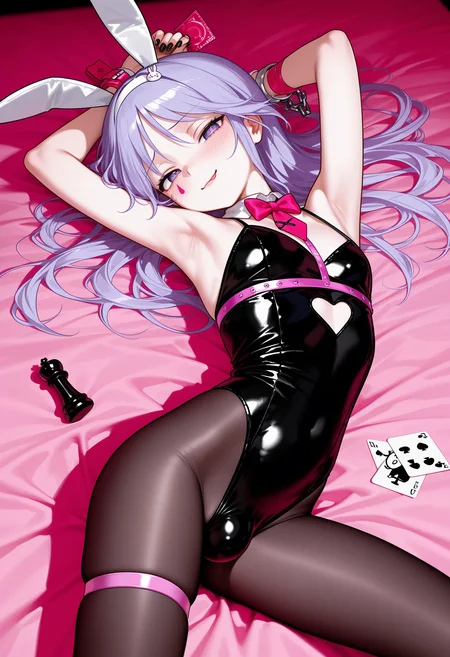
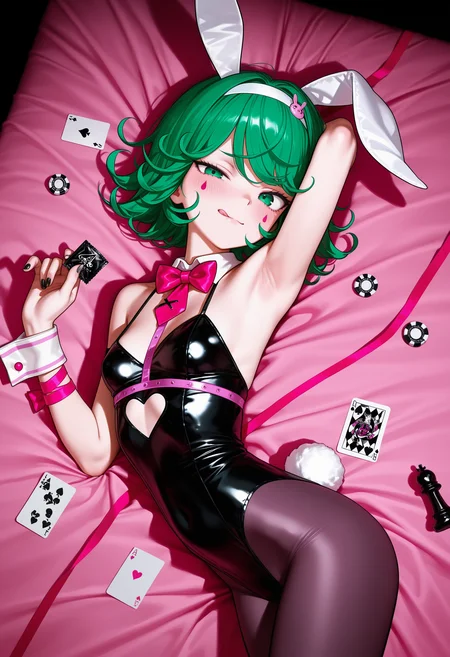
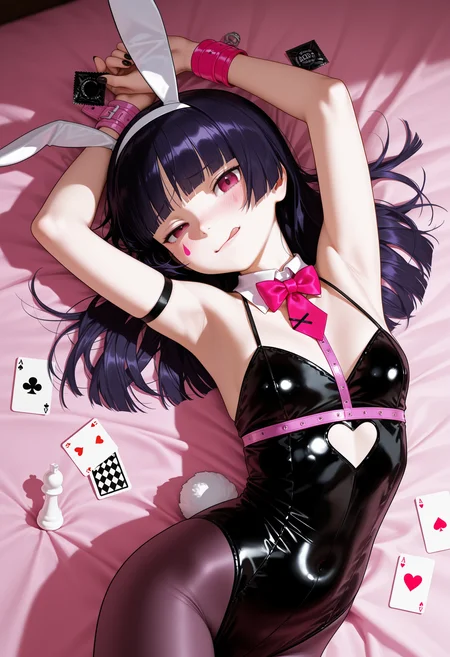
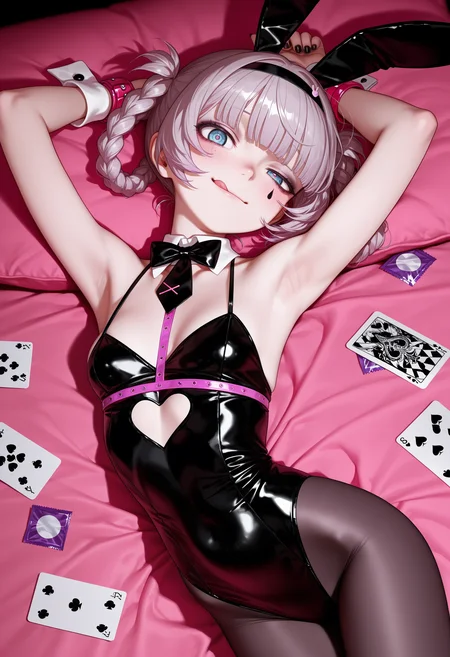
Personal Use: Built for my specific production needs. It is shared as-is for those who want a "set-and-forget" pipeline for Illustrious. Adjust the settings and models to fit your needs. The defaults on v19+ will be what I used for the sample images.
All-in-One Logic: The workflow handles generation, detailing, and upscaling in one continuous pass.
If you're needing something with more features: Try checking out Silly All-in-one, Multiple Characters With Regional Loras which is on civitai. I have no plans to implement additional features.
⚠️ Disclaimer & Compatibility
Install at Your Own Risk: Custom nodes can break your environment. I am not responsible for troubleshooting your specific installation.
ComfyUI: Built and tested on the non-app version. Desktop app users may face additional hurdles.
The "Your Version" Factor: Your node versions and environment are 99.9% likely to differ from mine.
Nodes 2.0: I do not recommend using Nodes 2.0. It creates unpredictable UI behavior; I will not provide support for issues involving this feature.
🤝 Support & Boundaries
I have not and never will monetize my workflow. CivitAI is the only platform I am maintaining this workflow on. If you find a version of my workflow posted and/or monetized anywhere and use it, then whoever posted it is responsible for providing you any support. This is the main reason why I don't monetize this: I don't want to be or feel obligated to provide support.
No DMs: DMs are disabled due to repeat spam. Please check the Discussions tab below; most questions have already been answered.
Modifications: You are free to hack this workflow apart. However, you are responsible for fixing it if it breaks.
Custom Requests: I do not make private workflows. If you need a custom solution, post a Bounty on CivitAI. There are many talented creators ready to help you for a fee.
Description
Adjusted the settings across the workflow to work with either Euler + Normal or DEIS + Simple (my new go-to).
Had ChatGPT adjust the settings based on the fact that most Illustrious models I use have recommended lower CFG values compared to what I was using.
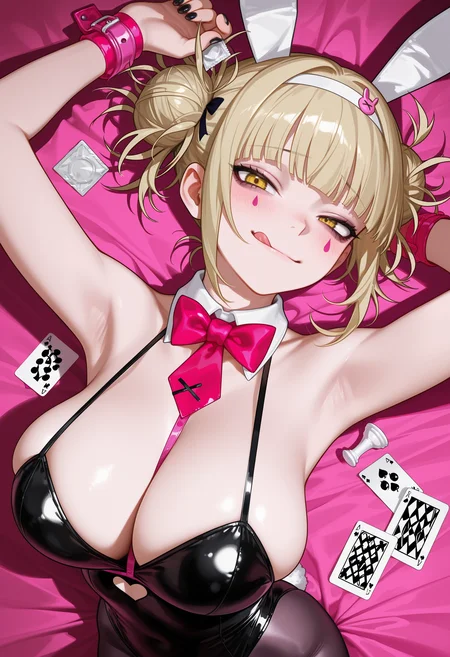
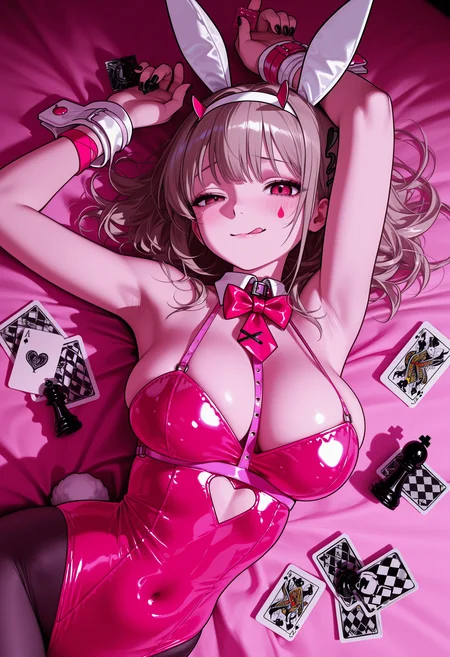
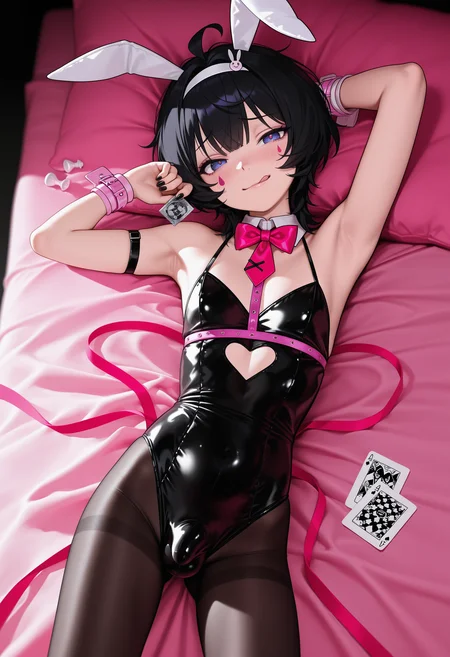
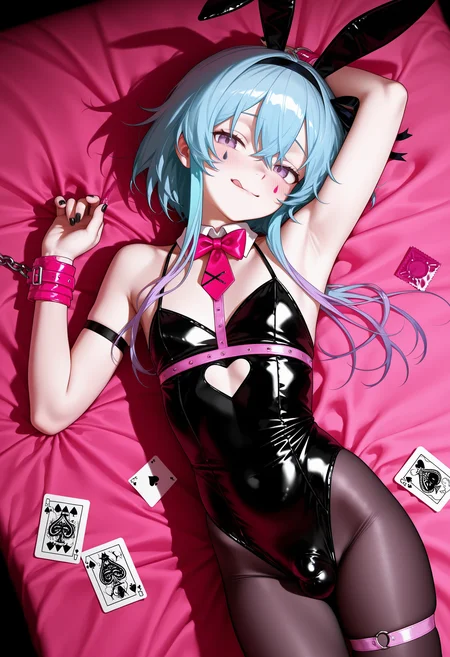
Workflow will have the prompts and settings I used for the 1st sample image.
There are now several markdown notes next to the ControlNet group with some suggestions from ChatGPT if you are wanting to play with the settings.
Added a markdown note below Power Lora Loader giving a brief explanation of some of it's features that some may not be aware of.
I recommend turning off Epsilon Scaling if using a v-pred model, but you do you.
FAQ
Comments (20)
This workflow is fire! 🔥 Any chance of adding regional painting? It would be next level! Do you post videos about your work somewhere? Would love to follow.
Thanks! I have never used regional painting, so I would have no idea how to even approach that. No videos about what I do either. I'm just a fellow comfyui user throwing spaghetti at the wall to see what sticks.
USDU causes my image to be washed out even at 0.1 denoise, and it just causes noise on image without purpose.
I'm not the USDU dev, but based on the little bit of info you are giving me:
1. Your model does not have a baked in VAE (the most likely case for washing out)
2. You sampler/scheduler/upscale model choice either doesn't agree with USDU or your settings need to be adjusted.
3. You possibly adjusted something on the IFA node to cause it to be washed out.
4. Your choice of model output is already washed out to begin with (in this case, turn off IFA or change the settings on it). I use a couple models that do this.
Unfortunately, it can be any of those things or even something else. I just look stuff up on Google when I run into weird stuff like that.
My posted images here show that they are not washed out, so it's something going on locally for you.
And if you haven't already: try toggling stuff off like Image Filter Adjustments, Dynamic Thresholding, Detail Daemon, etc. and see if it's still the same.
@Gladas its only washed out when it passes through USDU, skipped and the image is fine. But ill try the others you mentioned
Hello, your Workflow kinda fire.... but i had problem for anime style that on upscaling become purple dominant (its kinda fine image but more purple ish.. can you know the problem?
Could be lots of things unfortunately. Try turning off Dynamic Thresholding, Detail Daemon, Epsilon Scaling, and Image Filter Adjustments. If it's still happening after that, it might be your upscale model. Remacri (for some people) turns the results green in USDU. You're just gonna have to go by process of elimination, but I think those are the top candidates.
@Gladas thx for answering... somhow its worked...
and one again.. any advice for separate female and male on detailer?
@saytolol12 I don't really do multiple characters intentionally. Detailer nodes are nice, but they are (IMO) dependent on what the detection model detects.
My guess/theory (remember I don't personally have a need for this, so this just guesswork):
If there are detection models to detect men/women separately you could probably work from that and make use of the wildcard spec field to describe the man/woman. So that would basically be two separate detailer nodes.
FaceDetailer nodes are kind of like the easy/lazy version of the other Detailer nodes that Impact Pack has available. You could possible do it using one of the other types of detailer nodes, but that would involve some work on your end.
I'm way too lazy to delve into something that I will not use.
@Gladas Wildcard field on Face detailer using prompt its work or need create wild card?
@saytolol12 you can use normal prompts/words there. It doesn't have to be wildcards. Just try it and you will see.
@Gladas i see thanks for information..
oh yes, i try v13D version, the default setting 1.5x times slower than v13c but quality its really good..
@saytolol12 yeah, I would say try different settings if speed is more important to you. On my older workflows I used less steps, but I also was using CFG++ samplers mostly.
@Gladas that what i intend too.. did you try use patch sage attention and model patch torch settings before? im curious since its help increase speed but i dont know if the quality droped or not..
@saytolol12 i've tried sageattention and it is faster, but the quality loss is noticeable (for me)
@Gladas how much in percent?
im using RTX4060 so i never use large than 1024x1536 (using 2x upscaller/hiresfix or not) its unoticeable (or i didn't check it properly) except the details if zoom in.. realistic model.
@saytolol12 like maybe 20%? I haven't used it in a while and reinstalling what's needed for sageattention is not worth the effort for me to try again lol.
@Gladas i see.. well yours GPU was faster enough so no need faster anymore XD..
..
@saytolol12 yeah, I tried it when I had a 3060. Even then I switched off of sageattention. It's worth it if you want the speed gain. Maybe with the right settings, the quality drop will be less noticeable.
Looks like we don't have an active mirror for this file right now.
CivArchive is a community-maintained index — we catalog mirrors that volunteers upload to HuggingFace, torrents, and other public hosts. Looks like no one has uploaded a copy of this file yet.
Some files do get recovered over time through contributions. If you're looking for this one, feel free to ask in Discord, or help preserve it if you have a copy.