


🛠️ Purpose & Design Philosophy
This workflow is a high-fidelity environment built for Illustrious. It prioritizes stability and professional texture over generation speed. It follows an "all-in-one" philosophy: configure your prompts, hit queue, and let the workflow handle the multi-stage refinement from start to finish.
Not for Speed: This is a heavy-duty refinement tool. If you want 2-second previews, use a basic workflow.
Personal Use: Built for my specific production needs. It is shared as-is for those who want a "set-and-forget" pipeline for Illustrious. Adjust the settings and models to fit your needs. The defaults on v19+ will be what I used for the sample images.
All-in-One Logic: The workflow handles generation, detailing, and upscaling in one continuous pass.
If you're needing something with more features: Try checking out Silly All-in-one, Multiple Characters With Regional Loras which is on civitai. I have no plans to implement additional features.
⚠️ Disclaimer & Compatibility
Install at Your Own Risk: Custom nodes can break your environment. I am not responsible for troubleshooting your specific installation.
ComfyUI: Built and tested on the non-app version. Desktop app users may face additional hurdles.
The "Your Version" Factor: Your node versions and environment are 99.9% likely to differ from mine.
Nodes 2.0: I do not recommend using Nodes 2.0. It creates unpredictable UI behavior; I will not provide support for issues involving this feature.
🤝 Support & Boundaries
I have not and never will monetize my workflow. CivitAI is the only platform I am maintaining this workflow on. If you find a version of my workflow posted and/or monetized anywhere and use it, then whoever posted it is responsible for providing you any support. This is the main reason why I don't monetize this: I don't want to be or feel obligated to provide support.
No DMs: DMs are disabled due to repeat spam. Please check the Discussions tab below; most questions have already been answered.
Modifications: You are free to hack this workflow apart. However, you are responsible for fixing it if it breaks.
Custom Requests: I do not make private workflows. If you need a custom solution, post a Bounty on CivitAI. There are many talented creators ready to help you for a fee.
Description
Dynamic Thresholding
Adjusted the connections to this node again based on (new to me) information found while looking for the best settings for this node.
If you are getting nightmare fuel while using this, try adjusting the threshold_percentile. Adjusting it up make the node "clamp" down on the image more aggressively, while lowering it will make it less aggressive. I recommend using 0.9 to 0.99
Adjust the minimum CFG to match whatever the lowest value is of the sampler/scheduler combo you use. I'll include a couple versions of the workflow using a standard sampler and a CFG++ sampler. If your images are cooked, try lowering this value or adjust the "CFG" value near the KSampler.
Watermark Detection & Removal flow
Added a SAM detector node to the flow. This has given me better results and just uses the same SAM Loader from the Detailer portion of the workflow.
Disclaimer: it doesn't always detect the watermarks, but it's better than nothing.
There is a method that involves much less nodes using CLIPSeg, but in my experience, it did not work well.
Dropped Lying Sigma Sampler from the Detail Daemon group.
Cool idea to have it, but it's too much for Illustrious IMO.
Moved all the bypass switches to the beginning of the workflow.
Switched the negative prompt node back to how it was previously instead of using ImpactWildcardEncode for it.
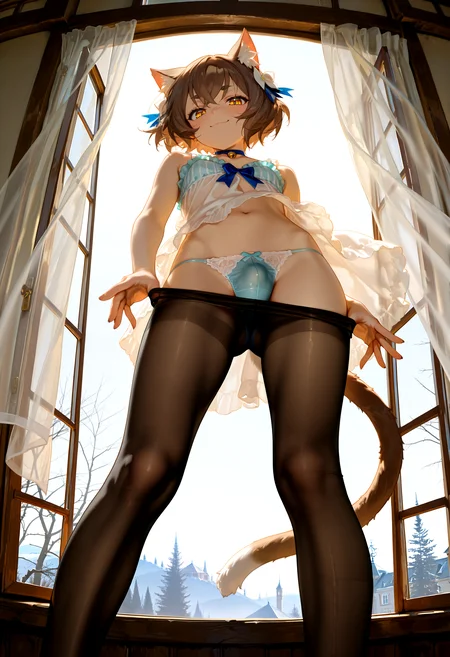
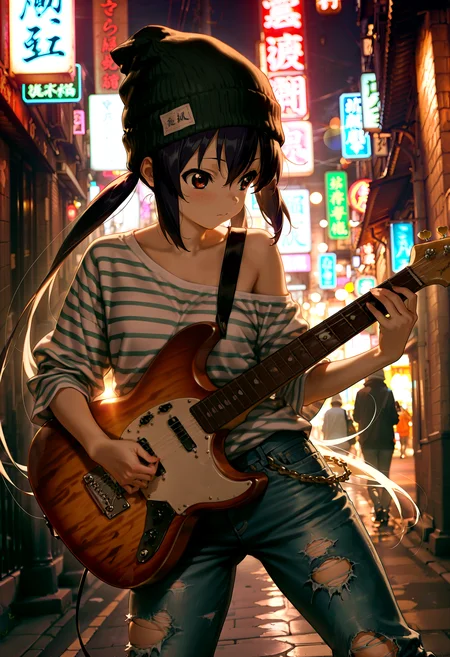
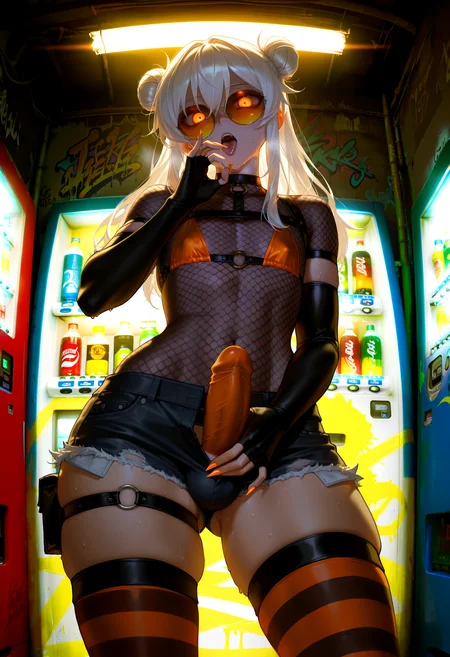
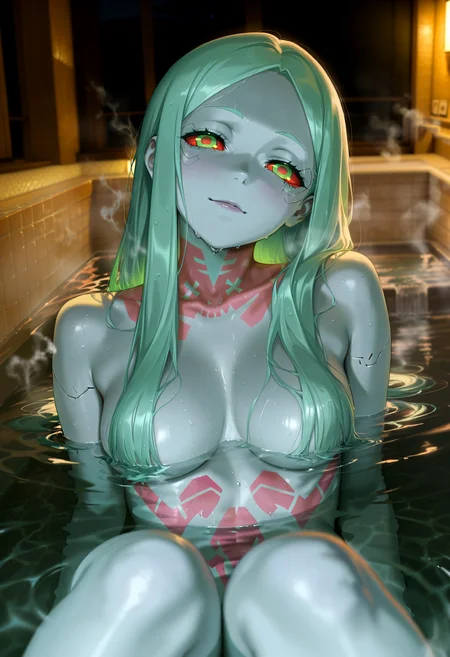
The settings on the workflows in the .zip file are what I used for the first two images in the samples for this version. (Since someone asked how they can make their images look like mine). You can toggle the options you don't want to use if you just want to go vanilla.
FAQ
Comments (10)
love your project here. now im using v8d and makes some changes. i prefer to have lora power loader to set my model strength and clip strength, since i dont know how to set it on the wildcard encode. and i modified it to use concat conditioning to have different chunk and all organize.
it still result great image (or worse maybe ? since im still new on this image generation stuff). major problem i face was the image tend not to follow my command prompt, i dont know which cfg parts or which node setting should i adjust to increase prompt adherence.
ah and it get error when i set the the blur sigma value to 1 on smoothed energy guidance. it said my gpu too old to handle that, and i must set it to -1. is it important variable ? i guess -1 will set it to disable the blur feature? should i change SEG into another nodes ? or is it just okay ?
I look forward to the progress of this project and future updates ^_^. thanksss
Hi. Try turning off Dynamic Thresholding and FreeU_V2 if they are enabled to see if that fixes your prompt adherence, Also, toggling Detail Daemon to false (if set to true) via the switches above SamplerCustomAdvanced and USDU 1 & 2 may help. These are nice features, but not always better.
AFAIK, you can't set clip strength via ImpactWilcardEncode. For clarification, I would say check Impact Pack's project page for info. I mainly use it because it was what was recommended for Image Saver to get the lora info. Anyone is free to alter the workflow to their preference.
I dropped SEG from my newest version (v8e) because it did not seem beneficial to keep it. It's supposed to work better than PAG, but I think PAG was more easier to use. I don't use it personally in my most recent workflow. If you like v8d, I would say it's safe to drop SEG from the flow. Deleting it should automatically route the noodles to where they need to be.
@Gladas thanks for your respond. for the blur sigma on SEG node problem. it caused by xformers conflicted with pytorch for cuda mechanics, the dependency is chaos, i try to tweaks it with changing versions but still cant solve the problem, when i uninstall xformers library then it works fine.
for changing cfg, should i change the cfg on top parts beside the ksampler option, and change the max cfg on dynamic thresholding too ? make them the same amount if i wanna adjust cfg ?
i will try your suggestion and try v8e too, and maybe tweaks some parts too and will inform if you if i can get some data (maybe, if works =_=) haha..
thanks againnn.....
@inoma on the newest version (v8e), the CFG option next to the KSampler is the max setting for Dynamic Thresholding. I usually use 10 to 13 there, but feel free to experiment with it.
The CFG min settings next to Dynamic Thresholding could be adjusted to fit whatever is the lowest CFG your sampler/scheduler/checkpoint works with. Interoplate_phi can have some influence as well. It's recommended to try 0.7 to 0.9. The lower the value, the lower the influence of Dynamic Thresholding (if I understand it correctly).
This information is what I found when doing a Google search about the settings of Dynamic Thresholding and tried adjusting the workflow based on that.
Alternatively, you can just toggle off/bypass Dynamic Thresholding and FreeU (if enabled) and just use the CFG next to the KSampler like normal and see if your prompt adherence is better. If so, then maybe just use the workflow without them or try making your own tweaks to the settings.
I gave up on SEG (Smoothed Energy Guidance), so if you get it working for you, then that is good. The gains from it did not seem worth the longer generation time for me.
@Gladas okayy
I tried out concat conditioning. It does give different results for sure. I think if you are someone who understands how it works then it's probably a fantastic tool. As for me, I don't understand it and my experience with it resulted in detail daemon being unusable.
I played with concat conditioning some more and was able to get it working with Detail Daemon. Basically my Min CFG value was too low. I have been getting some nice results.
I still don't understand how it works or how to use it the "right way", but I'm pretty happy with what I am getting. Thanks for mentioning it, because I never heard of it before your comment!
@Gladas nice if it can help your project, i waiting for your new version releases ^^ . i still tried to tweaks my workflow, it tends to make hands and finger very chaos :" looks like alien-ish monster hands =_=
@inoma yeah, I'm still going back and forth with my testing of things. I have been running into an issue where the face is super bad on the initial image. Right now I am using a Free V2 "Beta" node from the ppm custom nodes. It seems similar to FreeU V2 Advanced, but a little different. My early testing of it is giving good results. I may try it with Perturbed Attention Guidance, but I really don't want to make the process slower if I can avoid it.
If the gains are really noticeable with PAG, then I will add it.
@Gladas @inoma
It is possible to set CLIP strength in ImpactWildcardEncode (saying this in case inoma didnt look at the repo)
the syntax is simply <lora:some_awesome_lora:0.7:1.2> where 0.7 is model strength and 1.2 is CLIP strength
If the second float value is not provided then CLIP strength will just use the model strength's value
(It is even possible to use lora blockweight syntax if InspirePack is installed; all the info i gave is mentioned in the README of ImpactPack repo under the "Wildcards" section)