



🛠️ Purpose & Design Philosophy
This workflow is a high-fidelity environment built for Illustrious. It prioritizes stability and professional texture over generation speed. It follows an "all-in-one" philosophy: configure your prompts, hit queue, and let the workflow handle the multi-stage refinement from start to finish.
Not for Speed: This is a heavy-duty refinement tool. If you want 2-second previews, use a basic workflow.
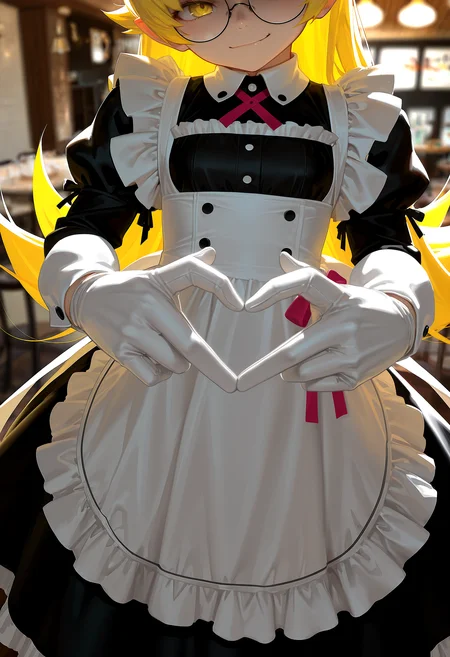
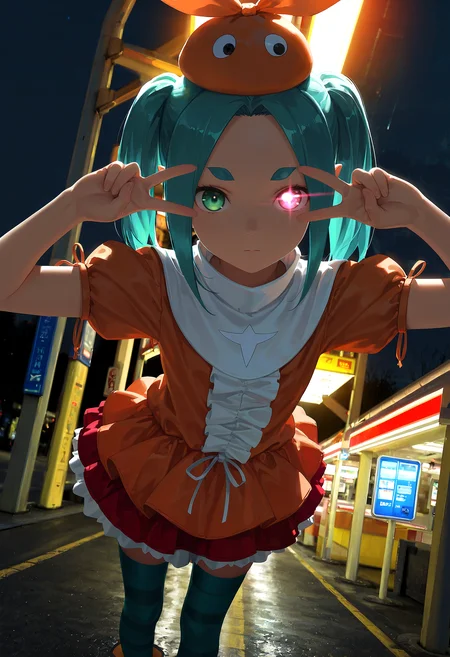
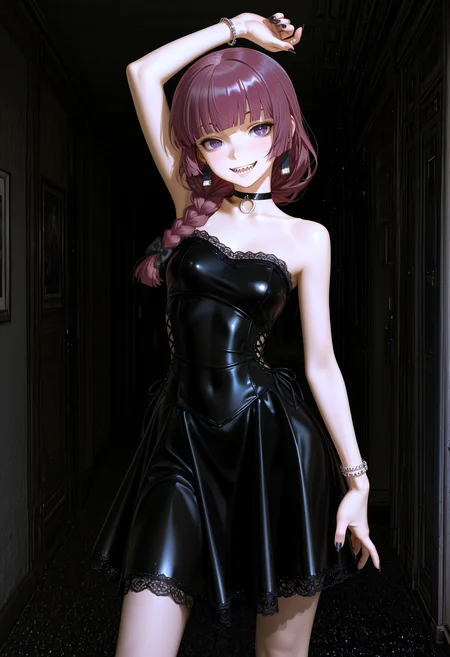
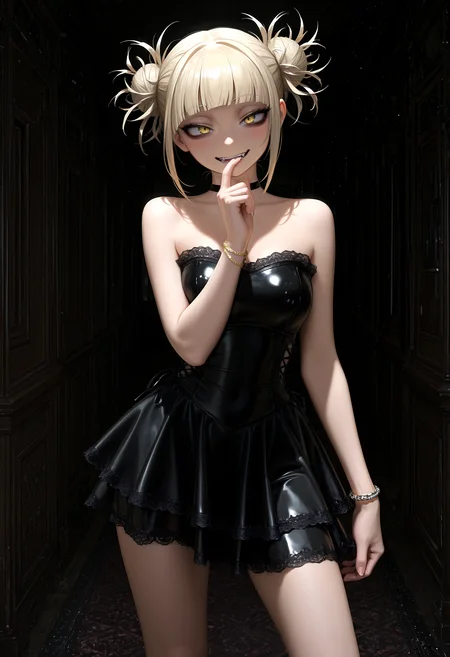
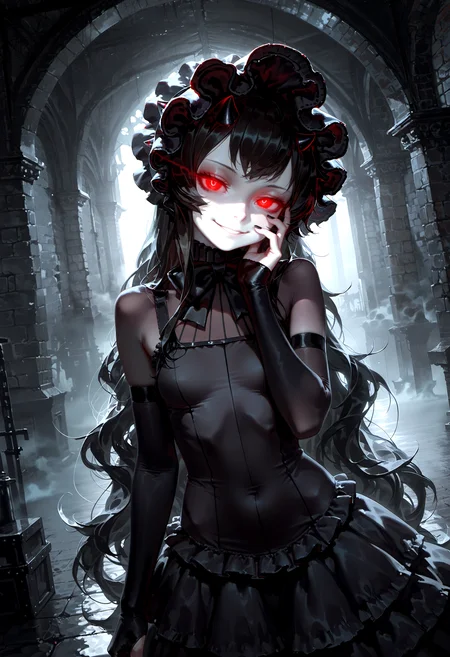
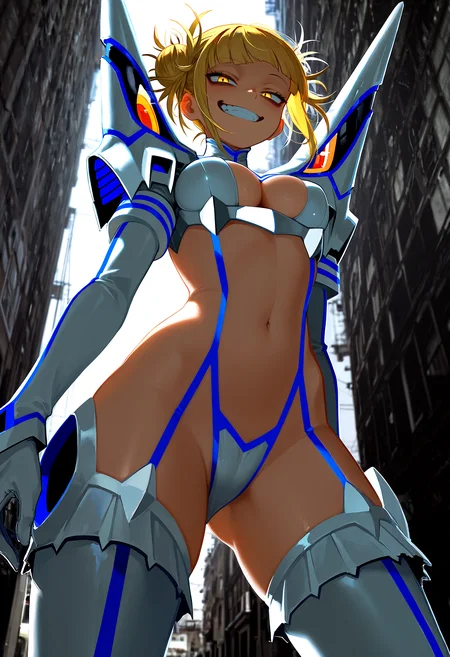
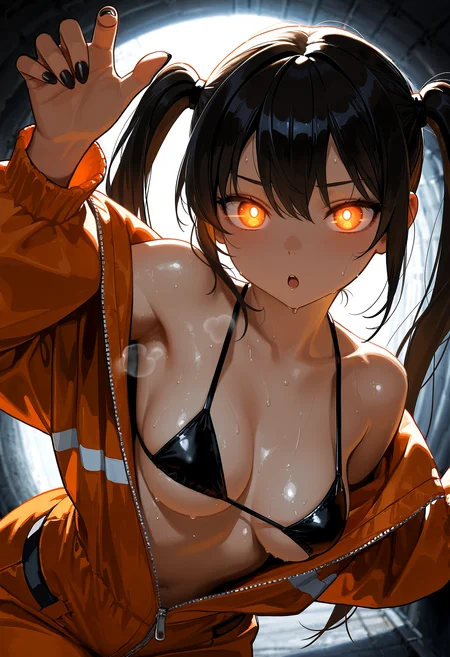
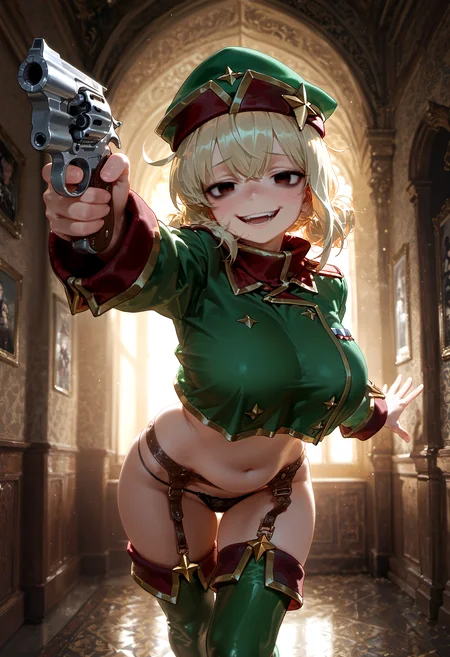
Personal Use: Built for my specific production needs. It is shared as-is for those who want a "set-and-forget" pipeline for Illustrious. Adjust the settings and models to fit your needs. The defaults on v19+ will be what I used for the sample images.
All-in-One Logic: The workflow handles generation, detailing, and upscaling in one continuous pass.
If you're needing something with more features: Try checking out Silly All-in-one, Multiple Characters With Regional Loras which is on civitai. I have no plans to implement additional features.
⚠️ Disclaimer & Compatibility
Install at Your Own Risk: Custom nodes can break your environment. I am not responsible for troubleshooting your specific installation.
ComfyUI: Built and tested on the non-app version. Desktop app users may face additional hurdles.
The "Your Version" Factor: Your node versions and environment are 99.9% likely to differ from mine.
Nodes 2.0: I do not recommend using Nodes 2.0. It creates unpredictable UI behavior; I will not provide support for issues involving this feature.
🤝 Support & Boundaries
I have not and never will monetize my workflow. CivitAI is the only platform I am maintaining this workflow on. If you find a version of my workflow posted and/or monetized anywhere and use it, then whoever posted it is responsible for providing you any support. This is the main reason why I don't monetize this: I don't want to be or feel obligated to provide support.
No DMs: DMs are disabled due to repeat spam. Please check the Discussions tab below; most questions have already been answered.
Modifications: You are free to hack this workflow apart. However, you are responsible for fixing it if it breaks.
Custom Requests: I do not make private workflows. If you need a custom solution, post a Bounty on CivitAI. There are many talented creators ready to help you for a fee.
Description
v11d changes:
Tested on ComfyUI v0.3.44
After updating ComfyUI and my Custom Nodes, some of the node sizes changed.
Initial sample images we generated using the new (to me) sampler sa_solver.
It seems to work best with CFG 4 or below, but YMMV.
Reconnected the scheduler to Image Saver.
I somehow disconnected the noodle at some point and didn't notice until today.
If you update Impact Pack or the Impact Subpack, it tries to install SAM2 and the facebook/sam2 dependency.
It failed to install on mine, but AFAIK I don't need SAM2 functionality with how my workflow is.
FAQ
Comments (16)
> "Reconnected the scheduler to Image Saver. I somehow disconnected the noodle at some point and didn't notice until today."
I don't think you did it, i got this too, it seems to be a typing thing; It works if you pass it through a "type converter"/cast node such as SD Any Converter from sd prompt reader/saver nodepack, or what i personally use and also recommend (because its nice and small and the nodepack has other fun stuff to play around with): BlehCast node from ComfyUI-bleh
With ComfyUI frontend v1.24.0 release i actually get an error trying to use image saver input params node or their scheduler selector's output as input for basic scheduler node or ksampler (i am unsure if this error is because of the new FE version or not)
But it works fine if i use a converter/cast node
On the topic of new frontend version: Subgraphs are now released, a bit too early imo, and there's no way of reverting them to normal graph yet; Also the floating point rounding issue fix is in v1.24.0 release, however i think they only fixed it for nodes with a stepping of 0.1, and a smaller stepping like 0.05 or 0.01 will still lead to this issue Edit: seems like that's gonna be another PR, inconvenient but the person that made the original PR seems to be aware of it
Yeah, I use the converter node from KJNodes (since it was already part of my installed custom nodes) that converts anything to string for pretty much all of the stuff going into Image Saver. It has been working pretty well for me. I dropped the Image Saver nodes for Sampler/Scheduler and a few others a while back and only use the actual image saving node.
Hey there! I got this working right away, looks great! One feature I'm missing is multi-character mask-based lora system which allows me to use masks to have consistently great characters in pictures where I want more than 1. I have been trying another workflow with that, but it has other problems... how hard would it for me to copy paste some parts of that another WF to this one and somehow do Frankenstein thing and combine them to work ? (and have you maybe though about adding such feature yourself at some point?)
I ideally would want combination of features from these 2 other WF's:
https://civitai.com/models/1669611
and
https://civitai.com/models/1342862/
(mostly just control net depth and pose stuff from the last one)
Hey there, it shouldn't be difficult to copy/paste stuff in as long as you have the patience to do it. Reconnecting noodles, etc.
I have pretty much zero experience in using anything with masks in ComfyUI, so that's uncharted territory for me.
As far as adding ControlNet stuff, that should be somewhat more straight-forward to copy/paste. My oversimplified knowledge of ControlNet is feed prompts + image inputs in and connect the prompt outputs to the next part of the workflow.
IMO if you're someone who's using masks and ControlNet , you're already ahead of me in knowledge/skill.
@Gladas I doubt that! I have only used masks for few hours, on someone elses WF :D No real clue how they work.. but I did just manage to change something smaller, I come from Forge (and Automatic1111) and have gotten used to using loras directly in the prompt (I have organized txt files characters, actions, clothes etc where I can copypaste the lora and it's tags),
https://github.com/badjeff/comfyui_lora_tag_loader
I found this and it was good practice to make it work on your workflow! I mention this only incase you happen to be interested in such things yourself! I will probably looking to slowly trying to corporate masking stuff next week, if you want I can try to remember to keep you updated on the progress?
@Bliney yeah, the node I use for the positive prompt actually has the LoRa loader built in. If you click on where it says Select to Add LoRa toward the bottom of the node, it will show a list of the LoRas you have installed. Click on one of those and it will put it into the prompt like how A1111 would. You set the strength the same way as A1111. It doesn't put all the activation tags for you, but A1111 (when I used it way back when) didn't either. Someone else actually mentioned that same custom node before and it would work, but the downside is that you lose some prompt control if you're not wanting to use all of the activation tags.
@Gladas Oh ya, that wasn't a problem, I have used lora stack nodes and such in Comfy, but I wanted to be able just to copy paste lora thing on the prompt directly, like this:
<lora:strappysandalsILL:0.7>, strappy sandals,high heels,
The link I posted is custom node for thing that can read that <lora:name> thing and active the lora from it directly.
I have probably close to thousand loras by now, using list (even with search) is bit clunky, especially if I don't exactly what I want and want to browse different characters for example. I already have my very long txt files with categories, like I can search for Naruto: to find all characher lora's I have from that anime. (I even often have multiple loras of same characters, with some comments on the differing styles or quality of them, like maybe sometimes I want to use 2.5D or 3Dlora etc. ), and most of all, this system is what I'm used to, so I wanted a way to keep doing it sameway! xD
@Bliney nice, sounds good. That's the nice thing about ComfyUI: very customizable. I switched to it after A1111 stopped updating for a long while and never looked back. I'm the opposite and use very little in the way of loras, but your method does sound good for someone with so many.
tried to make me download stuff from facebook so i force closed the process
yes, that's from Impact Pack. I mention it in the version notes. Here's the author of Impact-Pack talking about it because other people complained about it too or you can just look up the closed issues for Impact-Pack yourself and find it.
TL:DR, it will fail to install SAM2 but will still function anyways. SAM2 is something they added recently and is not needed for my workflow.
Regarding Impact Pack:
FYI: Impact Pack will try to install facebookresearch/SAM2 when installing Impact-Pack for the first time or whenever you update it.
On my comfy install it fails twice because I don't have whatever dependency it is looking for. After that it stops trying and just proceeds like normal.
I don't control this nor does my workflow other than the fact that it uses nodes from Impact Pack, but none that require SAM2.
Anyway to add Img2Img? New to ComfyUI, i'm using ur workflow to learn a bit more of what each node do. I saw that in v10 it had a option to do Img2Img but didnt find on the v11d.
Yeah, it's not something I use TBH and I do not plan on re-adding it to my workflow.
Basically, you would have to:
Add a Load Image node.
Convert the image to latent by connecting it to a VAE Encode node.
Resize the latent to an SDXL size using the Upscale Latent node.
Connect it to the 1st KSampler (SampleCustomAdvanced) Latent input.
v10 was kind of a pain to work with for me because of all the switches.
You can see a simplified example here: https://docs.comfy.org/tutorials/basic/image-to-image
My steps are basically what it shows other than adding the Upscale Latent node between the VAE encode and KSampler node.
Gladas Thanks, sad that you dont plan to add, but it can be a fun thing for me to do and learn more. By the way, great workflow, from all the ones i tried, yours still the best/more light to use even on a 3060 12gb.
NSFWSEGUNDO Thanks. Yeah, it's not too hard to do and is a good way to learn.
I decided to go ahead and add it back in. Just gotta finish up some testing on it to make sure sizes adjust properly etc. Keeping it simple.