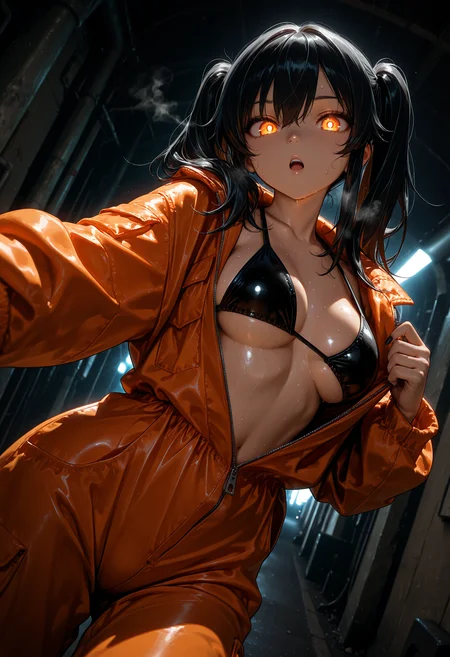
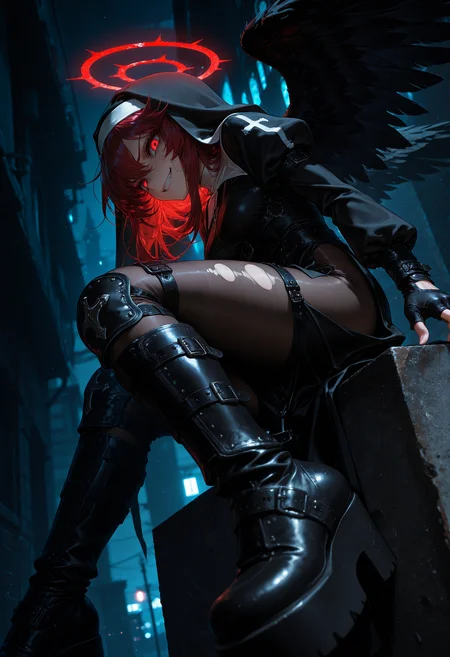
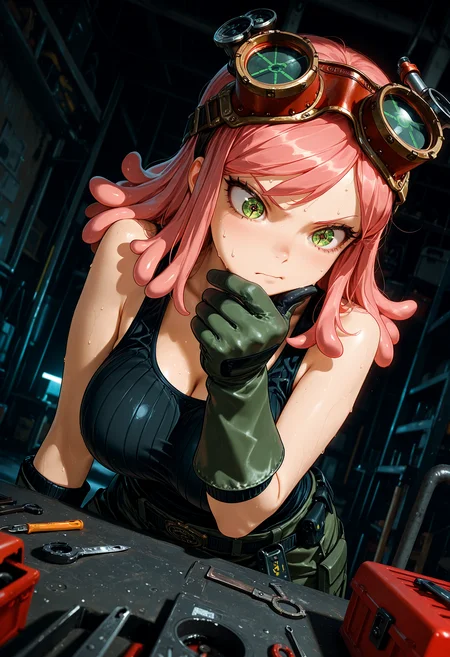
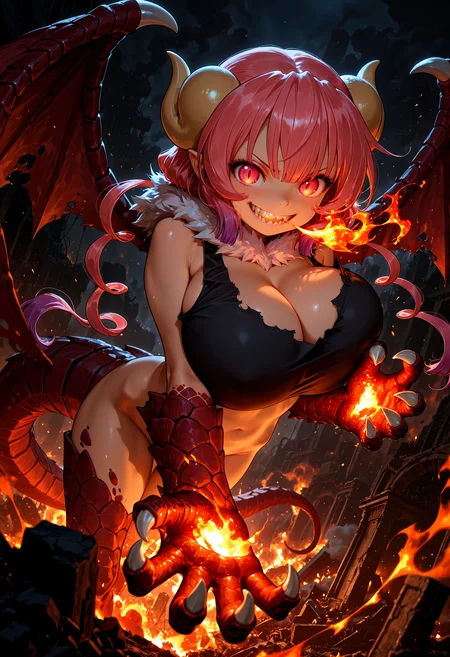
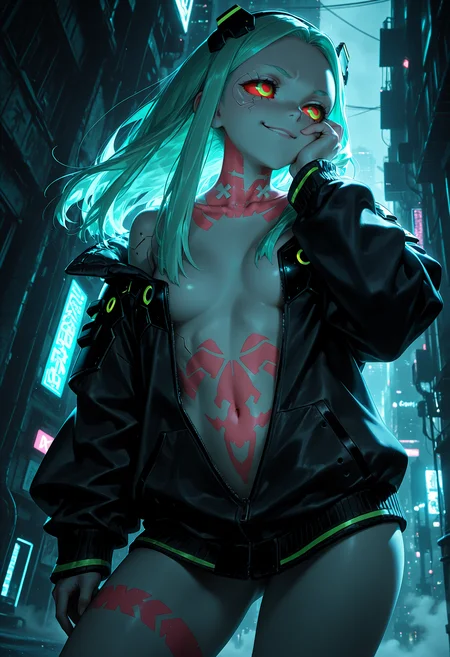
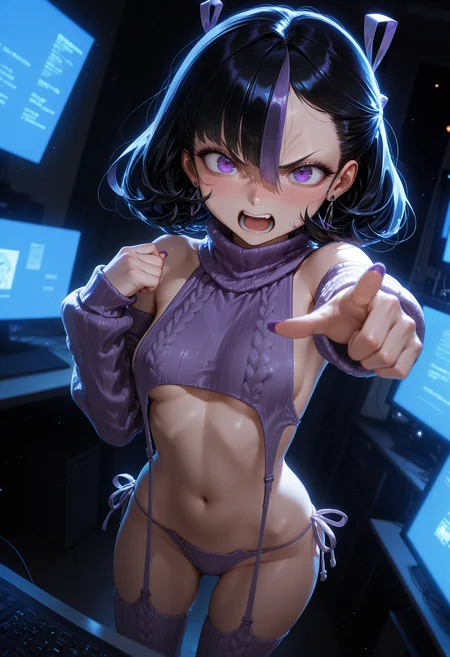
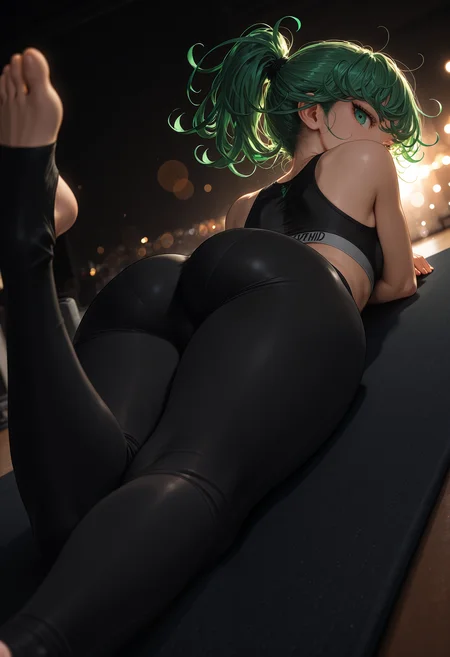
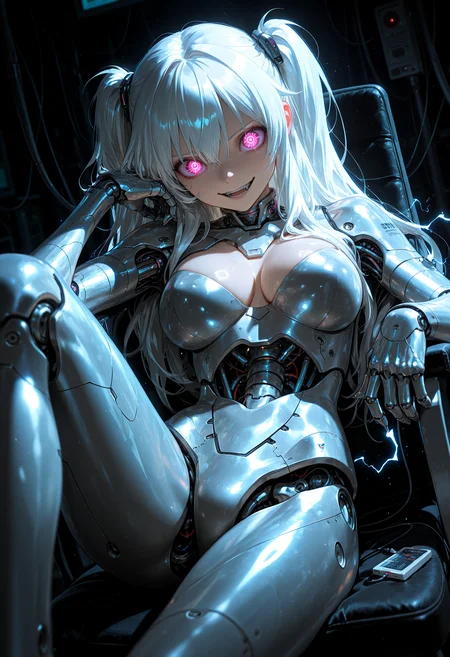
🛠️ Purpose & Design Philosophy
This workflow is a high-fidelity environment built for Illustrious. It prioritizes stability and professional texture over generation speed. It follows an "all-in-one" philosophy: configure your prompts, hit queue, and let the workflow handle the multi-stage refinement from start to finish.
Not for Speed: This is a heavy-duty refinement tool. If you want 2-second previews, use a basic workflow.
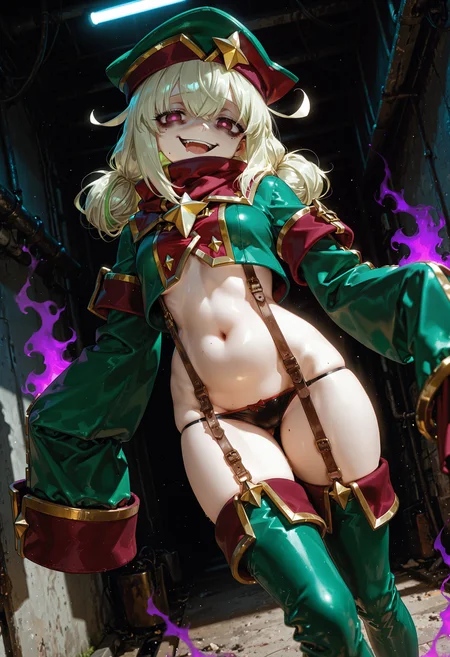
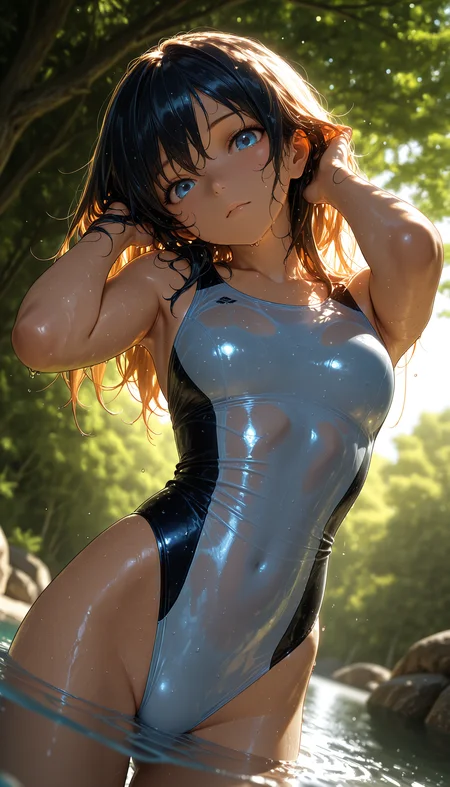
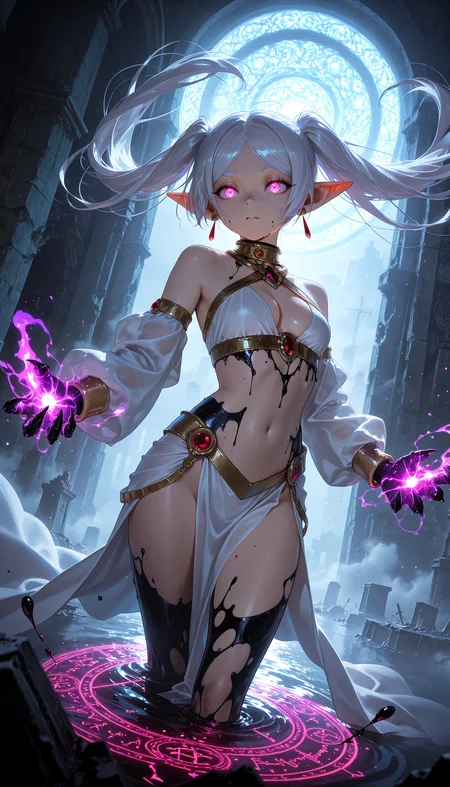
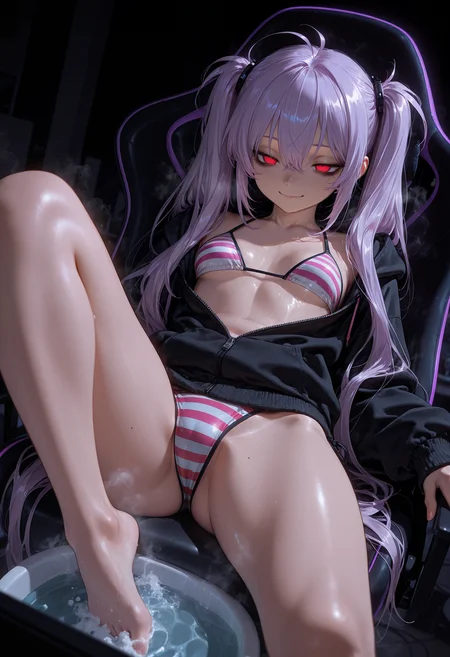
Personal Use: Built for my specific production needs. It is shared as-is for those who want a "set-and-forget" pipeline for Illustrious. Adjust the settings and models to fit your needs. The defaults on v19+ will be what I used for the sample images.
All-in-One Logic: The workflow handles generation, detailing, and upscaling in one continuous pass.
If you're needing something with more features: Try checking out Silly All-in-one, Multiple Characters With Regional Loras which is on civitai. I have no plans to implement additional features.
⚠️ Disclaimer & Compatibility
Install at Your Own Risk: Custom nodes can break your environment. I am not responsible for troubleshooting your specific installation.
ComfyUI: Built and tested on the non-app version. Desktop app users may face additional hurdles.
The "Your Version" Factor: Your node versions and environment are 99.9% likely to differ from mine.
Nodes 2.0: I do not recommend using Nodes 2.0. It creates unpredictable UI behavior; I will not provide support for issues involving this feature.
🤝 Support & Boundaries
I have not and never will monetize my workflow. CivitAI is the only platform I am maintaining this workflow on. If you find a version of my workflow posted and/or monetized anywhere and use it, then whoever posted it is responsible for providing you any support. This is the main reason why I don't monetize this: I don't want to be or feel obligated to provide support.
No DMs: DMs are disabled due to repeat spam. Please check the Discussions tab below; most questions have already been answered.
Modifications: You are free to hack this workflow apart. However, you are responsible for fixing it if it breaks.
Custom Requests: I do not make private workflows. If you need a custom solution, post a Bounty on CivitAI. There are many talented creators ready to help you for a fee.
Description
What's new?
I took what I liked from v12 and adjusted v11k. This version has all of the functionality of v11k, but is a little less restrictive.
Major changes:
Scheduler, Sampler, and CFG settings are no longer tied to the initial image settings. These can now be adjusted individually per group.
On the detailer nodes, all of the settings are now done on the actual node except for the setting for bbox_threshold. This is essentially the setting that affects detection. I still have that connected to a Float Constant node so it is easy to find.
Power Lora Loader is now acting as the lora loader instead of ImpactWildcardEncode. This node will be located directly below the Load Checkpoint node.
Minor changes:
Cleaned up the layout
2nd pass and USDU 2nd pass are now bypassed by default.
FAQ
Comments (8)
Forgot a couple inputs (CFG and Steps) on the Image Saver node for v11L. Fixed version uploaded. Sorry to the 4 people who downloaded it prior to the fix!
Thank you so much for updating (and sharing) this amazing wf!
Ты хоть, и не Кодзима но тоже гениален.
Hey, thanks a lot for the workflow! I've been using it for a while and have a question: how many issues would I face with the rest of the model if I added a third upscaler? I've preferred using a face-focused upscaler for some images instead of detailers, as it gives better and faster results. Anyway, thanks for the awesome workflow!.
I don't think it should cause any issues as long as you are comfortable with adjusting any needed connections. Hope it works out for you!
@Gladas I adjusted it, had some minor issues, but it worked well, even for 3D images (generated better details in 2D with a specific upscale for it, and 3D was excellent too). It was fast and complete. Lastly, I saw you mentioned img-to-img in another comment by PixelBlitterBoy. Here, it shows some errors in Comfy. Any other method to do this? Sorry for the inconvenience, and thanks for the excellent workflow again.
@DexsCiv If you're referring to the method of using a load image node then converting it to latent to simulate image to image, then I don't really have another method.
I am not sure why some people have issues with that while others (myself included) do not.
You could cut out the initial KSampler (SamplerCustomAdvanced), and then feed the image directly into USDU. Then you avoid the whole need to convert to latent. I would still recommend converting the loaded image into an SDXL resolution, but maybe it's not needed.
I just use ControlNet to achieve something similar to IMG2IMG (by my standards), but I think most people want a simpler method.
@Gladas Hey, after tons of brain-busting, I found the culprit—a rogue node from another workflow messing things up, even though it wasn’t in use! Crazy, right? Finally nailed the image gen with your guidance: Load Image → Image Resize → Scale Image to Total Pixels → VAE Encode. Tweak denoising to 0.5-0.7, and it’s perfect. As for the upscales, they’re killing it, especially for 3D/2d realistic vibes—highly recommend trying it! Huge thanks for the workflow, mate—my head’s still spinning (joking, of course)! 😄