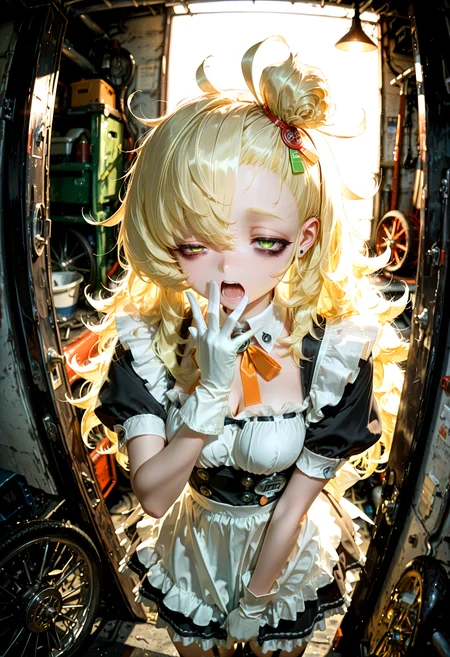
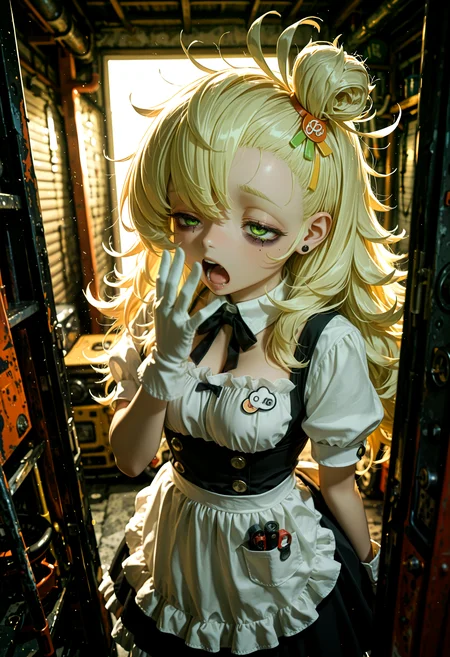
🛠️ Purpose & Design Philosophy
This workflow is a high-fidelity environment built for Illustrious. It prioritizes stability and professional texture over generation speed. It follows an "all-in-one" philosophy: configure your prompts, hit queue, and let the workflow handle the multi-stage refinement from start to finish.
Not for Speed: This is a heavy-duty refinement tool. If you want 2-second previews, use a basic workflow.
Personal Use: Built for my specific production needs. It is shared as-is for those who want a "set-and-forget" pipeline for Illustrious. Adjust the settings and models to fit your needs. The defaults on v19+ will be what I used for the sample images.
All-in-One Logic: The workflow handles generation, detailing, and upscaling in one continuous pass.
If you're needing something with more features: Try checking out Silly All-in-one, Multiple Characters With Regional Loras which is on civitai. I have no plans to implement additional features.
⚠️ Disclaimer & Compatibility
Install at Your Own Risk: Custom nodes can break your environment. I am not responsible for troubleshooting your specific installation.
ComfyUI: Built and tested on the non-app version. Desktop app users may face additional hurdles.
The "Your Version" Factor: Your node versions and environment are 99.9% likely to differ from mine.
Nodes 2.0: I do not recommend using Nodes 2.0. It creates unpredictable UI behavior; I will not provide support for issues involving this feature.
🤝 Support & Boundaries
I have not and never will monetize my workflow. CivitAI is the only platform I am maintaining this workflow on. If you find a version of my workflow posted and/or monetized anywhere and use it, then whoever posted it is responsible for providing you any support. This is the main reason why I don't monetize this: I don't want to be or feel obligated to provide support.
No DMs: DMs are disabled due to repeat spam. Please check the Discussions tab below; most questions have already been answered.
Modifications: You are free to hack this workflow apart. However, you are responsible for fixing it if it breaks.
Custom Requests: I do not make private workflows. If you need a custom solution, post a Bounty on CivitAI. There are many talented creators ready to help you for a fee.
Description
v9e changes:
Small adjustments. Did some more cleaning up of the noodles. The remaining group names should now be fully uncovered and readable.
Added an Upscale>Downscale group before USDU1.
This can help the output come out better, but YMMV.
The default settings will have it run the image through an upscale model and then downscale it to the original image size before feeding the image into USDU.
Alternatively, you could change the Upscale setting to 2 and change the USDU to 1. This would basically make it behave the same as the USDU (No Upscale) node. The output does come out different if you do it this way, but feel free to test it out yourself.
Added FreeU_V2 to the Dynamic Thresholding groups.
I don't recommend using FreeU unless you know what you're doing or are willing to learn about it on your own.
It can help, but it's not a one-size-fits-all solution for every model.
Added Concat Conditionings for the Positive Prompt.
From the ComfyUI wiki: Imagine that you are cooking a dish, "conditioning_to" is the basic recipe, and "conditioning_from" are some additional seasonings or condiments. The ConditioningConcat class is like a tool that helps you add these seasonings to the recipe, making your dish more colorful and rich.
The usual Positive Prompt on the ImpactWildcardEncode node will act as the "conditioning_to" and the text node below is will act as the "conditioning_from".
I tried using this with other Save Image nodes other than Image Saver, but they do not capture the full prompt. Just FYI in case you decide to swap out Image Saver for something else.
FAQ
Comments (6)
Am I right in thinking that the strange name of the segm model in the detailer is related to an error with UltralyticsDetectorProvider?
not sure on what the error is, but it's just Anzhc's SEGM Face Detection model (1024 version). It has a weird name because I had to redownload it from huggingface and that's how it was named. You can just use whatever face detection model you normally use if it's causing an error message for you.
@Gladas I was actually thinking of something a bit different. Right now, there are quite a few detection models — for example, yolov8n_person, which I’ve been using — that trigger errors in UltralyticsDetectorProvider from the Impact Pack, due to some security related issues in torch. It seems this problem hasn’t affected you.
@degurshaft I have run into a security issue with one of the eye models I used to use. In my case, if I wanted to use that model, I have to add it to the whitelist file that gets mentioned in the terminal, but maybe your issue is something else?
@Gladas Yup, that’s exactly what I was referring to. It’s a pretty annoying issue.
When I saw that strange model name on your end, I actually thought there might be a way to just rename the model instead of going through the whitelist editing.
@degurshaft yeah, unfortunately I don't know of any way to bypass that and I was unwilling to use the whitelist option personally.