
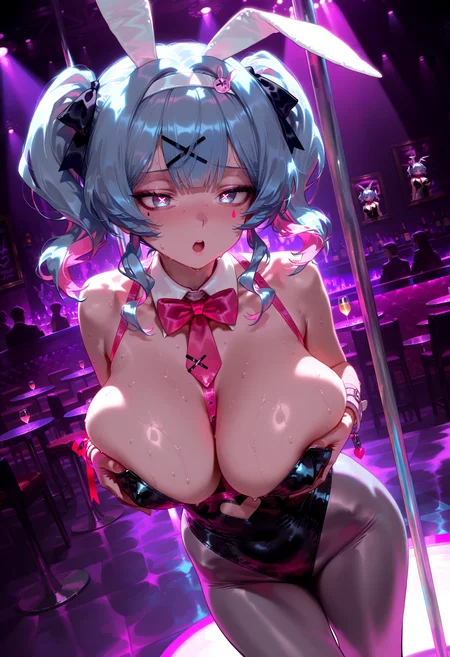
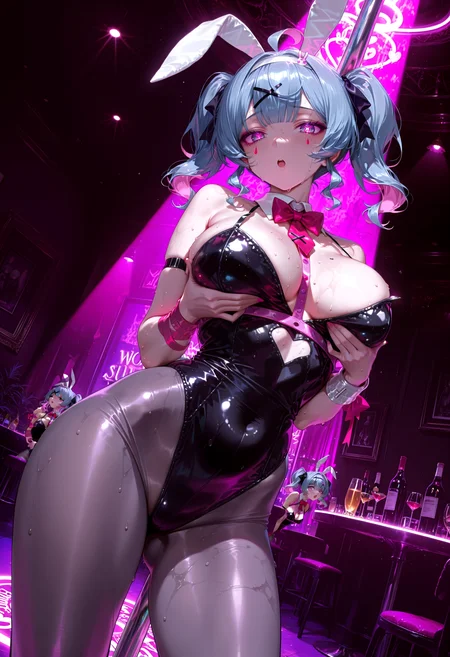
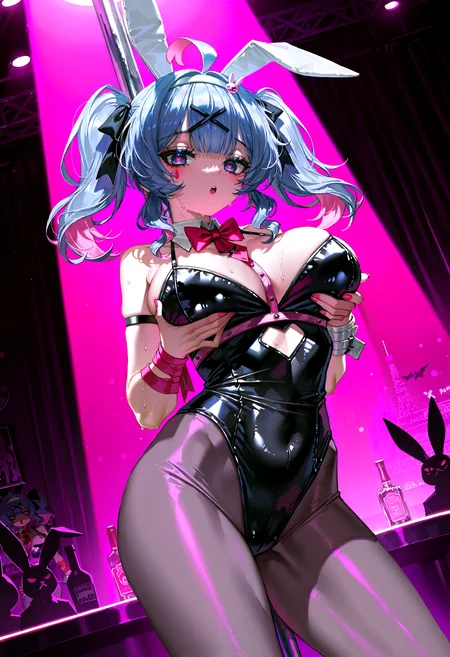

🛠️ Purpose & Design Philosophy
This workflow is a high-fidelity environment built for Illustrious. It prioritizes stability and professional texture over generation speed. It follows an "all-in-one" philosophy: configure your prompts, hit queue, and let the workflow handle the multi-stage refinement from start to finish.
Not for Speed: This is a heavy-duty refinement tool. If you want 2-second previews, use a basic workflow.
Personal Use: Built for my specific production needs. It is shared as-is for those who want a "set-and-forget" pipeline for Illustrious. Adjust the settings and models to fit your needs. The defaults on v19+ will be what I used for the sample images.
All-in-One Logic: The workflow handles generation, detailing, and upscaling in one continuous pass.
If you're needing something with more features: Try checking out Silly All-in-one, Multiple Characters With Regional Loras which is on civitai. I have no plans to implement additional features.
⚠️ Disclaimer & Compatibility
Install at Your Own Risk: Custom nodes can break your environment. I am not responsible for troubleshooting your specific installation.
ComfyUI: Built and tested on the non-app version. Desktop app users may face additional hurdles.
The "Your Version" Factor: Your node versions and environment are 99.9% likely to differ from mine.
Nodes 2.0: I do not recommend using Nodes 2.0. It creates unpredictable UI behavior; I will not provide support for issues involving this feature.
🤝 Support & Boundaries
I have not and never will monetize my workflow. CivitAI is the only platform I am maintaining this workflow on. If you find a version of my workflow posted and/or monetized anywhere and use it, then whoever posted it is responsible for providing you any support. This is the main reason why I don't monetize this: I don't want to be or feel obligated to provide support.
No DMs: DMs are disabled due to repeat spam. Please check the Discussions tab below; most questions have already been answered.
Modifications: You are free to hack this workflow apart. However, you are responsible for fixing it if it breaks.
Custom Requests: I do not make private workflows. If you need a custom solution, post a Bounty on CivitAI. There are many talented creators ready to help you for a fee.
Description
v9a changes:
Minor adjustments to the left side of the workflow. It felt a little to cramped for me.
Brought back the token count node, just because I find it helpful on occasion.
Reconnected a couple nodes in the detailer section that no one probably uses anyways, but just for the sake of workflow integrity. Hopefully, I didn't miss any other nodes.
Added a toggle to swap the tile size dimensions on USDU below the 1st USDU group.
Added a Multiply Tile Size option under USDU for my own testing purposes.
This is probably similar to USDU's tile_padding setting, but I have tested it with reducing the tile_padding setting and setting the multiplier to 1.2 with some good results.
This is bypassed by default.
FAQ
Comments (13)
Found a couple nodes disconnected that probably no one uses, but will fix anyways.
Updated the layout on the left side too because it felt too cramped to me. Will update the workflow file soon.
Just gonna make it a new version since I adding some other things to the workflow.
I really love that you keep updating this! I was hoping that more people would do this kind of thing where you make workflow the post updates to it.
Thanks! I try not to update it too much unless I am trying something new or find something broken.
Amazing workflow! Has detailers for face & eyes, color correct, and upscale. My favorite part of the workflow is how it makes the color pop, which I think is the color correct (but for some reason it doesn't show in Before & After Color Correct and only in Upscale?) Will play with it more to figure out myself. Normally when people ask for a workflow that is more advance, I always send them this one, but I have never used it myself since I'm a model creator and can't "cheat" too hard with my images or I will get yelled at.
For new users, I was missing the follow detection models which were found here: https://huggingface.co/Anzhc/Anzhcs_YOLOs/tree/main , https://huggingface.co/spaces/facebook/ov-seg/blob/f9b1bcfebfafe86b45b0cf16a1797ca5663d81af/sam_vit_l_0b3195.pth , https://civitai.com/models/178518?modelVersionId=582139
The eye one was the most tricky to find as it wasn't on google, but I searched on Civit and found it.
I also recommend toggling the link visibility as there is so much connections.
I will continue playing around with this and adjust to my liking! Great job! Thanks Gladas for sharing and always keeping this updated!
Playing around with it a bit more, the color pop seems to be from the same pass of upscale (USDU2). I'm getting some result where it makes the skin texture too realistic for anime. I will try adjust this step 🤘
These links literally just came in handy for me for the face and eye models since I just had to reinstall comfy ^^;
Just broke my comfy install with an update again. (I never learn T.T). Going to try the ComfyUI desktop app and see if it's any better and will work with my workflow still.
Tried the desktop app.
Pro: it seems to start faster
Con: no matter what settings I adjust, the previews on the KSampler, USDU, etc all stay pixelated no matter what. (which I hate).
Going to use the desktop version as my backup comfyui I guess.
Found an issue with part of the flow where the wrong image is sent to the end of the flow if certain groups are bypassed. Doing some troubleshooting to make sure it's working correctly now.