


🛠️ Purpose & Design Philosophy
This workflow is a high-fidelity environment built for Illustrious. It prioritizes stability and professional texture over generation speed. It follows an "all-in-one" philosophy: configure your prompts, hit queue, and let the workflow handle the multi-stage refinement from start to finish.
Not for Speed: This is a heavy-duty refinement tool. If you want 2-second previews, use a basic workflow.
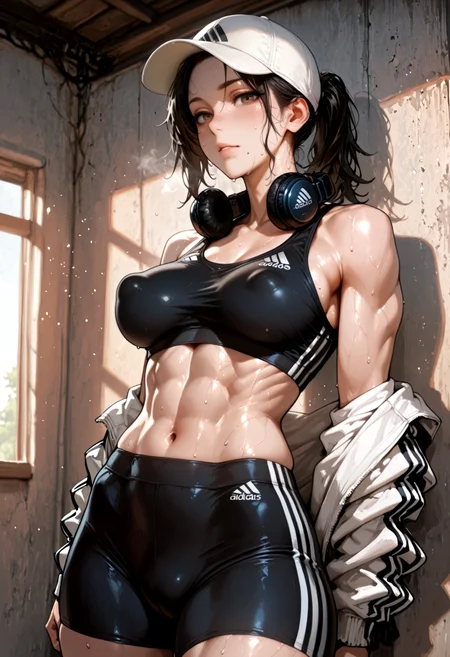
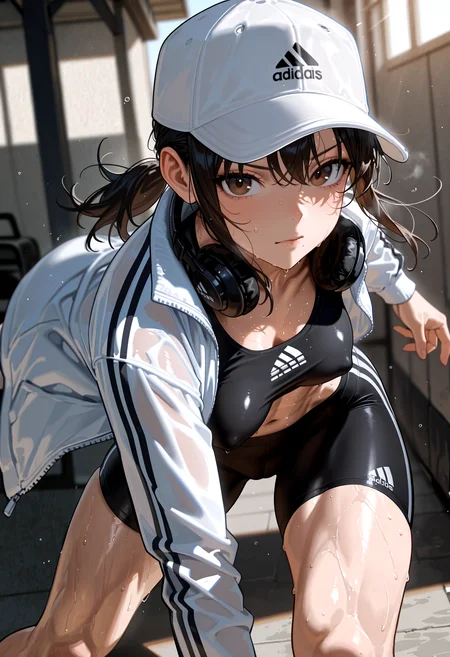
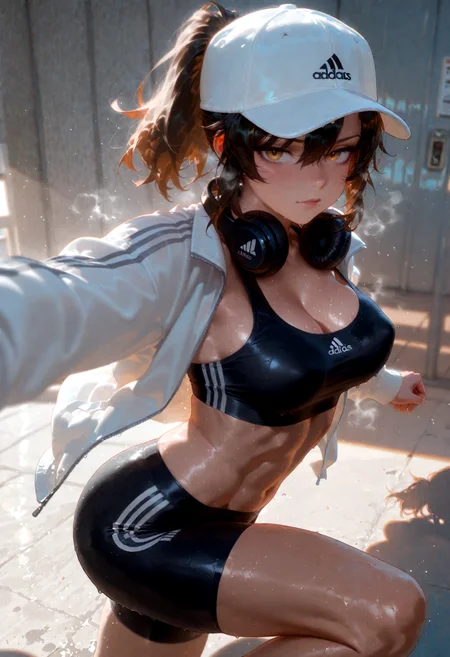
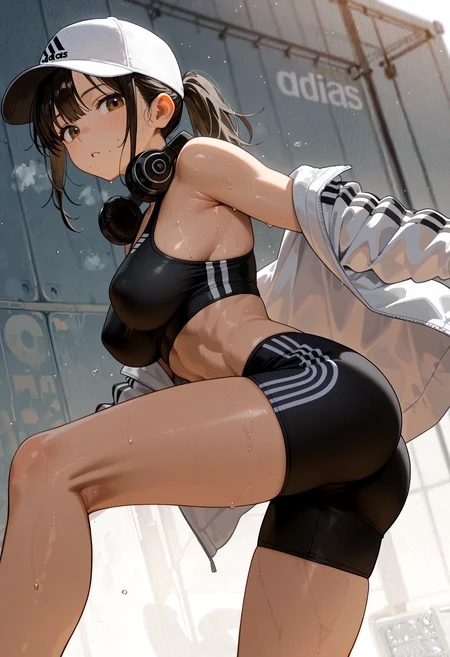
Personal Use: Built for my specific production needs. It is shared as-is for those who want a "set-and-forget" pipeline for Illustrious. Adjust the settings and models to fit your needs. The defaults on v19+ will be what I used for the sample images.
All-in-One Logic: The workflow handles generation, detailing, and upscaling in one continuous pass.
If you're needing something with more features: Try checking out Silly All-in-one, Multiple Characters With Regional Loras which is on civitai. I have no plans to implement additional features.
⚠️ Disclaimer & Compatibility
Install at Your Own Risk: Custom nodes can break your environment. I am not responsible for troubleshooting your specific installation.
ComfyUI: Built and tested on the non-app version. Desktop app users may face additional hurdles.
The "Your Version" Factor: Your node versions and environment are 99.9% likely to differ from mine.
Nodes 2.0: I do not recommend using Nodes 2.0. It creates unpredictable UI behavior; I will not provide support for issues involving this feature.
🤝 Support & Boundaries
I have not and never will monetize my workflow. CivitAI is the only platform I am maintaining this workflow on. If you find a version of my workflow posted and/or monetized anywhere and use it, then whoever posted it is responsible for providing you any support. This is the main reason why I don't monetize this: I don't want to be or feel obligated to provide support.
No DMs: DMs are disabled due to repeat spam. Please check the Discussions tab below; most questions have already been answered.
Modifications: You are free to hack this workflow apart. However, you are responsible for fixing it if it breaks.
Custom Requests: I do not make private workflows. If you need a custom solution, post a Bounty on CivitAI. There are many talented creators ready to help you for a fee.
Description
v5a changes:
Added ComfyUI-Adaptive-Guidance
This will only affect the 2 KSamplers at the start of the workflow.
Cannot be bypassed. You can remove this from the workflow if it is not for you. Just make sure to add a Guider node of some sort and connect it to the KSamplers or the workflow will be broken.
I discovered this node while looking up settings for "specialized" samplers.
Added ControlNet
This is connected to the 1st KSampler and can be bypassed.
You might have to put an image in the Load Image node even if you are not using the ControlNet Group.
Utilizes an All-in-One processor node from comfyui_controlnet_aux
The AIO processor node will download any missing processor files based on what you select on the node to use (at least for me it did).
You need to download a ControlNet model to use in the LoadControlNet Model node. I am using ControlNet-Union (promax version) which can be downloaded from here.
Re-added MaHiRo (ComfyUI v3.8+)
I used it in the demo images for v5a
If you are on an older version of comfy, you can just delete it from the workflow
It can be bypassed
FAQ
Comments (8)
v5a is kind of a mixed bag for me. I think v5 gave cleaner results.
Played with the settings some more. Increasing the detail_amount on Detail Daemon to 0.25 and using my usual sampler/scheduler combo is giving me better results compared to when I was trying some of the newer samplers.
@Gladas for some reason 5b has the same issues as your very early models for me. It doesn't properly add details on each step. Instead, it makes the picture grainy or it adds fractions of body parts resulting in messy pictures. 5a works better but seems to be slow in terms of saving a picture. 4f/g remains my favorite.
They CFG settings might be too low for whatever sampler you are using. I usually use CFG++ samplers, which require low CFG.
You can try comparing the settings from 5a to see what is different, but based on the limited information provided, that's all I can assume.
Other possible causes: maybe the VAE isn't enabled, denoise can be too high, not enough steps, etc. Many things can cause the issues you are mentioning.
The demo_settings version of the json file is what I used to make the sample images, so I am not really sure why you are having the issues you mention.
What sampler/scheduler are you using?
How many steps?
What model?
Are you using loras?
What groups are you bypassing, if any?
Basically: how do I recreate what you are seeing?
@Gladas I used the "normal" workflow before u updated it. Thanks for that, now I used your example with no issues.
@vellane glad to hear it!
I will probably release an updated workflow soon.
After some more experimentation, I think the workflow worked better without the Adaptive Guider nodes. Was fun to try them out, but I don't see much benefit other than on the initial generation sometimes.
I also found a node in CR Custom Nodes that allows the IMG2IMG group to be bypassed, so I will be adding that.
Another option I will be adding is a toggle between latent upscaling and upscaling with a model from the 1st to the 2nd KSampler. Just be aware that the upscale model will still do it's thing. The only thing this toggle changes is what is being sent to the 2nd KSampler.
I have been using the GITS scheduler lately and found it to give me more stable outputs for the DPM CFG++ samplers. It also seems to give more leeway to use higher denoise settings (sometimes) in USDU.
v5b released with the changes mentioned above.