🛠️ Purpose & Design Philosophy
This workflow is a high-fidelity environment built for Illustrious. It prioritizes stability and professional texture over generation speed. It follows an "all-in-one" philosophy: configure your prompts, hit queue, and let the workflow handle the multi-stage refinement from start to finish.
Not for Speed: This is a heavy-duty refinement tool. If you want 2-second previews, use a basic workflow.
Personal Use: Built for my specific production needs. It is shared as-is for those who want a "set-and-forget" pipeline for Illustrious. Adjust the settings and models to fit your needs. The defaults on v19+ will be what I used for the sample images.
All-in-One Logic: The workflow handles generation, detailing, and upscaling in one continuous pass.
If you're needing something with more features: Try checking out Silly All-in-one, Multiple Characters With Regional Loras which is on civitai. I have no plans to implement additional features.
⚠️ Disclaimer & Compatibility
Install at Your Own Risk: Custom nodes can break your environment. I am not responsible for troubleshooting your specific installation.
ComfyUI: Built and tested on the non-app version. Desktop app users may face additional hurdles.
The "Your Version" Factor: Your node versions and environment are 99.9% likely to differ from mine.
Nodes 2.0: I do not recommend using Nodes 2.0. It creates unpredictable UI behavior; I will not provide support for issues involving this feature.
🤝 Support & Boundaries
I have not and never will monetize my workflow. CivitAI is the only platform I am maintaining this workflow on. If you find a version of my workflow posted and/or monetized anywhere and use it, then whoever posted it is responsible for providing you any support. This is the main reason why I don't monetize this: I don't want to be or feel obligated to provide support.
No DMs: DMs are disabled due to repeat spam. Please check the Discussions tab below; most questions have already been answered.
Modifications: You are free to hack this workflow apart. However, you are responsible for fixing it if it breaks.
Custom Requests: I do not make private workflows. If you need a custom solution, post a Bounty on CivitAI. There are many talented creators ready to help you for a fee.
Description
As of v4, this workflow works as follows:
Initial image generation
Watermark removal
Face detailer
Ultimate SD Upscale
Face detailer
Color Correction
Save Image
I am no longer using the Image Saver nodes as of v4. I tried to streamline the workflow and keep the features that I found the most useful. This workflow took inspiration from v3 and from the workflow that the author of NTR Mix had on some of their example images.
The current settings are to my preferences. You will need to adjust if you plan on using different samplers, etc.
The upscaling is set to 2x with half tile enabled in USDU. This has given me better results as far as quality goes, but can easily be toggled off if it's not for you.
Dropped ControlNet completely, it's not for me. (v3 and earlier has it)
With the current settings, I generate and image from start to finish in about 90 seconds on a 3060 RTX.
v4 uses Efficient Loader for the checkpoint/model and VAE. For loras it uses Lora Stacker. Both of those come from efficiency-nodes-comfyui.
Basically, all of the custom node sources are the same as before minus Image Saver.
FAQ
Comments (18)
thanks for the updates as always my king
v4 Tip: place the following in the Save Image node "filename_prefix" field if you want the file name to be similar to how it was with Image Saver.
%date:yyyy-MM-dd%_%date:hhmmss%_%KSampler.seed%_%Efficient Loader.ckpt_name%
Major upgrade, nice job & thank you!
Thank you!
I'm really struggling to get good results out of your complex workflow. Your simple workflow works great- but on the complex one images come out looking completely derpy, delusional, blurry, low quality, or a combination of all 4. Using NTRMIXIllustrious
No matter what I try I can't seem to get it to work for any use cases.
Are there specific settings that affect generation that I need to customize to match NTR? I set CFG to 4, steps to 28, sampler to dpmpp_2m with sgm_uniform
Thanks in advance
v3 and older I would say just avoid using those. They have a lot of settings that can really make an image look great and can also make it look horrible.
I'll try running an image through and post it where the other posted images are. If that ends up not being what you were going for, then I would say open up one of the images the NTR Mix author has as example images. You'll see they have a "nodes" button when you pull up the info. Click on that and paste it into your comfyui.
From what I remember on his workflow, The 1st KSampler has dpmpp_2m sgm_uniform. He then sends that to Ultimate SD Upscale and uses dpmpp_2m_cfgpp sgm_uniform with 2.5 cfg, 8 steps, and 0.2 denoise.
As far as getting into the nitty gritty of all the settings on those custom nodes, I would say it's best to check out their github pages for info or look up info on Google/Youtube.
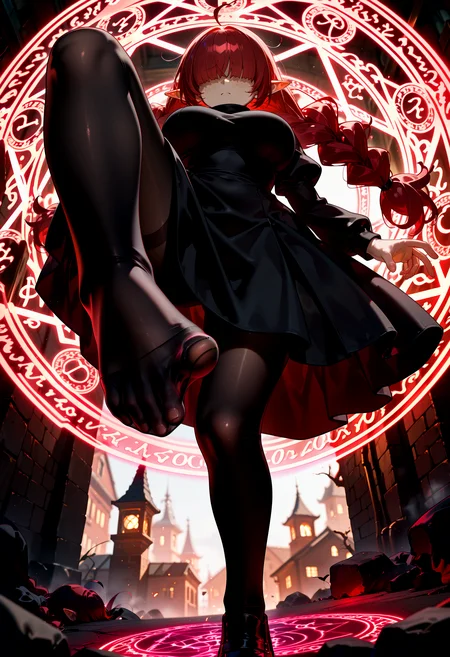
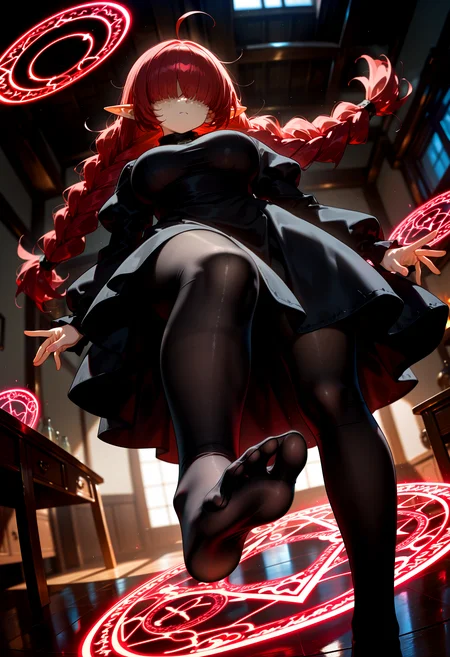
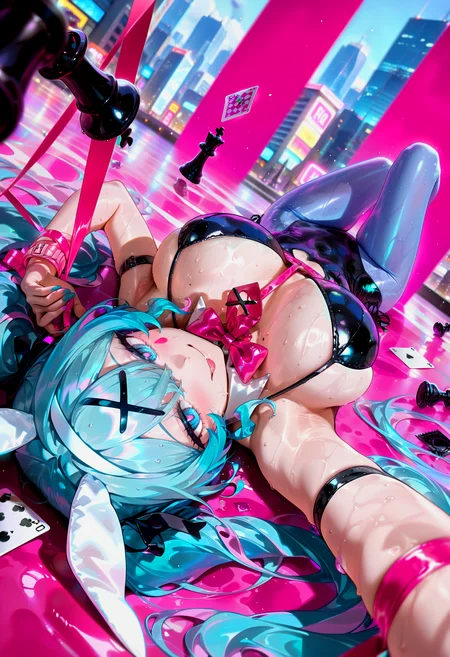
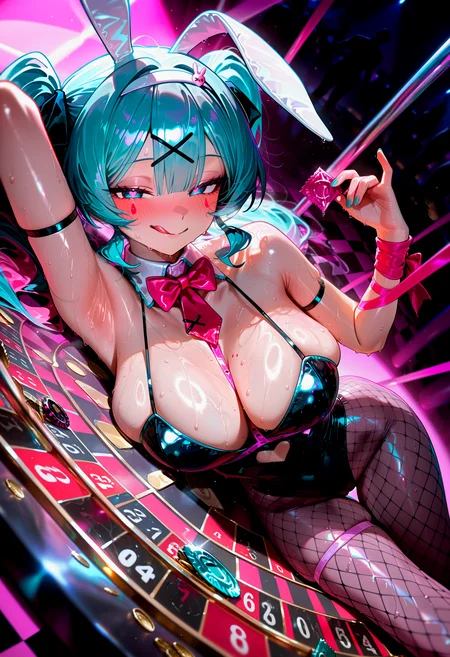
ok I posted an image using same exact prompts and used the same samplers/schedulers. You can find the post here: https://civitai.com/posts/10787775. Find the Hatsune Miku picture, click on the "i" and click on "nodes". The paste that into your comfyui. Mine doesn't look exactly the same because I have different nodes and/or hardware than NTR Mix's author has. I wasn't sure which NTR Mix version you are using, but I used V4 in my example.
Edit: Added one for the "Xiii" version of NTR Mix as well. Will be the 2nd Miku pic. Again, I used the same samplers/schedulers they did. On the "Xiii" version they used dpmpp_2m sgm_uniform for the KSampler, and on USDU they used dpmpp_2m_cfg_pp beta.
If you're wondering why my CFG is so high, it's because I am using Dynamic Thresholding. There's a TL;DR on the workflow explaining how it works, but it's best to go to the actual project page for real instructions.
@Gladas Thanks a lot. How do you get rid off the ghosting issue though? Sometimes you see semi transparent fingers on a hand or other random things popping up. That wasn't an issue in regular Hi Res/FaceDetailer workflows.
@vellane that happens sometimes with USDU. Try adjusting the denoise or CFG down. Currently, I use the beta scheduler, with denoise set to 0.4 and the CFG set to 1.5 (while using a CFG++ sampler) and have less of the ghosting. This is why I was previously using ControlNet with USDU, but I'll take the trade-off of faster time.
Some images it just happens no matter what adjustments you make. I'll try running another image with my current settings just to provide an example.
@vellane after rereading your message, I do want to say that while using Hi-Res fix is a perfectly fine way to upscale, it can be too resource intensive for some people's hardware.
The difference between Hi-res fix and USDU is that USDU is breaking the image up into smaller tiles instead of doing the full image at once, which is why the ghosting can happen. So in comparison, USDU is definitely more volatile than Hi-res fix.
Changes to the settings, such as tile size, denoise, cfg, steps, sampler, scheduler, and in this workflows case the Detail Daemon settings can/will affect the result.
If Hi-Res fix works great for you, I would say definitely stick to using that. I don't think posting another example of my results will help in this case, but I did create a post showing how changing the tile size can affect the result.
@Gladas Understood. Thanks a lot for your explanation. I will try playing with those settings then.
Lovely work. I've been pointing everyone who wants to get started to your 'Actually Simple' version. It's supremely helpful.
I'd love a v4 version with the ControlNet stuff back in it. It was very handy. v4 is giving me great results, I suppose I just wish I had more to tinker with. Suppose I could always add it in myself.... but I just keep on generating.
Cheers, friend. Hope 2025 goes well for you.
Thanks for recommending the simple workflow!
Yeah, I would say just re-add ControlNet at your leisure.
I honestly wanted to drop the detailer nodes too, but I still have a need for them. The eyes just don't come out as well as I would like consistently.
I've been getting results I really love with v4. Mainly just playing with different settings is making a world of difference for me.
I think the only real change I have done to v4 so far is use a different node for saving images.
Nice new workflows as always 🫡The new upscaling method works great. A few remarks to v4+:
- I've encountered errors using the 4x-PBRify_RPLKSRd_V3 upscaler model. As stated in the latest v1.7.1 update of the github project (https://github.com/Kim2091/PBRify_Remix/releases/tag/v1.7.1) i had to update the python package "spandrel" for comfyui
- The efficient loader for models makes it impossible to use the impact pack prompt. This prompt and the Image-Saver node (from Image-Saver) added the Lora metadata to the image, which is quite difficult in Comfyui. I really like this feature, so I will create a custom workflow from these versions
Hmm interesting. I wonder why I haven't encountered the same issues. Although, I do update my comfyui pretty often along with the python dependencies. (This does break stuff for me sometimes).
I do have a slightly different version from v4 that I am currently using as a test. I'll upload soon once I have a sample image saved for the workflow. I have been using a different Save Image node that most works like the Image Saver node, but without all the extra inputs.
The error may have grown historically in comfyui. The local installation via git with 40+ plugins has been in operation for a while. Due to plugin conflicts in the meantime, I had to reset the virtual python runtime environment (venv) a few times. If a plugin is based on an old version of spandrel, an update may be prevented. Or there are other reasons why an update of the packages is prevented. As long as everything can still be solved quickly, I will not pursue this further 🫡
Because of the metadata of your images it had to be something like that 😎 I was curios and looked into the workflow already but i'm always eager to experience the polished version^^ Also i have errors installing:
(IMPORT FAILED): ..\comfyui-imagemetadataextension
(IMPORT FAILED): ..\comfyui-saveimagewithmetadata
but i'll fix that later^^
looks like I am using a forked version of "saveimagewithmetadata". The direct URL for the one I use is: https://github.com/edelvarden/ComfyUI-ImageMetadataExtension.
Not sure if the original works the same. I think I went with this one just by coincidence since I was searching for something that would show the lora info while browsing in the Customs Nodes Manager.
@Gladas I see. In comfyui, 2 versions were offered for this node. I chose both, but it's obviously not good. I had a generic import error when I imported the plugin.
The reason has something to do with case sensitivity when loading modules. On Windows 11 and with Python 3.10 this should not happen at all. But maybe there is a bug in some package, the Python version etc. or the caching mechanisms are problematic. This wouldn't happen either if the project owner hadn't made intensive use of these wild dynamic imports via importlib. I am creating an issue for this.