






🛠️ Purpose & Design Philosophy
This workflow is a high-fidelity environment built for Illustrious. It prioritizes stability and professional texture over generation speed. It follows an "all-in-one" philosophy: configure your prompts, hit queue, and let the workflow handle the multi-stage refinement from start to finish.
Not for Speed: This is a heavy-duty refinement tool. If you want 2-second previews, use a basic workflow.
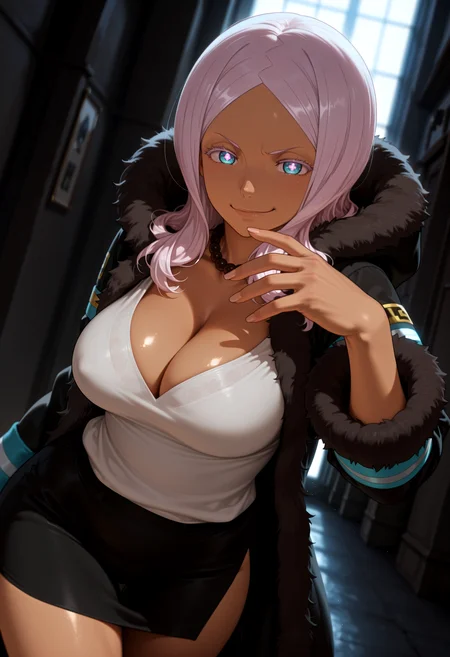
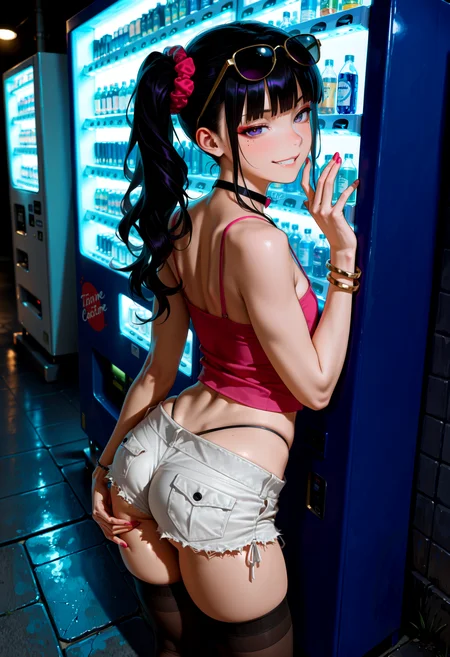
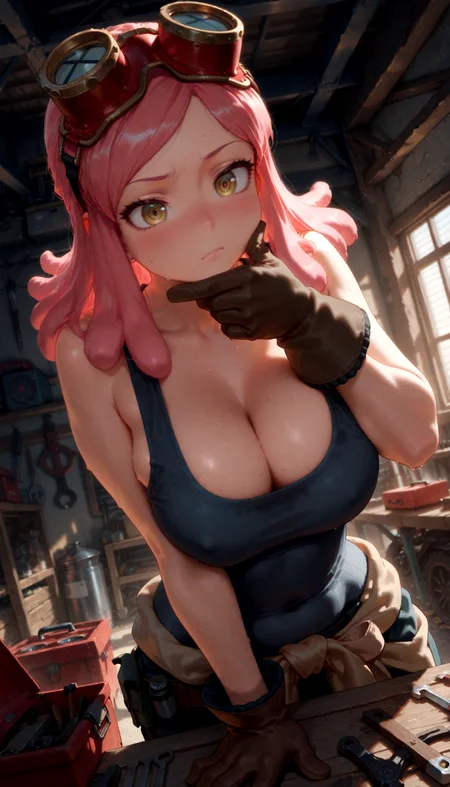
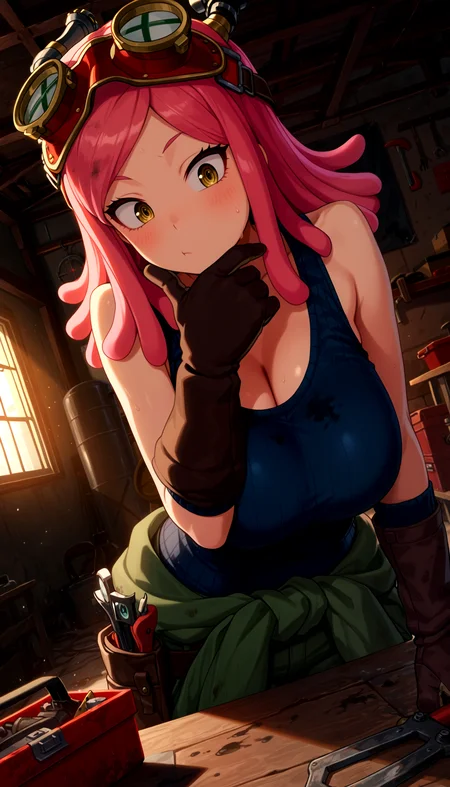
Personal Use: Built for my specific production needs. It is shared as-is for those who want a "set-and-forget" pipeline for Illustrious. Adjust the settings and models to fit your needs. The defaults on v19+ will be what I used for the sample images.
All-in-One Logic: The workflow handles generation, detailing, and upscaling in one continuous pass.
If you're needing something with more features: Try checking out Silly All-in-one, Multiple Characters With Regional Loras which is on civitai. I have no plans to implement additional features.
⚠️ Disclaimer & Compatibility
Install at Your Own Risk: Custom nodes can break your environment. I am not responsible for troubleshooting your specific installation.
ComfyUI: Built and tested on the non-app version. Desktop app users may face additional hurdles.
The "Your Version" Factor: Your node versions and environment are 99.9% likely to differ from mine.
Nodes 2.0: I do not recommend using Nodes 2.0. It creates unpredictable UI behavior; I will not provide support for issues involving this feature.
🤝 Support & Boundaries
I have not and never will monetize my workflow. CivitAI is the only platform I am maintaining this workflow on. If you find a version of my workflow posted and/or monetized anywhere and use it, then whoever posted it is responsible for providing you any support. This is the main reason why I don't monetize this: I don't want to be or feel obligated to provide support.
No DMs: DMs are disabled due to repeat spam. Please check the Discussions tab below; most questions have already been answered.
Modifications: You are free to hack this workflow apart. However, you are responsible for fixing it if it breaks.
Custom Requests: I do not make private workflows. If you need a custom solution, post a Bounty on CivitAI. There are many talented creators ready to help you for a fee.
Description
v7b2 changes:
Removed the Scheduler Selector (Comfy) (Image Saver) node
At least one person has been having repeated issues with this node.
Removing this makes it so you have to pick the scheduler individually throughout the workflow, but otherwise not much of a user side change.
ComfyUI-ppm
If you are having issues with ComfyUI-ppm, try deleting it from your comfyui custom nodes folder and reinstall it again. The owner of the ComfyUI-ppm project just did a fix for an ImportError issue at around 8:20PM US Eastern time.
If the issues with ComfyUI-ppm remain after (and you still want to use this workflow), you can remove the following nodes from the workflow, uninstall PPM, and then restart your ComfyUI:
Above the green ImpactWildcardEncoder node:
ClipTokenCounter
Token Count
To the left of the dark blue SamplerCustomAdvance:
Use CFG++SamplerSelect? Boolean switch
CFG++SamplerSelect
Below the cyan Sampler Selector (Image Saver) node:
Widget to String node directly below the Sampler Selector (Image Saver) node
Switch Sampler
Switch Sampler name
I will also include an extra JSON in the zip file in case you are not comfortable deleting nodes from the workflow. However, you are on your own to uninstall ComfyUI-ppm from your custom nodes folder.
FAQ
Comments (13)
Testing the latest version of Image Saver (1.7.0). For some reason ComfyUI-Manager only goes up to 1.4.0 (for me). Even switching the version to "latest" in the manager still uses 1.4.0.
I had to download and install it from the source code.zip file and extract into my custom nodes folder in order for it to work for me.
The main difference between 1.7.0 and 1.4.0 is that under "resources" when viewing the image on civitai, it shows the weights as seen on this image post.
man I love this workflow. I'm too dumb to make my own workflows but I'd love if it had regional prompting in it
ngl I have never touched regional prompting except maybe in A1111
https://civitai.com/models/1459738/noobai-illustrious-regional-prompt-workflow?modelVersionId=1650719
found this one but i lack the necessary skill to implement it with yours
Not a workflow expert either, I just do what works for me based on what I want.
Looking at the screenshot of their workflow, it is probably doable by taking the Regional Prompt group and Mask Setup group from their workflow to effectively replace the two ImpactWildcardEncode nodes in my workflow.
Definitely, not something I would want to do personally for fun lol.
Hey Gladas!
Thanks again for this great workflow.
I was the one having issues with saving the pictures, the new workflow saves the images perfectly (with the same path on my PC as the V5 workflow) so it might have been an issue with the node - thanks for your work!
New issue though! Atleast for me, while creating the an img with "workflow_v7b2" comfyui just freezes, but only the workflow area.
I am now using "workflow_v7b2" workflow and that works perfectly.
I apreciate your work.
Hi there. The workflow freezing thing actually was a problem for me on v7a after updating comfyui and the python dependencies.
7b2 was rebuilt from scratch while on the versions of comfyui and comfyui-frontend as mentioned in the description. You may need to check your versions of each of those and see if they match and that your custom nodes are up to date.
What fixed the freezing for me initially was removing Image Saver from the v7a workflow and initially I thought it was the problem. The recent comfy updates broke a lot of workflows and custom nodes.
You can try reporting your issue where the workflow freezes to the comfyui project page, if you are unable to get it working.
I spent several hours building and testing v7b2 generating images as I added nodes to ensure it worked on the most up-to-date version of comfyui and comfyui-frontend at the time.
Ola saudações do Brasil. sou novato na geração de imagem no comfyui. Amei seu Workflow teria como colocar um "chave" para ativar e desativar o upscale as vezes a imagem nao ta boa para utilizar e perde tempo fazendo o upscale...
awesome workflow! Really really good, super impressed with the results. Basically all my images were generated using your workflow :P
For people who want to use this workflow, any issue I was having was solved by ChatGPT lol (little hack: use the snippet tool in windows to highlight problem areas in the workflow and/or ask for settings tweaks for specific nodes if you feel like experimenting!)
Will be keeping tabs on your future work.
Thanks again!
Thanks, glad to hear it!
I honestly never thought to use ChatGPT for checking issues, good tip!
@Gladas its great! sometimes it can be finicky. Overall, highly recommend :) cheers!