

🛠️ Purpose & Design Philosophy
This workflow is a high-fidelity environment built for Illustrious. It prioritizes stability and professional texture over generation speed. It follows an "all-in-one" philosophy: configure your prompts, hit queue, and let the workflow handle the multi-stage refinement from start to finish.
Not for Speed: This is a heavy-duty refinement tool. If you want 2-second previews, use a basic workflow.
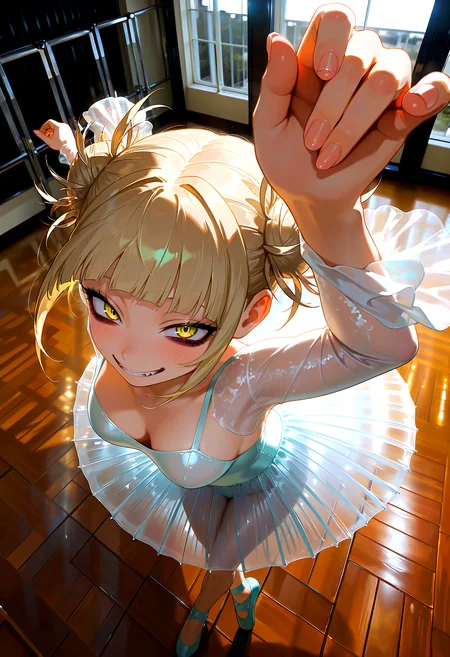
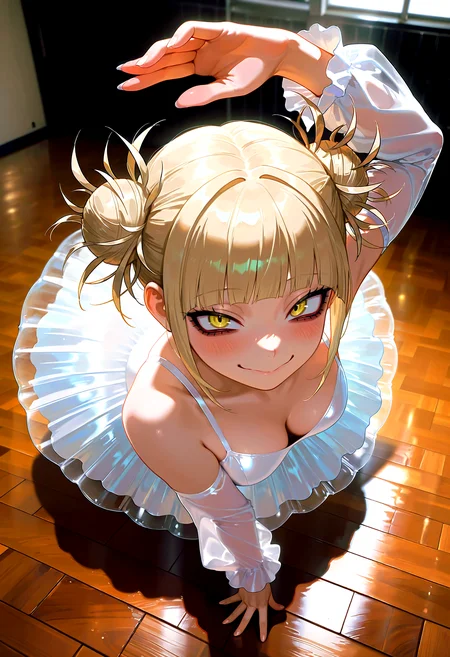
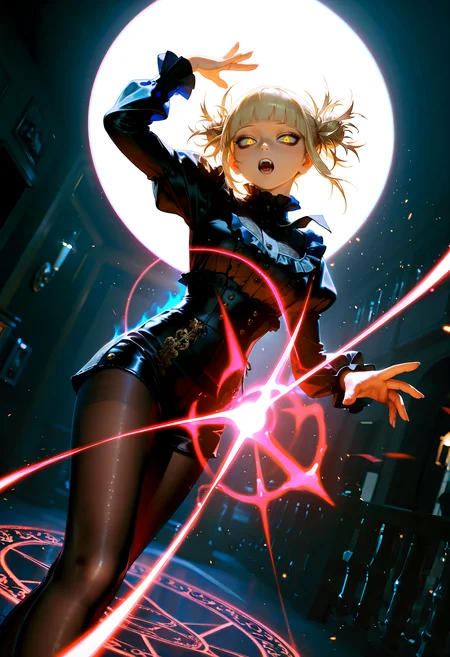
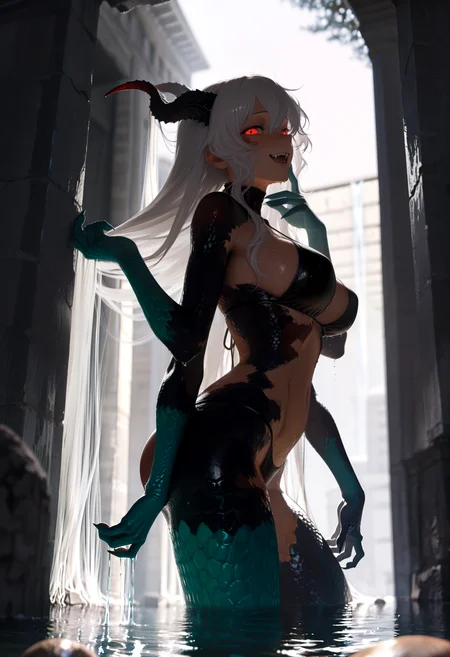
Personal Use: Built for my specific production needs. It is shared as-is for those who want a "set-and-forget" pipeline for Illustrious. Adjust the settings and models to fit your needs. The defaults on v19+ will be what I used for the sample images.
All-in-One Logic: The workflow handles generation, detailing, and upscaling in one continuous pass.
If you're needing something with more features: Try checking out Silly All-in-one, Multiple Characters With Regional Loras which is on civitai. I have no plans to implement additional features.
⚠️ Disclaimer & Compatibility
Install at Your Own Risk: Custom nodes can break your environment. I am not responsible for troubleshooting your specific installation.
ComfyUI: Built and tested on the non-app version. Desktop app users may face additional hurdles.
The "Your Version" Factor: Your node versions and environment are 99.9% likely to differ from mine.
Nodes 2.0: I do not recommend using Nodes 2.0. It creates unpredictable UI behavior; I will not provide support for issues involving this feature.
🤝 Support & Boundaries
I have not and never will monetize my workflow. CivitAI is the only platform I am maintaining this workflow on. If you find a version of my workflow posted and/or monetized anywhere and use it, then whoever posted it is responsible for providing you any support. This is the main reason why I don't monetize this: I don't want to be or feel obligated to provide support.
No DMs: DMs are disabled due to repeat spam. Please check the Discussions tab below; most questions have already been answered.
Modifications: You are free to hack this workflow apart. However, you are responsible for fixing it if it breaks.
Custom Requests: I do not make private workflows. If you need a custom solution, post a Bounty on CivitAI. There are many talented creators ready to help you for a fee.
Description
Note: fixed version uploaded at 1155 UTC 22 May 2025.
v10 changes:
Brought back Set/Get nodes from ComfyUI-KJNodes
This eliminates most of the visible noodles spread across the workflow, regardless of settings.
Some nodes are hidden again as a result to declutter the workflow (visually).
Added the Global Seed node from ComfyUI-Inspire-Pack
This actually forces all the nodes in the workflow to use the same seed in a way that we can visually see it.
One thing of note is that if you "load workflow" from the queue, this node will switch over to "fixed" and will stay that way until you change it to something else.
Dropped ComfyUI-ppm
After doing a comparison against the actual Comfy Core version of Align Your Steps scheduler, I found that the built in version gave me cleaner results.
Dropped ControlNet
I use this too rarely for me to keep it in the workflow.
Dropped Detail Daemon
Recently, this seems to do more harm than good on my image generation, so out it goes.
FAQ
Comments (9)
Found another issue when bypassing the optional Upscale>Downscale between USDU nodes. At this point, I am probably going to stop using the Set/Get nodes again. Way too much of a hassle. Will be modifying the v9 workflow with the corrections to Dynamic Thresholding and going from there. (Note to self: never use Set/Get again).
Hey there!
Huge fan of your contributions. I have learned so much from just using and directing your workflows, so thank you for that.
Another user pointed out a color issues potentially revolving around how VAEs were connected a few days ago. I have experienced this same issue throughout all iterations of v9 and now v10a. It appears to occur after the watermark removal process, and after USDU1; that kinda washed out look. I've attempted numerous checkpoints, loaded VAEs - baked in or otherwise, and have tinkered with all of the settings around those nodes. I cannot wrap my head around it.
v8e works great for me, so I continue to use my modified version of that. I don't know if my issues with v9 and v10 are isolated issue or not, and I'm not sure if these are sufficient details to look into.
If there's anything I can do to help, please let me know me know!
Cheers, and again, thank you for all of your contributions.
Hey there, USDU tends to strip the color out (in my experience). This has been a long known "issue" with USDU based on searching Google for this exact issue. This is the primary reason why I have the Color Match and Color Correct nodes at the end of the flow.
It's more noticeable when using certain Upscale Models (for me) and using certain VAEs really alter the results from USDU. In my own experience it made the second pass through USDU way too dark.
The color fade occurring right after the Watermark Removal section would most likely be related to the VAE since that part of the flow is after the latent image is converted to a "normal" image before going through the Watermark section of the flow. I would advise just leaving the Watermark portion disabled unless it is needed.
I haven't had anyone mention color issues since I adjust the VAE connections, but that does not necessarily mean it's not happening for other people.
Part of the color issue I was experiencing personally was from bad Dynamic Thresholding settings. I'm actually about to upload a new update to v9. Since I got fed up with the Set/Get nodes of v10.
If you happen to find the cause of the color issue, please let me know and I will make whatever adjustment to the workflow (within reason).
So far, I haven't run into any color issues on this version (soon to be uploaded).
@Gladas As always, appreciate your thorough responses even though they're not necessary. I'll play around a but more. I've copied your settings 1:1 and yet it persists. I have two rigs: one with a 5090 and one with a 4090. I'm going to see if the issue persist on the 4090 rig which hasn't had the python dependencies updated in a while and report back.
@leirtes sounds good. I'm using a 5060ti, not sure if that matters. I'll check what version I am using for Comfy. I recently had to do a reinstall after breaking my comfy.
I'm on ComfyUI 0.3.34
ComfyUI frontend v1.18.10
Python Version 3.12.10 (tags/v3.12.10:0cc8128, Apr 8 2025, 12:21:36) [MSC v.1943 64 bit (AMD64)]
Pytorch Version 2.7.0+cu128
Edit: here's the other python libraries I have installed on my version of comfy.
Versions of relevant libraries:
numpy==1.26.4
pytorch-lightning==2.5.1.post0
torch==2.7.0+cu128
torchaudio==2.7.0+cu128
torchmetrics==1.7.1
torchsde==0.2.6
torchvision==0.22.0+cu128
triton-windows==3.3.0.post19
I haven't used the updated via comfyui and python dependencies option for updating ever since I reinstalled.
I tried running v9d on another computer as mentioned before and it runs with no issues at all. I tried both Windows and Linux on the other computer and it was just fine.I did another complete uninstall and reinstallation of ComfyUI as well as python and all of its dependencies and I'm still getting the same issue. At this point, I'm chalking it up to driver issues with the 5090. I've yet to try cleanly removing the recent NVIDIA drivers and install some older ones, but this is an issue with my hardware at this point and not your wonderful workflows. Again, thanks for taking the time to thoroughly respond and indirectly assist with my troubleshooting. In the interim, I'll stick to v8e, which is still awesome.
If anyone else has a 5090 and has experienced similar issue(s), please let me know!
v9f resolved whatever issue I had. So weird.
Edit: v9d uploaded. Time to sleep.
Scrapping v10. Will be uploading a new version of v9 soon, just getting a sample image generated.
Looks like we don't have an active mirror for this file right now.
CivArchive is a community-maintained index — we catalog mirrors that volunteers upload to HuggingFace, torrents, and other public hosts. Looks like no one has uploaded a copy of this file yet.
Some files do get recovered over time through contributions. If you're looking for this one, feel free to ask in Discord, or help preserve it if you have a copy.