














🛠️ Purpose & Design Philosophy
This workflow is a high-fidelity environment built for Illustrious. It prioritizes stability and professional texture over generation speed. It follows an "all-in-one" philosophy: configure your prompts, hit queue, and let the workflow handle the multi-stage refinement from start to finish.
Not for Speed: This is a heavy-duty refinement tool. If you want 2-second previews, use a basic workflow.
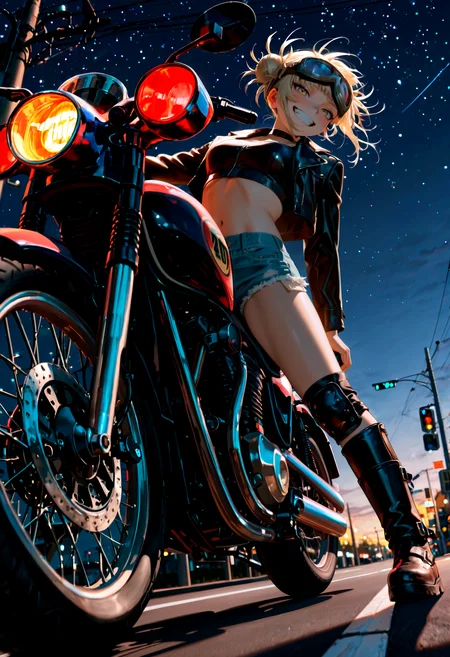
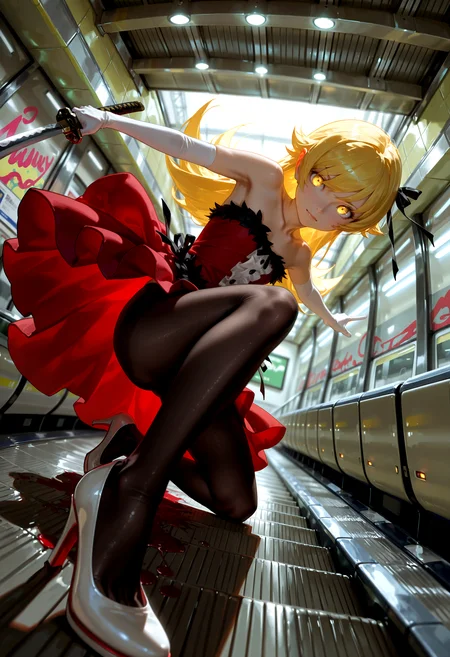
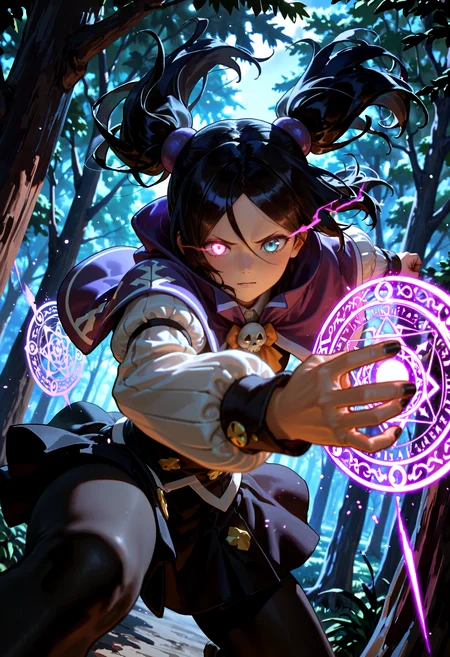
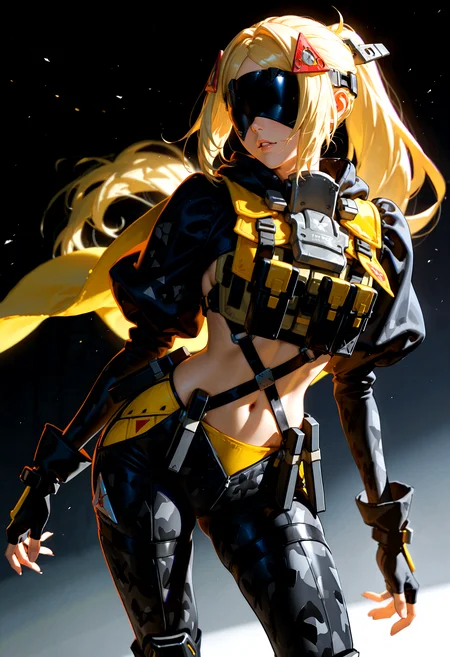
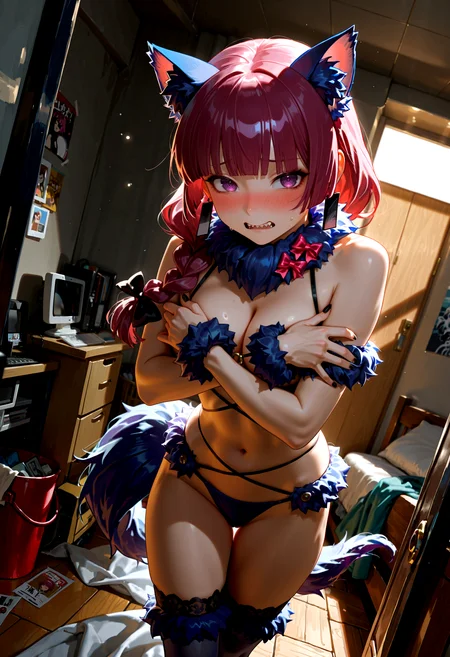
Personal Use: Built for my specific production needs. It is shared as-is for those who want a "set-and-forget" pipeline for Illustrious. Adjust the settings and models to fit your needs. The defaults on v19+ will be what I used for the sample images.
All-in-One Logic: The workflow handles generation, detailing, and upscaling in one continuous pass.
If you're needing something with more features: Try checking out Silly All-in-one, Multiple Characters With Regional Loras which is on civitai. I have no plans to implement additional features.
⚠️ Disclaimer & Compatibility
Install at Your Own Risk: Custom nodes can break your environment. I am not responsible for troubleshooting your specific installation.
ComfyUI: Built and tested on the non-app version. Desktop app users may face additional hurdles.
The "Your Version" Factor: Your node versions and environment are 99.9% likely to differ from mine.
Nodes 2.0: I do not recommend using Nodes 2.0. It creates unpredictable UI behavior; I will not provide support for issues involving this feature.
🤝 Support & Boundaries
I have not and never will monetize my workflow. CivitAI is the only platform I am maintaining this workflow on. If you find a version of my workflow posted and/or monetized anywhere and use it, then whoever posted it is responsible for providing you any support. This is the main reason why I don't monetize this: I don't want to be or feel obligated to provide support.
No DMs: DMs are disabled due to repeat spam. Please check the Discussions tab below; most questions have already been answered.
Modifications: You are free to hack this workflow apart. However, you are responsible for fixing it if it breaks.
Custom Requests: I do not make private workflows. If you need a custom solution, post a Bounty on CivitAI. There are many talented creators ready to help you for a fee.
Description
Minor changes:
USDU is not connected to Detail Daemon
Nodes that were hidden behind other nodes are no longer hidden (probably).
Sample images we done using the new (to me) sampler: er_sde
FAQ
Comments (22)
Something to try with the PAG settings if you are using it and getting outputs that don't quite look how the sample images look on whatever model you are using.
Change the following (if you haven't already):
sigma_start: -1
sigma_end: -1
rescale: 0
and have the "unet block list" setting empty with nothing in it.
This is basically the default setting for PAG. The only thing you would have to play with is the scale setting which I provide a TL;DR explanation on the note to the left of the PAG node.
Where can I get noob vae trainer step 90000 vae?
I got it here: https://huggingface.co/heziiiii/noob_vae_test/tree/main.
IIR it is the one called "vae_trainer_step_90000.safetensors"
@Gladas Thank you
I'm getting a werid error with with BasicScheduler node.
Try looking up the error? That's what I usually do.
Basic Scheduler isn't a special node. It's one of the default Comfy nodes. Not much that should cause it to have an error unless something got disconnected or something got bypassed that should not have.
Alternatively, if it was working fine before. Take an image you generated and drop it into comfy or load the original workflow file.
@Gladas Thank you for the response I did some google work but came back with noting and then I chatgpt the problem and it keep say it has something to do with "beta57" but everyworking with impact and ppm custom nodes so I have no clue.
@rikuman36250 yeah, I have no idea either. Could be related to updating comfy or something else. I would say try updating comfy and maybe the python dependencies, but that is a choice you have to make on your own.
Usually, it's fine to do that, but I have had it break my comfy install at least once.
I'm not really running anything special otherwise, but I am on the latest versions comfy and my python dependencies are recently updated.
@Gladas Thank you anyways yea I had my comfyui break when updating my dependencies. I'm on the lastest version but it all cool I'm enjoying the simple workflow amazing work.
@rikuman36250 yeah it was pretty annoying when my comfy broke after updating. Sorry you couldn't get the new workflow to work 😔
@Gladas No worries there plenty of workflows to work with I just really like yours keep up the great work. "we will be watching with great interest" :)
Amazing Workflow. It was a bit overwhelming at the start but the pictures it creates are amazing (I used your simple workflow before)
I just can't seem to get the save image node to save anywhere but in the temp folder. even chaning it directly in the .json did not help. Any idea how to save it in a specific directory? (I am using Comfy UI via Stability matrix)
I'm not familiar with Stability matrix, but you should be able to just plug in the directory name to the "path" field on the Image Saver node. (example: C:\My Pictures\output\) Not sure if it works the same way via Stability matrix.
The "%basemodel" entry I have on there just creates/saves into a subfolder (with the model name) of whatever the default out directory is.
This is an awesome workflow! I'm getting much better results with it and learning a decent amount in the process. Hats off to you!
I do have one question. It seems that the LoRA and wildcard selection is not working for me. When I select any LoRA or wildcard, it doesn't populate in the prompt. I thought that it might be because some of my directories for this are symlinked, but I also tried placing then directly in the ComfyUI directories. Do you have any idea what the cause of this would be?
Glad you like the workflow!
I honestly have never had anyone mention that issue with the loras/wildcards or experienced it myself.
It should just be as simple as clicking on whichever lora/wildcard you want, and then something like "<lora:Detailer\Smooth_Booster_v2>" or ", (double underscore)samples/jewel(double underscore)".
The node used (ImpactWildcardEncode) is part of Impact Pack. It might be worth posting your issue there, if you have not already.
@Gladas Gotcha. Thanks! I will browse around on the github and see if I can figure it out.
@Buttchuckjones Hope you are able to get it working!
I ran into a "no preview" issue with the Detailer node (from Impact Pack) a while back and found my solution there. In the case of that issue, the author of Impact Pack said it was something on the frontend and not with Impact Pack itself (if I recall).
@Gladas I got this working BTW. Removed some conflicting nodes and did a fresh update on Impact Pack. (one of them fixed it) Thanks again!
I've been using your workflows for a while now! For the most part, they're awesome!! Problem with the latest version (and I'm sure it's really easy to fix...):
When I generate an image, it always comes out with a kind of pale filter (like paper). I thought it was noise, but... No. Any help? :(