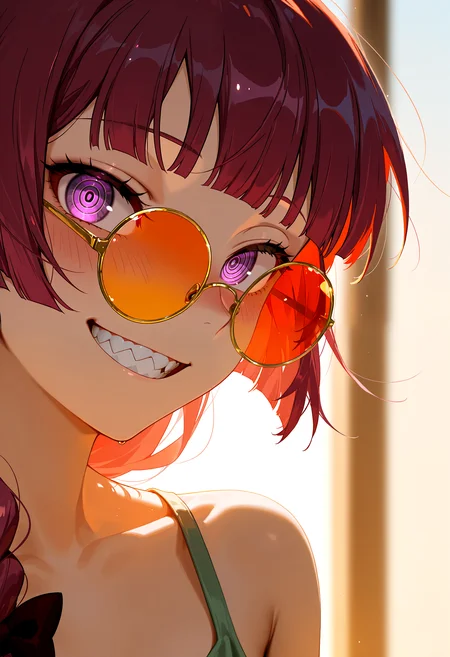
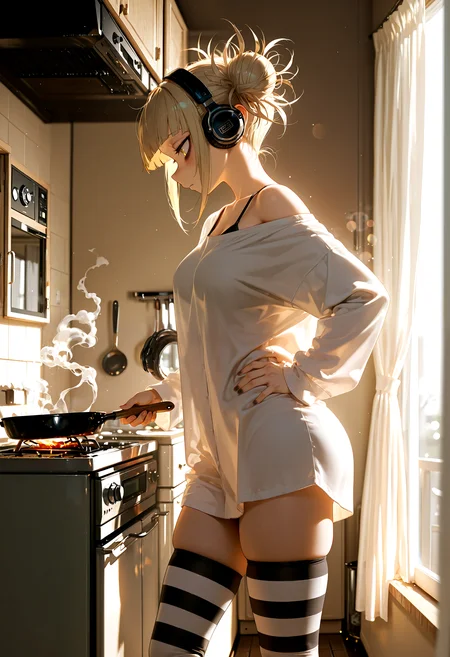
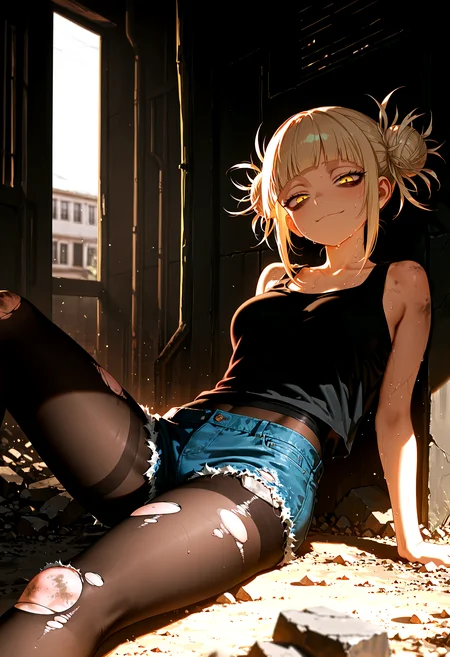
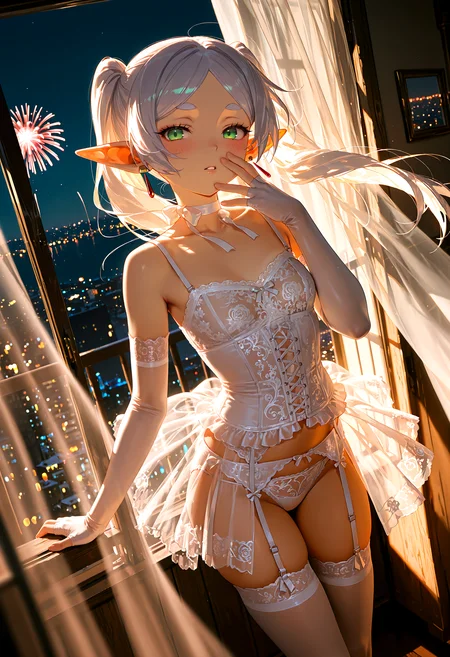
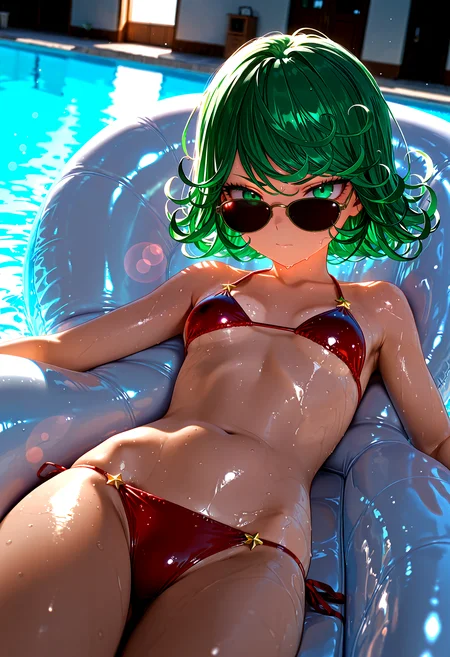
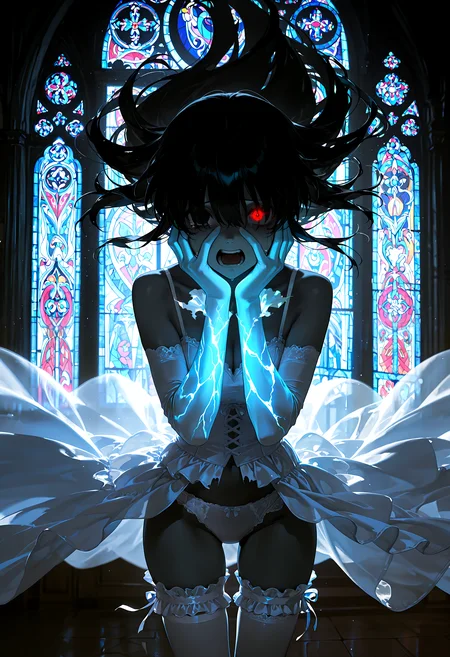
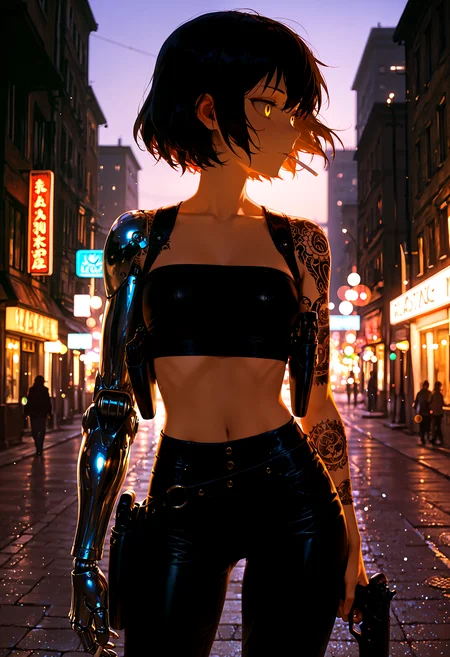
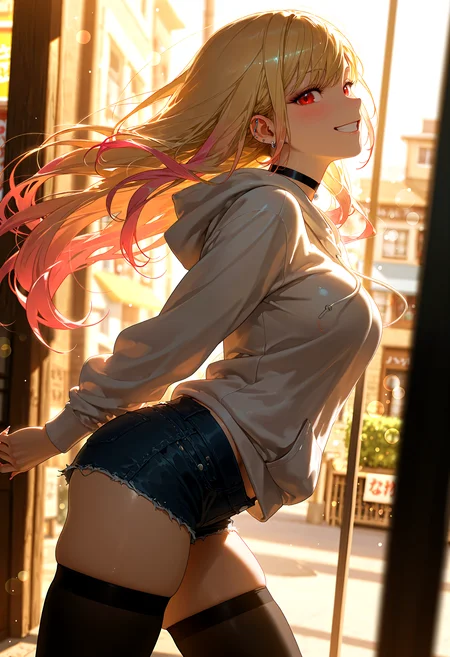



🛠️ Purpose & Design Philosophy
This workflow is a high-fidelity environment built for Illustrious. It prioritizes stability and professional texture over generation speed. It follows an "all-in-one" philosophy: configure your prompts, hit queue, and let the workflow handle the multi-stage refinement from start to finish.
Not for Speed: This is a heavy-duty refinement tool. If you want 2-second previews, use a basic workflow.
Personal Use: Built for my specific production needs. It is shared as-is for those who want a "set-and-forget" pipeline for Illustrious. Adjust the settings and models to fit your needs. The defaults on v19+ will be what I used for the sample images.
All-in-One Logic: The workflow handles generation, detailing, and upscaling in one continuous pass.
If you're needing something with more features: Try checking out Silly All-in-one, Multiple Characters With Regional Loras which is on civitai. I have no plans to implement additional features.
⚠️ Disclaimer & Compatibility
Install at Your Own Risk: Custom nodes can break your environment. I am not responsible for troubleshooting your specific installation.
ComfyUI: Built and tested on the non-app version. Desktop app users may face additional hurdles.
The "Your Version" Factor: Your node versions and environment are 99.9% likely to differ from mine.
Nodes 2.0: I do not recommend using Nodes 2.0. It creates unpredictable UI behavior; I will not provide support for issues involving this feature.
🤝 Support & Boundaries
I have not and never will monetize my workflow. CivitAI is the only platform I am maintaining this workflow on. If you find a version of my workflow posted and/or monetized anywhere and use it, then whoever posted it is responsible for providing you any support. This is the main reason why I don't monetize this: I don't want to be or feel obligated to provide support.
No DMs: DMs are disabled due to repeat spam. Please check the Discussions tab below; most questions have already been answered.
Modifications: You are free to hack this workflow apart. However, you are responsible for fixing it if it breaks.
Custom Requests: I do not make private workflows. If you need a custom solution, post a Bounty on CivitAI. There are many talented creators ready to help you for a fee.
Description
Load VAE
This node is now in its own group and is enabled by default
Please ensure your VAE model is selected in this node or it will throw an error
Bypassing the group will switch to loading the baked-in VAE from whatever checkpoint you are using. If your model/checkpoint does not have a VAE baked in, then the images after the initial generation will be washed out.
The reason this is not visible until after is because the VAE is not used until after the initial image generation.
Added CFG Star Zero
This is a built-in Comfy Core node that requires no custom node download.
If you can't find it, then your comfy install is not up-to-date.
Update ComfyUI at your own peril
Dropped FreeU, Detail Daemon, and CFG++SamplerSelect from the workflow.
I pretty much never use these anymore.
Other minor layout changes.
Tried cleaning up some of the connections
Left all of the nodes expanded except for the watermark removal portion of the workflow. This should make it easier for anyone trying to add to or modify the workflow and/or see how things are connected.
Testing was performed using Better Days and the Touching Grass LoRA.
Sampler: sa_solver
Scheduler: karras
Full workflow form start to finish is about 2 to 2.5 minutes on a 5060ti. Your times will vary depending on hardware and settings.
This workflow was built to work with Image Saver, since it is the only node that has consistently worked for providing all of the generation information, including model, loras, embedding, etc. without any manual entry. The nodes used in the workflow are what I have found to work best with Image Saver while still having control over prompts and other settings.
You are free to make your own changes as you see fit and I highly encourage it! Make it your own!
FAQ
Comments (10)
Help, my image stop after 2nd Upscale and dont go through the detailers 1,2,3 and the parts after, all requirements downloaded already!! (Im am noob in comfyui)
As long as none of the connections were disconnected and based on the bit of info you are giving me, my guess is that it's one of two things:
1. You don't have a SAM model installed in the models/sams folder or selected in the SAM Loader node located by the Watermark section.
2. You don't have a detection model(s) installed to your models/ultralytics folder or selected in the UltralyticsDetectorProvider nodes (there's one per detailer).
Typically, the command window will tell you what the issue is.
Gladas Man i got no warning at all, it just stops after the 2nd upscale (green color nodes)! Tested the Ultralitycs and Sam separatedly and it works! Despite that all those "Impact Schedulers Ada" and "Basic Scheduler" from the Impact Pack have that red outline on the "Scheduler" green circle where you wire it inside the node window, but they are throughly routed and there's no warning message in the screen, only the red outlines?
I haven't messed with the routings from the workflow but seems like something is going on with these specific nodes (even if having already downloaded all requirements), althought the image generated still comes out very well without detailers!! (Sorry i'm dont really know what to do with this error)
Red outlines mean something either not connected or something is selected that you don't have. I have heard of other people running into the Basic Scheduler issue before, but its pretty rare. You can try deleting the impact scheduler nodes, detach the input from the scheduler on the detailer nodes and just select the schedulers manually on the detailer nodes.
The Basic Scheduler nodes are Comfy Core nodes that are required for the SamplerCustomAdvanced node. Since you made it through USDU, I would say the Impact Scheduler Adapter nodes are your culprit.
Will test out some nodes from Inspire Pack. I'm not a big fan of using custom nodes for KSamplers, but if this testing works, it will eliminate the need for the Basic Scheduler and Impact Scheduler nodes. Not making any promises though.
Looks like it works. I'll post the workflow soon-ish. Have to clean up the layout.
Gladas Gladas Hey I just got back and it looks like you were spot-on, I deleted the Impact Pack nodes and the image went through the Detailers 1,2,3! Despite that I think it messed some of the routings because the image turned out all weird and glitchy, so I'm kind of still using it without the detailers, which still gives a pretty good image!
I hope you manage to make the version you mentioned without using Impact Pack work because it would save me from reinstalling the entire ComfyUI again.
Anyway I appreciate your helping me through this, i just started using Image Gen outside of civitai and am pretty stunned by the results using your workflow! Tysm 😄😄
embryo2000and5 I made an alt version of v11f that removes the Impact Scheduler adapter nodes and the BasicScheduler nodes. If thing are becoming glitchy in the Detailers as in a bunch of fuzzy garbage, then it is either due to noise feather settings being too high or it's your choice of sampler/scheduler. I recommend trying v11f-alt and see if that works better for you.
I usually have one person per version that has an issue with BasicScheduler or Impact Scheduler Adapter.
It will probably be the only time I release a version like this (v11f-alt) because v11f works fine for me and I prefer the results I get when using the nodes that I use.