
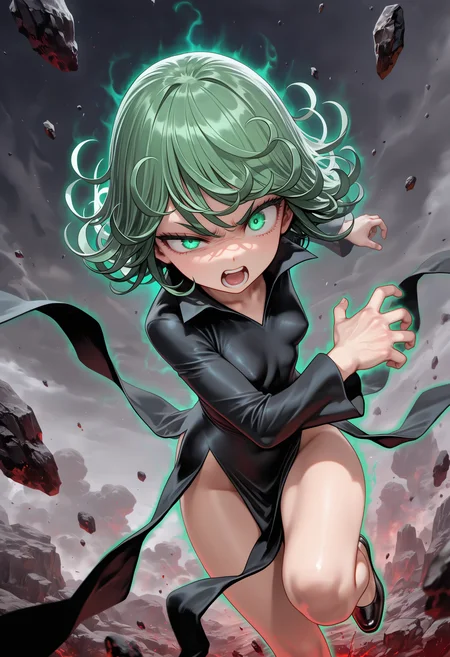

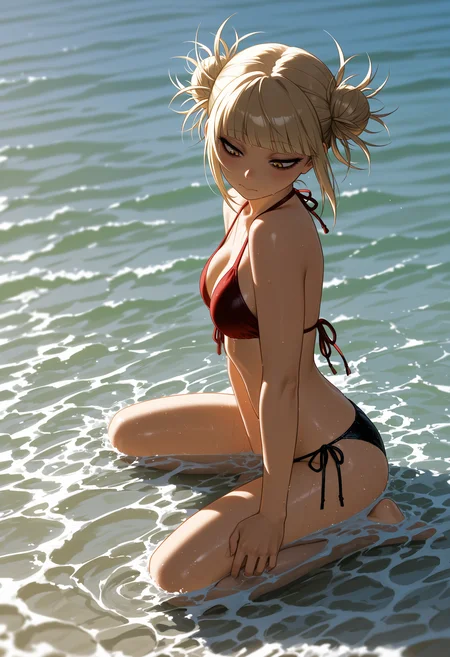
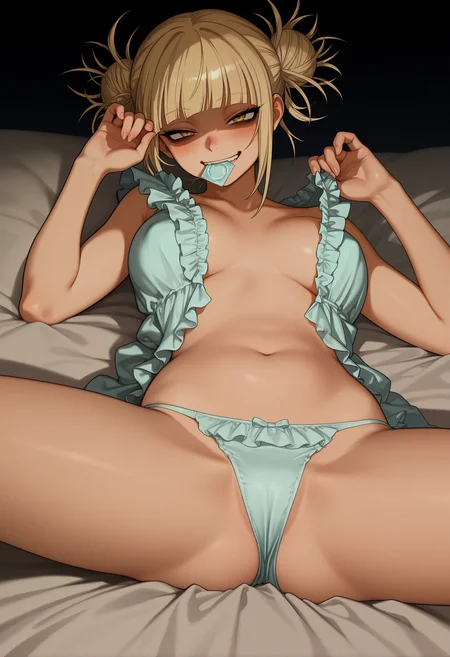
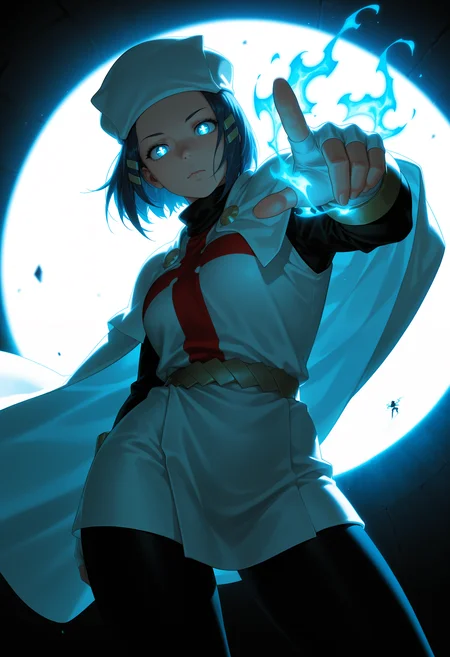
🛠️ Purpose & Design Philosophy
This workflow is a high-fidelity environment built for Illustrious. It prioritizes stability and professional texture over generation speed. It follows an "all-in-one" philosophy: configure your prompts, hit queue, and let the workflow handle the multi-stage refinement from start to finish.
Not for Speed: This is a heavy-duty refinement tool. If you want 2-second previews, use a basic workflow.
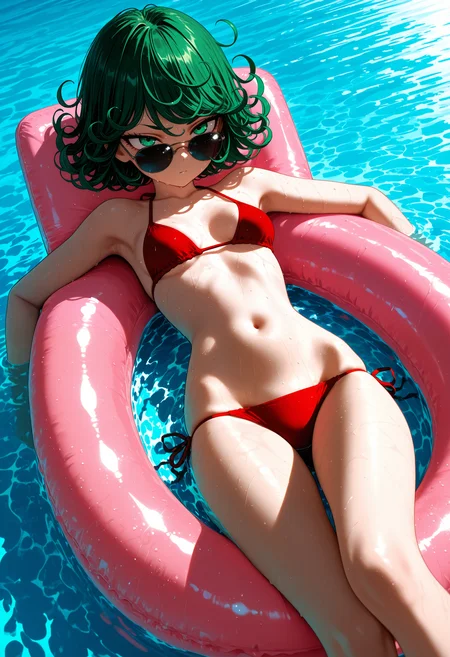
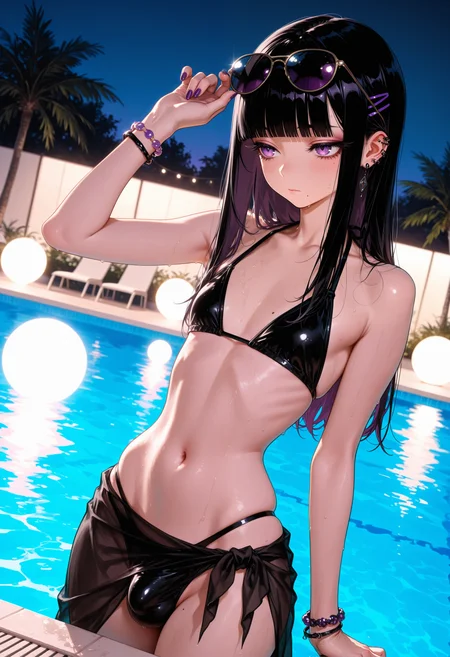
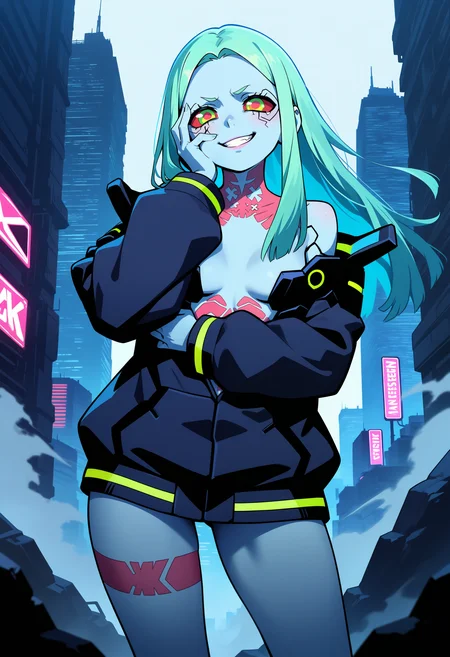
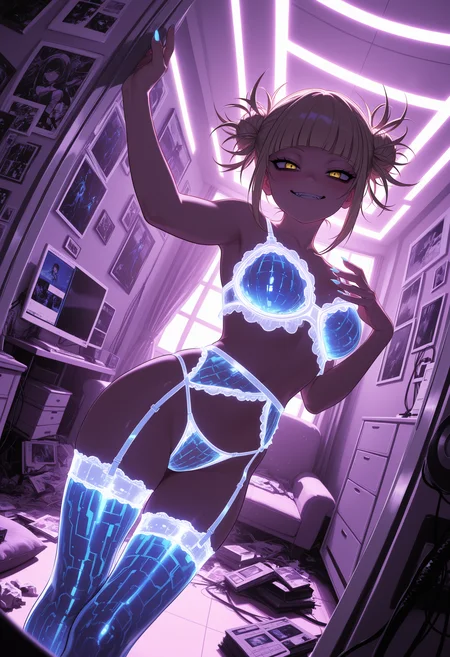
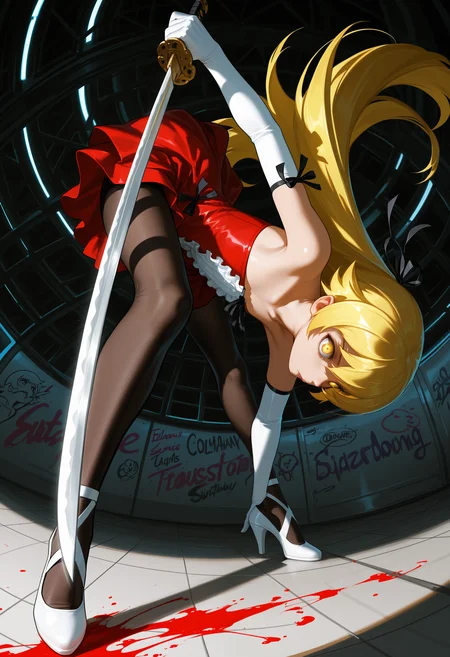
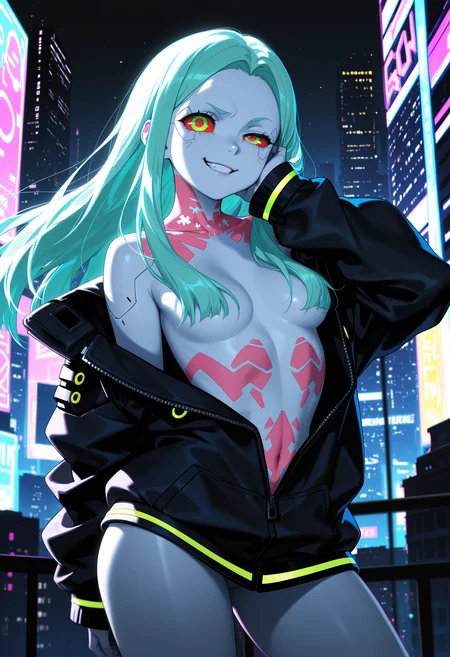
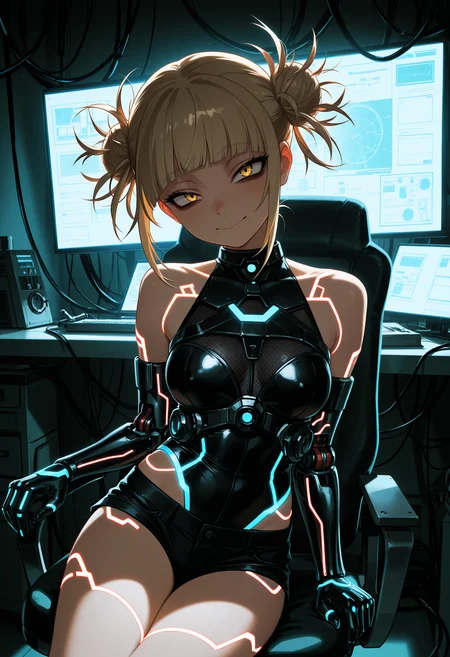
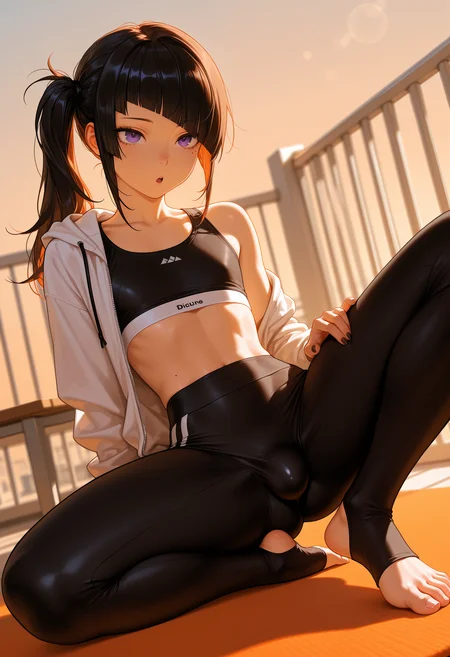
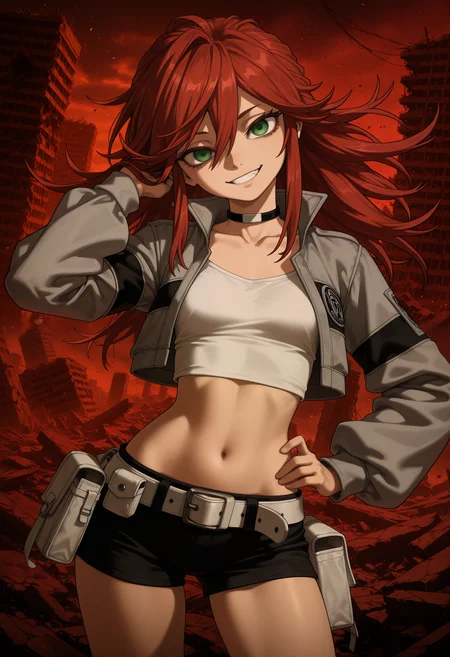
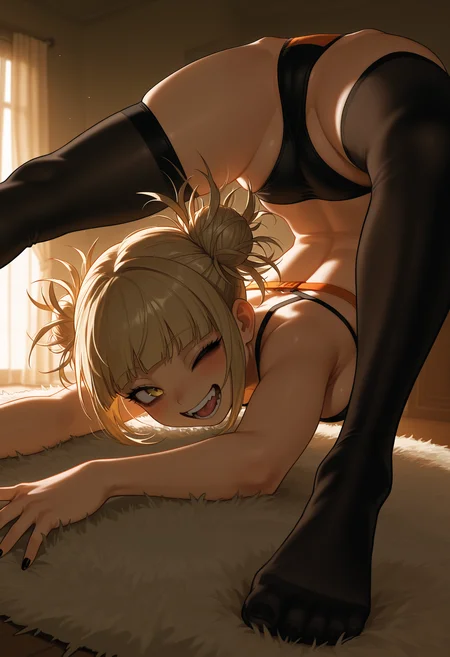
Personal Use: Built for my specific production needs. It is shared as-is for those who want a "set-and-forget" pipeline for Illustrious. Adjust the settings and models to fit your needs. The defaults on v19+ will be what I used for the sample images.
All-in-One Logic: The workflow handles generation, detailing, and upscaling in one continuous pass.
If you're needing something with more features: Try checking out Silly All-in-one, Multiple Characters With Regional Loras which is on civitai. I have no plans to implement additional features.
⚠️ Disclaimer & Compatibility
Install at Your Own Risk: Custom nodes can break your environment. I am not responsible for troubleshooting your specific installation.
ComfyUI: Built and tested on the non-app version. Desktop app users may face additional hurdles.
The "Your Version" Factor: Your node versions and environment are 99.9% likely to differ from mine.
Nodes 2.0: I do not recommend using Nodes 2.0. It creates unpredictable UI behavior; I will not provide support for issues involving this feature.
🤝 Support & Boundaries
I have not and never will monetize my workflow. CivitAI is the only platform I am maintaining this workflow on. If you find a version of my workflow posted and/or monetized anywhere and use it, then whoever posted it is responsible for providing you any support. This is the main reason why I don't monetize this: I don't want to be or feel obligated to provide support.
No DMs: DMs are disabled due to repeat spam. Please check the Discussions tab below; most questions have already been answered.
Modifications: You are free to hack this workflow apart. However, you are responsible for fixing it if it breaks.
Custom Requests: I do not make private workflows. If you need a custom solution, post a Bounty on CivitAI. There are many talented creators ready to help you for a fee.
Description
Removed:
Image Filter Adjustments
Color Correct
The "any switch" node for VAE source.
Added Color Corrector
This node replaces Color Correct at the end of the workflow and can be bypassed.
It has Auto, Preset, and Manual modes.
At the default settings, this version of the workflow takes just over 3 minutes from start to finish on my 5060ti 16GB.
FAQ
Comments (14)
Hey man, incredibly grateful for this workflow. Been using it for all my gens and the notes for recommended settings are really appreciated :) I'm still relatively new to ComfyUI and AI image gen in general so this has been really helpful in learning. Haven't tried using ChatGPT but Gemini's been surprisingly helpful in telling me what settings mean and their effects on different nodes.
Unfortunately I made the error of updating my Comfy install today (unwillingly, just kinda did it on its own even though I X'd out of the popup) and it fails to import Custom Scripts nodes now. But from what I can see the only node used from there is the ShowText node for the combined positive prompt. Luckily I have another pack installed with a similar node, just without a string output. Replacing it lets me generate again, but I wanna ask if the other node is required for metadata-saving purposes, or if it's fine to replace it. Sorry if this is a dumb question, still learning lol. Ty!
Yeah, ComfyUI-Manager has been giving me problems today when trying to install custom nodes. The ShowText node (if you're asking if it's needed) is not required to run the workflow. It's just there so you can see your combined prompt.
@Gladas Glad it's not just me then. Thanks for the response!
Update in case it helps:
Going to .../Program Files/ComfyUI/ and going to the properties->security tab of the ComfyUI folder, then checking allow for full control fixed it for me. Also updated pip and comfyui frontend package which might've helped, not sure tho. Either way custom scripts is working for me again, guess I shoulda just read the logs lol
@mellowhi glad to hear it! I actually just updated comfy a bit ago to the latest release. I'll find out if it fixed installing custom nodes eventually lol
Hi ! Firstly Thanks for your workflow they're are very strong and easy to use even for someone who started some days ago :3
I just wanted to know / ask if you think there is any way to add inpainting to your img2img workflow ?
Or let's be crazy an AIO from your Txt2img, with an option to do img2img+inpaint in one workflow :p
Nice. I am glad to hear my workflow is useful!
Inpainting: I get asked about this pretty often but don't have plans to add it unless I randomly want to start using inpainting.
I get enough questions about the workflow as-is, that I don't really want to add something I probably won't use and then potentially get questions regarding it and be like "IDK".
IMG2IMG: I used to have IMG2IMG included in the normal workflow, but there was always people running into random issues with it. I got fed up with it and dropped it from the workflow.
I encourage people to add to/remove from/modify/take from the workflow to fit their needs.
@Gladas I totally understand :) Thanks for taking the time to answer ^^
Fantastic work on the workflow. What do you think are the best settings for a vPred checkpoint?
Make sure to turn off Epsilon scaling first. That can cause issues with v-pred. It'll sometimes still work, but it's not supposed to.
As far as settings go: I would say use whatever the checkpoint author recommends and then adjust from there. Unfortunately, I don't have a magic set of settings that will work for all v-pred.
All the extra settings like Dynamic Thresholding, Detail Daemon, etc., can make things better but also make stuff worse. Try having those bypassed first to ensure the basic settings are getting results close to what you want and then start playing with DT and DD.
I have ran the same settings on v-pred models using what normally use, but with Epsilon Scaling bypassed.
Depending on the v-pred checkpoint, some sampler/schedulers might not work also (at least in my experience).
Great workflow for a beginner like me. Maybe you could incorporate an img2img workflow, too or a seperate img2img workflow? Would be awesome. Fantastic work anyway
There is a separate one all on it's own. Incorporating it into my main workflow is a no-go. Too many people had random issues with it and I was tired of repeating myself.
It's not hard to add, even for a beginner. Here's one way to do it:
1. Add a Load Image node.
2. Add a VAE Encode node.
3. Connect the Image output of the Load Image node to the VAE Encode node.
4. Connect the VAE to the VAE input on the VAE Encode node.
5. Add a Upscale Latent node.
6. Connect the Latent output from the VAE Encode node to the Upscale Latent's latent input.
7. Connect the Width and Height outputs from the CR SDXL Aspect Ratio node to the Width and Height inputs on the Upscale Latent node.
8. Connect the latent output from the Latent Upscale node to the Latent input on the SamplerCustomAdvanced node.
9. Lower the denoise setting and you now have IMG2IMG.
@Gladas Thanks for sharing your hard work!
Looks like we don't have an active mirror for this file right now.
CivArchive is a community-maintained index — we catalog mirrors that volunteers upload to HuggingFace, torrents, and other public hosts. Looks like no one has uploaded a copy of this file yet.
Some files do get recovered over time through contributions. If you're looking for this one, feel free to ask in Discord, or help preserve it if you have a copy.