

🛠️ Purpose & Design Philosophy
This workflow is a high-fidelity environment built for Illustrious. It prioritizes stability and professional texture over generation speed. It follows an "all-in-one" philosophy: configure your prompts, hit queue, and let the workflow handle the multi-stage refinement from start to finish.
Not for Speed: This is a heavy-duty refinement tool. If you want 2-second previews, use a basic workflow.
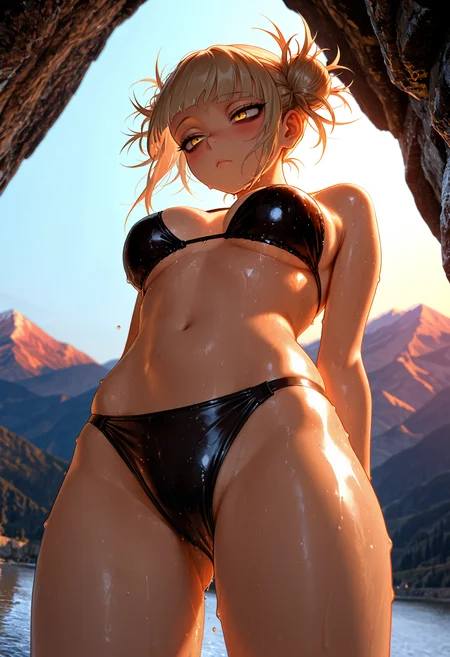
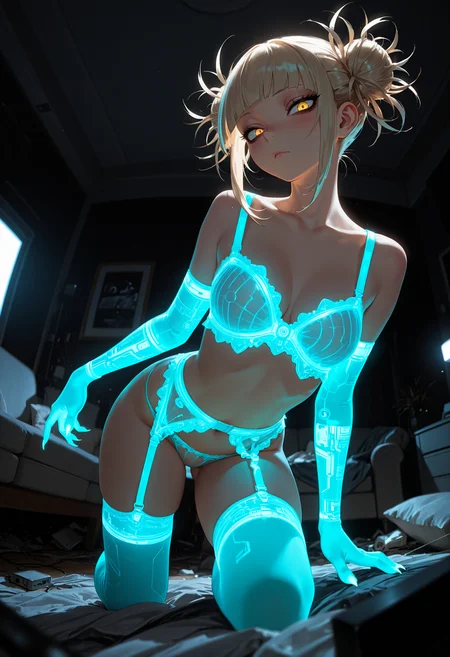
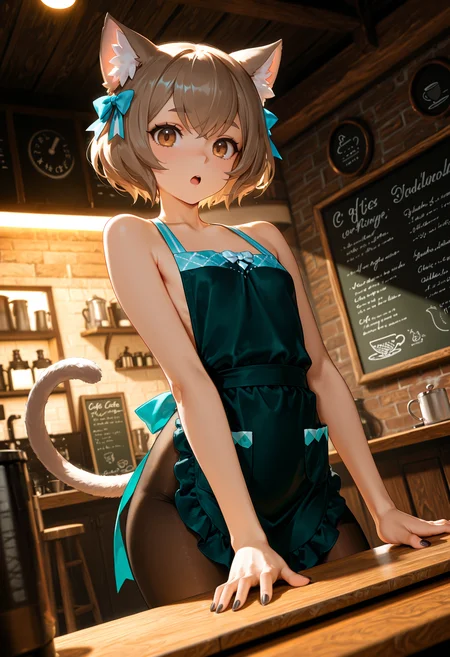
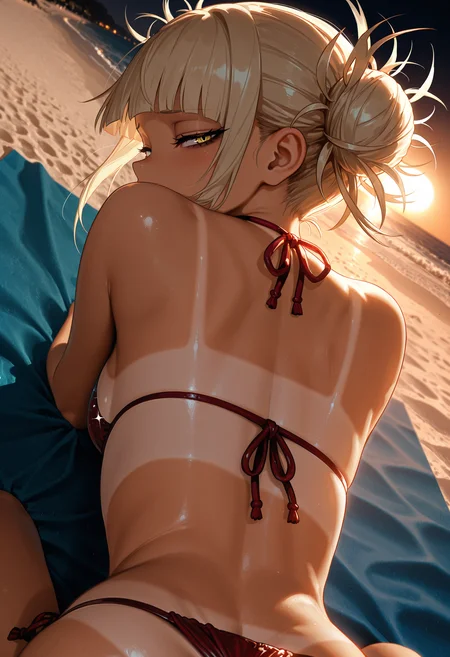
Personal Use: Built for my specific production needs. It is shared as-is for those who want a "set-and-forget" pipeline for Illustrious. Adjust the settings and models to fit your needs. The defaults on v19+ will be what I used for the sample images.
All-in-One Logic: The workflow handles generation, detailing, and upscaling in one continuous pass.
If you're needing something with more features: Try checking out Silly All-in-one, Multiple Characters With Regional Loras which is on civitai. I have no plans to implement additional features.
⚠️ Disclaimer & Compatibility
Install at Your Own Risk: Custom nodes can break your environment. I am not responsible for troubleshooting your specific installation.
ComfyUI: Built and tested on the non-app version. Desktop app users may face additional hurdles.
The "Your Version" Factor: Your node versions and environment are 99.9% likely to differ from mine.
Nodes 2.0: I do not recommend using Nodes 2.0. It creates unpredictable UI behavior; I will not provide support for issues involving this feature.
🤝 Support & Boundaries
I have not and never will monetize my workflow. CivitAI is the only platform I am maintaining this workflow on. If you find a version of my workflow posted and/or monetized anywhere and use it, then whoever posted it is responsible for providing you any support. This is the main reason why I don't monetize this: I don't want to be or feel obligated to provide support.
No DMs: DMs are disabled due to repeat spam. Please check the Discussions tab below; most questions have already been answered.
Modifications: You are free to hack this workflow apart. However, you are responsible for fixing it if it breaks.
Custom Requests: I do not make private workflows. If you need a custom solution, post a Bounty on CivitAI. There are many talented creators ready to help you for a fee.
Description
What's new?
Changed the order of the nodes after the Upscale group.
USDU will be followed by Detailer 1
The reason for this is based on information I found stating that using FaceDetailer between Upscale passes will give better results. Seems to work for me, but YMMV.
Then the 2nd pass USDU after Upscale
Followed by the other 2 Detailer groups
Added the Global Sampler node from Inspire Pack.
This will override all of the Sampler/Scheduler settings on the workflow if enabled.
Please be aware that if you choose a sampler and/or scheduler that is not compatible with any of the nodes, the workflow will error out.
Reminder: please be aware the v12 is a simplified version of v11. There is no dynamic thresholding, detail daemon, or watermark detection and removal. It only does image gen, upscale, and detailing.
FAQ
Comments (12)
i fucking love u
really loving the workflow so far! i've been using it for a few days, and while i've had some issues, i think that is because of me being new to comfyUI and all that stuff, um, if upscaling x2 (times 2) with SDXL (illustrious, to be specific), i have a few questions about optimal settings: (for v11L, looking forward to using v12a!)
- what should the mask blur be?
- what should the tile padding be?
- is disabling USDU Control Net bad? it made things look weird, so um, yeah, maybe i just messed up stuff though, i'm using dpmpp_3m_sde_gpu + karras at the moment, it's not erroring out, but maybe those are just weird with it?
- what about seam_fix width? (half tile), i think it should be larger for SDXL images upscaled by 2, no? (upscaled images are 1536x2688)
- should i run the optional second pass + second upscaler? maybe it makes a big difference, but i'm unsure haha
- if i wanted to add more detailers, for say hair, and all that, would that be difficult? or should i just take my images to a separate workflow to keep the original nice and clean?
- lastly, with the resolution i mentioned earlier, what would the best guide size(s) be for the detailer nodes? i don't care if things take time, right now everything is taking about 500 seconds, which is completely fine as i'm patient, if it was longer, it wouldn't matter to me
either way, sorry for all the questions! i just uh, really like this workflow, and talking to claude about it (claude ai thingy) is prooobably not as good as just asking directly HAH- so yeah! hope it isn't annoying, thanks so much for the amazing workflows, you've done such a great job :D
i also wanted to take my generated images from v11L into the simple img2img workflow (v2), would that be rather straightforward and easy? haven't looked at it yet, but well, it is "simple" in title, so i would assume so lol. anyway, thanks again, and hope you're well, don't stress yaself with future updates, okay? :D
edit: uh, i doubt you'd want to, but maybe chatting would be easier? idk how the civitai chat feature works, i've literally never chatted and haven't commented until now, haha...
edit 2: so, i was queueing up a bunch of stuff in batches of 4, and was switching the checkpoint as the batches were like, queueing, and i GUESS that made other checkpoints that were non-illustrious based load? and like, a few realistic ones loaded and generated like, pretty okay things, and a few pony anime-styled checkpoints loaded (im like 99% its pony, they are ponyDiffusionV6XL_v6StartWithThisOne, waiNSFWPONYXL_v90, and prefectPonyXL_v6, and the images look like, actually amazing in comparison to ALL of my illustrious checkpoints? why is that? uh, sorry for such a weird question, it's just like, the quality difference, is MASSIVE. like it's crazy, i've gotten great illustrious generations so far, but my batches have been average quality until the amazing pony ones showed up, just doesn't make sense to me, i guess?
Hi, wow that's a lot of questions.
I'll preface this with saying I am not the authority on settings, but I will share the settings I use. They are what works best for me and might not be correct or to your liking.
"what should the mask blur be?"
This depends on how big you are going. I use 32 mask blur when upscaling to 1664x2432.
"what should the tile padding be?"
I start at 192, but sometimes have to bump it up to 256 or 512. Just depends on how much of a pain USDU is being.
"is disabling USDU Control Net bad? it made things look weird, so um, yeah, maybe i just messed up stuff though, i'm using dpmpp_3m_sde_gpu + karras at the moment, it's not erroring out, but maybe those are just weird with it?"
I don't use USDU ControlNet unless USDU is being a pain. So if you don't need it, by all means bypass it. As far as samplers/schedulers, you'll probably have to experiment. Some models/checkpoints don't always play nice and USDU also misbehaves when using some upscale models with certain models/checkpoints. Like in my case, Remacri usually gives me issues in USDU, but other people seem to have no issues with it.
"what about seam_fix width? (half tile), i think it should be larger for SDXL images upscaled by 2, no? (upscaled images are 1536x2688)"
I don't really use seams fix mode anymore, but when I did, I would use the same settings as mask_blur and tile_padding for seams_fix_mask_blur and seams_fix_padding.
"if i wanted to add more detailers, for say hair, and all that, would that be difficult? or should i just take my images to a separate workflow to keep the original nice and clean?"
This shouldn't be difficult as long as you are comfortable enough to connect the noodles to where they need to go. I encourage people to modify the workflow to suit their needs or take what they like from it and add it to their own.
"lastly, with the resolution i mentioned earlier, what would the best guide size(s) be for the detailer nodes? i don't care if things take time, right now everything is taking about 500 seconds, which is completely fine as i'm patient, if it was longer, it wouldn't matter to me"
I use guide_size 2048 and max_size 1536, but I know people who use 4096 for each. These settings should be close to whatever resolution you upscaled to. The lowest I would go would be 1024 for each, but this is effectively inpainting at a lower resolution (per info from Google).
I don't mind chatting, but the chat function is pretty limited on civitai. This is probably better way to get a reply from me.
NGL, I never batch generate. I like to watch the process as it happens one image at a time, so I have zero experience with any weird behaviors related to that.
As far as the difference in quality goes between models and model types:
I honestly couldn't say. I have tried a variety of Illustious and NoobAI models and am usually unsatisfied with any other than Better Days (due to personal preferences).
12a gives pretty solid results for me and it's less complicated than v11 in general. The more I use it, the more I like it.
If there's anything else, feel free to reach out again here.
@Gladas
wow wow wow! thanks so much for replying! means a lot, sorry again for the 'yapping' for lack of a better word, again, i only began the comfyUI journey at the end of august, so i'm learning as i go haha, and trusting claude is uh, well, he knows things about ai generation, but well, he's not you, so yknow... yea...
do not worry about things not being 'correct' or not! that is completely fine, i can use your settings as a baseline and continue from there, so thank you for replying once again!
- okay so, i had the mask blur way higher, guess claude was being very silly about that, or i just got lucky by setting it to what i set it to and it just happened to work out, anyway, weird...
- ah okay, i'll probably just not use either controlnet thingy, i tried doing inpainting and some stuff a few times, one time with fooocus, and another time with other things, and it didn't really work out, so yeah... i know it's not exactly the same thing in YOUR workflow, but yeah lol
- oh! okay, should i change seam_fix_width at all, then? or should that just be 0? either way i'll try a few generations after my current ones finish (currently on gen #235 out of #401, things are smooth :)
--speaking of generations, do you know the optimal cfg/steps for dpmpp_3m_sd3_gpu? claude said it benefits from higher step counts, so i'm doing 60 steps at the moment, which is prooobably overkill, but it doesn't overbake it and the end results look fine, although i DO notice it stops changing eventually so the step count is proooooobably too high, and my initial cfg is 10 ÷ 2 due to dynamic thresholding, with a minimum value of 3, i'm also doing half cosine down, i haven't touched the detail daemon's aside from changing sampler on the daemons for um the detailer detail daemons
a few last things, is using laplace scheduler better, generally speaking? i DO read your notes throughout the workflow, but as its more of an "experiment" i thought i'd ask directly
um, is there a way to optimize prompts for illustrious/pony/etc checkpoints? like order the prompt tags in a way that the checkpoint/whatever uses best? i don't think there would be, but still, i thought i'd ask, i also tend to use a lot of loras/weighting in my prompts, which... probably isn't good for most generations, but eh... i dunno, i'm not good at this whole thing, so yeah!
also, with concat conditioning, i'm sometimes stumpted at what to put in there as prompt text, it's a bit confusing, like i understand it in a way, but also, like, i'm not sure if what i put in there heavily makes a difference? if that makes sense? like maybe it's just slight, but also sometimes i feel like it can be breaking things, but maybe that's just paranoia and my tile padding/etc all that was just incorrect and that was doing it instead
lastly, what is the best upscaler that you have used for your better days generations? / what would be good for like, hoskei v1/v2 + hassaku + waiNSFW? also what would be good for pony checkpoints? which, again, is weird that i'd be using PONY in an ILLUSTRIOUS-centered workflow, but, hey, maybe it just worked for whatever reason and it's a sign that i should be using those instead? idek. was so weird, and maybe i'll download a bunch more pony checkpoints and debug some things, cause like, it didn't even break my illustrious loras either, it LOADED the image with my lora changes, or maybe it was just the weighting that made that stuff load anyway? i have no idea honestly...
sorry again for all the text! i just REALLY love this workflow, you've put so much hard work into it, and it's quite stunning actually, and the node connections are so clean! it's not like any of my workflows with 'node spaghetti' all over the place, driving me so crazy that i just literally hide node connections once everything is properly connected lmfao.... and oh, okay! i understand that the civitai chat is limited, um, do you have a discord or something? perfectly reasonable if you don't want to like, move off of here and chat, so i get it if you wouldn't want to share it (i'd preferably want you to share it in civitai chat, not yknow, a reply, cos uh... yeah)... but also! you have such good taste with your generations! from the monogatari characters to himeko toga to tatsumaki to rebecca (edgerunners) and then some of the 'lewd' ones hehe, and even the ones involving feet! which, all have like, really good feet which blows my mind since ai is like, soooo goofy with feet sometimes lmfao, yeah, not to be weird i just think you're very cultured :3 --- annnnyway, thanks again for replying! hope i'm not being a bother with the 'text vomiting' right now! if so, sorry! i'll try not to um, yap as much in future replies/comments if it is indeed an issue! be well and again, don't stress yaself with future workflow versions, okay? :D
edit: honestly, whenever i can, i feel like i'll be giving you some buzz for this workflow, not sure how much, but yeah, you definitely deserve it :3
@alephayin No problem. I'll try to answer as best as I can.
"oh! okay, should i change seam_fix_width at all, then? or should that just be 0?"
I never really messed with that setting even when using seams fix mode. If you are using seam fix mode, then you probably should have it set to something higher than 0. The default setting is 64 I think. You'll have to experiment with it if you are using seams fix.
I never really got into using the 3m samplers because I had read somewhere that they do require a higher step count. I would assume for most Illustrious models 4 to 6 CFG (non-dynamic) should work, but this will probably vary by model.
I would say try it out with Dynamic Thresholding and Detail Daemon bypassed to get a good baseline for the right CFG/steps and then you can adjust from there if you decide you want to use Dynamic Thresholing and/or Detail Daemon still. (I actually dropped both on v12).
I think Laplace is intended to be used with Flux and the newer type of models, but I have gotten some good initial images from it. The downside is that it's super finicky. I 10/10 do not recommend it if you don't have the patience to spend a lot time adjusting the settings.
As far as prompting goes regardless of the model: when in doubt, use what other people use or what the model author recommends. Then you can take away or add on to it until you find your preferred result.
I haven't used Pony in a very long time, but I remember having to use score_9, score_8_up, etc., but also that some of the Pony models explicitly say that they are not needed.
Regarding LoRAs: I try to keep the amount used to a minimum. I'm no expert, but from what I have read, it's best to use them at low strength is using more than 2 at a time. This will also vary depending on the LoRA (based on my personal experience).
Some models behave poorly to adding weights to prompts, but YMMV. I would say try to avoid them if possible. If something needs more importance, maybe try moving it toward the beginning of the workflow.
Concat Conditioning is kind of a mixed bag. If it's not helping you, I would say bypass it. It can make a difference, but the difference isn't always what we want. This is also no longer present in v12a.
Lately, I use UltraSharp_v2 Lite. AFAIK you can only get it by creating a ko-fi account and going to https://ko-fi.com/kim20913944/shop to download it. It's free and was created by the guy who made UltraSharp and AnimeSharp. It's a general purpose upscale model and should work with any of them.
Using Pony with this workflow should be fine, since both are based on SDXL. I think the main difference would be the prompting if Pony still requires using scores in the prompts.
Some SDXL and Pony LoRAs work (to some extent) with Illustrious models, so I can imagine the reverse would also be true.
My discord name is: gladas
Just try not to spam me if you see that I am gaming or at least understand that I will not reply quickly.
I am more than willing to give my input as long as people are willing to put in the effort to learn and they understand that I am just another person who uses comfy and not an expert who can and will be wrong sometimes.
Thanks for the compliments on my generated images. As you can see, my biases are pretty obvious. I used to have way more NSFW, but there was phase where I purged almost all of them due to moderation and policy changes here. So now, I try to keep the NSFW to a minimum (IMO).
As far as the feet images go: only anime style feet, and not the straight on just showing two soles type images (I actually hate those.) I think Illustrious and NoobAI models do hands and feet pretty well, but I still get those extra or fewer digits sometimes.
I don't mind the questions as long as folks understand that I am just a random guy using ComfyUI like most people here. Having stuff answered here may also help other people who have the same questions, but feel free to ping me on discord if that works better for you.
The real stress comes when comfy/custom node updates break something! Update at your own peril!
Let me join in :)
The results of these workflows are spreading like ripples in water. I initially came across the same comments contained in PNGs from different authors who "forgot" where they copied these blocks from.
Therefore, I want to express special gratitude to the @Gladas and his desire to share his work dynamically, rather than waiting for a perfect, unachievable result. :)
I'd also like to add a little and clarify the author's thoughts in light of the topic starter's questions regarding 2.5D.
- First, regarding upscalers: the first criterion for selection is the results of a specific AB testing, because the same upscaler (in particular, the widely used 4x_Ultrasharp v1) often "blurs" microtextures, making the image flatter and more suitable (in general) for 2D graphics, not for semi-realism. In my experience, the best results in micro-details are achieved by a combination of correctly selected (or guessed) enlarged image sizes, a minimally "blurry" upscaler like 4x_NickelbackFS_72000_G, and DetailDaemon set to enhance middle-high frequencies (not lower than 0.35 and not higher than 0.75).
Why does the upscaling dimension play an important role in achieving a higher-quality result? - Looking at the minimalist workflows that Civitai embeds into images, I noticed that they never use "upscale by" nodes, but rather "resize-width-height" nodes, which slightly distort the aspect ratio during latent upscaling.
There are also more powerful DAT-format upscalers, but their use requires GPU memory greater than 18 GB. This is a matter of compromise.
- A second remark about the logic behind prompt construction. Ultimately, the logic is inhuman; this is clearly evident when capturing prompts with WD-14 (0.35 0.85) from previously generated images. A simple tip: if you try to replicate a previously generated image from a built-in prompt or a WD-14-captured one, the WD method yields a closer result. Also, compare the semantics of the captured tags with what you would write yourself. - They are radically different. The semantics of a human-based prompt immediately greatly limits the generation capabilities and the more you try to refine/improve the result, the worse it can become.
- The third remark concerns the author's preference to avoid batch generation. Often, when using batch generation, the first Sampler produces an unexpected image. And it only appears on a specific SEED, which you might simply miss. Also, @Gladas probably knows about the z-tipo extension package, which helps go beyond the logic I mentioned above.
- A fourth remark about LoRa. Authors of checkpoint models now often merge them with LoRa, but rarely provide a full list with weight data. Many LoRa models are trained on sparse data, and therefore can significantly degrade checkpoint quality. There are now quite a few "clean" checkpoints. Therefore, I believe it's better to start generation without them, connecting them one at a time and with minimal weights. It's more convenient to evaluate LoRa quality using LBW-nodes and XYZ generations within separate WF.
Perhaps it's more convenient to have several simpler, step-by-step workflows: first, using huge wildcards and nodes that "inhumanly" structure the variable diversity of the primary prompt with its SEED, to obtain a variable composition pool from which to select the successful ones.
Using extensions like z-tipo, Easy Noobai,
In the second workflow, refine the selected ones, including with refiners and detailers.
In the third (i2i), perform upscaling and inpainting.
BTW, the UltraSharp v2 and v2_Light models can be downloaded from the author's Hugginface. https://huggingface.co/Kim2091/UltraSharpV2/tree/main
DetailerDaemon can be used with any standard sampling or Detailer node using the bleh preset.
Before updating ComfyUI or extensions, move the models folder to the root of the disk and make a backup of the rest.
@windlike_gust nice! I think I got the Ultrasharp V2 early on, but good to know they added to huggingface.
The OP of this thread played around with Z-tipo a bit too, but that ultimately led to using wildcards instead.
Thanks for the organized and well thought out reply!
@Gladas "that ultimately led to using wildcards instead"
Using wildcards is not necessary; among the nodes of this extension there is a rather unique one:
TIPO Single Operation
At the selected generation stage, in the TIPO-input node, you can fix the prompt (or use any other fixed prompt instead) and feed it into the input of the TIPO Single Operation, which is responsible for creating variability and improvement of the prompt received at the input.
And each of the variations in this node is performed with its own SEED.
Well, further variability is achieved by changing the SEED in the first sampler node (I prefer batch size 4 or 6).
@windlike_gust They (the OP) tried (not sure which TIPO node specifically) and it wasn't really working how they wanted. Maybe they can hit you up for pointers on how to use it.
As far as my workflow is concerned: I will not be adding TIPO for the sake of my own sanity. Even if it is "better". Mostly because I am lazy and don't want to have to add even MORE to the Commonly Asked Questions here.
@Gladas Your progress is interesting in itself, even without any additional enhancements. Thank you so much for sharing your work and commenting on important changes! I wish you continued success.