
Join The Tinkerer on Whop. Membership gets you early releases, private tools and a bunch of extra stuff.
👉 Join on Whop
💬 Join the community for support, free tools and early news on Discord
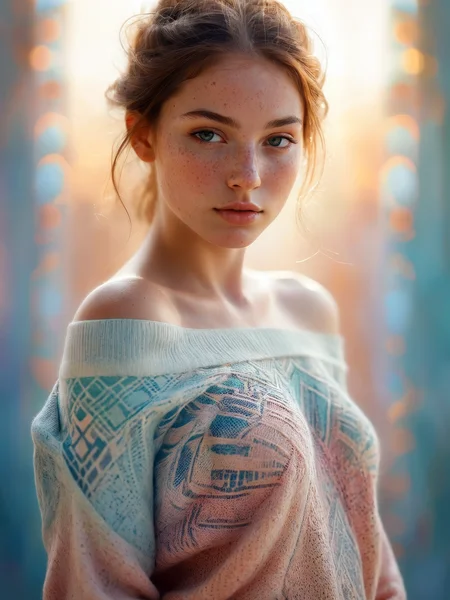
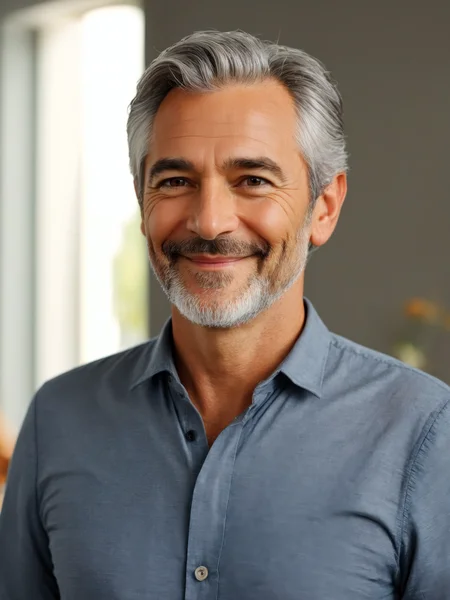
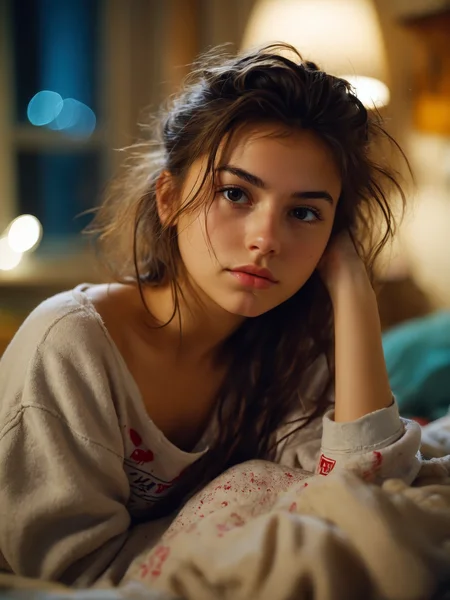
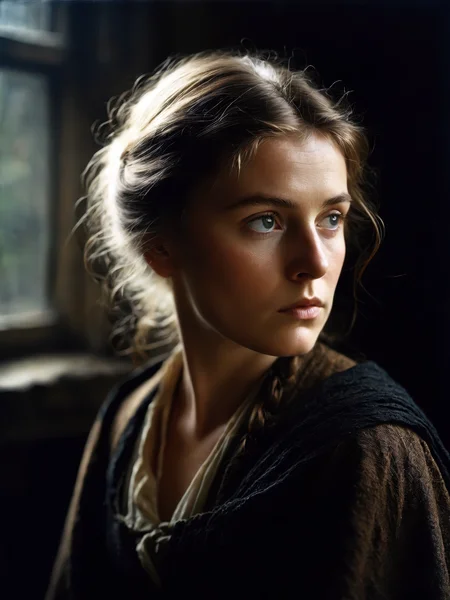
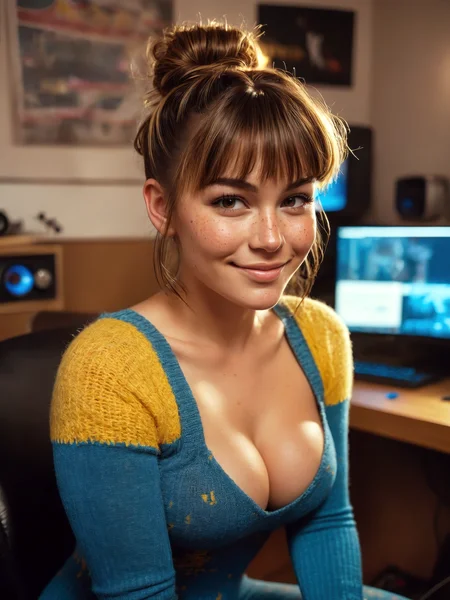
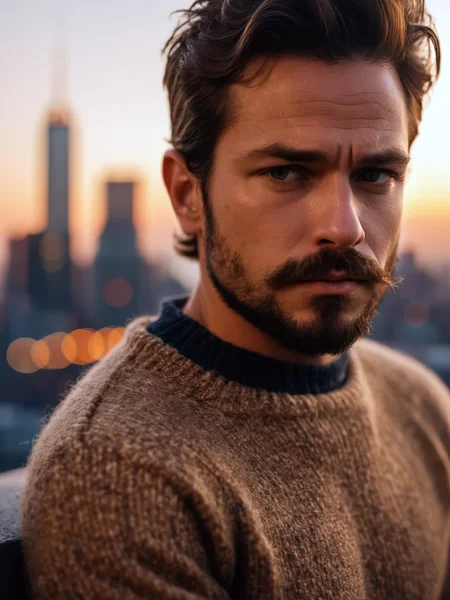
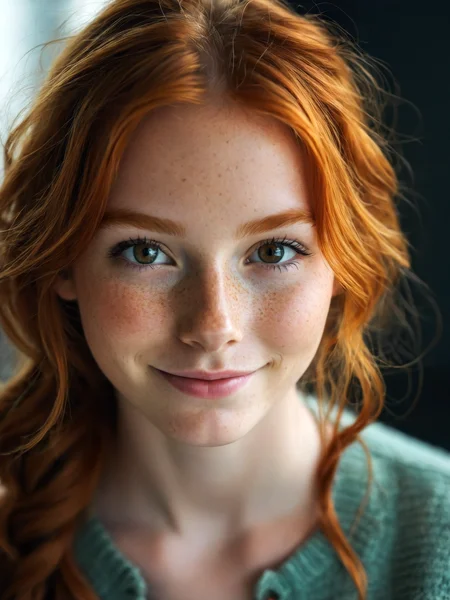
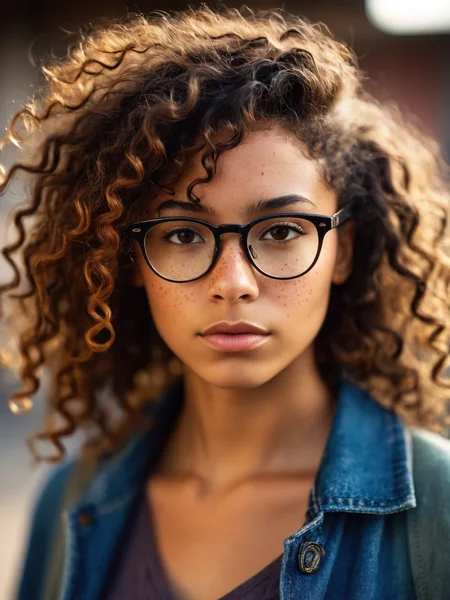
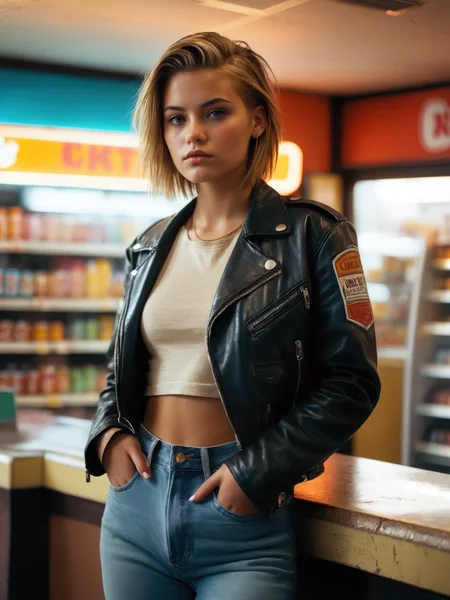
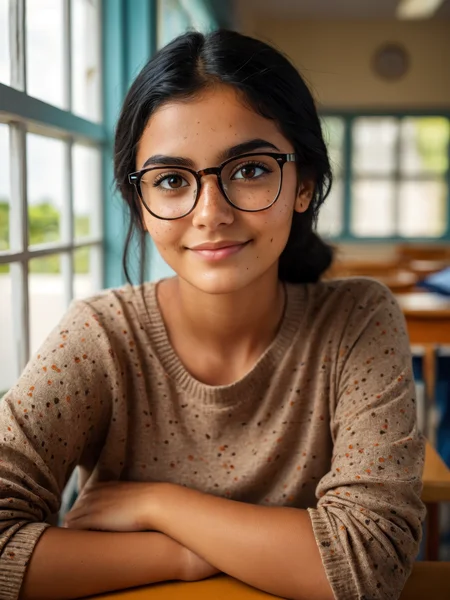
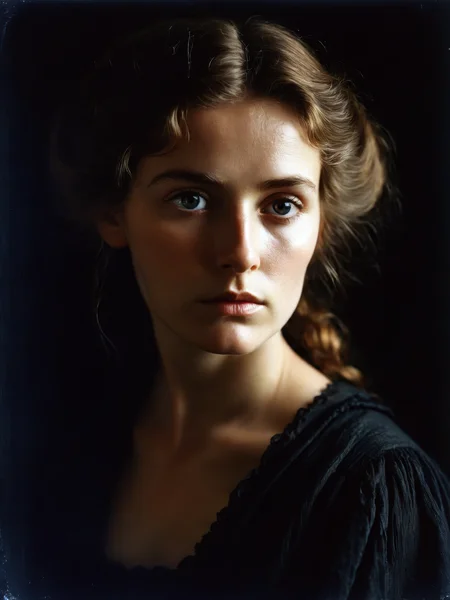
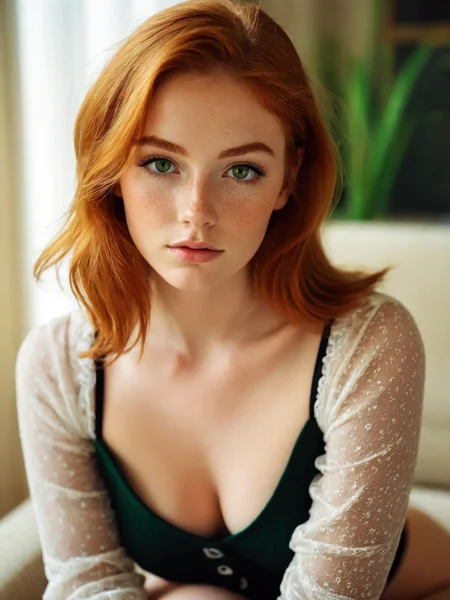
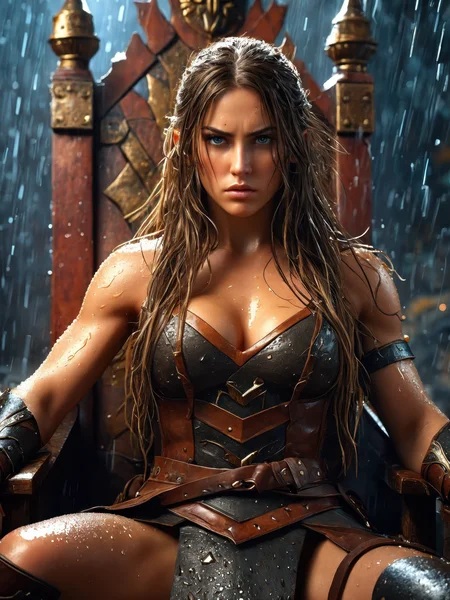
This is the model you reach for when you want super clean, photo-realistic results.
It’s sharp, powerful, and somehow just nails gorgeous images every single time.
⚙️ Recommended Settings
Sampling method: DPM++ 2M SDE Karras
VAE: is already Baked In
Sampling steps: 30+ Steps
Resolution: 832x1216 / 896x1152
CFG: 3-5
Clip Skip: 1
Upscale: 1.5 upscale (0.3 - 0.35 denoise)
Upscalers: 4x_NickelbackFS_72000_G / 4x_foolhardy_Remacri / 4x_NMKD-Siax_200k
⚙️ Recommended Settings DMD2
Sampler: LCM
Schedule Type: Exponential
Sampling Steps: 8/12 (12 for extra detail)
CFG Scale: 1-1.5
⚡ These settings are not the same as the standard SDXL workflow — be sure to adjust your pipeline!
💡 What’s the difference between FP16 and FP32 checkpoints?
FP16 (half precision) uses 16-bit floating-point weights. It’s smaller in size, loads faster, and uses less VRAM - perfect for normal image generation. You won’t notice any visual difference for inference, so it’s ideal for everyday use.
FP32 (full precision) uses 32-bit weights, which means it’s larger and heavier on resources. It doesn’t improve generation quality, but it’s better if you’re training, merging, or fine-tuning models, since it keeps the exact weight data without rounding loss.
🧠 Prompting
Example negative prompt:
cartoon, illustration, anime, painting, CGI, 3D render, low quality, watermark, logo, labelor use CyberRealistic Negative
✨ Optional Adetailer
Adetailer model: face_yolov9c.pt
If you only want the main face being refined set 'Mask only the top k largest' to 1.
🔗 Links
Backup location: HuggingFace
☕ Fuel the Project
If this model gave you stellar results, consider buying me a coffee. Or two. Or, you know… a GPU.
⚠️ Heads-Up
This model can make mature or sensitive content. You’re fully responsible for what you create, so use it responsibly (or if you can’t resist, at least be artistically irresponsible).
💬 Want Better Prompts?
Use this custom ChatGPT to auto-generate polished prompts for CyberRealistic XL:
🔗 [Try it now on ChatGPT]
Description
Rebuild version incorporating some of the training used in other of my models.
FAQ
Comments (18)
Wow this model keeps getting better and better!
Are you comfortable releasing the training configs as well? They can be very helpful to those of us learning how to train new finetunes.
agree
Good question, and I will think about how I can share this (or if I will share it). The problem is that it's a bit of a mess and makeshift. Also, because I mix different trainings data (from Pony, SDXL, etc.) together. It’s not a standard training of checkpoints.
For top-notch information, be sure to visit: https://www.patreon.com/SECourses
@Cyberdelia Thanks for your answer, I think maybe the overall process for creating a full finetune checkpoint ( you can use cyberrealistic as base because a lot of us are interested in realistic stuff ). I know the overall process ( creation of the dataset, captionning etc.. ) but maybe more infos about the training itself ( settings etc.. ) would be awesome
@Cyberdelia agree, Furkan is awesome!
Would you be ok if I sent you a Kohya file to get your opinion? I'm getting good results with this finetune, but I can definitely learn from experts like you.
Edit: V2 is a clear upgrade from the first release. Great work.
Prompt adherence is not as good as competing checkpoints. The image quality is superb as is expected from Cyberdelia, but it lacks flexibility from a human anatomy and pose standpoint. Perhaps a wider dataset and further training will produce a better outcome over time. Still a big admirer, they can't all be home runs.
Agreed. While this has always been my go-to SDXL checkpoint, it struggles with any kind of creativity. It does simple portraits and realism exceptionally well, but you have to stay in that narrow lane in order to get any kind of quality.
Bro, please, do a inpaint version of your godlike model /\
Anyone can convert a model into an inpainting model in a matter of seconds:
This approach works with both 1.5 and SDXL. Of course, use base SDXL inpainting model instead of 1.5 if you're following the guide above.
just add a node : "differential diffusion" to your ComfyUI workflow = and any model becomes "in-paint"
Hello Cyberdelia, your model (CyberRealistic XL) is my favorite model when it comes to image generation. The quality of the model speaks for itself! :D Greetings from Germany
Vielen Dank für das Kompliment.
Excellent video review btw on YouTube!
@Cyberdelia ich bin auch auf YT unter https://www.youtube.com/@Nonbeitz-Studios zu finden! Ps Mach weiter so :D
@Cyberdelia Gute Arbeit muss gewürdigt werden. & sie machen ein verdammt guten Job.
Jawohl.Sprekken Sie deutsh. Kann ich machen die german schnitzel mit die Model? Öö
Soviel Lob macht einen ja wirklich neugierig.Dann schauma uns des halt mal an. :-)
Greetings from Germany (DAS IST MEIN SPRUCH,aber ich will mal nicht so sein) :-)
Details
Files
cyberrealisticXL_v20.safetensors
Mirrors
cyberrealisticXL_v20.safetensors
CyberRealisticXLPlay_V2.0-VAE.safetensors
cyberrealisticXL_v20.safetensors
cyberrealisticXL_v20.safetensors
ae-realityxl-v2.safetensors
cyberrealisticXL_v20.safetensors
cyberrealisticXL_v20.safetensors
cyberrealisticXL_v20.safetensors
CyberRealisticXLPlay_V2.0-VAE.safetensors