
Join The Tinkerer on Whop. Membership gets you early releases, private tools and a bunch of extra stuff.
👉 Join on Whop
💬 Join the community for support, free tools and early news on Discord
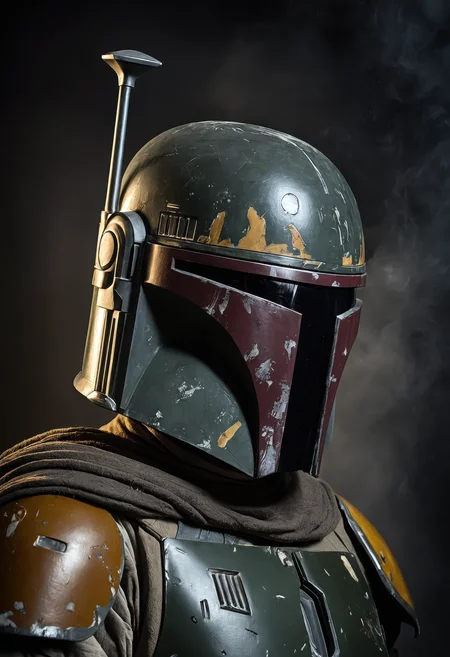
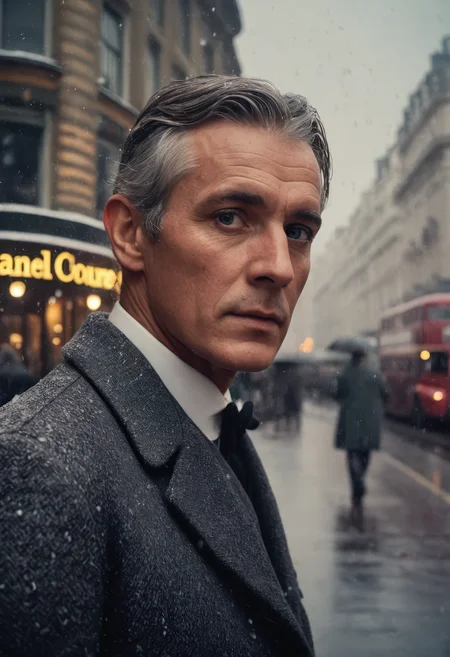
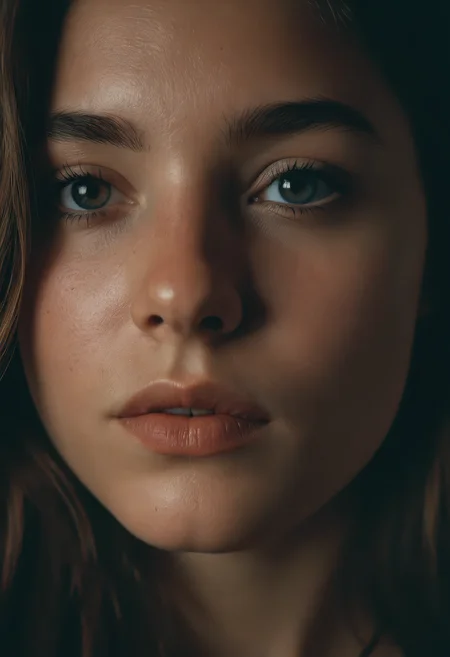
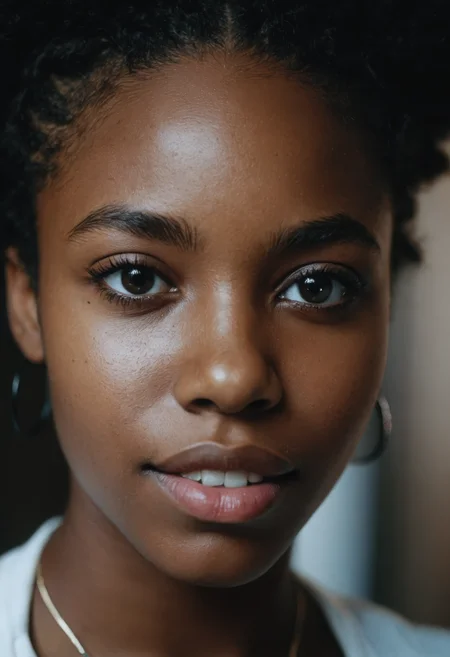
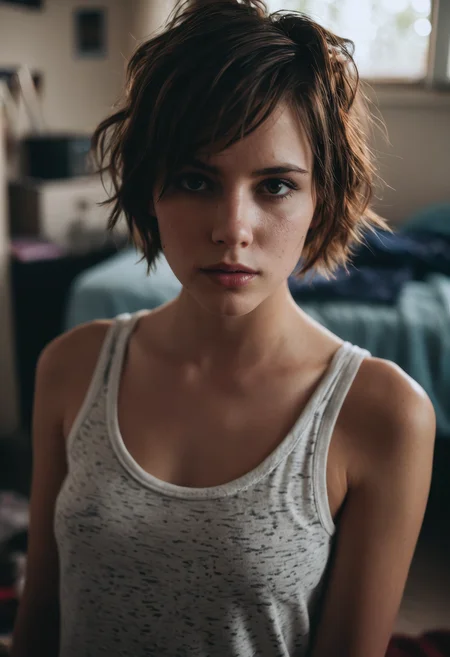
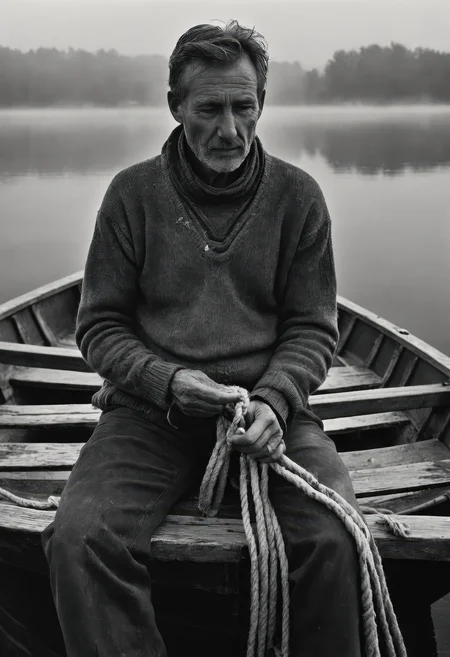
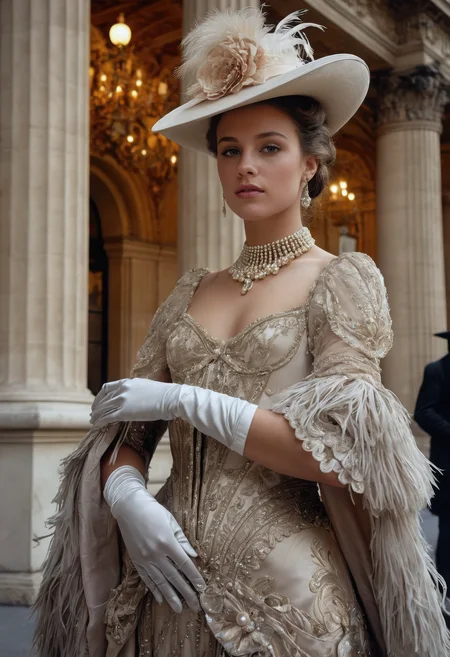
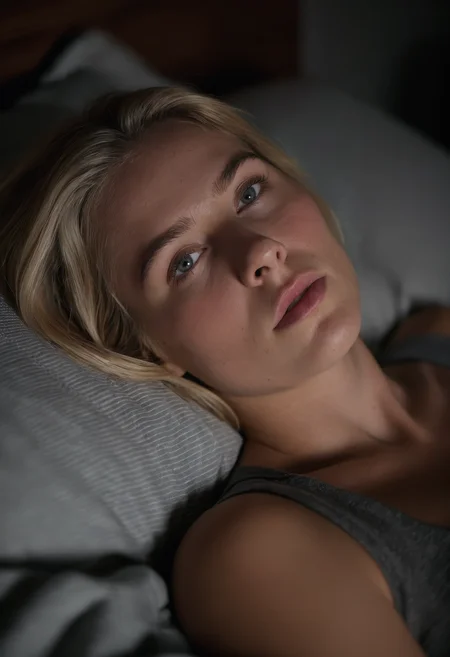
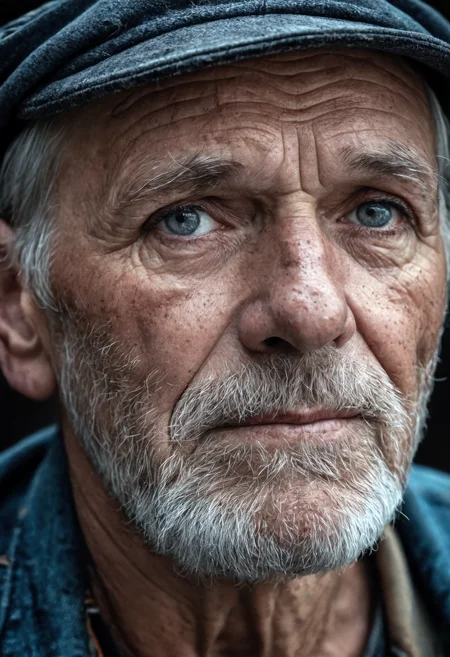
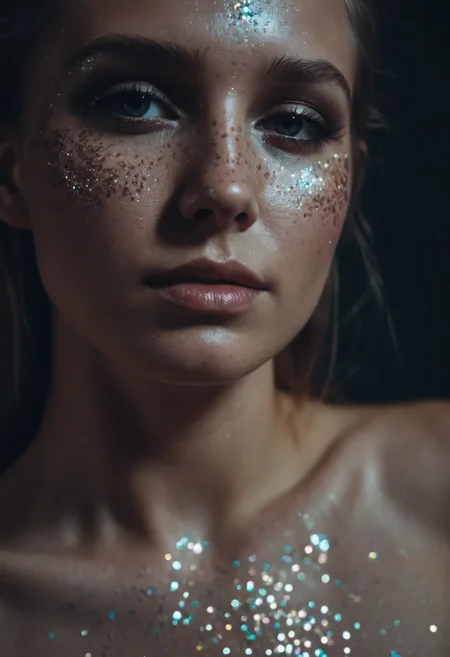
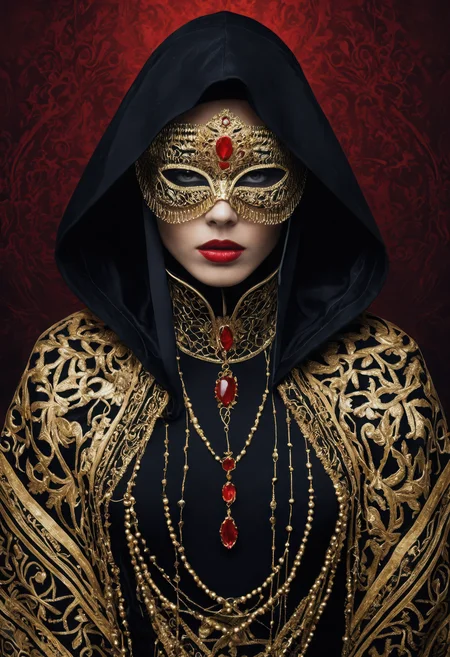
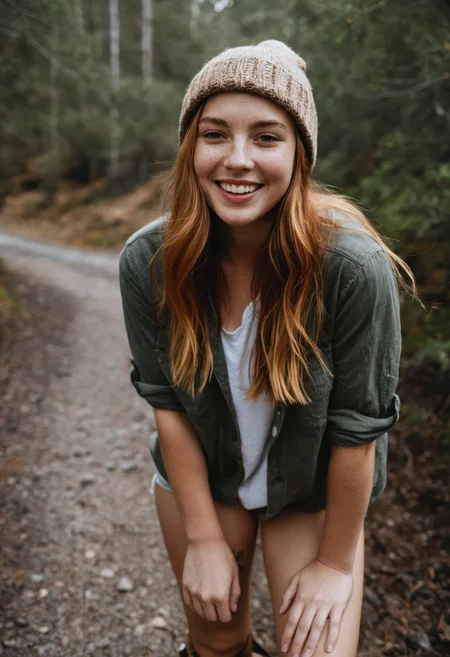
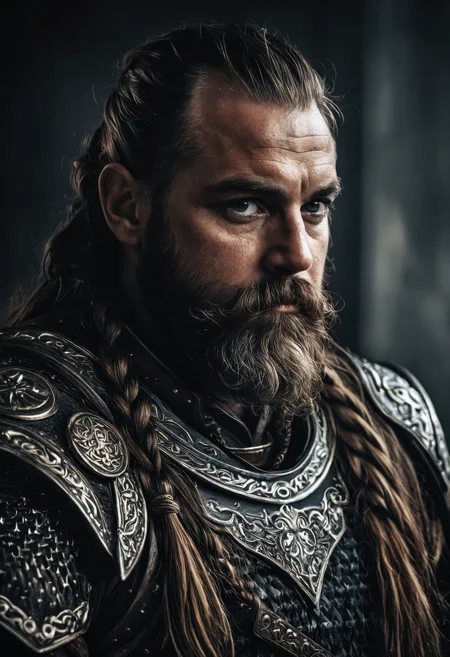
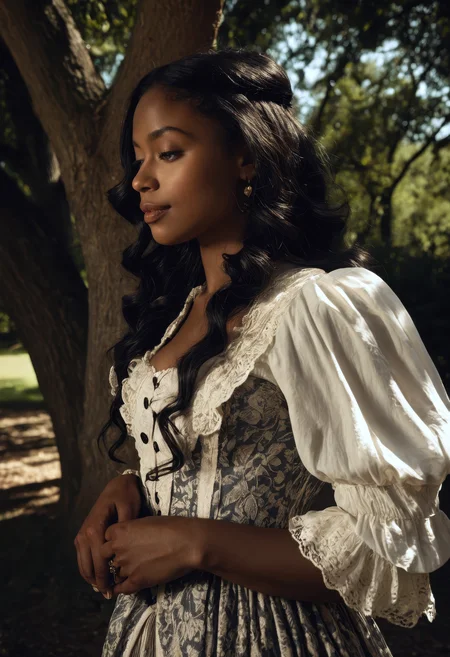
This is the model you reach for when you want super clean, photo-realistic results.
It’s sharp, powerful, and somehow just nails gorgeous images every single time.
⚙️ Recommended Settings
Sampling method: DPM++ 2M SDE Karras
VAE: is already Baked In
Sampling steps: 30+ Steps
Resolution: 832x1216 / 896x1152
CFG: 3-5
Clip Skip: 1
Upscale: 1.5 upscale (0.3 - 0.35 denoise)
Upscalers: 4x_NickelbackFS_72000_G / 4x_foolhardy_Remacri / 4x_NMKD-Siax_200k
⚙️ Recommended Settings DMD2
Sampler: LCM
Schedule Type: Exponential
Sampling Steps: 8/12 (12 for extra detail)
CFG Scale: 1-1.5
⚡ These settings are not the same as the standard SDXL workflow — be sure to adjust your pipeline!
💡 What’s the difference between FP16 and FP32 checkpoints?
FP16 (half precision) uses 16-bit floating-point weights. It’s smaller in size, loads faster, and uses less VRAM - perfect for normal image generation. You won’t notice any visual difference for inference, so it’s ideal for everyday use.
FP32 (full precision) uses 32-bit weights, which means it’s larger and heavier on resources. It doesn’t improve generation quality, but it’s better if you’re training, merging, or fine-tuning models, since it keeps the exact weight data without rounding loss.
🧠 Prompting
Example negative prompt:
cartoon, illustration, anime, painting, CGI, 3D render, low quality, watermark, logo, labelor use CyberRealistic Negative
✨ Optional Adetailer
Adetailer model: face_yolov9c.pt
If you only want the main face being refined set 'Mask only the top k largest' to 1.
🔗 Links
Backup location: HuggingFace
☕ Fuel the Project
If this model gave you stellar results, consider buying me a coffee. Or two. Or, you know… a GPU.
⚠️ Heads-Up
This model can make mature or sensitive content. You’re fully responsible for what you create, so use it responsibly (or if you can’t resist, at least be artistically irresponsible).
💬 Want Better Prompts?
Use this custom ChatGPT to auto-generate polished prompts for CyberRealistic XL:
🔗 [Try it now on ChatGPT]
Description
A quick refinement release of CyberRealistic XL, blending in select training data from other CyberRealistic models for subtle but effective improvements. Includes minor cleanup, slightly enhanced male rendering, and overall polish. Not a major leap- just a smoother, cleaner version.
FAQ
Comments (59)
i very love your work thank for everything
Thank you for all you do!
Good
Make an ultimate merge between XL and Pony. Characters works vica versa, so we need just booru pose adherence and XL realism.
I’m not sure if I want to go that far. Both checkpoints are really different, and a mix of the two will cause compatibility issues.
@Cyberdelia Nah, i can prompt XL based celeb loras to perfect likeness on Pony. Make a try please.
@danieldonovan255 I’ve done it several times and the results are good, so I know it’s possible. But if I decide to release it, it would have to be as a separate model. Compatibility is still a issue.
@Cyberdelia Good enough.
@Cyberdelia i am waiting for the same tbh, currently using this model as a refiner with pony real as base
@kvsh88 Do you use Forge? When you switch to refiner?
@michaelarguelles275 Yes I do
the real MVP! ❤
great model!
What is that moderation preference? The hidden pics are nothing extra, there are ton of good one.
I honestly have no idea what you're talking about. Can you explain what you mean?
@Cyberdelia Some images have been hidden based on moderation preferences set by the creator, view all images using this resource.
Straight over Gallery pics.
@kevinduran592 Mmm, I have had this problem before. Weird.
@kevinduran592 But I see some XXX on that page.
@Cyberdelia You set up no XXX?
@kevinduran592 I have - so that's the weird part.
It must be just me, but I can’t generate a decent face image if the model’s face isn’t completely in focus. Maybe I’m doing something wrong. I really want to create full-body characters with a highly detailed, well-rendered face. I’m new to this; I use A1111 to generate images, I don’t know what VAE is or how to use it—I just select the model and run the commands. If anyone could help me, I’d appreciate it.
It's a general problem of SD/SDXL engine. Try to use ADetailer/inpainting for faces.
@brunobarbosa_96517 @mphobbit ADetailer is perfect for this or use also a different method for upscaling.
@Cyberdelia thanks for advice.
@mphobbit I was really just agreeing that your response was spot on :)
@mphobbit @Cyberdelia I installed the ADetailer extension and downloaded the face_yolov9c.pt model. Can I use the default settings?
For upscaling, I’m using the 4x_NickelbackFS_72000_G.pth model with a 1.5× scale, strength set to 0.3, and 15 steps.
@brunobarbosa_96517 My settings:
- face_yolov8n
- Mask only the top k (0 to disable) : 1 (so it always only take the main face)
- Inpaint denoising strength: 0.5
- Use separate width/height: 1024
- Use separate steps: 50 - 70
@brunobarbosa_96517 ... and I see that I also put my recommendation in the description :)
@Cyberdelia I didn't try upscaler)
@brunobarbosa_96517 face_yolov8n is good for most checkpoints, but try another variants to find the best one for your tasks.
@mphobbit @Cyberdelia thanks for the answers 😁
@Cyberdelia Thats not optimal, only if you have a powerhouse. 25 steps, 768p enough.
Anyway, its more faster, just use detailers, fixers, or prompt good(extremely detailed xy, 8K, etc)
@michaelkeith969 it's not optimal for sure. But these are my settings :) but yours are good recommendations 768x768 - 25 steps.
@michaelkeith969 I added your settings to my general description. Thanks.
@brunobarbosa_96517 as an experienced A1111 and ADetailer user, just want to chime in a couple points to help you here, just in case.
- You mentioned you are using the "c" model for face_yolov9 which is, for nearly any purpose, the correct one. While Cyber mentioned the "n" version. So if you saw that and switched to "n", you can go back to "c", you had that right.
- Yes, default ADetailer settings are generally pretty good. Sometimes moving mask blur up to 8 or 16 can help with visible boxes, or if the entire face gets badly over-textured and warped or blurred (which might happen in very close-up shots), then bring that back down to 4. Sometimes face_yolov9 simply won't cooperate, particularly in extreme close-ups - you can try to use person_yolov8m-seg in it's place.
- Actually I use person_yolov8m-seg for nearly every single subject in every single photo. It's a great ADetailer model. If you start using multiple ADetailers on an image, make sure you've got them ordered sensibly. For example, if you do face_ first and then person_ afterwards, person_ will undo what face did.
- Get the "SDXL VAE fp16 fix" from here: https://huggingface.co/madebyollin/sdxl-vae-fp16-fix/tree/main . It's really the only VAE you'll end up needing for SDXL. Don't get confused on his model page there - you want the one specifically called "sdxl.vae.safetensors" - and you might wanna rename it to help you distinguish the file once downloaded. Throw it in your VAE folder and reboot A1111 and you'll be able to select it. Then you can just leave it selected forever.
- For ADetailer on SDXL, keeping it around 0.4 denoising is generally good. Only very rarely will I get up to 0.5 for a specific case. You also can't go too low or the mask blur will become a problem, since the denoising won't overcome it. You can mostly leave it parked on 0.4 denoising and not worry about it.
- "Inpaint only masked padding, pixels" is the most important setting in the whole thing, after denoising. Basically think of this setting as the painter's "context window" - what it can see as it's doing it's work. You can really move this slider around to achieve different things. For the most part, you'll want to go higher than the default setting, so that the painter "sees" more of the image as it's painting, which results in better overall blending (at the cost of some detail, which can be counteracted with slightly higher denoising - for example, if I max out padding all the way to 256, I might raise denoising to 0.42 or 0.45).
- Another setting to consider is mask erosion/dilation. You'll generally either leave it as-is or go bigger (dilation). Basically it just makes the area actually being painted larger. This can be helpful for blending and for capturing additional things in the ADetailer run - a prime example is that if you increase the mask dilation significantly during a face_ run, you can often get any dangly earrings or necklaces or all the hair in the run, which again, will help with blending.
- All of my tips are based on a 1-megapixel image (1024x1024 or other standard SDXL resolution) that is then upscaled 1.5x via hires.fix. If your image is smaller at the time of ADetailer run, you'll need less padding and less dilation. If larger, you should probably just max out padding for sure, and be aware your dilation setting will have less overall reach.
- Try the Siax 200k upscaler, it's pretty dang good.
- Last point, don't use "Use separate width/height" as suggested by Cyber if you're upscaling with hires.fix first. That'll hurt things in that case.
@shapeshifter83 is face_yolo9c the best for faces?
@imaginaryrealms yea. unless you have VRAM limitations or have some other specific in-depth reason, always just use the largest and most up-to-date of the models.
@shapeshifter83 Thanks, it was very enlightening. I hadn’t read that—I only got the notification a little while ago. I tried to understand as much as I could with Google Translate. I just downloaded the VAE; I didn’t know I needed it.
@shapeshifter83 Great tips — I’ll definitely experiment and maybe suggest some other settings too :)
Do you also select a VAE, in ADetailer or always?
Maybe I just need to generate more images instead of making new checkpoints all the time ;)
@Cyberdelia I simply have the SDXL VAE fp16 fix selected in the A1111 webui at all times. While selected, it applies to all phases of initial generation or any inpainting, including ADetailer phases. Remember, ADetailer models are detection models, and don't have any painting input themselves - it's all still coming from the selected checkpoint and prompt.
There's almost never any need to remove it as the selected VAE - only in the odd case of a checkpoint that has a non-standard VAE baked-in, which is rare, and I've only ever seen it with very niche anime-focused models, whereas I generally only play with realistic-focused stuff. The only exception for myself is that I've found the Sharp Spectrum VAE (https://civitai.com/models/455138/sharpspectrumvaexl) to be useful in certain situations where I need strongly increased contrast. But 99% of the time I'm using SDXL VAE fp16 fix.
@shapeshifter83 Excellent advice - need to experiment tomorrow with your settings. face_yolov9c is indeed something I have used in the past and for some reason totally forget. Need to use it again and change some instruction here and there.
I have a question, what type of IP adapter can be used with it (SDXL, SD, etc.)? any recommendations?
great model but I have trouble prompting it for some reason
You understand that I can’t do much with your comment :)
Could you clarify what the issue is? Maybe give an example?
@Cyberdelia hey man, I didn't mean anything negative with this comment but just a reflection of my lack of skill for prompting. I am trying to get the model to generate multiple character and multiple clothing items (open tops with bra underneath) and then trying to put those items in a less natural position (bra lifted or bra below breasts) and I am struggling with those. So any help would be greatly appreciated!
@anon_nim I know it wasn’t meant negatively. I was just curious what your issue with prompting was.
I’ll see if I can find a solution (a bit busy right now, but I’ll try)
@Cyberdelia thanks!
Maybe I'm going crazy, but this one handles the lighting so much better.
This is a top notch model as of v5.7. I try basically every non-anime SDXL model that crosses civitai, and I've even tried previous versions of this in the past, but it's really in a good place right now. As soon as I started generating, it became my primary go-to model within an hour. This model could be described as a "jack of all trades, master of none" sort of model, except it's holding it's own in comparisons against the "niche master" models too. This is one of the most feature-complete models I've ever used, and it has outstanding image quality and prompt adherence to boot.
Thanks, appreciated
Great model my friend ,very good results so far and ive only used old prompts with new developed comng very soon ..Thank you
Awesome prompt adherence as well as an almost intuative ability to produce world-class images with basic straight-forward prompts. All the effort you've put into this checkpoint shows and is very much appreciated.
Could you port your XL babe embeddings to lora?
I cant save them with weight and prompt in Forge.
I’m using Forge too - did you place the embeddings directly in the embeddings folder?
@Cyberdelia I know, how embeddings work, i just cant save them the same way as loras(weight plus prompt)
@Cyberdelia I alway add plus prompts, trigger words to my characters. With embeddings there is no option to save trigger words.
It seems to really know how to work lighting, and textures are good as well.
Great model !
Not sure what changed, but I seem to get better results with v5.0
Have to agree with you. 5.6 is giving me better results. Just post a a comparison
Details
Files
cyberrealisticXL_v57.safetensors
Mirrors
CyberRealisticXLPlay_V5.7.safetensors
cyberrealisticXL_v57.safetensors
cyberrealisticXL_v57.safetensors
cyberrealisticXL_v57.safetensors
cyberrealisticXL_v57.safetensors
cyberrealisticXL_v57.safetensors
CyberRealisticXLPlay_V5.7.safetensors
cyberrealisticXL_v57.safetensors
cyberrealisticXL_v57.safetensors
cyberrealisticXL_v57.safetensors
cyberrealisticXL_v57.safetensors
cyberrealisticXL_v57.safetensors
cyberrealisticXL_v57.safetensors
cyberrealisticXL_v57.safetensors
CyberRealisticXLPlay_V5.7.safetensors
Available On (1 platform)
Same model published on other platforms. May have additional downloads or version variants.