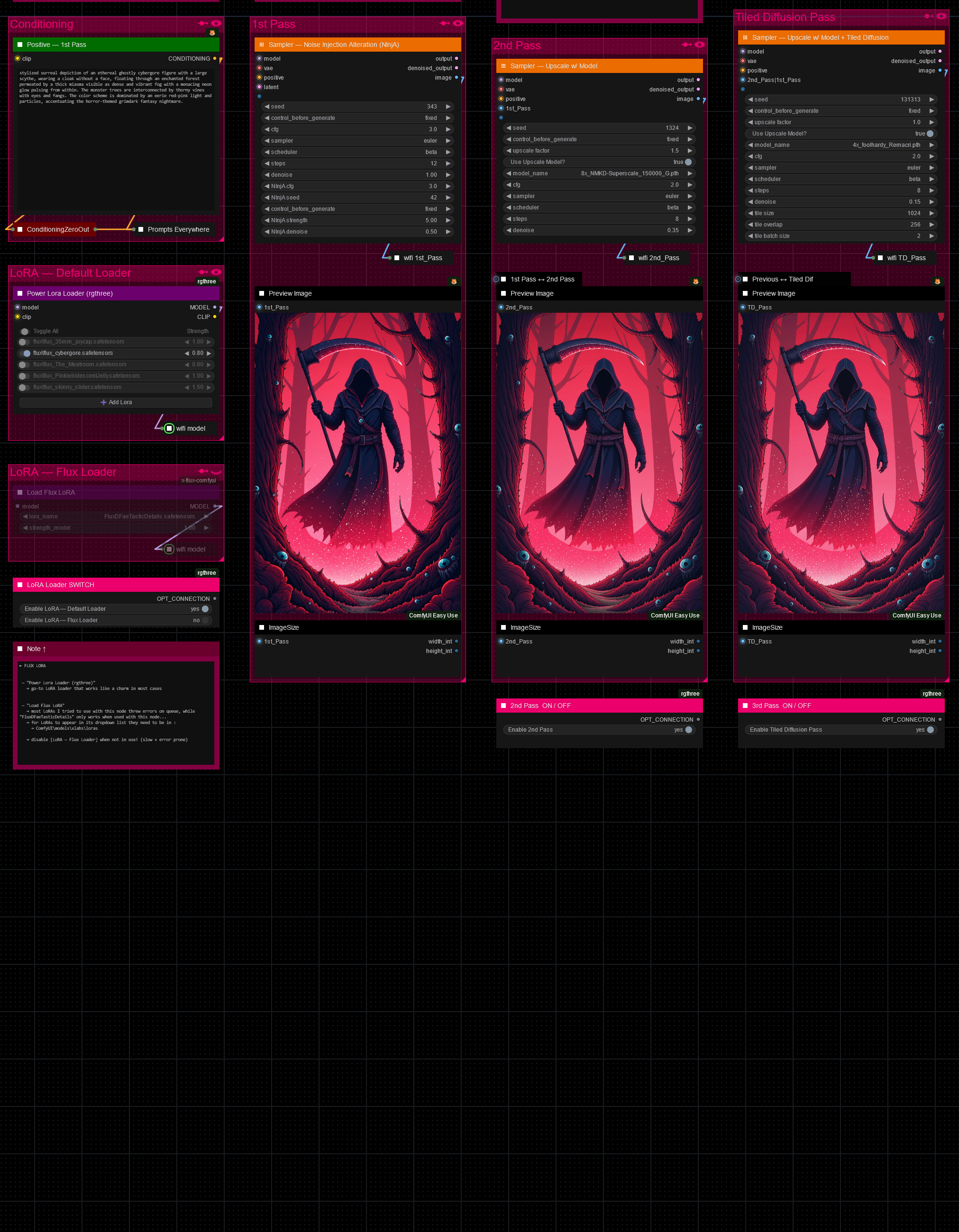






Hello there and thanks for checking out this workflow!
What's new in v27? : Major rework with new SubGraphs to streamline and compact the workflow even more, removal of outdated/broken nodes + fixes and optimizations all over!
—Purpose—
Built to provide an advanced, versatile and modular workflow for Flux with focus on efficiency, structure and information.
It comes with many notes explaining node settings and recommendations, as well as general guides from instructions to troubleshooting.
—Features—
Convenient loaders for all common versions of Flux and Clip models
Full metadata; recognized by CivitAI
LoRA support
SageAttention, EasyCache + Model Compile acceleration
ControlNet with Union support
Flux Tools LoRAs Canny + Depth (alt. to CNet based on LoRA)
Flux Redux (similar to IPAdapter)
PuLID (SVDQuant version only)
Wildcard prompting
Installation and download guide for models and nodes
multiple passes with optional upscales
— 1st : Detail Daemon + Variation Seed
— 2nd : DD. + Tiled Diffusion / UltimateSDUpscale
— ADetailer with dedicated LoRA Loader
— Inpainting
—Custom Nodes—
ComfyUI-nunchaku — SVDQuant version only
All of which can be installed through the ComfyUI-Manager
—Troubleshooting—
If nodes show up red (failing to load), check the 'Install Missing Custom Nodes' tab of the ComfyUI Manager for the missing node packs and install them.
Please check if all custom node packs load properly after installing, i.e. no
(IMPORT FAILED)messages next to any of them in the console upon ComfyUI startup.Always reload/drag'n'drop the original, downloaded workflow file into ComfyUI to reload an intact version of the workflow.
→ The last opened workflow that appears on startup shows a cached version of the workflow, "remembering" group nodes that failed due to missing nodes as failed, keeping them broken even after having everything installed correctly.
—Thanks—
The workflow would not be possible as is without these custom node packs. If you want to support the custom node creators, give them a ⭐ on their github repos! Thank you!
Feel free to ask questions, share improvements and suggestions in the comment section!
Let me know if you encounter confusing points I can elaborate on in the next update!
Description
v7
— rework of all custom group sampler builds
— update of IPAdapter group node
— update of Notes/Guides
FAQ
Comments (18)
thanks for the flow!
When I enable CN or IP adapter I receive an error.
DepthAnythingV2PreprocessorDepth_Anything_V2_Preprocessor.execute() missing 1 required positional argument: 'image'or
ApplyFluxIPAdapterApplyFluxIPAdapter.applymodel() missing 1 required positional argument: 'image'Any idea how to fix this ?
Thank you!
Did you enable the corresponding [Image Source — ControlNet] / [Image Source — IPAdapter] group and select an image there?
@redpinkretro stupid me :D thats it. thanks!!
@CornmeisterNL No worries, glad it works now! 👍
Hi, I am trying to get this workflow to work as close as possible to the images produced in the examples. I am running into trouble in a few areas.
This is the error message when I start the workflow:
Warning: Missing Node Types
When loading the graph, the following node types were not found:
workflow/Sampler — Tiled Diffusion
workflow/Sampler — 2nd Pass + Upscale Model
workflow/UNET Loader — NF4
CheckpointLoaderNF4
I am pretty sure I have everything installed correctly and placed in the appropriate locations, but I would appreciate any guidance on how to fix these issues.
Looks like you are just missing the two custom node packs that need to be installed through the "Dev" channel annoyingly.
These two :
ComfyUI_bitsandbytes_NF4
execution-inversion-demo-comfyui
For those you need to set the "Channel" setting to "Channel: dev". (Found in the top left of the ComfyUI Manager Menu)
→ Do not forget to turn the channel setting back to default again afterwards
@redpinkretro Ok I've fixed the CheckpointLoaderNF4 issue, but I am still getting this message after getting those two nodes:
Warning: Missing Node Types
When loading the graph, the following node types were not found:
workflow/Sampler — Tiled Diffusion
workflow/Sampler — 2nd Pass + Upscale Model
workflow/UNET Loader — NF4
On ComfyUI, Checkpoint Load - NF4 UNET, 2nd Pass, and Tiled Diffusion Pass are highlighted red.
@pugachev That is odd as these two (workflow/UNET Loader — NF4, CheckpointLoaderNF4) use the same node pack, so if one loads the other should as well.
Did you restart comfy after installing the node packs and tried reloading the original workflow by drag and dropping it into comfy again? It looks like the group nodes are causing that issue for no reason. Maybe group nodes refuse to update correctly if the node packs were installed afterwards and need to be refreshed by the original workflow. Group nodes are a little quirky like that.
For example the "recreate" node option in the context menu NEVER works for group nodes as it just resets everything on the inside ruining it in the process, wish that context menu-option would not even exist for group nodes in the first place 😄
@pugachev and thank you very much for the buzz btw!
@redpinkretro Ok so after fiddling around and redownloading a few things, the only errors that pop up are the following:
Warning: Missing Node Types
When loading the graph, the following node types were not found:
UNETLoaderNF4(In group node 'workflow/UNET Loader — NF4')
workflow/UNET Loader — NF4 [Remove from workflow]
And yw!
@pugachev my bad. Just remembered that the NF4 node pack had a fork adding the UNet loader.
This should solve all issues! :
https://github.com/DenkingOfficial/ComfyUI_UNet_bitsandbytes_NF4
Installation:
Open terminal in ComfyUI/custom_nodes and use this command to clone repo:
git clone https://github.com/DenkingOfficial/ComfyUI_UNet_bitsandbytes_NF4.git
Going to add that to the workflow asap. Thank you for taking the time to report that instead of just dropping the workflow. Much appreciated!
I love the "in workflow" AIO Loader for the checkpoint. Will this be released independently?
Thank you very much!
As of now there is no good way to share group nodes. I have to rebuild them all the time for every workflow, every change etc. annoyingly.
There are "node templates" which do not save group-nodes and the "save as component" feature, which does save group-nodes, but is not working properly as of yet.
So until then, there is no convenient way to do so unfortunately
Hey! Trying to setup the workflow, getting error on queuing prompt:
UNETLoader
Error(s) in loading state_dict for Flux: size mismatch for img_in.weight: copying a param with shape torch.Size([98304, 1]) from checkpoint, the shape in current model is torch.Size([3072, 64]). size mismatch for time_in.in_layer.weight: copying a param with shape.... and a lot text like that ...
What can it be?
Hey there! That error sounds like you might be trying to load your model with the wrong loader. Because of the many versions of Flux going around right now that happens quite easily. Some models are also mislabeled by the creators in all that confusion 😄
Did you try loading it with the other loaders to see if one works? As far as I know those loaders should cover all the versions around at the moment.
If that does not work it would help me to know what model/version you are trying to load, so I can look it up that way.
The error is only with checkpoint loader - diffusers
Awesome workflow, you are mad man!
@redpinkretro I set up all models from your note
@websurfer972 Thank you! :D
Which model/checkpoint/UNet are you trying to load?
I can get pretty much the same error when I attempt to load a NF4-Flux model with the diffusers loader, so my guess would be that it is simply the wrong loader for your model and that it should load with a different one.