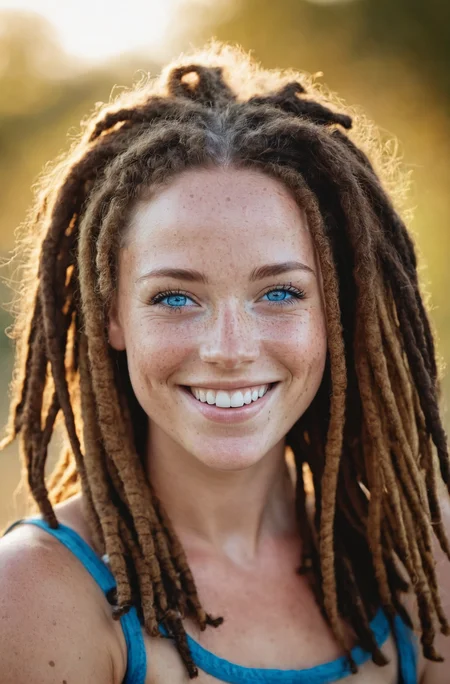
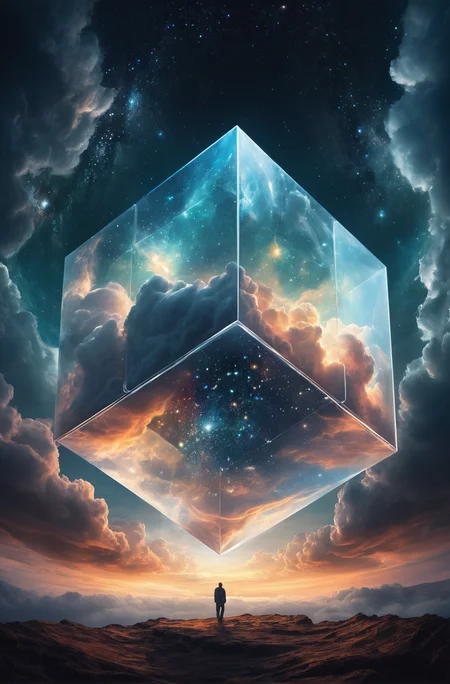

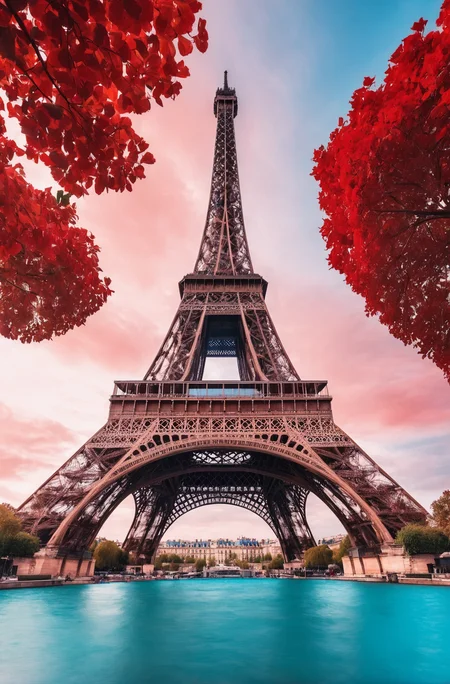
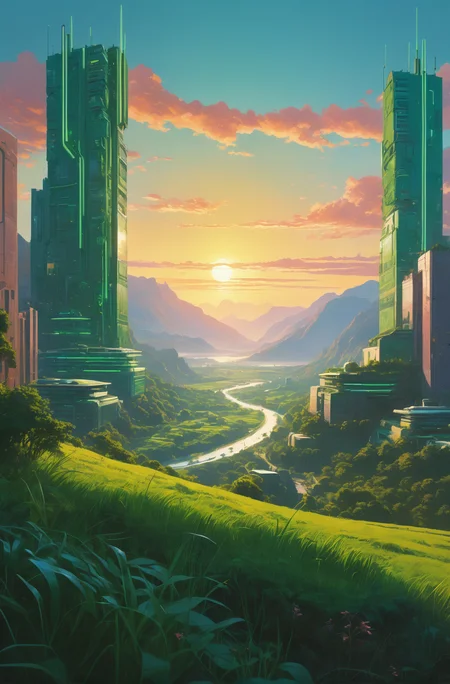



Updated the Prompting Guide
For business inquires, commercial licensing, custom models, and consultation contact me under [email protected]
Join Juggernaut now on X/Twitter
Prompting Guide for Juggernaut Ragnarok by Adam
Hey everyone,
It’s been 8 months since the last version was released here on CivitAI.
Of course, I haven’t been idle during that time . I completed several projects to ensure I’d have the financial means to keep exploring new architectures and possibly do full finetunes on them in the future.
Juggernaut Flux (and its many sub-variants) was a ton of work, but ultimately, I’ve wrapped that chapter up. The training process gave me way too many headaches. To keep my sanity, I spent my spare time working on Juggernaut SDXL with the hope of maybe releasing one final version for you all.
And that day has finally come. :)
Juggernaut Ragnarok has improved in many areas: photorealism, digital painting, poses, hands, feet, and much more.
That said, it’s still an SDXL model, and I don’t recommend comparing it to models like Flux, Reve, or Sora. For example, it still has limitations when it comes to text rendering or faces at a distance.
I recommend using it as part of a pipeline for your projects. Example setup:
FluxDev / Pixelwave / Jug Flux Pro → Juggernaut Ragnarok
A quick personal note about Juggernaut:
Honestly, I don’t know what comes next.
After the release of Sora and similar tools, the open-source image generation space feels a bit dull in comparison.
Nothing has really excited me enough to dive back into training (yes, I’m talking about HiDream too).
So I’m seeing Juggernaut Ragnarok as a kind of farewell, especially since it’s unclear where things are headed with CivitAI in general.
(You can download all Juggernaut versions from HuggingFace, by the way.)
Last but not least:
Have fun with the model, share your creations, and good luck with your projects!
And in case you’re wondering: Yes, you can do anything you want with Juggernaut : merge it, train it, sell the image outputs, etc.
Just a simple shoutout is all I ask. :)
And now, here are the recommended settings:
Recommended Settings(VAE is baked in):
Res: 832*1216 (For Portrait, but any SDXL Res will work fine)
Sampler: DPM++ 2M SDE
Steps: 30-40
CFG: 3-6 (less is a bit more realistic)
Negative: Start with no negative, and add afterwards the Stuff you don´t wanna see in that image.
VAE is already Baked In
HiRes: 4xNMKD-Siax_200k with 15 Steps and 0.3 Denoise + 1.5 Upscale
And now, have fun trying it out. As always, I'm eagerly waiting for your pictures in the Gallery :)
If you liked the model, please leave a Like. In the end, that's what helps me the most as a creator on CivitAI. :)
Last but not least, I'd like to thank a few people without whom Juggernaut XL probably wouldn't have come to fruition:
Dreamlook.AI (Trained 3 Side Sets)
Description
FP16 Fix VAE Baked In
FAQ
Comments (130)
FP16 VAE Fix is now ready to Download :)
Some of you showed me to problematic (special thanks to @alecc ) while zooming in with artifacts. I simply made a mistake in the finish Process of V7 and Baked In the wrong VAE
This Version should fix that Problem :)
Have fun :)
thanks, I thought I was going crazy or I was doing something wrong. Was this like horizontal lines / infringements ?
Thank you. 🥹 That might be a good thread to ask this question:
https://civitai.com/models/133005?dialog=commentThread&commentId=309680
I apologize, but I'm a bit confused. I downloaded the V7+Rundiffusion file when it was first released. Are you saying there was a problem with that file? Should I remove that checkpoint and use the FP16 VAE Fix checkpoint instead? If so, perhaps you should remove the other version that has a bad VAE. Thank you for your great work.
@97Buckeye You can still use the normal one. For just normal Image Generation, Insta Images etc. it wont be a problem at all. Most people wont even notice the difference ;) The Fix is more for people who work professionaly with Juggernaut and have to present their images to a client
Thanks for the fix Kandoo!
You mentioned Stable Diffusion Video. but I don't understand, that's a different model. How can I use your model in a Stable Diffusion Video workflow?
I just meant that Juggernaut XL Images are good for SDV since it has a big Cinematic Core.
Anyway, if we get the possibility to Finetune SDV i am gonna start that right away :D
"VAE is already Baked In" 🥵
1. Why?
2. Can I use a different VAE instead?
3. How do I even connect this model in ComfyUI since the VAE is somehow baked in already? Edit: ComfyUI's Checkpoint Loader has a VAE output. I used that. It seems to work properly.
The model looks super beautiful. I think it's the best model so far for SDXL. Thank you :)
Btw, in case you wanna add it to your readme, the "Sampler: DPM++ 2M Karras" (which is an A1111 label) should be set up as follows in ComfyUI:
- In KSampler's settings, configure it as follows:
- sampler_name: dpmpp_2m
- scheduler: karras
ComfyUI lets me switch VAE.
this became my daily XL model. MY fav indeed. thanks for sharing. Just a question, whats the difference betweem 7+rundiffusion and the latest 7 fp16?
The V7 without the Fix produces sometimes artifacts that you encounter when u zoom into the Image. For a regular User it´s not that important, but if you want to work with those Images than the FP16 Fix Version will prob be better.
Contentwise it´s the same Checkpoint, just the VAE was switched
Hope it's not some track code to mark content
after installing 11 gigs of pyton content still unable to use :(((((
any help bout this ?
AssertionError: We do not support vanilla attention in 1.13.1+cu117 anymore, as it is too expensive. Please install xformers via e.g. 'pip install xformers==0.0.16'
In the folder of webui there is a file called webui-user.bat, to install xformers you need to add argument --xformers by editing it, like that:
set COMMANDLINE_ARGS= --xformers
It should activate it automatically too.
cant type nothing there automatically closing after i pressed a key
If you use Automatic1111 - first update it to latest 1.6 version, then go to your stable diffusion folder, and find the \venv folder. Rename it to something like "venv_backup". After this, run A1111 again, and pay close attention to the cmd window. It should automatically create a fresh \venv folder, and install all the crap it needs for SDXL to run. Worked for me like a charm, and I had the exact same error code as yours, among a few others.
@3drazer1911344 still wont work imma go crazy all i wanted is just testing this model i ve tried everything it still says no module xformer founded proccesing without it :((((((((((((((((((
Open a terminal and run the following command to install the specified version of XFormers:
pip install xformers==0.0.16
@jyankienn742 don't open it, right click and open with notepad or edit.
plz help im new how i can downloud the photos that i created on my pc i dont get it
I don´t know which GUI you use, so hard to say...But what works everytime is right Click on the Image and just save it ;)
@KandooAI I have an other questions how they make videos because I don't find in my profile just create image
@nacirayacine939 For Video u use other tools like Stable Diffusion Video, Pika Labs, Runway Gen 2. etc.
Just google it, it would be to much to explain that in the Comment Section :D
there should be a little folder under the pictures click that... a quick note I shortcut the folder that way I don't make copies & it's tidier that way.
any clue how far is the best for more realism , v7 or v6.
as mentioned the rundiffusion reduced ? and that might affect the realism level or if i'm wrong ?
and finally both vs the v7 fp16 vae test ? i'm struggling and have no disk space or the best time to test all that my self, hopefully you reduce my struggle.
thanks
Take the V7 FP16 Version, with that you should get good Realism. The Reduce of the RD Photo was just a slightly bit, but didnt change the Output of Realism
Please look into SDXL Turbo. I'm getting some amazing images out of it.
I have already thought about it, and there are already a few variations of a Turbo version that we have tested and ultimately found to be good. However, I have ultimately decided against releasing it. With the current workflow for training Turbo, achieving good output with a Juggernaut Turbo variant requires 5 steps. Although this is very fast, it ultimately goes against the core advantage of Turbo, which is 1-step generation. At the same time, the prompt guidance in a Turbo model is currently not very good.
Just a few weeks ago, DALL-E3 was the "talk of the town" because of its excellent understanding of prompts and the ability to reproduce them. While I appreciate that live generations are possible with Turbo, the loss of quality and prompt guidance is currently too high for me.
Currently, I am waiting for the opportunity to train JuggernautXL as a distilled model. However, since I am not a coder, I will have to continue waiting for this training option. As long as a Juggernaut Turbo version does not support 1-2 step generations, I will not publish the whole thing. Additionally, there are already some good custom Turbo models that can be used, such as TurboVision or Dreamwalker, for example
@KandooAI Thanks for the detailed response. You're right about 5 steps being the perfect number, which technically goes against the 1 step feature. Also, the CFG is very limited (4 is the max, and most of the time it's burnt), so your prompts need to be solid or you'll be fighting for details. Yes Turbo has limitations and it needs work, but my god the latent upscaling looks amazing. Check out the images in my ComfyUI workflow, all latent upscaling.
@KandooAI You're such a strict man. RESPECT~but I'm still eagerly awaiting to see the release of the turbo version.
@KandooAI Dreamwalker! can't find it!
when I use your prompt I get almost the same result. However, if I ask for long hair, it bugs and puts 3 eyes for example. I don't get it.
I personally never encouter anything similiar than your bug :D
I just tried my Freckled Lady with Long Hair: https://civitai.com/posts/987218
Generated here on CivitAI. I made 12 Images total with that prompt...not once a Third Eye Lady ^^
The model is obviously very heavy. Usually, on my hardware, images are generated for 10-20 seconds, this model takes 5 minutes to generate one. Also, some kind of VAE error pops up at the end of the generation, I had to turn off some setting for VAE to avoid an error. It seems to generate well, but for a very long time, it's a nightmare.
Try adding --medvram to your Commandline Args. On an 8 year old computer with a GTX1080 card, I can generate 768x1024 images in less than a minute. Without that commandline arg, it takes upwards of 10 minutes.
You can also try Comfy UI.
I'm on a GTX 1070 and I can generate an 768 x 1152 image in about 60 seconds (DPM++ 2M Karras), with 20 steps ( although the first time I use the model, it takes about more 20 seconds, to load ( with a SATA SSD).
And I don't seem to have any VAE errors with the original version 7 ( before the VAE fix version ).
I already know your Better Faces one and that with that wink and biting expression ;)
I rarely do images for my own and so i not use many other ressources other than Juggernaut.
But i really liked the output of that Wink and Bit Lips Model of yours (Btw: Why cant i generate Images with it on CivitAI ?)
all OK ;)
i changed the option of the model, (i have never used that . . .)
Excellent work! The jump from SD1.5 to SDXL1 is totally a game changer in many ways. However, hands still continue to be an issue; e.g: more than 5 fingers, not anatomically realistic for thumb and pinky, etc. Any suggestions to what we can add to prompt better hands? Or if future updates to the checkpoints will help in any way?
Funny that u mentioned that :D, i just posted 2 Days ago a Thread on Reddit: https://www.reddit.com/r/StableDiffusion/comments/18fta92/juggernautxl_v8_early_training_hand_shots/
Hands are one thing i wanna update on V8 :) It wont be perfect, but i want a higher sucess Rate for Hands :)
@OmniNikon try using adetailer to get better hands. Even just putting "hand" in the adetailer prompt with the yolo hand mask can generate good results. I usually do two or three passes with adetailer with decreasing denoise levels.
@KandooAI Wow! Thanks for the reply. Glad to hear that its a priority. Can't wait to try out v8 when it's ready~
can you add more NSFW content please, more poses, nudity, clothes, lingerie
make it yourself
@CoolToast this is not Reddit so fuck off
This model is very biased towards people looking at the camera respectively the viewer. I wouldn't recommend it for trying to recreate anything but portraits (regarding humans), but at these it excels.
Could anyone tell me how to manually add a list of these resources after uploading an image and finding that civita doesn't identify the resources you used?
Better be a detailed step by step because I'm a bit of an idiot.
THX!
I'm on Comfy UI.
I haven't done much testing, but the vae fix of version 7, looks identical to me.
Is the fix just for A1111?
Which one should I use?
If the output looks identical to you, that is great. The VAE fix version is an fp16 version of the default fp32 sdxl vae. This means that the network weights are scaled down from fp32 to fp16 which takes less vram and should be faster at almost no quality loss which you have just proved by not being able to see a difference. I do see a slight difference sometimes.
the best
Great model but background is ever blurred...
Agreed.. I've tried so hard not to get blurred backgrounds, but I can't find a way.
What is the difference between v7 + RunDiffusion and v7 FP16 VAE fix? Unsure on which to download.
Thanks
Can I use this model for inpainting real photos? I tried but results are very weak
Having a weird issue where the in-progress shots are looking fantastic then at the very last step they turn super blue'd-out and grainy. Only model having this issue
getting the same thing - looks good up until it finishes and then gets really high contrast/bright colours. switching to other model is fine
What sampling method and scheduler are you using? Try dpmpp_2m Karras. And make sure your denoise is inline with the model.
I've had this problem occur when accidentally using an improper VAE.
Same issue here...
Just disable (Automatic or None) VAE settings in Settings tab :)
Currently getting an issue where the progress image looks fine but on finish the image goes high contrast/ static / grainy. Any idea on why this is happening?
I am currently having this error
"AssertionError: We do not support vanilla attention in 1.13.1+cu117 anymore, as it is too expensive. Please install xformers via e.g. 'pip install xformers==0.0.16'"
can anyone help?
It is as it says, you need to install xformers. Either install with pip as it says, or edit your webui-user.bat file to include the following commandline argument:
set COMMANDLINE_ARGS= --xformers
Next time you run the batch file, it should install xformers for you.
I've gotta say, this is an improvement! I notice in the detail and skin texture. The eyes are getting better too! not perfect yet but man you are doing amazing work! After working in photography and using photoshop for 10 plus years, these image results are amazing.
That being said, any plans for a turbo model? Or am I missing one already available? I use Fooocus if that matters.
First thanks for this nice Feedback :)
And about a Turbo Model: Right now i would say no. I really don´t like the Prompt Coherence in the Turbo Model and it´s a quality loss, not much but it´s visible. Maybe in 2-3 months when i feel it´s worth it to release a good Distilled/Turbo Juggernaut Version
@KandooAI Sounds good!
hey, i have made an inpaint model of your V7
its very new stuff in automatic1111 you must replace 4 files, but it works fine
Let's check it out. Does Auto1111 finally support inpainting?! Email [email protected] so we can chat about it.
oh its not finally
you can see here
https://github.com/AUTOMATIC1111/stable-diffusion-webui/discussions/13195#discussioncomment-7932146
https://github.com/AUTOMATIC1111/stable-diffusion-webui/pull/14390
and the 4 files
you should update to 1.7.0
https://github.com/AUTOMATIC1111/stable-diffusion-webui/pull/14390/files
icant tell any more cause im not a developer ;)
Note that inpainting with the regular JuggernauXL model works perfectly under Fooocus without any tricks because of the way they implemented it.
@joeuser12
yes most normal SDXL models work with inpaint but not that good like old SD15 ... with this first try i get much better results ;)
... ill wait until KandooAI read this and maybe you get it
@RunDiffusion How did you guys make inpaint models before this? With comfyui, you get a model file that is the same as the base model, but it does have the inpaint feature. But it's not even the same size as the official inpaint model.
@sevenof9247 I didn't really understand your response. Neither Comfy nor a1111 1.7.0 come anywhere close to the inpainting/outpainting quality you get from Fooocus using this model. lllyasviel, who is the author of ControlNet, created a special inpainting controlnet model that is only available in Fooocus and it turns JuggernauXL (and any other SDXL model) into an inpainting/outpainting magic model that works way better than anything you can do with SD-1.5 inpainting models.
@joeuser12
I didn't know that yet, thanks for the tip, I'll give Fooocus a try ... It seems to have even more functions and is a bit easier to use
Despite all this, it is unfortunately an extra program, again many GB load the program updates etc. ...
and what I have described is relatively new, the new original inpaint_sdxl model is only a week old ;)
and I am now trying to create new models e.g. with Jugger and others and the possibilities with the extensions in automatic1111 , inpaint-anything and segment anything ...
and controlnet in itself is a powerful toolbox, but I think only a view hundred can work with it. ^^
So how do you make the inpaint model. i use merge checkpoint for add difference and get a model though SHA256 that looks different. But it is exactly the same as the image generated by the ORIGINAL inpaint_sdxl model.
On the contrary, the inpaint model made with comfyui, which has inpainting capability though it has the same specs as the base model, generates a different image.
@suede2031691
so if i remember, sry had some tryes... it was Enfugue, somwere was writen thats at the moment the only choice, after that i converted it with automatic1111 to fp16 and merged the VAE...
now it works with the patch much bertter than a normal SDXL model
@sevenof9247 Then I should be operating something incorrectly, auto1111 and enfugue get the inpaint model, they have the same sha256. I've only tested it at comfyui, and this model and the Official inpaint model will produce exactly the same image.
@suede2031691
shame that civitai has no internal chat ^^
which two models do you mean ?
for me the sha256 are different, jugger and the offcial ...
and i use the model in a1111 in img2img -> inpaint with a mask and offical and jugger has different images
Can I use LCM Lora with this model?
I wish you all a Merry Christmas and hope you can enjoy and relax a bit during this reflective time :) I myself am still in the "Christmas bakery" working on V8 ;) But more about that in the upcoming week, for now, just enjoy the Christmas days ;)
Merry Christmas! 🎄
merry christmas!!! <3
cant for the hands update, hopefully feet as well :) maybe more NSFW stuff too in the future :))
@KandooAI Heyho! I was wondering if you are planning to release a Turbo Version of Juggernaut XL?
Update:
As a little Christmas gift for you (and possibly to bridge the wait for JuggernautXL V8), I've been working on a small update for my SD 1.5 version of Juggernaut in the past few weeks. Take a look here:
Can this model be imported to Draw Things Version 1.20231212.0
The model is awesome! Is it possible to finetune on this model or train a lora upon this model? I tried but the generated image quality is not good. Does it due to the model is merged checkpoint from several models such that it is not possible to further finetune on this merged checkpoint? Thanks!
I'm just getting into training Lora, my first batch are pretty bad so I'm not uploading them to civit, but from my research, its possible to further finetune, or train lora from a finetuned model, but the best result would come if the unpruned (13gb version) of the model in question is used.
I'm very anxious for version 8, I check in every day to see if it's out hahaha
V8 will be there in the First Week of 2024, so you don´t have to wait that much longer ;)
It turns out that V8 has been released over here, and there's no word on the inpaint model over there.
very nice!
nice checkpoint
Please see my gallery burger image. Followed your prompts and settings exactly, all that were available, and got really close, but it's overly contrasty compared to the example. Most of my images have this issue. Is there a setting to adjust that? I've tried no VAE, XL VAE, get the same level of contrast.
You prob missed the HiRes with. I use the 4xNMKD Siax_200k Sampler for that with 15 Steps, Denoise: 0.3 and 1.5 Upscale
i got this error, any way to fix it? size mismatch for model.diffusion_model.output_blocks.8.0.skip_connection.bias: copying a param with shape torch.Size([320]) from checkpoint, the shape in current model is torch.Size([640])
Not really good for female NSFW, I'm looking forward for a better version.
The author, Kandoo, has experimented with pornographic nsfw content before, but received feedback that it negatively impacted a lot of other content. So unless another branch is listed, it's just a lot of lora to get nsfw content.
But I've used multiple versions of Juggernaut XL, and they all work well with all types of nsfw lora. I'm waiting for a couple of models to be updated, and then I might be able to get an ideal nsfw model by merging them. It would require a lot of testing work though, or you could try it yourself if you have the time. The downside is the lack of some nsfw content other than porn, such as horror themes, and the lack of facial expressions on the characters, all of which puts me further away from the perfect nsfw image.
My go to for serious work, no wonder it's the default on FOOOCUS.
Anyone else constantly hitting refresh anxiously waiting for v8? :D
It´s coming on Saturday or Sunday :) So give the Refresh Key a break ;)
@KandooAI Is it turbo? Please say yes! :D
@aashishvishwakar7422 No Turbo Version planned
i was also checking constantly because i knew it was on the way, and then boom, here it is. I know it will be great.
V8 incoming?
This Weekend :) Can´t say if Saturday or Sunday. But 100 % this Week :)
@KandooAI I hope it will have huge amount of new clothing styles, NSFW poses and stuff :D
Cannot create NSFW image
I can't either and that sucks, quess I'll stick with version 7.
Use Generation github.com/lllyasviel/Fooocus
Best SPEED generation and quality generation, SD slow and very bad generation
Loving v6 and v7, looking forward for v8! I think this website should have a clear tag for NSFW and SFW models. I'm constantly on a look for quality SFW models that I could recommend at work to people interested in ai concepting. More and more people are into generativeAI, and the fact it all has to be mixed with nsfw to some extend makes it not good for general stable diffusion reception.
This model needs more NSFW F YOU
@ArconSeptim lol you seem to be really touchy about it
The clothing is very boring and old-fashioned. As if it came from an eighties fashion magazine. Just like the surroundings and backgrounds. In addition, men's eyes are often very feminine due to the use of mascara.
Try applying some specific loras if you're after a specific fashion type.
Hey guys, anyone knows how to create more diverse styles of persons? I havbe this prompt:
"(high_resolution:1.2), (realistic skin:1.2), (detailed face:1.2), (male, man:1.3), (individual standing alone:1.5), (single person:1.5), (solo:2), realistic background"
and all the mans look exactly the same, i dont know why
Try different names, ethnicities, appearance features, professions, photography style... if you give a general description, you will get a general look.
Describe their features (eyes, nose, hair, face shape, etc). Your negative prompt is as important as your positive prompt. You can play words and phrases in there as well.
Hello, what does it mean “VAE is already Baked In”? Does it mean it is not needed to use madebyollin/sdxl-vae-fp16-fix when running in fp16?
Details
Files
Available On (1 platform)
Same model published on other platforms. May have additional downloads or version variants.