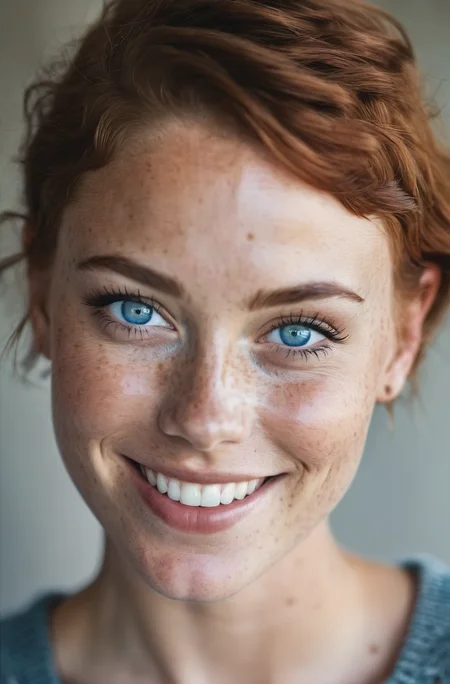
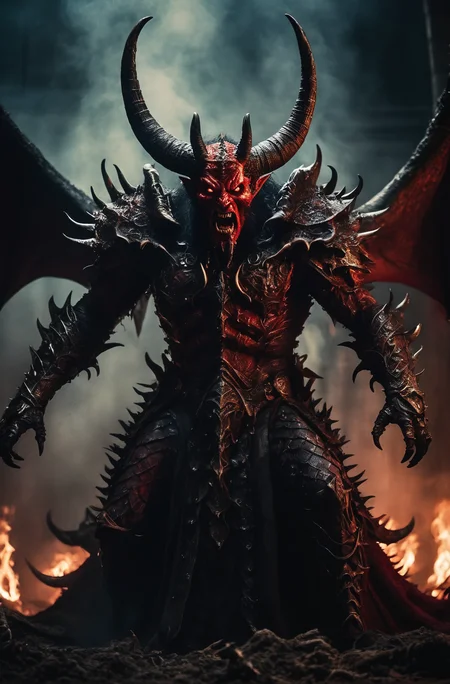
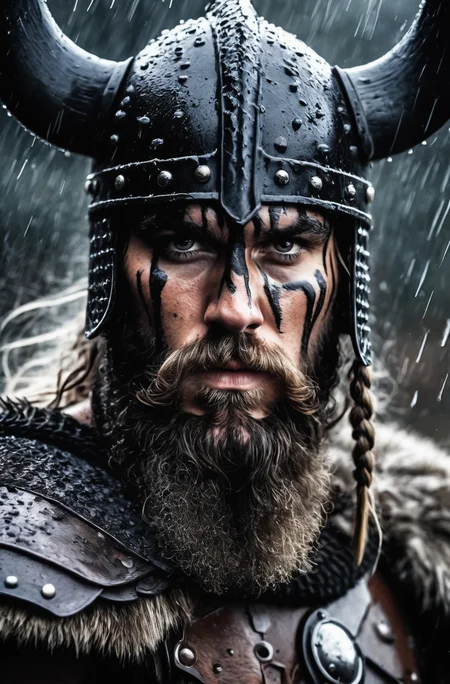
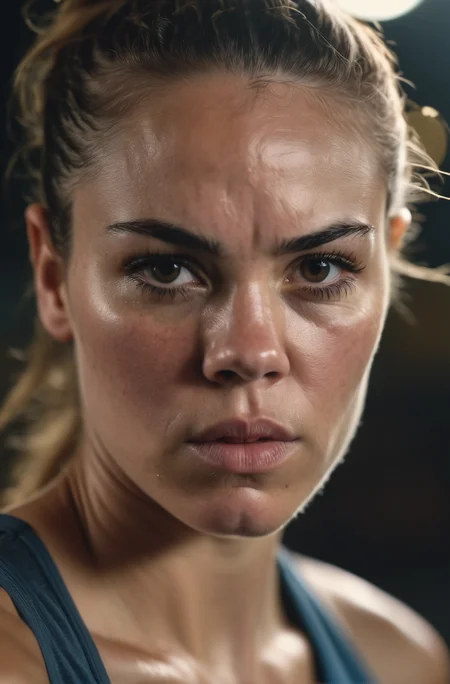
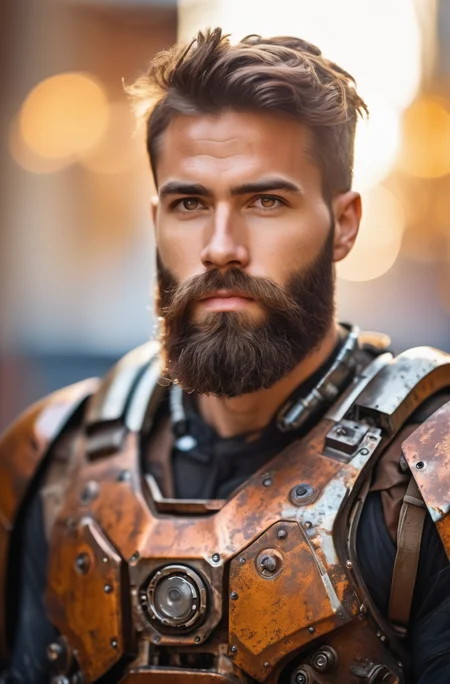
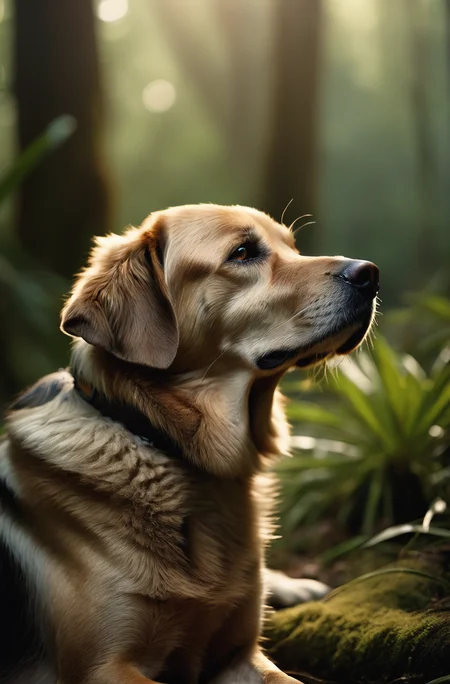
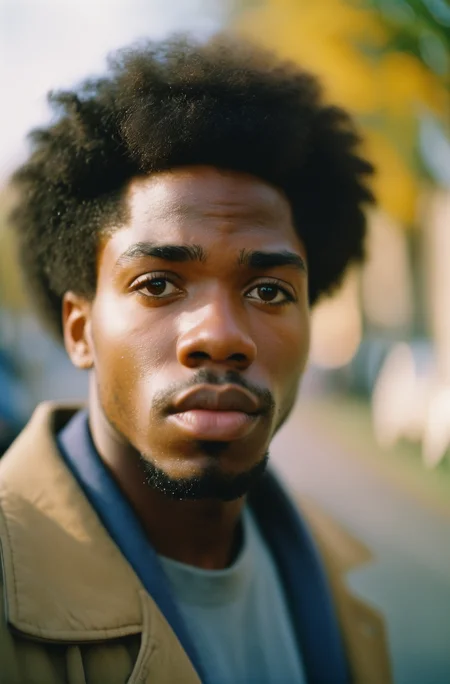
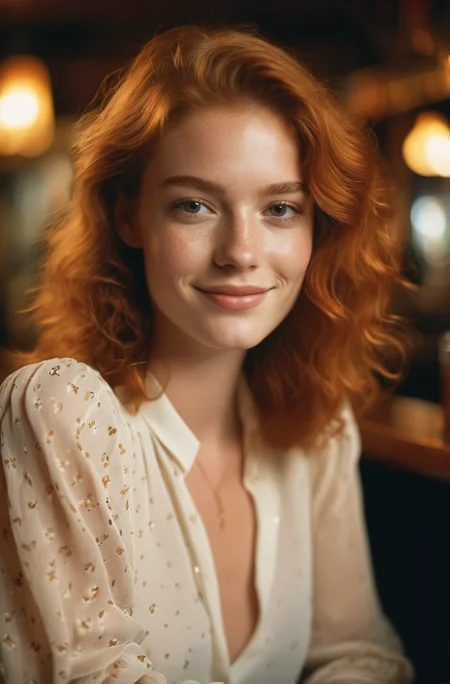
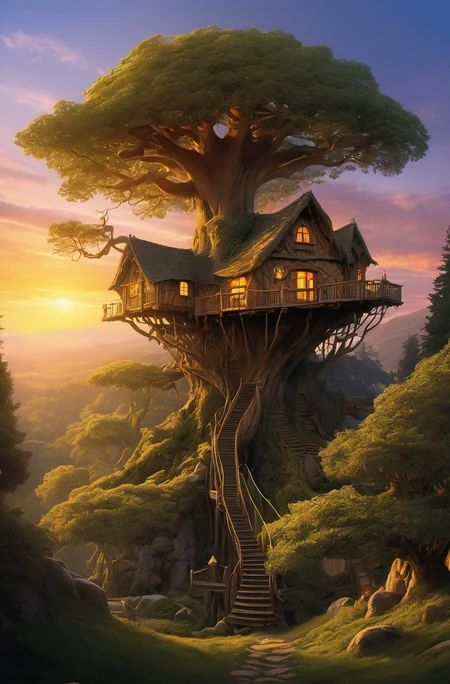
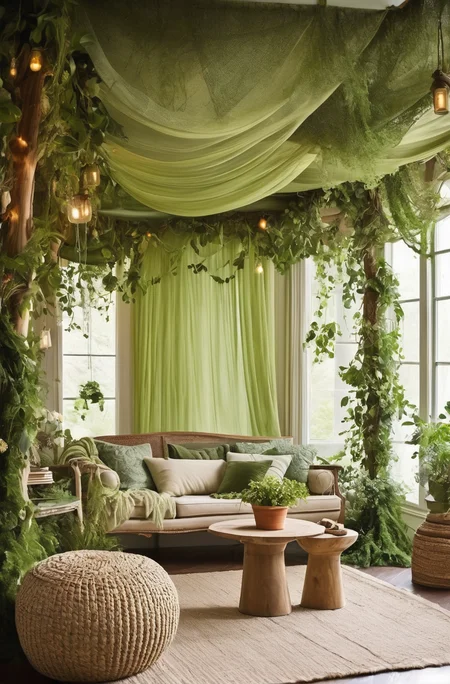
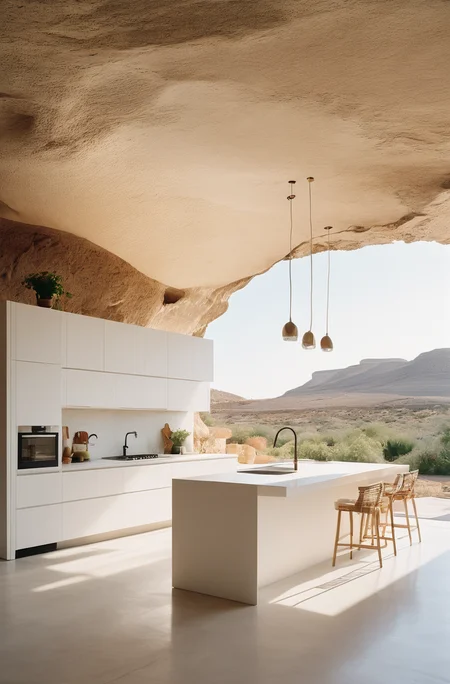
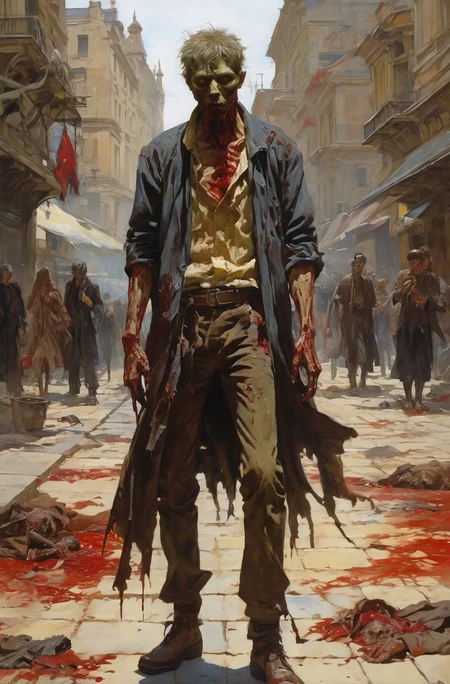
Updated the Prompting Guide
For business inquires, commercial licensing, custom models, and consultation contact me under [email protected]
Join Juggernaut now on X/Twitter
Prompting Guide for Juggernaut Ragnarok by Adam
Hey everyone,
It’s been 8 months since the last version was released here on CivitAI.
Of course, I haven’t been idle during that time . I completed several projects to ensure I’d have the financial means to keep exploring new architectures and possibly do full finetunes on them in the future.
Juggernaut Flux (and its many sub-variants) was a ton of work, but ultimately, I’ve wrapped that chapter up. The training process gave me way too many headaches. To keep my sanity, I spent my spare time working on Juggernaut SDXL with the hope of maybe releasing one final version for you all.
And that day has finally come. :)
Juggernaut Ragnarok has improved in many areas: photorealism, digital painting, poses, hands, feet, and much more.
That said, it’s still an SDXL model, and I don’t recommend comparing it to models like Flux, Reve, or Sora. For example, it still has limitations when it comes to text rendering or faces at a distance.
I recommend using it as part of a pipeline for your projects. Example setup:
FluxDev / Pixelwave / Jug Flux Pro → Juggernaut Ragnarok
A quick personal note about Juggernaut:
Honestly, I don’t know what comes next.
After the release of Sora and similar tools, the open-source image generation space feels a bit dull in comparison.
Nothing has really excited me enough to dive back into training (yes, I’m talking about HiDream too).
So I’m seeing Juggernaut Ragnarok as a kind of farewell, especially since it’s unclear where things are headed with CivitAI in general.
(You can download all Juggernaut versions from HuggingFace, by the way.)
Last but not least:
Have fun with the model, share your creations, and good luck with your projects!
And in case you’re wondering: Yes, you can do anything you want with Juggernaut : merge it, train it, sell the image outputs, etc.
Just a simple shoutout is all I ask. :)
And now, here are the recommended settings:
Recommended Settings(VAE is baked in):
Res: 832*1216 (For Portrait, but any SDXL Res will work fine)
Sampler: DPM++ 2M SDE
Steps: 30-40
CFG: 3-6 (less is a bit more realistic)
Negative: Start with no negative, and add afterwards the Stuff you don´t wanna see in that image.
VAE is already Baked In
HiRes: 4xNMKD-Siax_200k with 15 Steps and 0.3 Denoise + 1.5 Upscale
And now, have fun trying it out. As always, I'm eagerly waiting for your pictures in the Gallery :)
If you liked the model, please leave a Like. In the end, that's what helps me the most as a creator on CivitAI. :)
Last but not least, I'd like to thank a few people without whom Juggernaut XL probably wouldn't have come to fruition:
Dreamlook.AI (Trained 3 Side Sets)
Description
Major Fix for Version 4.
Merged some older Checkpoints from the current set and Juggernaut Version 3 into it
FAQ
Comments (41)
I'm actually loving V4 so far, no issues with amature looking shots
So far, I've noticed a HUGE improvement in overall details. I'm really enjoying this version. Congrats!
I am really relieved to hear that :)
The discord link in your profile is broken, FYI. Wanna repost it?
I´ll have to replace it every Week, i was just to lazy to renew it :D It should be working now :)
juggernaut is really good with text in my experience, is there a special finetuning set used for text generation?
A small amount of Data from the Juggernaut Base has some Movie Poster, Signs and similiar Stuff in it with Text. But i dont think it influenced that much to make a big difference, the most Stuff with Text comes directly from the SDXL Base
Hi, I'm just wondering if you really need to use so many negative prompts? Thanks
No you don´t need them...I am just used to my negative Prompt, that why i use it everytime :D But you can run without any negative without a problem :)
I only use 'Watermarks, text' as negative prompt and I am not even sure that helps actually.
@Aerth I grab a few textual inversions, steer clear of deepnegative and fastnegative though
like eh...By bad artist-neg and bad_prompt_version2-neg along with bad-hands-5 and there's a few others you might like...then I use add detail LoRA
@MassiveMelonMania I love that add detail Lora :) I don't use negative prompts anymore with SDXL because I didn't see any real change with them. or without them.
Now, if you are telling me there is a textual inversion for SDXL which works for the hands .. That would be a wonderful news :)
@MassiveMelonMania is it possible to use SD1.5 embeddings/LORAs with SDXL?
@DreamingWideAwake No, it's not. I took that as a general advise, but the ones trained for SDXL I tried didn’t help for the hands.
@Aerth @MassiveMelonMania Which add detail LoRa do you mean?
Hi. I downloaded all versions of Juggernaut since v2. And I still save them on my hard drive. Is there any reason to continue using the old versions? Do you still use them to achieve some type of specific result?
PS: (I'm not interested in creating nsfw content)
Thank you in advance
I personally would say no. Version 4 is the only Version that has a different Style to it. All other Versions are "just" improvements of quality and more knowledge, and Version 4.5 has the most knowledge and best quality (at least in my opinion) so i wouldnt use the old ones
My hard drive is saying thanks to you
The Version 4 was a scary experience, but that 4.5 is awesome :) thank you for your work
hey kandoo I was wondering what you mean by NSFW in your title of version 4. Does this mean all kinds of NSFW content? I wasn't looking for porn but more for something with blood or some kind of violence in it. Not out of any desire for that kind of stuff, but more because I wanted to test a lot of models for a LibreOffice document I'm writing. I wanted to gather about 100 or 150 checkpoints and test them in different things, even hopefully incorporating controlnet into my testing.
Blood is already in every version. Version 4 has more nudity then the other version, but not more blood or other kind of violence
@KandooAI understood. I've done some testing with both models and I like them a lot! I grabbed some example pictures from your page and made matching txt documents to make them the absolute best they can be
FYI, I just noticed your model is tagged as "photorealisic" as opposed to "photorealistic"... (missing the second 't').
Thanks for letting me know :) I changed that right now :)
Using this as a refiner model on one of my v1.5 and it’s doing something magical :) thank you as always
Oh interesting, never thought to try that
I've been using this to inpaint gens from 1.5 models and the amount of detail it adds is amazing. Good work!
Hi, nice work. Could you please post the settings used for generating the example images for calibration purposes? I downloaded them, analyzed PNG info in Automatic1111 and send to txt2img, but I never get the exact same image. While the main subject looks very similar, the angle and head rotation is always a bit different.
Hello. JuggernautXL does not work in my case. I am choosing it from the cozy nest SD checkpoint window and it keeps loading, but then it gets back to another model. Like it can't load itself. Does anyone have the same issue and solve it?
What UI do you use?
@Aerth Cozy Nest v2.4.5. After downloading the file only thing to do should be to put it in the models > stable diffusion or I have missed some steps?
@mgjagla452 This is an extension over A1111. Are you sure it is compatible with current A1111? It doesn't seem to be updated since 2 months now.. People were complaining because it doesn't work well with A1111 1.5.0 and A1111 is at 1.6.0.0.
same... not working on a1111 1.60 webUi.... i have no problem with other xl checkpoint :(
Lots of errors while loading V5. e.g. "size mismatch for model.diffusion_model.output_blocks.8.0.out_layers.0.bias: copying a param with shape torch.Size([320]) from checkpoint, the shape in current model is torch.Size([640])."
A1111 on macOS.
EDIT: Deleting the .yaml file fixed it for me.
@deltaman8 thank you, deleting yaml file helped. thx for that tip!
Problem solved. That was because of the newest Nvidia drivers. Don't know why, but reverting to the previous work. The next thing is, Jugger XL is so much slower than others epicrealism, deliberate and so... Is it a normal thing?
@mgjagla452 Well EpicRealism and Deliberate are Checkpoints for SD 1.5 . Checkpoints on SD XL needs a bit more time to generate, thats totally normal
Hi! Is there a chance to replace current VAE by madebyollin/sdxl-vae-fp16-fix? Backed vae cause OOM on my 12GB card when resolution of image is >= 960x960.
And thanks for your amazing work!
Details
Files
Available On (1 platform)
Same model published on other platforms. May have additional downloads or version variants.