


Updated the Prompting Guide
For business inquires, commercial licensing, custom models, and consultation contact me under [email protected]
Join Juggernaut now on X/Twitter
Prompting Guide for Juggernaut Ragnarok by Adam
Hey everyone,
It’s been 8 months since the last version was released here on CivitAI.
Of course, I haven’t been idle during that time . I completed several projects to ensure I’d have the financial means to keep exploring new architectures and possibly do full finetunes on them in the future.
Juggernaut Flux (and its many sub-variants) was a ton of work, but ultimately, I’ve wrapped that chapter up. The training process gave me way too many headaches. To keep my sanity, I spent my spare time working on Juggernaut SDXL with the hope of maybe releasing one final version for you all.
And that day has finally come. :)
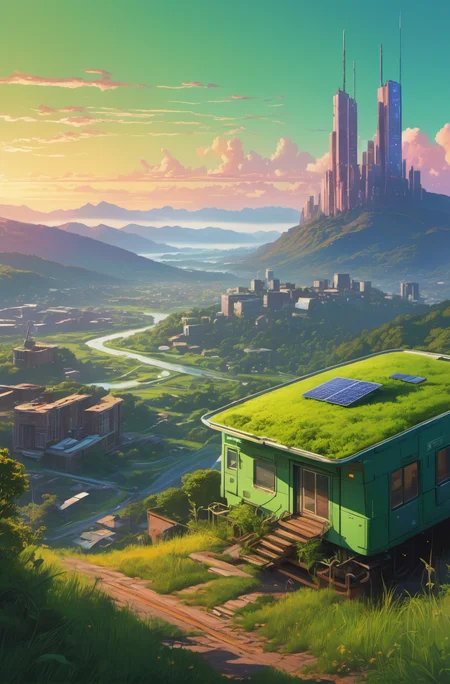
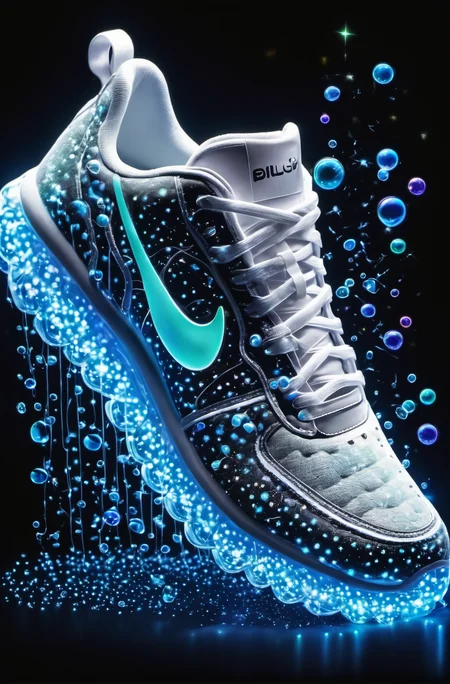
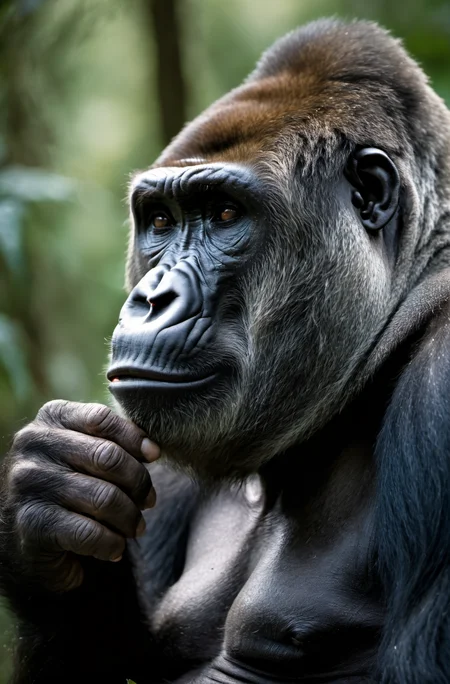
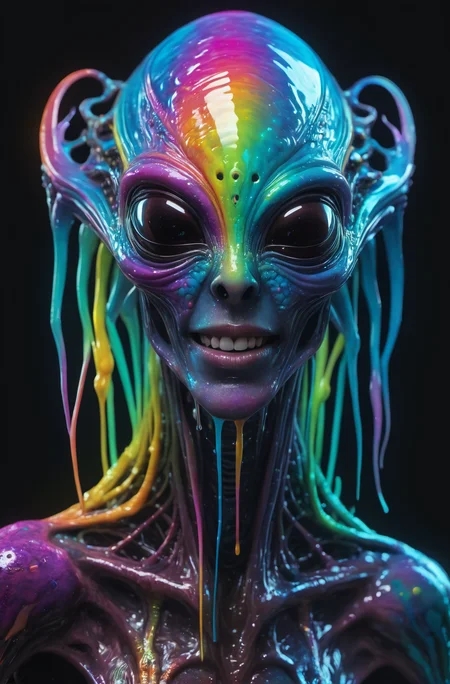
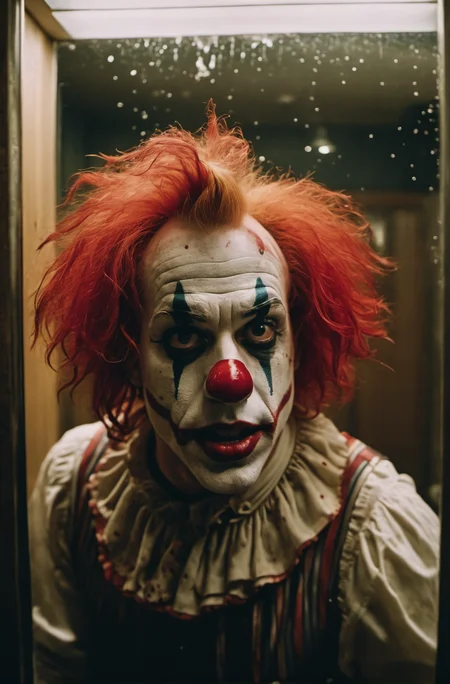
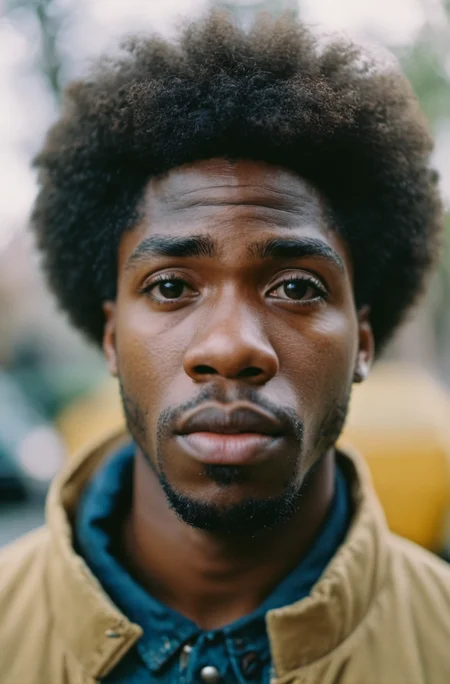
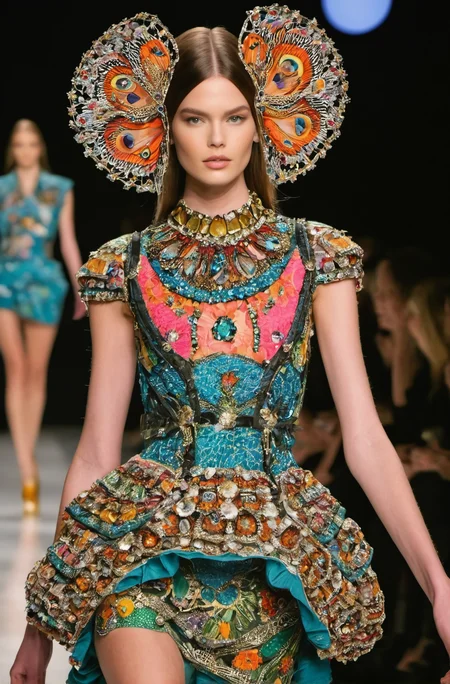
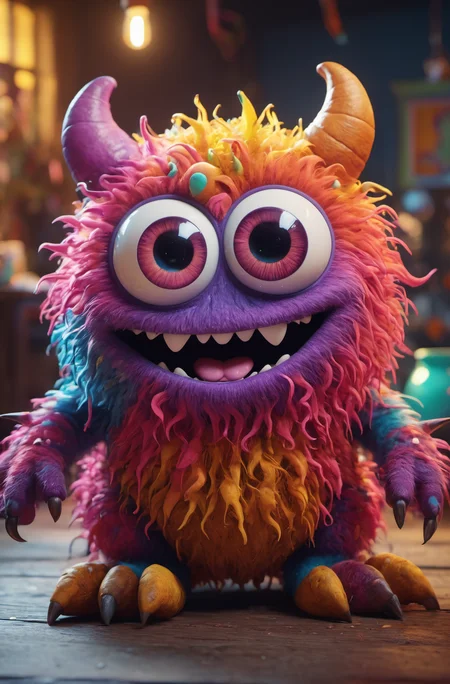
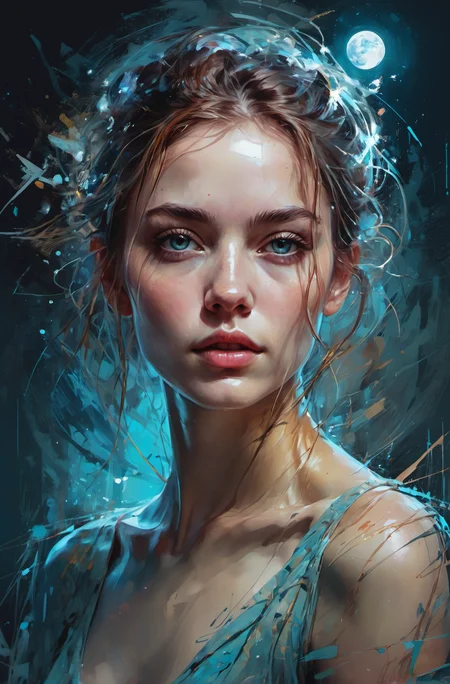
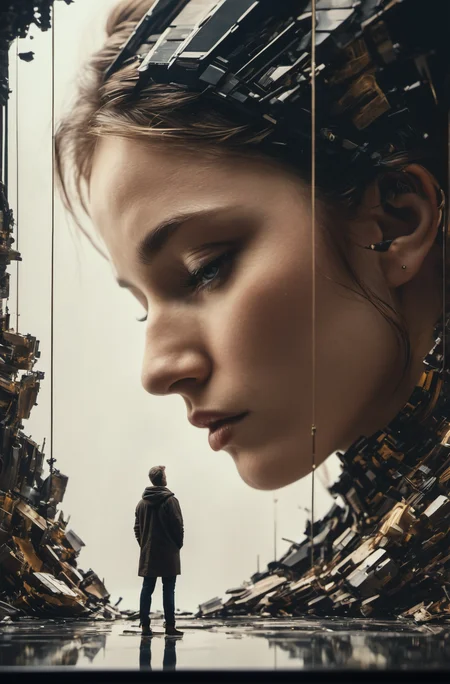
Juggernaut Ragnarok has improved in many areas: photorealism, digital painting, poses, hands, feet, and much more.
That said, it’s still an SDXL model, and I don’t recommend comparing it to models like Flux, Reve, or Sora. For example, it still has limitations when it comes to text rendering or faces at a distance.
I recommend using it as part of a pipeline for your projects. Example setup:
FluxDev / Pixelwave / Jug Flux Pro → Juggernaut Ragnarok
A quick personal note about Juggernaut:
Honestly, I don’t know what comes next.
After the release of Sora and similar tools, the open-source image generation space feels a bit dull in comparison.
Nothing has really excited me enough to dive back into training (yes, I’m talking about HiDream too).
So I’m seeing Juggernaut Ragnarok as a kind of farewell, especially since it’s unclear where things are headed with CivitAI in general.
(You can download all Juggernaut versions from HuggingFace, by the way.)
Last but not least:
Have fun with the model, share your creations, and good luck with your projects!
And in case you’re wondering: Yes, you can do anything you want with Juggernaut : merge it, train it, sell the image outputs, etc.
Just a simple shoutout is all I ask. :)
And now, here are the recommended settings:
Recommended Settings(VAE is baked in):
Res: 832*1216 (For Portrait, but any SDXL Res will work fine)
Sampler: DPM++ 2M SDE
Steps: 30-40
CFG: 3-6 (less is a bit more realistic)
Negative: Start with no negative, and add afterwards the Stuff you don´t wanna see in that image.
VAE is already Baked In
HiRes: 4xNMKD-Siax_200k with 15 Steps and 0.3 Denoise + 1.5 Upscale
And now, have fun trying it out. As always, I'm eagerly waiting for your pictures in the Gallery :)
If you liked the model, please leave a Like. In the end, that's what helps me the most as a creator on CivitAI. :)
Last but not least, I'd like to thank a few people without whom Juggernaut XL probably wouldn't have come to fruition:
Dreamlook.AI (Trained 3 Side Sets)
Description
Reduced the RunDiffusion Photo Model to 0.3
Added a Cinematic SideSet with 120k Training Steps
More Contrast
FAQ
Comments (92)
Update:
Version 7 is Live !
Awesome news! :)
My favorite model. Thank you!
the best model updated? ... ---> instant download!!! :-)
Support you, you are the best!
The model is fun to play with, pure awesome potential and getting better and better with each new version. Thank you for you dedication and hard work. It is hugely appreciated.
love it, very flexible. a joy to prompt
Thank you KandooAI, great work, congratulations, this is already another success.
What is the preferred size for this model? 1024x1024?
@ragnarok007 the usual SDXL like: 1024 x 1024, 1152 x 896, 1216 x 832, 1344 x 768, 1536 x 640
V6 works fine,but V7 cant work.
NansException: A tensor with all NaNs was produced in Unet. This could be either because there's not enough precision to represent the picture, or because your video card does not support half type. Try setting the "Upcast cross attention layer to float32" option in Settings > Stable Diffusion or using the --no-half commandline argument to fix this. Use --disable-nan-check commandline argument to disable this check.
fyi that's you issue not a model issue.
Do what the instruction says.
Hello guys, how can I download or create proper nodes for JuggernautXL? I know there some png pictures which create full table of nodes, if I load them into ComfyUI, but I can't find here, ehm, pngs, only jpgs.
I mean prompt examples?..
Images here are 'cleaned' when they are stored by Civitai and they don't have metadata anymore. In other words, they cannot be used to recreate a ComfyUI workflow.
On top of that, Civitai works very well with A1111 but not well at all with ComfyUI or other UI and has difficulty to read metadata once you deviate from the simplest workflow.
Watch Scott Detweiler's series on YouTube. He is the best teacher so far when it comes to teaching Comfy from scratch. Watch the first few videos of his comfy series and you'll know how to create your own custom workflow.
After that, you'll never go back to Automatic1111.
@ImAbbieKitten This. This is where I learned and still learn to use ComfyUI. A great advise for a beginner..
I love love love this model! @KandooAI any update on the inpainting version? Very very keen to start playing with the inpainting version 😁
Yeah, to be honest...It´s not worth the wait. Results were not so great....It was kind of a bummer for me. It still will be released soon on HuggingFace. Maybe you guys will get something good out of it
@KandooAI I'm still keen to play with it! Would you say it's better than the diffusers/stable-diffusion-xl-1.0-inpainting-0.1? I'm loving Juggernaut XL v7 for inpainting, it's just that it has lots of coherency issues (as non inpaint models do 😊)
Also, how long can i expect to wait, if you know?
@xyphyk I will talk later again with them about the Inpaint. But it´s already ready, so it shouldnt take much longer.
For the quality....i dont know, maybe a bit better than the Stability One.
Like u, i usually use normal Checkpoints for Inpainting. Works better for me than the Inpaint Versions.
@KandooAI Yes please! I would love to start using it - even if it's slightly better than the Stability one, there are no other inpainting models out yet AFAIK so it would be a massive help to lots of people 😁
I rode V6 til the wheels fell off, always my go-to, so thank you!
Looking forward to using V7, I'm wondering what this was trained with resolution wise, and/or missed it if the description doesn't state if 512 or 1024 or other is recommended.
Plan on converting the model into an Apple Neural Engine 8-bit model =). Happy to share that via e-mail if you'd like to host it on civitai (don't want to steal your well-deserved praise!). I'm sure there are DOZENS of us! (who will be looking for ANE models)
Regarding the resolution is a SDXL model so it supports the SDXL usual resolutions like, for example, 1024 x 1024, 1152 x 896, 1216 x 832, 1344 x 768, 1536 x 640
@zackzachzaczak It´s trained on the resolutions that @Aerth mentioned. But there are also Dreamlook.ai Sets in the Mix. They train on 512x512 , so you could also do Images in that Res. It´s not perfect stable in that Res but its working most of the times. But i personally recommend the usual SDXL Resolutions @Aerth mentioned
@zackzachzaczak totally forgot to say: Yeah you can send me an email and i will take a look into that :)
E-Mail: [email protected]
Any plan to fine-tune the "stabilityai/sdxl-turbo"
Absolutely not,
i thought about it of course (same for a LCM Version) but decided against it. In the End its a quality loss that i don´t like and wouldnt work in the first place with it.
Second Thing: It has a different License than SDXL, so a Merge with Turbo also would require a License change for that Version. I simply avoid that headaches ;)
Adding:
You can use the DPM++ 2M Karras Sampler with just 10 Steps. I made a batch of 8 images with that in 25 seconds. Thats pretty quick without a big loss of quality
Merge it yourself in Comfy UI, it works quite well, 8 steps for decent output at 1024x1024
Still have plans for an inpainting model?
Hi, I'm getting those staircase/checkerboard artefacts in my generated images when using v7, which is not the case in v6. After some testing, the issue seems to lie with vae, for example if I used the vae from v6, those artefacts were eliminated.
Description says that version 7 VAE is baked in, so try not using VAE.
I'm also having this issue with the staircase/checkerboard. Using Auto1111 and the standard SDXL VAE seems okay, although I haven't done much testing.
@davz yes initially I was using the v7 default vae which is what gave me those strange artefacts, but this didn't happen in v6. So I'm thinking maybe the author baked in the wrong vae by accident during the making of this model.
@majorromp975 yes same issue on comfyui. To fix the issue, I had to use the xl0.9 vae or just borrow the vae from v6 by having two checkpoint loaders in my workflow.
@jason_chan_12790 I use ComfyUI and I had never any issue with any version.
I don't load any specific VAE, I just link the model to the VAE points and I am done.
Experiencing the same issue with the v7 model (but not v6) in both ComfyUI and InvokeAI. Using a different VAE fixes the issue for me too.
I'm fairly new at this so I will likely get this wrong. But I had a similar problem (A1111) and it turns out I had manually set the VAE in settings to another VAE. Putting this to automatic fixed everything.
@outlier_z It looks like they are doing something very similar but in Comfyui.
They have probably a 'Load VAE' node somewhere and they insist in using it when everyone including the Model desciption tell them to not do so, because the VAE is Baked in it.
Just connect the 'VAE Decode' directly to the node 'Load Checkpoint' throught the VAE point and that is.
There is no need to use a 'Load VAE' node and it can be dropped. You can't have it easier.
To clarify, I am experiencing this issue in ComfyUI when connecting only the Load Checkpoint VAE point directly to the VAE Decode VAE point. No other Load Checkpoint and no Load VAE nodes are present in my workflow so definitely no other VAE being used by accident.
@kyna Do you have any message in the command prompt window? Just before the process starts and during the run?
@Aerth Nothing that stands out to me as an error; the console output is identical between runs with v7, which shows the image artefacts, and v6, which doesn't:
got prompt
model_type EPS
adm 2816
Using xformers attention in VAE
Working with z of shape (1, 4, 32, 32) = 4096 dimensions.
Using xformers attention in VAE
missing {'cond_stage_model.clip_l.text_projection', 'cond_stage_model.clip_l.logit_scale'}
left over keys: dict_keys(['cond_stage_model.clip_l.transformer.text_model.embeddings.position_ids'])
Requested to load SDXLClipModel
Loading 1 new model
Requested to load SDXL
Loading 1 new model
100%|█████████| 50/50 [00:08<00:00, 5.98it/s]
Requested to load AutoencoderKL
Loading 1 new model
Prompt executed in 11.53 seconds
gc collect
Jaggies on contrasty and saturated contours, too. Please don't bake in the VAE or use a non watermark one or SDXL without watermark?
Here is what they did with sdxl 1.0
https://hforsten.com/identifying-stable-diffusion-xl-10-images-from-vae-artifacts.html
Please use the VAE from 0.9 or the fp16 Version above for v7 please, its a great version, but the watermark is a bugger. red channel seems affected most.
To add to my previous comment, this issue persists across A1111 and Comfy. I don’t see this happening with the previous version or other checkpoints/models with my current setup.
Edit: this is when used with Img2Img
And just to be clear Juggernaut’s amazing, my goto checkpoint for most things, thankyou for making this available KandooAI
How can it be showing no depth of field when it comes to img2img, it can be infected a little bit in txt2img,but like in img2img, that is basically no idea for now.
Information regarding a Turbo Version:
Hey guys, just wanted to update you on the current status of a Turbo version of JuggernautXL. As you've probably noticed in the last few days, SDXL Turbo is currently the talk of the town and being actively used. I'm also excited about the fast image generation, especially helpful for people with less hardware power. So, it's a step in the right direction.
However, I've decided against an early version of JuggernautXL Turbo. And I want to share with you a bit about why I made that decision. The merge itself was no problem at all, and over the past few days, we (myself, Adam, and RunDiffusion) tested various checkpoints and were generally satisfied with the results. However, these merges also lead to a slight loss of the core idea behind SDXL Turbo. Pure merges currently require at least 3-8 steps to ensure a decent image output, and while still incredibly fast, the whole process could work even better with a FineTune version of SDXL Turbo. My ultimate goal is to create a JuggernautXL Turbo that works with just 1 step and, most importantly, delivers better quality than the merge variants (including the test versions we've tried).
So, there will be a JuggernautXL Turbo version, but only once we have the opportunity to train it properly. I hope you understand this decision :)
Definitely I value your opinion on this matter.Thanks for letting me work with you. :)
Sounds good - And what about an inpainting model ?
@cyrilstyle We are preparing to upload all Juggernaut Models on HuggingFace, that includes the Inpaint. I really wish i could say a specific date. At least i can promise it will released earlier than a Turbo Version :D
Maybe we could have Turbo Hybrid, the model merge that can tolerate 3-5 steps. If its been tested, it's been made, and it'd be a shame to waste even that level of result.
@LexTenebris Of course, it would be easy to upload the finished checkpoint now and grab a few download numbers. And that's exactly what it feels like... The merge can be created by anyone in Auto1111 within 2-3 minutes; the whole thing feels like poor work that I would offer just to be quickly on the "market" and grab download numbers. With SDXL, I only released the first JuggernautXL version 1 month after the release, when I felt that it represented an improvement over the original model. Currently, I just wouldn't have that feeling. Yes, the quality is better, but it lags behind in speed. The best results in a merge are achieved with 5 steps, which is still incredibly fast. But at the current time, with JuggernautXL, you can use the "DPM++ 2M Karras" sampler at 10 steps and achieve a significantly better result in a similarly fast time. It makes much more sense, therefore, to wait and train my own fine-tuned Turbo to enable better quality and better speed.
Hi there! I have a trained safetensors in SDXL base model. I tried using those Loras with this model but the output is always with lots of artifacts. I used the recommended settings in the model description.
Can someone point me to the right direction as to why? What should I do to avoid that?
RD: Just for those records, we see it Clear from the higher point or view. Its not about UUUU, its inbedeed about where do the "I" fit in the RU NDIFFUSION. Keep the bulls up, this model of generation was already won. See you later, in the Next poem generated <3
Hi @KandooAI how you doin. Thank you for the great model as always it is by far one of the best.
I am having a problem with v7 compared to v6, I noticed most of my images generations has bad hands ( deformed, disfigured, fused fingers) it is much more worse with v7.
Same goes for the eyes.
Thank you for your feedback.
V7 was prob the Version which was tested the most before i released it. Of course we also checked eyes and hands and didnt find any big difference. Sometimes it was better, sometimes it was equal and sometimes a bit worse. Overall i wouldnt recommend doing hands (i wouldnt recommend that for any XL model out there ;) ) and for Eyes i highly suggest to prompt the Eyes like "Blue/Green/Brown Eyes" or more fancy ones like "Aquamarin Eyes, Saphir Eyes etc"
If u dont prompt the Eyes you will get most likely the SDXL Base Eyes
great model! Now if you could only use the SDXL model version without the watermarks, that would be great. Contrasty and saturated contours look rather blocky because of the watermark. https://civitai.com/models/117188/sdxlfixedvaefp16remove-watermark
Here is what they did with sdxl 1.0
https://hforsten.com/identifying-stable-diffusion-xl-10-images-from-vae-artifacts.html
Please use the VAE from 0.9 or the fp16 model Version above for v7 please, but the watermark is a bugger. red channel seems affected most.
What watermark are you talking about? I've seen no such thing, using this model.
Could you please give us some examples of such constrasty and saturated contours looking rather blocky?
@alecc What the article says (very interesting by the way, thank you) is the SDXL model doesn't have those artifacts but they are incorporated during the Decoding and "However, because the Stable Diffusion is open source and watermark is not a part of the neural net model and is applied afterwards to generated images it can be easily removed from the program. In fact, two of the most popular UI's A1111 and ComfyUI don't include this watermark and it is not present in the majority of the Stable diffusion images found in the wild."
Did I miss the point?
I don't say that aggressively but by curiosity as I am really interested.
@Aerth Yes, the blocking happens in the VAE, so by using a different VAE in Comfy and A1111 we can avoid it, right? But the VAE embedded in Juggernaut has it baked in, so in Invoke for example, where I can't change the VAE if its already baked in, I get those jaggied watermarks in v7. Other comments here are referring to the same problem.
@alecc V6 and V7 have the same VAE Baked In
OK, I read in another comment v6 didn't have the issue, so revised that. But could you maybe bake in the 0.9 VAE or use the fp16 model mentioned above to avoid the blocked jaggies? Going nodes in invoke to swap the baked VAE just raises complexity.
Maybe just don't bake in the VAE, then we can choose?
Thank you for posting this link, very interesting read! I've been experiencing those exact artefacts with the V7 model in ComfyUI and InvokeAI and have been tearing my hair out trying to figure out what was causing it! Very annoying having to pipe in a different VAE every time I use this model (which is a lot, its a beautiful model!) just to get clean outputs!
@kyna Yes, I hope @KandooAI sees the watermark and what we mean when comparing the images produced with VAEs from 0.9 vs 1.0 or with SDXL vs the fp16 version with the same output I linked above. I really cant work with this models blocky VAE, the model is great though of course.
@alecc I am just preparing the Showcase for the FP16 Fix VAE Version. Prob will be online in a couple of hours
@KandooAI Wonderful! So the 0.9 VAE is not the way to go? It has a different license, hasn't it? Otherwise the same? Why bake it in at all? We could choose ourselves, no?
@alecc Well i did that. Just with V6 i started to bake it in. You can´t image how many messages i´ve got prior to that because people choose the wrong VAE etc.. Not just here, also on Insta and Reddit. So I just baked it in. A lot less messages since then :D
And yeah the Fix Version will be 100 % the same, just the FP16 VAE Fix baked in.
@KandooAI Looks perfect, thanks!
hello good job! If I download version 7, do I have to delete version 6? thank you
No you dont need to delete anything. You can use V7 and still have V6 on your harddrive
Good question. Thank you.
@KandooAI i copied your prompts but i have different results ;(
Did you also copy the seeds?
@gfour Yup everything...better! I reinstalled whole automatic1111 coz of this, and it's still give me different image, similar, but not the same.
Like, how different? It's next to impossible to get identical results. If you're using XFormers the results are apparently hardware-dependent. There are other differences as well.
Also make sure your image resolution matches exactly. Different resolutions (and in particular different aspect ratios) can result in wildly different images. It's very unlikely that the images uploaded here are the original size. They're upscaled. That means to make them identical you need to know the original resolution, upscaler used, upscaling steps, upscaling factor, and the denoising strengths. Those settings aren't given in the post.
The only thing I can guess is that this batch seems to be generated at 768x1152 and upscaled by 1.5 (the final images are all 1152x1752, and 768 is a normal starting width). Other than that there's no way to tell what settings were used.
@certifiedDoc
Of course that i can get same image with this settings, but something with mine automatic1111 is not right...
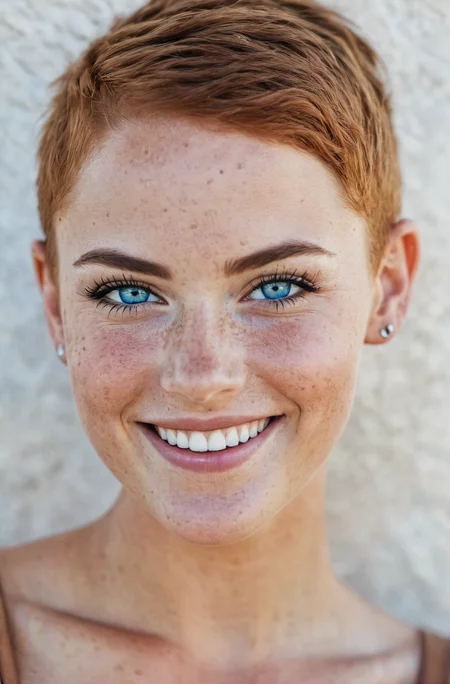
beautiful lady, (freckles), big smile, blue eyes, buzzcut hair, dark makeup, hyperdetailed photography, soft light, head and shoulders portrait, cover
Negative prompt: (worst quality, low quality, normal quality, lowres, low details, oversaturated, undersaturated, overexposed, underexposed, grayscale, bw, bad photo, bad photography, bad art:1.4), (watermark, signature, text font, username, error, logo, words, letters, digits, autograph, trademark, name:1.2), (blur, blurry, grainy), morbid, ugly, asymmetrical, mutated malformed, mutilated, poorly lit, bad shadow, draft, cropped, out of frame, cut off, censored, jpeg artifacts, out of focus, glitch, duplicate, (airbrushed, cartoon, anime, semi-realistic, cgi, render, blender, digital art, manga, amateur:1.3), (3D ,3D Game, 3D Game Scene, 3D Character:1.1), (bad hands, bad anatomy, bad body, bad face, bad teeth, bad arms, bad legs, deformities:1.3)
Steps: 35, Size: 768x1168, Seed: 3218107096, Model: JuggernautXL_RunDiffusion_V7, Version: v1.6.0-2-g4afaaf8a, Sampler: DPM++ 2M Karras, CFG scale: 7, Model hash: 0724518c6b, Hires steps: 15, Hires upscale: 1.5, Hires upscaler: 4x_NMKD-Siax_200k, Denoising strength: 0.3
@certifiedDoc you just need to click that little "i" icon under image and click "copy generation data" and you'll have all image settings, try it.
@zx3o I don´t know why your Auto1111 seems to have problems with reproducing the Images. I personally haven´t had problem to recreate them.
Maybe you have a ENSD VALUE Number running in the settings ? That will change Seeds when generating and give a different result.
In the End it´s hard to say, there a few possibilitys why you can´t regenerate them. ENSD Number or XFormers are 2 of them
@KandooAI I'm using Colab version of automatic1111 named thelastben. Two days ago it gives me results like yours and I didn't change anything in settings maybe author of Colab change something... anyway thx for ideas what could be wrong. I'll give feedback when I solve the problem.
@KandooAI it doesn't work, i'm out of ideas what could be wrong -_-
I installed xformers on colab like that:
!git clone --depth 1 https://github.com/facebookresearch/xformers.git %cd xformers !git submodule update --init --recursive !pip install -r requirements.txt !pip install -e
ENSD value is "0" in settings.
This is mine webui:
version: v1.6.1 • python: 3.10.12 • torch: 2.1.0+cu118 • xformers: 0.0.23+3f74d96.d20231024 • gradio: 3.41.2 • checkpoint: 0724518c6b
Hell of a model, extreme detail and the generations look great...the only problem is on my dinky little 3070 Ti the generations take 20+ minutes XD definitely a solid model though.
20 minutes? What are you trying to do?
20 Minutes with a 3070 seems unreasonable slow
@KandooAI Maybe my settings are wrong, but I copied the same settings from the redhead image that you posted and ran it, but it was my first time running XL so I'm sure I did something wrong.
@sylentwulf81 Perhaps my comment will be useful to you, I also have a 3070Ti and the same problem in Automatic1111, I tried to install another gui (Fooocus 2.1) and the problem is solved, pictures of the same format are created in 1-2 minutes
@zaqhgh I'll try that, I know a lot of people on here use A1111, but based on your comment I watched a video on Fooocus, and it looks amazing. I'll give it a try and post an update.
@sylentwulf81 Also try out adding parameters to your A1111 webui based on this:
https://github.com/AUTOMATIC1111/stable-diffusion-webui/wiki/Optimum-SDXL-Usage
Basically, if you have 8GB VRAM Nvidia card, you should open your /webui/webui-user.bat, and edit the COMMANDLINE_ARGS line to say this:
set COMMANDLINE_ARGS=--medvram-sdxl --xformers
This helped me get from ~20s/it to around ~4s/it depending on resolution. It also uses less VRAM so it fails less.
@Stryp This helped a lot! Generations still take a lot longer in A1111 than in Fooocus, but it cut the render times down to about 1.5m - 2m. Thanks for the tip!
yes for me to it takes about 30 min for a single image. i tried it using fooocus and it seems to be a little fast. usually it takes me about min to generate. know i am using aftermath. but thanks again kandoo ai
Details
Files
juggernautXL_v7Rundiffusion.safetensors
Mirrors
juggernautXL_v7Rundiffusion.safetensors
juggernautXL_v7Rundiffusion.safetensors
juggernautXL_v7Rundiffusion.safetensors
juggernautXL_v7Rundiffusion.safetensors
juggernautXL_v7Rundiffusion.safetensors
juggernautXL_v7Rundiffusion.safetensors
juggernautXL_v7Rundiffusion.safetensors
juggernautXL_v7Rundiffusion.safetensors
juggernaut-xl_base-7_0.safetensors
juggernautXL_v7Rundiffusion.safetensors
juggernautXL_v7Rundiffusion.safetensors
juggernautXL_v7Rundiffusion.safetensors
juggernautXL_v7Rundiffusion.safetensors
juggernautXL_v7Rundiffusion.safetensors
juggernautXL_v7Rundiffusion.safetensors
juggernautXL_v7Rundiffusion.safetensors
juggernautXL_v7Rundiffusion.safetensors
juggernautXL_v7Rundiffusion.safetensors
juggernautXL_v7Rundiffusion.safetensors
juggernautXL_v7Rundiffusion.safetensors
Available On (1 platform)
Same model published on other platforms. May have additional downloads or version variants.