Updated the Prompting Guide
For business inquires, commercial licensing, custom models, and consultation contact me under [email protected]
Join Juggernaut now on X/Twitter
Prompting Guide for Juggernaut Ragnarok by Adam
Hey everyone,
It’s been 8 months since the last version was released here on CivitAI.
Of course, I haven’t been idle during that time . I completed several projects to ensure I’d have the financial means to keep exploring new architectures and possibly do full finetunes on them in the future.
Juggernaut Flux (and its many sub-variants) was a ton of work, but ultimately, I’ve wrapped that chapter up. The training process gave me way too many headaches. To keep my sanity, I spent my spare time working on Juggernaut SDXL with the hope of maybe releasing one final version for you all.
And that day has finally come. :)
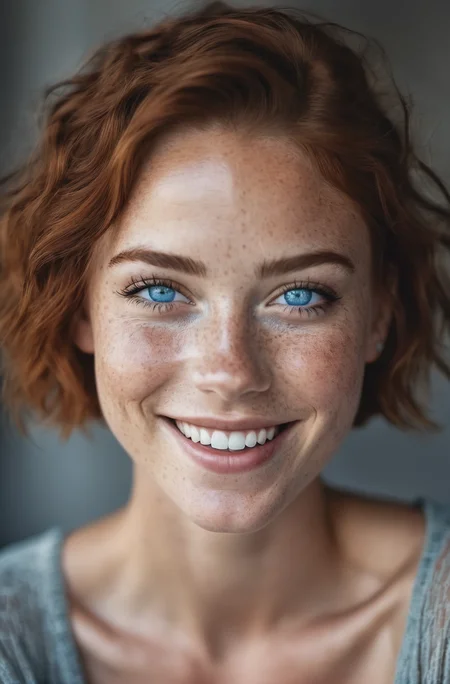
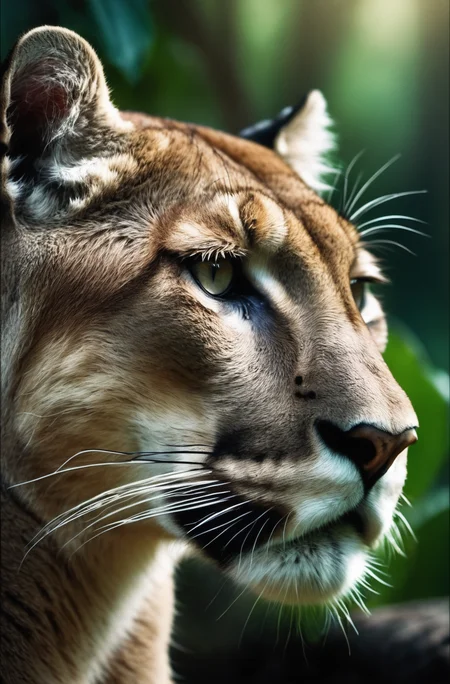
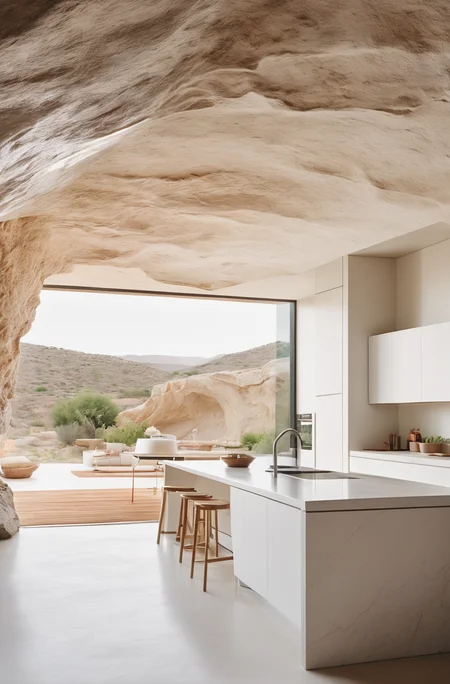
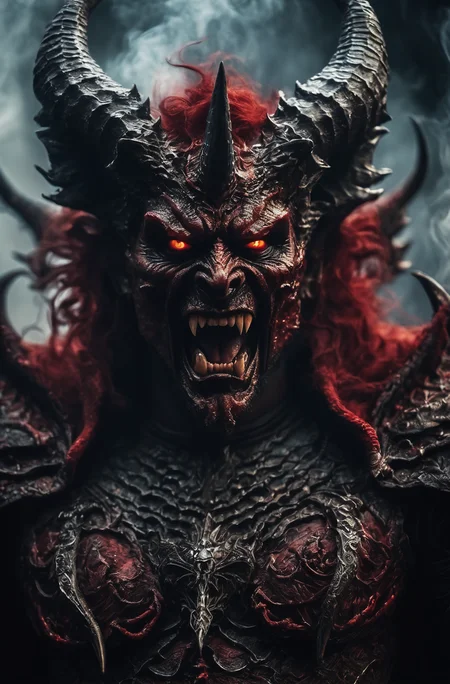
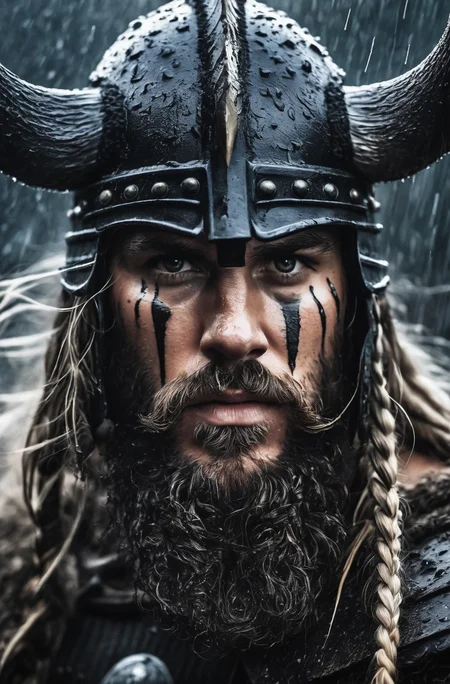
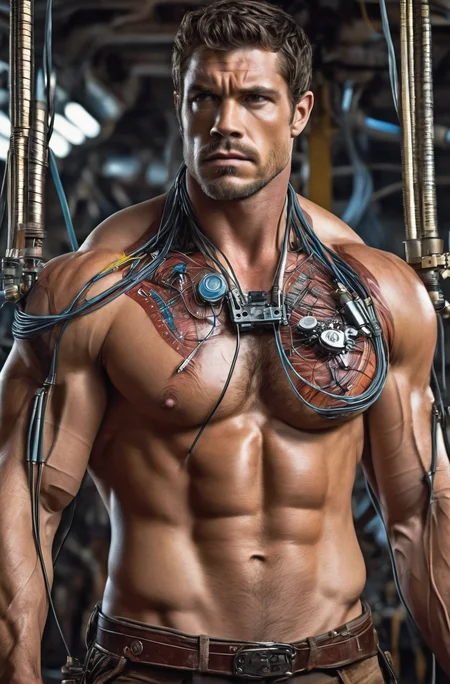
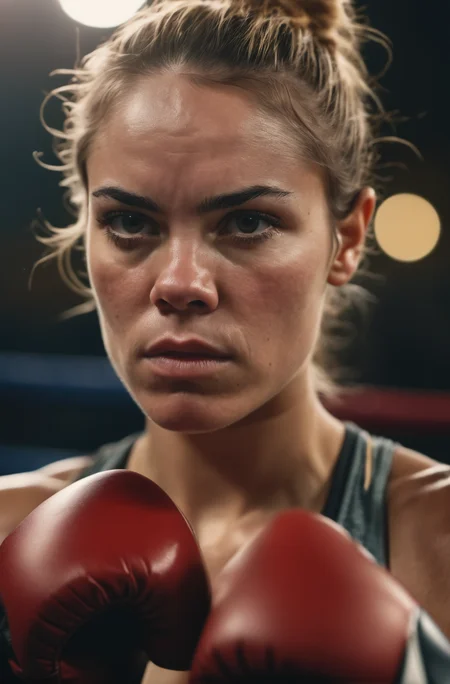
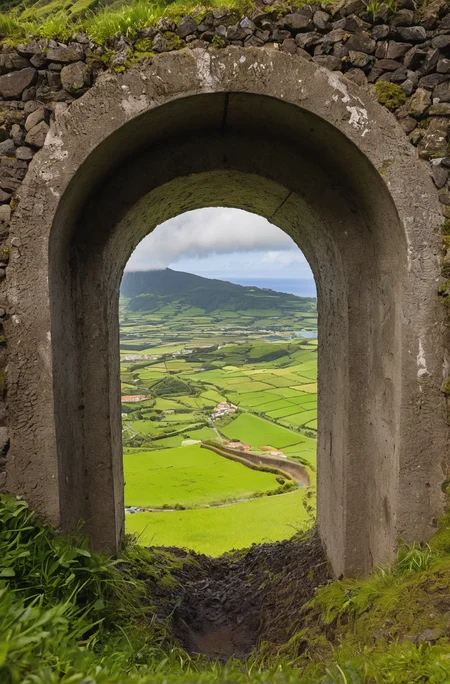
Juggernaut Ragnarok has improved in many areas: photorealism, digital painting, poses, hands, feet, and much more.
That said, it’s still an SDXL model, and I don’t recommend comparing it to models like Flux, Reve, or Sora. For example, it still has limitations when it comes to text rendering or faces at a distance.
I recommend using it as part of a pipeline for your projects. Example setup:
FluxDev / Pixelwave / Jug Flux Pro → Juggernaut Ragnarok
A quick personal note about Juggernaut:
Honestly, I don’t know what comes next.
After the release of Sora and similar tools, the open-source image generation space feels a bit dull in comparison.
Nothing has really excited me enough to dive back into training (yes, I’m talking about HiDream too).
So I’m seeing Juggernaut Ragnarok as a kind of farewell, especially since it’s unclear where things are headed with CivitAI in general.
(You can download all Juggernaut versions from HuggingFace, by the way.)
Last but not least:
Have fun with the model, share your creations, and good luck with your projects!
And in case you’re wondering: Yes, you can do anything you want with Juggernaut : merge it, train it, sell the image outputs, etc.
Just a simple shoutout is all I ask. :)
And now, here are the recommended settings:
Recommended Settings(VAE is baked in):
Res: 832*1216 (For Portrait, but any SDXL Res will work fine)
Sampler: DPM++ 2M SDE
Steps: 30-40
CFG: 3-6 (less is a bit more realistic)
Negative: Start with no negative, and add afterwards the Stuff you don´t wanna see in that image.
VAE is already Baked In
HiRes: 4xNMKD-Siax_200k with 15 Steps and 0.3 Denoise + 1.5 Upscale
And now, have fun trying it out. As always, I'm eagerly waiting for your pictures in the Gallery :)
If you liked the model, please leave a Like. In the end, that's what helps me the most as a creator on CivitAI. :)
Last but not least, I'd like to thank a few people without whom Juggernaut XL probably wouldn't have come to fruition:
Dreamlook.AI (Trained 3 Side Sets)
Description
New Side Set added with the help of Dreamlook.ai
80k more Steps in total (Side Set and Base Set)
FAQ
Comments (122)
Hi, what kind of changes should we expect betwenn 4.5 and 5?
question aside, v5 LET'S GOOOOOO!!
The Main Focus was Landscape/Background and Architecture in this Update...so the biggest improvements are found in this area. But overall the Model had an minor quality Upgrade. Good enough to deliever you finally the 12 GB Version for your own trainings ;)
@KandooAI I don't know how you did it, and this should be listed as one of the main features, but you somehow made the most stable model yet for hands. I am truly blown away. The coherency of v5 is a league ahead everything else. Well done.
I see V4 has "NSFW" on the version label. Does this imply V5 is... uhh... safer for work?
@bplawnservice405960 V5 still can do nudity...but it lacks of male anatomy. For that V4 is good
@KandooAI Ahh, I see! Loving V5 now that I've got to test it out some. Can't wait to see what you come up with next!
The new v5 doesn't load for me, throws up loads of 'torch size' errors.
I removed the .yaml config file and it runs. I tried duplicating the example images and they are slightly different though. Maybe that's because the example pics were made with the 12gb version mentioned in the description, which doesn't seem to be available.. I only see the 6gb version.
@MissEvelyn the 12gb version is in additional "files" dropdown, which is a few panels below the blue button for the 6gb download
@MissEvelyn I simply uploaded the wrong .yaml File... With the new one it should work, or you run without a .yaml file, that works also fine ;)
For the Images itself : It may produce a different picture because the GUIs can handle prompts in a different way. Also, the use of Xformers produce certain randomness that it's hard to reproduce.
And we are at a point were we have like douzend of different UIs on the Web, so i can´t promise 100 % Recreation of an Image
@KandooAI thanks for the info, I'm a total noob with this stuff!
Cool, will try with & without the new yaml. Thx! Keep up the good work ;)
Is there a visual difference in the output of F32 vs F16 on the latest version?
For just creating Images the 6 GB Version is enough. But if you want to train on that Base i would recommend the 12 GB Version
If you're running this in A1111, make sure to just use the model file, not the config file. Also the model will not load if you're using the SDXL vae. Load the model with no VAE and it should work fine.
When you say load the model without the vae, you mean set it to none? I'm still getting the black screen. Thanks.
Just wanted to inform you that i replaced the .yaml File...I simply uploaded the wrong one -.- That´s why some of you got the Error when loading the Model.
With the new Yaml File it should work fine (or you run it without the .yaml file)
Was just wondering what you did with your models past v2? I am consistently coming back for for V2 versus the rest of the versions as I find it yields most photoreal results. Cheers.
Where can I download the pruned v5?
What's the trick to training against it? When kohya_ss tries to load the model I get:
Missing key(s) in state_dict: "text_model.embeddings.position_ids"I think you broke the CLIP in both the pruned and the full 12gb version. Checking it with Model Toolkit, I see:
CLIP-XL-SD: Missing required keys (1 of 390)
conditioner.embedders.1.model.logit_scale []
CLIP-XL-AUX-SD: Missing required keys (1 of 197)
conditioner.embedders.0.transformer.text_model.embeddings.position_ids [1,77]
same, train not work:(
@Ivanivan47172 +1 🙈
I saw it now too, don´t know what happen there. Since i am no Tech Guy i am prob no help :D
Tried to figure it out why this happened.
I tried training with 4.5 (worked), i tried training with the Side Set from Dreamlook.ai and that also worked. So both Version are working fine, so the Error has to come from the merging Process of these two.
It was the first time i merged them with ComfyUI, so i guess the problem comes with that.
I´ll already saw that sometimes Merged Models with Comfy had problems with Kohya_ss cause it add some codelines.
But like i told ya, i am no tech guy. Obv this is also a problem for me, so i am gonna try to fix it. But i am scratch the part from the description that i recommend training. Not sure if i upload a Fix of Version 5 or if i fix it with Version 6.
It´s getting kind of annoying....fixing one problem and getting 2 more :D
@KandooAI I haven't looked into this too deeply, but the Technical Notes on this Civitai page say that, "... all models saved with Comfy add an extra key 'text_model.encoder.text_model.embeddings.position_ids'", which matches the error I'm seeing when trying to train with Juggernaut v5.
They also claim they made some kind of adjustments with their collection so it plays nice with Kohya, so maybe you can ask them what they did.
I also encountered this problem and I tried to fix the text_model1 by add the missed key to state_dict.
I've fix this modifying sdxl_model_util.py : load_models_from_sdxl_checkpoint (around line 254) code, hope its useful :)
te1_sd = {}
te2_sd = {}
# ----------------- Fix for text_model1 ---------------------
fix_tensor = torch.tensor([[ 0., 1., 2., 3., 4., 5., 6., 7., 8., 9., 10., 11., 12., 13.,
14., 15., 16., 17., 18., 19., 20., 21., 22., 23., 24., 25., 26., 27.,
28., 29., 30., 31., 32., 33., 34., 35., 36., 37., 38., 39., 40., 41.,
42., 43., 44., 45., 46., 47., 48., 49., 50., 51., 52., 53., 54., 55.,
56., 57., 58., 59., 60., 61., 62., 63., 64., 65., 66., 67., 68., 69.,
70., 71., 72., 73., 74., 75., 76.]], dtype=torch.float16)
if state_dict.get("conditioner.embedders.0.transformer.text_model.embeddings.position_ids") is None:
print('Fix for text_model1')
state_dict["conditioner.embedders.0.transformer.text_model.embeddings.position_ids"] = fix_tensor
# ----------------- Fix for text_model1 ---------------------
for k in list(state_dict.keys()):
if k.startswith("conditioner.embedders.0.transformer."):
@kyrie111 nice fix, I dunno why we're still trying to load this position_ids when all the models are using the exact same tensor lol
The User @joeuser12 showed me that there are problems with Training on Version 5. So i deleted the 12 GB Version for now (since it makes no sense without training ) .
Not sure right now why its throws out errors but i will find out soon enough ;)
I merged the Side Set and the Base for the first Time in ComfyUI, so the problem has to be found in this area.
Not sure if i upload a Fix for Version 5 (since creating images are working fine) or if i Fix it with Version 6.
If you really want to try Training than you can also use the Version 4.5. The Sideset was trained on Dreamlook.ai with Juggernaut XL Version 4.5 and looked pretty good
I managed to snag the 12GB version while it was still up and was able to train on it by using the Automatic1111 checkpoint merger and doing a weighted sum merge into base SDXL with a weight of 1, then training on the resulting model. That merged model appeared to give the same output as the original, but doesn't throw an error during training with kohya.
@Cauldrath @KandooAI Does this mean we might see a fix for the 12GB full model for v5?
Which version is better for nsfw?
Hi, nice work!I want to fine-tuning your Version3 to meet my own more sexy needs,could you tell me some advice how to caption for it? Thank you again for your great work!:)
Caption in normal sentences works way better then booru tags (at least for SDXL in my Experience) So i would recommend a more natural structure for your captions
@KandooAI Thank you very much for your response! Is it necessary for captions to be more detailed?could you provide a simple example of your captions? QAQ
@wavenyou You start with a simple Caption like " A Beautiful Woman waving her hand on the beach" , and after that you put some Keywords after it with some details you really wanna see...for example: "A Beautiful Woman waving her hand on the beach, Green Dress, Short Red Hair, Blue Eyes, at nighttime"
This is just a simple example but i hope it helps
Is it necessary to credit the author when using this model, even when publishing the generated images?
Or is it only required when releasing a model that incorporates this amazing model?
You don´t need to credit me if you publish a generated image :)
@KandooAI Thankyou!
@KandooAI are you on insta? I'm @ scotland.ai over there and would feature you so my followers know how good Jugg is! could do a collab/showcase, reach out if interested
This checkpoint generates corrupted images for me. fresh install of SD. Image looks good then goes blue abstract oil painting with yellow eyes
I use it in Comfy UI (sergae workflow) with no issues, around 26 steps and CFG 7. Try that - once you set it all up with said downloadable workflow it's as easy as ABC to generate stunning photoreal images with basic prompts (or other styles ofc)
I am using AUTOMATIC1111 I have a problem where the image looks good until 98% then it goes to mush, like an impressionist painting but all the wrong colours. Other Checkpoints/Models work fine.
FYI I solved my issue, I had VAE vae-ft-mse-840000-ema-pruned selected. this messed it up.
@The_Eerie_Corridor So Jugg has no VAE needed for it?
@Edobois If you want a VAE, you have to find an XL VAE.
Amazing work on this one! Really phenomenal!
Comparing Juggernaut between SDXL and SD1.5, using a prompt created by "mjtdev"
His SDXL image: https://civitai.com/images/2724531?period=AllTime&sort=Newest&view=categories&modelVersionId=166909&modelId=133005&postId=641472
I then copied his prompt and used the juggernaut-aftermath model (Which is SD1.5) to generate this image: https://civitai.com/images/2748879?period=AllTime&sort=Newest&view=categories&modelVersionId=127207&modelId=46422&postId=646933
It seems to me like SDXL and SD1.5 produce equal quality, except the SD1.5 model is significantly easier to load and handle on the GTX980 (4GB VRAM) which I use :)
I'm not trying to talk down the SDXL version, but just thought it was interesting that SD1.5 appears equally capable of working at 1024^2 image-sizes without producing 'doubles' or 'echoes' (Which I guess might be because even the SD1.5 juggernaut-model was trained at 1024^2)
It´s simply an unfair comparison at this point. Juggernaut on 1.5 took 3 months to get it to the "Aftermath" Version, also when i started doing Juggernaut 1.5 was already 6 months old, so there was a lot of knowledge floating around. SDXL is "just" 2 months old, there is more and more knowledge coming in but it will still take a while.
I´ll said it from the day i released Version 1, it will take some time, but in the end it will be worth it. I´ll atleast have no doubt about it after training hundreds of hours on 1.5 and SDXL
@KandooAI It's never unfair to compare. It's the only way to know if there is progress or regress.
My point was not to say SDXL is worse or bad, but that SD1.5 apparently can work completely fine with 1024^2 images without the 'echo' problem when correctly trained (Which is a huge compliment to your SD1.5 juggernaut-aftermath model :) )
@JEL248 I have generated hundreds of images with both and saying the 1.5 is better than the SDXL, even in its very unfinished state, with 1 single prompt and 1 single, and very carefully selected, image, is just gross.
Stay with the 1.5 by all means, if your potato PC can only handle that. It's totally fine, a great model, and no one is blaming you. Not that anyone cares actually.
Pretending you just want a fair 'comparison' and belittle a model that guy has spent so much time and probably money just for the pleasure to contributeto a community is just low and uncalled for.
If you have nothing positive to say just fuck off and play with something else.
By the way Base SD1.5 are trained on 512*512, and can cope with 512*768, pushing them beyond even with 'training' gives random results and lot of crappy results. The base SD1.5 is just not that.
@Aerth Apparently you can't read English very well, because I said none of the things you rudely accuse me of.
@SimX0791 So you're saying the SD1.5 model "Juggernaut-aftermath" is suddenly bad, when only 2 months ago it was wonderful? If yes, then that's just nonsense.
If you can't generate better pictures with SDXL, than SD1.5, then obviously SDXL is not better (Maybe it WILL become better in the future, but that's irrelevant until we get there)
I did not design the prompt (Read my original post and please take the time to understand properly what it says instead of peeing yourself, unless you like to pee yourself of course ;) ) but re-used one another user had posted on this SDXL page, and got an image that worked correctly at 1024^2 proving that the juggernaut-aftermath model works fine in SD1.5 at those image-sizes (Which is impressive, given how they would normally cause 'echoes'.)
What I take from the 2 last posts here is that SDXL has apparently got 'fanboi-status' all of a sudden, which is complete nonsense.
Look at the real image-results you get. Nothing else matters.
I like the xl one better.
Where should I put the config file?
Just figured it out, put it in the models/configs folder and then you have to run a loader with a config input. (regular checkpoint loader and ttn pipeloader have config inputs)
Update:
Just a quick Info about V6 . It´s already in the working, but it will take some time. It will prob be ready in roundabout 10-14 days.
I´ll have to finish another project i am working on and after that i wanna get a few days of rest.
It´s kind of unusual for me to have this much time between updates, so i just wanted to give you this quick info :)
Wish everyone a wonderful weekend :)
thank you for the great work. I´m new here, can I ask what´s up with the SFW/NSFW thing, why doesn´t all models come NSFW with a toggle to make it SFW, like we do here with the searches?. Probably a total noob question, but hey, it´s been bugging me
@tocc All Version from V3 can do NSFW Images. Version 4 was major update on anatomy, but it was too much and changed to much from the Rest of the Model. So i did a quick Update with 4.5 and reduced it.
In the End Version 4 is just more driven to NSFW Content
@KandooAI Thank you for answering, I´m starting from scratch and a youtube tutorial on how to installauto1111, so it´ll be along trek but I´m having fun and I´ve got the time to spare. If you got any tricks, you are more than welcome to send them my way. Have a great day
may i ask you how you managed to train so many different concepts into one checkpoint? im really having trouble doing that as everything just bleeds into eachother
I´ll divided the whole Set into smaller/medium sized Datasets and got them together in the end through merging. Cause i´ll had the same problem as you. At first i tried a really big dataset with different concepts, but it looked horrible at the end. So i would recommend splitting Datasets into more smaller ones and combine them at the end
@KandooAI Did I understand correctly that you trained a lot of LoRAs and then just combined them all together?
@veydlin No every Set in the Juggernaut Mix has usually at least 500 images. Of course i could do that as LoRA´s, but it would be harder to get it stable into the base mix. Only LoRA that is integrated into Juggernaut is my Cinematic LoRA, but that was only with roundabout 100 images
@KandooAI have you released juggernaut-xl on huggingface?
No i haven´t. I´ll have to provide updates on different sites at this point...Pretty time consuming, so i wouldnt count on it that i am gonna upload it on Huggingface
what VAE to use with this?
Well you dont have a lot of options ;) Just use the normal Stability Stable Diffusion VAE
@KandooAI Sorry I am a newb in this. Thanks for the info. Also do you suggest if there are any differences when training LORAs on stable base safetensors or juggernaut file?
Update & Question:
I finished my other project and since then i am already working on Juggernaut XL :)
Dreamlook.ai is already training the new Update Set (5k Images) which should give us more variety (Faces, Poses, Shots) .
But as you can imagine training a Set that big needs a bit time (1-2 more weeks) .
In the meantime i already worked on the new Version and added some more knowledge in my own training.
Right now i found a V5.5 which is pretty good. It´s a bit better at prompt understanding and i worked a bit on the nsfw part.
Now the Question:
Do you want me to release the 5.5 or wait for the V6 ?
I dont wanna spam Updates, so asking you first seems like a good thing to do ;)
Rushing the release might not see more feedback.
So it's better to go with your plan that V6 will bring better results, then wait for V6 to finish before releasing it together.
I'm actually curious to know some information about the dataset, does it cover the character expressions section comprehensively? I tried different prompts, but it's hard to get negative emotion expressions like "crying", "angry", "suffering", etc. I'm not sure if it's a good idea.
I've used your V4.5 and V5 versions and it's easy to generate NSFW content, but it's very hard to get some negative emoticons, as if they're more censored than porn or violence.
Replies are processed by translation software, and any unclear or offensive language is never my intention, please forgive me.
@suede2031691 They are some Images in the Dataset that has information about Expression. But due to the size of the Dataset they prob are harder to prompt, cause there is only a small part of Face Expressions Tags in the Dataset.
But it´s still possible to get different negative Emotions (You can see some Expressions in the Gallery under the Model Description from other talented Creators :) ) but maybe sometimes it needs weighting like "crying:1.2"
I am gonna work on that more in some of the upcoming Version. :)
@KandooAI Thank you for all you've done. If I could get facial expressions more accurately, that would be one less mod to load in my workflows right now. I now need to generate a close-up of the expression with an SD1.5 model before throwing this image to IPAdapter for reference and using Juggernaut XL to generate the final image.
Because I've tried a lot of BaseModels for SDXL and they all have very poor accuracy on facial expressions.
@suede2031691 I´ll think most of the creators (including myself) was more focused on the Quality Output of the Models. Version 6 will have roundabout 1 Million more Steps (More work on the Original Base and a huge Update Set trained on Dreamlook.ai ) and after that the "real" finetuning can beginn and i can focus my time on more specific topics like face expressions, hands, feets and a lot more ;)
It was pretty much the same with SD 1.5, it did took a few months until creators started to work on more detail/specific stuff.
go for v6, no rush
I decided to not upload V 5.5 on CivitAI . I really dont wanna spam model.
Otherwise the improvement of 5.5 was to good, so i decided that in the wait time you can try this Version on Tensor Art: https://tensor.art/models/647951011496967453
V6 will come in the next 2 weeks and will have a major content Update and Improvements in the most part of the Model :) Can´t wait to share it with you :)
Looking forward to your V6 release!
Nothing else, just wanted to be concerned that there is a more accurate time plan for the V6 release?
i say wait and release v6
Does it need vae?
I keep getting 'OutOfMemoryError: CUDA out of memory' with an RTX3080 ... :(
Hello! I have the same video card. I had problems too. Increase the page file by 60 GB. The problem has disappeared. pagefile.sys
Adjust the launch file, add this: set COMMANDLINE_ARGS=--medvram-sdxl
@SergeyVogel Hi, do you mean just add set COMMANDLINE_ARGS=--medvram-sdxl to the bottom of the launch file?
Just downloaded and get " Error while deserializing header: HeaderTooLarge" when trying to load in autoimatic1111
PERFECT HANDS!!! This is the best model on this site. I've tried just about every checkpoint and lora and this is the only one that's consistently better than stock SDXL for photo realism. Major kudos to the creator/s.
Any clues how is it possible a J.Lawrence AI generation is better at 61% than at 100%??
https://i.imgur.com/T1ICZMY.jpg
I'm as puzzled as the last image. LOL

Edited OP with new URL
I was reading also your other posts and maybe you should spend a bit of time exploring how it works.
It would save a lot of your time puzzling about why different CPUs give different results, why random noise is random, why too much steps is not always a better thing and so on and so on .. :)
ALso, a friend of mine (on Windows PC) and myself (SiliconMac) ran a test using the SAME exact parameters, prompt, style, resolution, checkpoint...everything! including, obviously, the same seed, and got so different results?!?!

As I recall, pytorch processing from seed to noise diffusion will have different results on cpu/cuda GPU/non-cuda GPU. So I'm afraid this phenomenon is not a base model problem.
Use CPU noise (this does not effect on speed don't worry about it) and SDP accelerator.
Edited OP with new URL
Noob question maybe, but is the config really supposed to just sit in models/stable-diffusion where all the checkpoints are, or am I using it wrong?
Nevermind! I just happened to catch in console where it specifically indicated it was loading the config .yaml file, so that tells me it's in the right spot.
@shapeshifter83 Where?
If you want to keep it clean you can nest folders e.g. 📂/stable diffusion/juggernaut/
@theother1234 i just happened to notice a line in the console upon selection of juggernaut checkpoint through the automatic1111 webui
Can you elaborate more about the feature and training dataset of this model? I can basically get very similar results using just the AnimeGod model.
@octf Since I really have absolutely no experience with anime models (and honestly, no interest), I'm not familiar with the AnimeGod model at all. In my datasets, only photographic images were used for training. So if the model appears similar in the anime domain, it's likely due to the SDXL Base that both models ultimately build upon. Additionally, AnimeGod is a merge of various models. It's possible that one of these models already contained Juggernaut.
In the End: JuggernautXL is a photo/photorealistic driven Model and only includes Photographs/Cinematics in the Dataset
Update
The New Version is going to be released on Monday. It´s gonna be a wild ride
Also i am introducing a stable Partnership with the new Update. I did took a long time to find a Home for Juggernaut, a place where i could work on Juggernaut the Way i want. I am glad that i finally found the right place for that :)
And don´t worry guys. Juggernaut will always be free and nothing gonna change that :)
But i am gonna explain more on Monday :)
Bad News : My GPU broke down on Sunday so i couldnt do any images. That means i´ll have to delay the Release
Good News: I have already bought a "new" GPU today to boot up my PC, so the Delay will only take 1-2 days
@KandooAI Isn't it pretty much already done? how big of a difference is it really going to make? Guess time to open up 5.5 for download.
@leroy989 You can download 5.5 on Tensor.Art now :)
@KandooAI Yeah wasn't trying to really be a dick, was checking in on this page for an update lol, not the update that I really wanted to see but things happen I suppose, hopefully things go smooth for you from on out.
weekend mishap
Will it be released today?
Hi, the images I've been generating with this checkpoint are not very sharp for some reason. I'm a newbie, but from what I've gathered, the image dimension can be set directly at 1024 x 1536 without upscaling, correct?
Hey! This is the best custom checkpoint so far, and my whole work (LoRAs, pictures) is based on your incredible work! My question is: what will change in version 6 when it comes to male-photography (faces, body-types, NSFW, etc) Version 5 was very good already but had difficulties with male-NSFW, but the faces and bodies were very pleasing! Keep up the good work!
V6 (it will be more of a Coop Work, but i will tell u guys more soon ;) ) will have a improvements overall. I was focused on getting more Details. For example the Eyes were always a small problem. A lot of good eyes, but still a lot of these marble Stable Diffusion Eyes, and i think i fixed that.
But Overall the whole Model will have a big quality Boost :)
Male-NSFW didnt have a Update. I wanna do an Male-NSFW Update, but it wont happen in the Base Model, it will be Additional LoRA for Juggernaut.
I´ll have too see if i merge it afterwards with the Base Model or simply put the LoRA online.
But anyway, that will still take a while
I remember someone made a base model for NSFW based on Juggernaut XL v5, you can search for it and see if that model meets your needs.
I'm afraid there are already a lot of pending issues documented by the maker. It would be a great help if you could state the optimization goals for the next version at the time of release.
somehow it is very slow by me on PC inside of webui. SIngle 512x512 takes 10 seconds. A batch with 8 512x512 pictures with same prompts takes 15 minutes. What could be a problem?
If you are using the SDXL model, it's not ok to generate 512x512, the model works with resolutions:
- 1024 x 1024, 1152 x 896, 1216 x 832, 1344 x 768, 1536 x 640 (width and heigth can be permutted).
But even with the supported resolutions, generation speed varies depending on your GPU, the number of steps, if you load LORAs etc ..
With my RTX3090, 8 1024*1024 with 35 steps and no LORA takes 1mn32s
batch means, the gpu want to render them synchronous and not asynchronous. unless you have a quintillion of GRAM, you should make 8 times the batch size of 1 -- or if you have 6 or more GB, you can try a batchsize of 2. but only 512x512. in this szenario, you actually are faster.
but otherwise, since you are commenting below a XL-Model, you shouldn't render any 512x512 in the first place, as @Aerth mentioned before.
@martinthueringen2576 Right, totally missed the point about the batch
@Aerth That is just human :D and since this is an ai-forum, it is a good quirk! :)
am I missing something or why is it not working? I tried every version of it and it doesnt let me select the checkpoint. when I select it, it always goes back to the last checkpoint. I need some help with that
Holy crap this is FAST! I'll definitely check out 5.5
Update:
I am uploading now the New Version. I will have to redo the Description and decide which Images i will choose for the Showcase.
So the New Version will be out it the next couple of hours (4-6) :)
Details
Files
Available On (1 platform)
Same model published on other platforms. May have additional downloads or version variants.