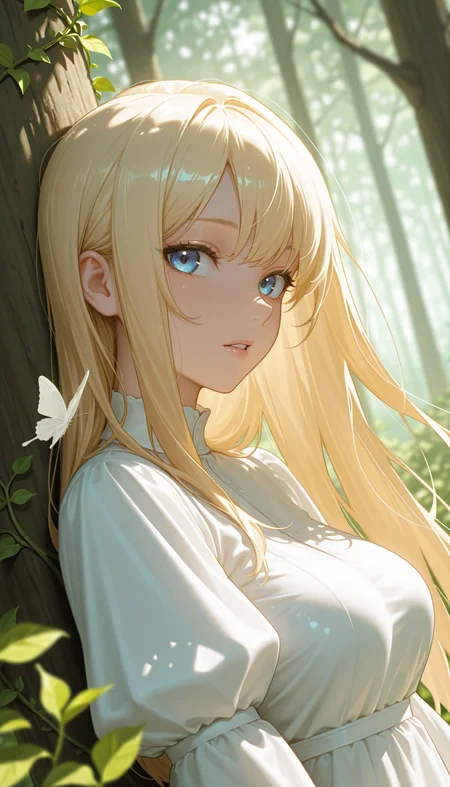
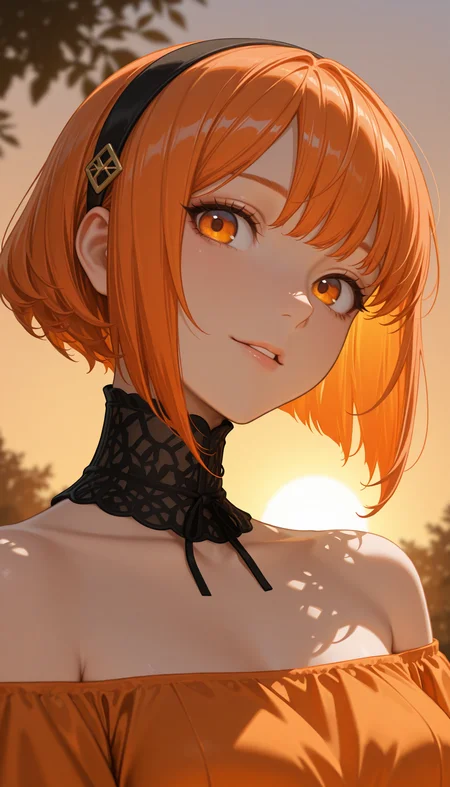
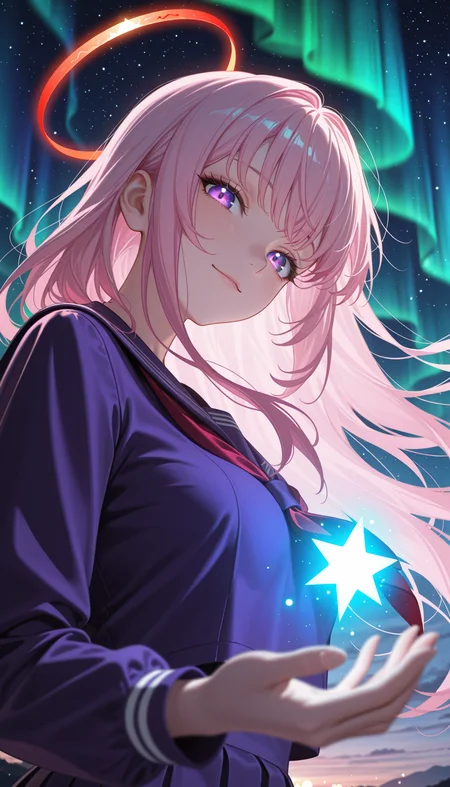
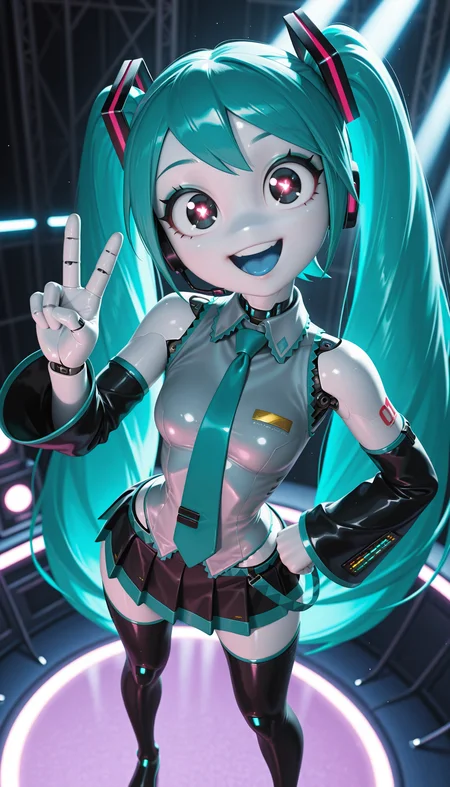
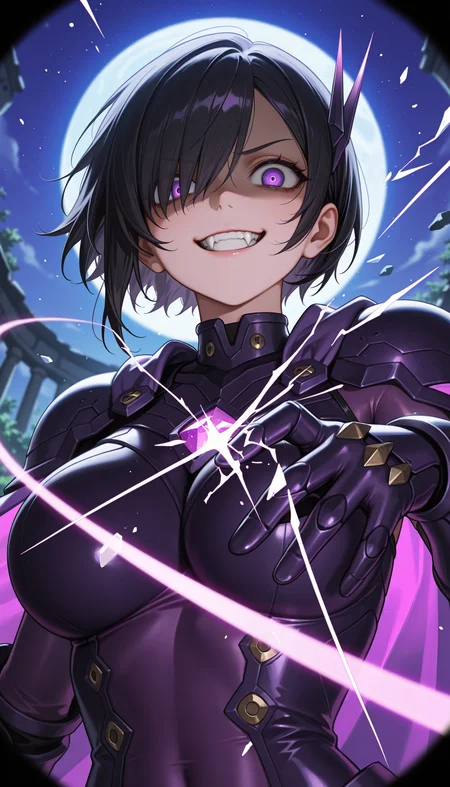
Nova Orange XL
Nova Orange XL is anime checkpoint with detailed skin and depth
Paying respects to WarriorMama777's OrangeMixes
All images on example were created with diffusers with custom png tags
Rules
You cannot use the generated images for commercial use if it's not edited (or just turning it to black and white)
You can share images without any restriction if you don't monetize it
Advertising this model to outside is always welcome
Recommend Settings
Sampler: Euler a
Steps: 20~30
CFG Scale: 3-5
Clip Skip: 1-2
Denoising Strength: 0.4 - 0.6
Prompt: masterpiece, best quality, amazing quality, 4k, very aesthetic, high resolution, ultra-detailed, absurdres, newest, scenery, {Prompt}, BREAK, depth of field, volumetric lighting
Negative Prompts: modern, recent, old, oldest, cartoon, graphic, text, painting, crayon, graphite, abstract, glitch, deformed, mutated, ugly, disfigured, long body, lowres, bad anatomy, bad hands, missing fingers, extra digits, fewer digits, cropped, very displeasing, (worst quality, bad quality:1.2), sketch, jpeg artifacts, signature, watermark, username, simple background, conjoined, bad ai-generated
Description
Better posing
NoobAI EPS v1.1 + Illustrious v2.0 stable DARE applied
FAQ
Comments (5)
v10.0 is kind of weird
Why do you recommend Denoising Strength: 0.4 - 0.6? The image becomes so grey when you set it to 0.6 (I assume its the setting in the sampler which is called denoise? If you mean hires then you should perhaps add that)
It's for both of them
I use 0.4 without any issue but 0.6 does have some conflicts with lower steps
@Crody Interesting. I always do my initial generation at denoise of 1. Upscales I usually start with 0.4 and then go lower on successive steps: about 0.25 for the second and the final one with 0.15. However I do the last step using UltimateSDUpscale node (which is a tile upscaler) because I can easily run out of memory otherwise. Tile upscaling is a finicky thing though, so I sometimes need to go as low as 0.05 to get rid of hallucinations in the tiles.
Edit: right, in case someone wonders why: lower denoise means smaller changes, and it also creates finer details.
@FeatureEnvy it depends if you are talking about denoise in the sampler or when you are upscaling, in the sampler anything under 0.8 usually just gives you a white/brownish blank image