





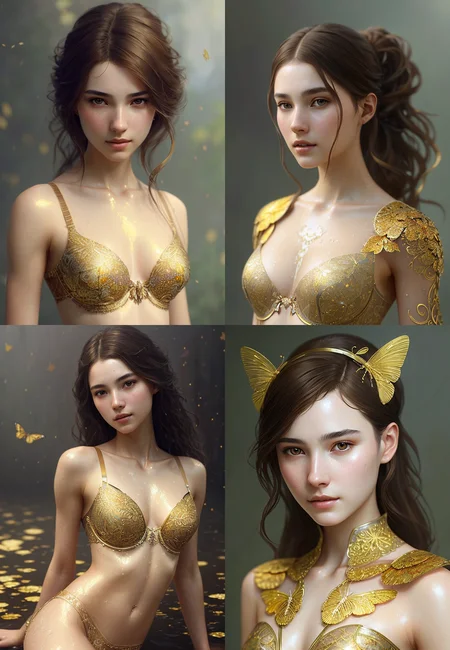


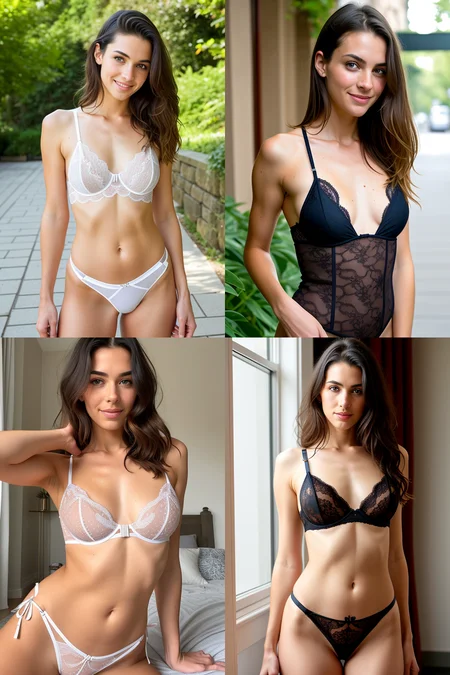
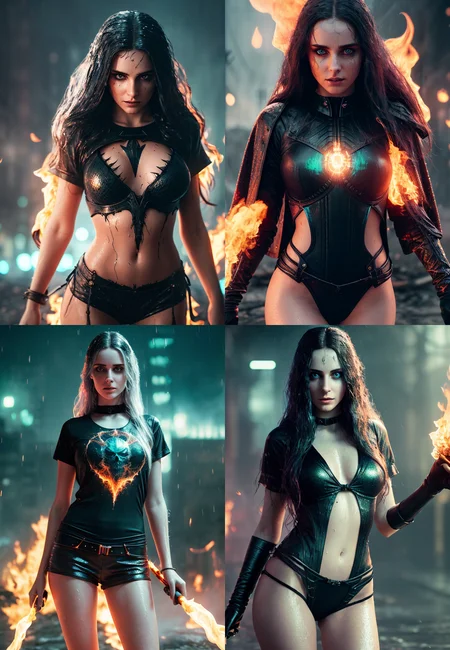
Update: CLIP fix - now we get even more accurate and more beautiful images (Thx to the Explanation about the Model Toolkit Extension by @ndimensional)
I merged it a time ago and don't know anymore which models went into this one (Art&Eros and HassanBlend i can remember), but its my go to Model for almost everything. It was aimed at photorealism but it can do a lot more. Thought maybe it's useful for the public.
U need to use a VAE!!!
I use standard VAE: vae-ft-mse-840000-ema-pruned
(added VAE-file for download to the CLIP Fix Version)
For Automatic1111, put the VAE into ...stable-diffusion-webui/models/VAE folder and make sure you set it in the settings.
Description
Fixed Clip
thx to the explanation by ndimensional in another model on here
FAQ
Comments (11)
Can you upload a smaller 2gb pruned fp16 version ? Btw, great model !
Can someone explain to me why I can only get disgusting images out of this model? I forgot a parameter? Seems like I had the same problem when I was trying to use Hassan. 🤔
Use the VAE, probably u don’t use one
@epinikion
Indeed, I had deactivated VAE for my Ti training. But that doesn't change my result, still the same oversaturated and noisy image...
@violainerudy177 do u use automatic1111? Sometimes there is a bug where u have to switch the models so the vae getting used. Try check the option „don’t use vae when checkpoint is in same place“ something like this. Under the vae setting
@epinikion Thanks !
You have mentioned the using of the Model Toolkit Extension ,Could you please give us the link of Explanation about this Model Toolkit Extension by @ndimensional