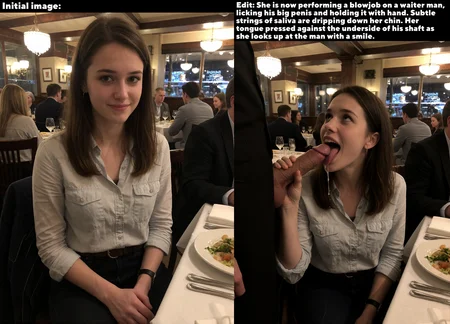
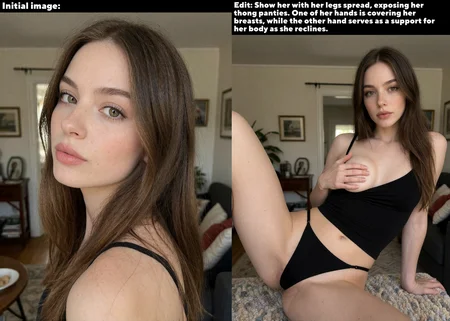
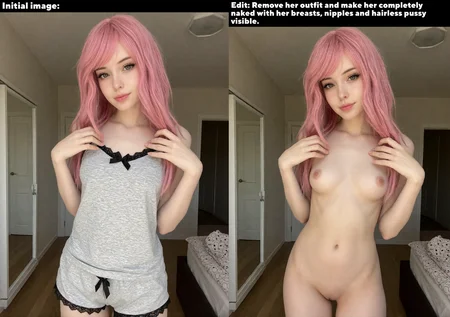
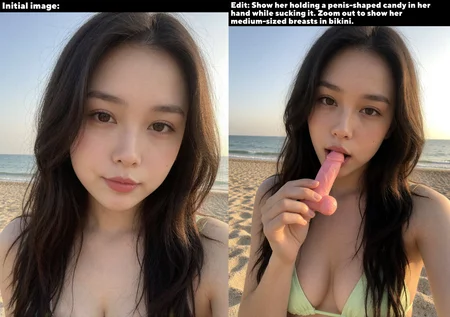
This is the workflow that was made with my Lustify models in mind, although other models would obviously work with it too. Please, read all the notes I've left in the workflow!
The goal here was to create a setup that utilizes custom nodes only when absolutely necessary. Let's be honest - you don't need 100+ custom nodes to generate great images, and I know exactly what it's like to have obscure nodepacks installed just to use them for a single workflow.
It also utilizes subgraphs, keeping the UI very easy on the eyes and hiding all the noodle spaghetti inside them.
Krea 2 edit related:
Get the node from there (I think it's not available via ComfyUI manager right now).
Get the identity edit LoRA from there (any of the newer ones).
Otherwise the edit functionality wouldn't work.
SDXL related:
WARNING! If you use DMD2 workflow, you'll need to do a little bit of manual tweaking, as it utilizes NAG (Normalized Attention Guidance) node for negative prompts to work. And the node hasn't been maintained by it's author for some time already. It's not hard to fix it:
1) If you don't have the node installed yet, open your ComfyUI\custom_nodes. Open terminal there and do "git clone https://github.com/ChenDarYen/ComfyUI-NAG.git"
2) In the file "custom_nodes\ComfyUI-NAG\chroma\layers.py", change line 5 to: from comfy.ldm.flux.layers import DoubleStreamBlock, SingleStreamBlock
3) That's it, the node is now working.
NON-DMD2 Workflow: My personal favorite. It’s slower, and you really need to use most of the custom tools I added to the workflow to get it right. But honestly? It gives the absolute highest quality and most creative results.
DMD2 Workflow: Super fast (6-8 steps) and actually supports negative prompts thanks to NAG. The downside? DMD2 has its own specific visual style, and you do lose a bit of diversity in faces, backgrounds, and textures. Some people prefer this purely for the speed and the vibe.
FAQ
Comments (22)
Your save image node is linked to the load image node, not the VAE decode
Damn, you are right. Thanks so much, I've reuploaded the WF
@coyotte On a similar note: The VAE Encode in the Preprocessing Subgraph has no pixel input from 🔧 Image Resize Image output
Thanks for Workflow!! Works great!
P.S. For some reason, I can't mark this workflow in my video. They will be in your Krea2 workflow, but they were made specifically in I2i.
Thank you, these are great!
About the krea2 edit WF: According to the node creator, object removal requires the raw krea2 model with CFG = 3 and ~ 20 steps. Turbo seems to just re-render the targeted object. Haven't tested myself
CFG > 1 requires a second edit prompt for the negative prompt, which can be left empty. The negative prompt box replaces the conditioning out node which hides behind the Edit Prompt subgraph in this workflow.
Has anyone been able to get a true 1 to 1 clone of a face? It comes close, but not quite. Seems like a cheap trick, looks like I will just have to resort to character loras.
The community is doing its best, but the final truth is that this is not an editing model, so, we just have to do our best until the actual Krea2Edit model is released in the future.
I tested the Krea2 edit workflow. Works fine. If I want to edit only certain parts of the image, I tried to add a mask, but that sadly doesn't work. Any idea if this can work with only a masked part of the input image? (so it knows the context of the whole image, but just edits the masked area?) thanks!
It would require a bit of a tweaking, but yeah, I think I can do that for the next iteration of the WF. Will let you know when it's done
@coyotte thanks! Really appreciate it
Hey, love the workflow! The edit mode looks really promising, but I'm having trouble figuring out how to wire it up — the First Pass subgraph doesn't seem to have a Load Image node or a VAE Encode path for the source image, and the switch inputs default to false with no clear guidance on how to set it up for editing.
Could you please release a proper integrated edit version of your LustifyKrea workflow — with the Load Image, VAE Encode, Krea2EditModelPatch and Krea2EditGroundedEncode nodes properly wired in? A lot of people are getting confused by the current setup.
Thanks for the great work otherwise!
There was a dedicated workflow for the edit, but it got banned. I'm trying to find a way to get it back.
The regular Krea 2 workflow isn't meant to be used with editing functionality and I have no plans to concatenate them.
@coyotte Thanks for the explanation! That makes sense. I really hope you find a way to get it back up — even on a different platform like GitHub or HuggingFace if Civitai keeps banning it. 💜
@coyotte Hi! I am interested in the Lustify inpaint workflow too :D
Hello fellow Coyote! Hope we can have access to the edit variant soon, even if it's not hosted on Civ.
Thanks for your work!
Does not contain the model , Not to sound rude
This is a workflow. Why would it contain a model? You can use the vanilla Krea 2 or with LoRAs - it will work :)
Looks like we don't have an active mirror for this file right now.
CivArchive is a community-maintained index — we catalog mirrors that volunteers upload to HuggingFace, torrents, and other public hosts. Looks like no one has uploaded a copy of this file yet.
Some files do get recovered over time through contributions. If you're looking for this one, feel free to ask in Discord, or help preserve it if you have a copy.