




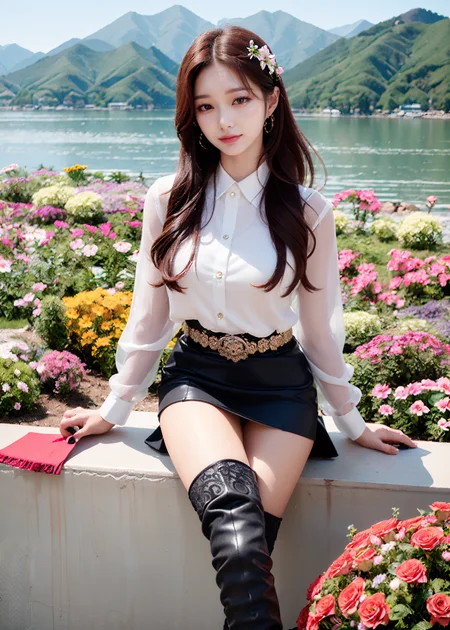
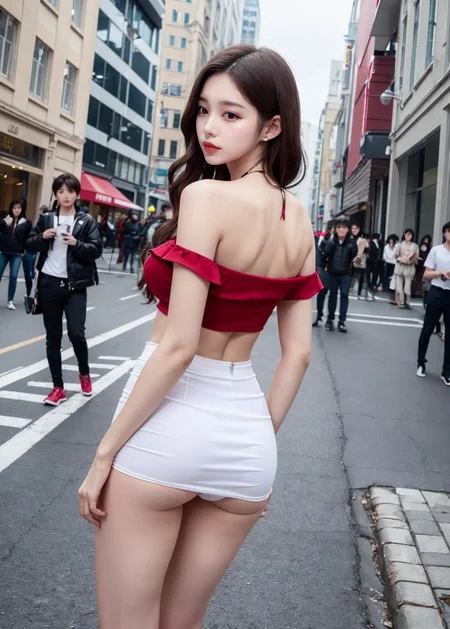
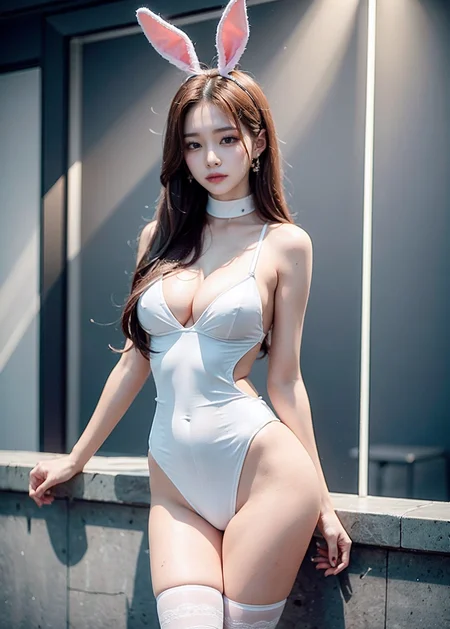
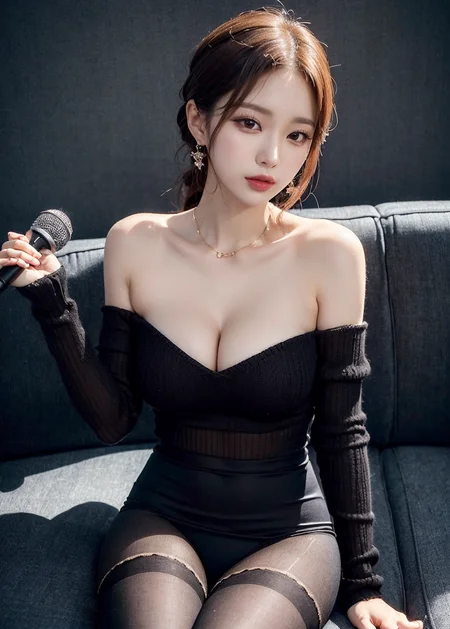

2023. 08. 19 New Version (R2) Released
.
Prompt that I use by default :
(best quality, intricate details:1.4), 1 girl, (korean mixed, kpop idol:1.2), pale skin,
Negative Prompt: (worst quality, low quality:1.4), loli, (fat, curvy:1.2), (blurry), ng_deepnegative_v1_75t
You can add what you want in it.
.
.
.
For Ver R2.
Recommended settings
- Sampling Method : DPM++ (2M or SDE or 2M SDE) Karras
- Upscaler : 4x-Ultrasharp
(You can choose Sampling method and Upscaler according to your taste)
- CFG : 15 (If you don't use Dynamic Thresholding, Keep it under 10)
- Mimic CFG Scale : 10
- Top percentile of latents to clamp : 100
- Mimic Scale Scheduler : Cosine up (or Half cosine up)
- CFG Scale Scheduler : Half Cosine up
- Minimum value of the Mimic Scale Scheduler: 10
- Minimum value of the CFG Scale Scheduler : 15
The settings above are just the recommended settings with the highest versatility, and you can find a setting that looks better while adjusting the number or scheduler that suits your specific situation. Optimal settings vary depending on the intensity of lighting (ex - indoor lighting, outdoor lighting, time of day, etc.) and the complexity of the background.
.
.
.
FOR Ver r.
Sampling method: DPM++ 2M Karras or DPM++ SDE Karras are recommended.
(2M is faster and easy to handle the lighting effects. SDE can provide much more realistic image, so you can choose what you want.)
When you use SDE Karras for sampling, Sampling step size should be more than twice the CFG scale(and it means it will takes more time to generate images).
Upscaler: ESRGAN_4x or SwinlR_4x
Dynamic Thresholding is STRONGLY RECOMMENDED. Here's my setting about DT;
When you use 2M Karras - CFG Scale: 20~30, Mimic CFG Scale: 10, Top percentile of latents to clamp: 99~100, Mimic Scale Scheduler: Half cosine up, Mimic Scale Schedule: 0, CFG Scale Scheduler: Half cosine up, CFG Scale Schedule: 10
When you use SDE Karras - CFG Scale: 20 or 25 or 30 or more(I recommend a multiple of five), Sampling steps: 50 Mimic CFG Scale: ~10, Top percentile of latents to clamp: 99~100, Mimic Scale Scheduler: Half cosine up, Mimic Scale Schedule: 0, CFG Scale Scheduler: Half cosine up, CFG Scale Schedule: 10
If you raise CFG Scale Scheduler, you can get more realistic images, but girl's face would get older. For me, CFG schedule 7~10 was satisfying. Of course, you can try other options for your best shot.
.
.
.
FOR Ver n.
Sampling method: DPM++ 2M Karras or DPM++SDE Karras
Upscaler: ESRGAN_4x
Dynamic Thresholding is STRONGLY RECOMMENDED. Here's my setting about DT;
CFG Scale: 25, Mimic CFG Scale: 10, Top percentile of latents to clamp: 99~99.4, Mimic Scale Scheduler: Half cosine up, Mimic Scale Schedule: 8, CFG Scale Scheduler: Half cosine up, CFG Scale Schedule: 7~10
If you raise CFG Scale Scheduler, you can get more realistic images, but girl's face would get older. For me, CFG schedule 7~10 was satisfying. Of course, you can try other options for your best shot.
Description
This is Minor(-but quite important-)Change version of NewMarsMix_r.
Improved Face: much more natural(less plastic surgery feeling) but more beautiful face. Especially when using I2I DDetailer.
Previous version had a problem when using DDtailer on i2i. There were some girls who had a bit excessive plastic surgery.
I want this to be fixed, and this is the result.
You might cannot notice the difference in t2i, but you can feel it in i2i.
Please try i2i DDetailer. I'm pretty sure that you will be satisfied.(Tiled vae MultiDiffusion is needed.)
This is my I2I ddetailer settings:
Resize mode: Just resize
Sampling method: DPM++ SDE Karras
Sampling steps: 25 or bit more
Width and Height: same as the image what you put in
CFG Scale: 20~30
Denoising Strength: about 0.3. This is very important.
MultiDiffusion settings:
(Check Enable, Keep input image size, Latent tile width and height: 64, Latent Tile: 32, Latent tile batch size:1)
(Upscaler: ESRGAN_4x, Scale Factor: I usually put 2, but it's up to you. How much you want to upscale the image?)
Tiled VAE settings:
(Check Enable and leave the others. (Or, of course you can find your best settings.) If you see CUDA error, use smaller tile size.)
Detection Detalier ON.
OR You Can also use SD upscale.
FAQ
Comments (14)
为什么生成出来图片是噪音雪花
没有装multi diffusion的插件https://github.com/pkuliyi2015/multidiffusion-upscaler-for-automatic1111
@spacecurvature 到底怎么用啊?
This model is too big, can you make a small lora about the girl's face?
相比 Chilloutmix 模型,这个模型生成的图有很多噪点,显得很模糊,不知道是什么原因?
2M 有噪点,SDE没有
Did you followed my recommendation of settings?
其他挺好的,为什么嘴巴总是有问题
The face is perfect, but a lot of Chillout-trained models get very rough pictures on it, I don't know why. But some models are fine
What kind of computer can run this model and parameters?
生成的照片质量不错
hi, could you upload a safetensors version for R version ? Very Thanks a lot 😍😍
Details
Files
Available On (1 platform)
Same model published on other platforms. May have additional downloads or version variants.