






Vēritās = truth, verity, reality, true nature, real life
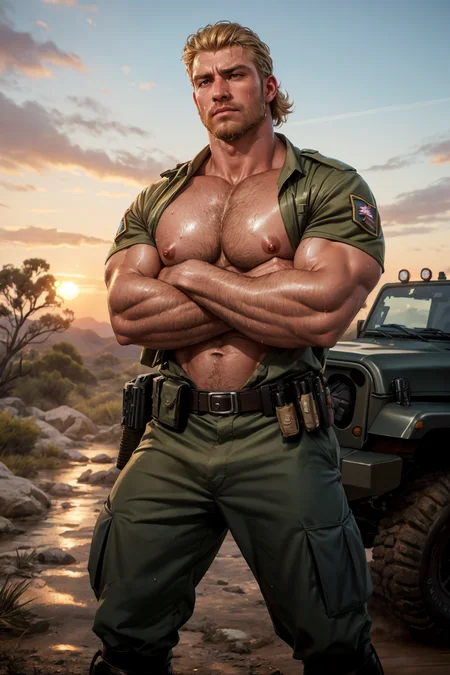
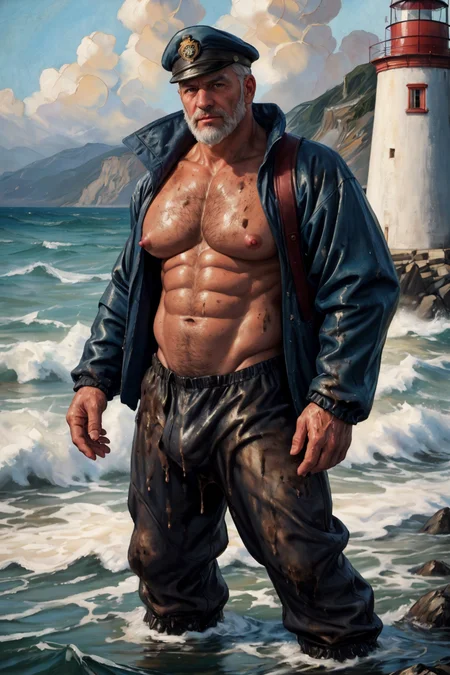
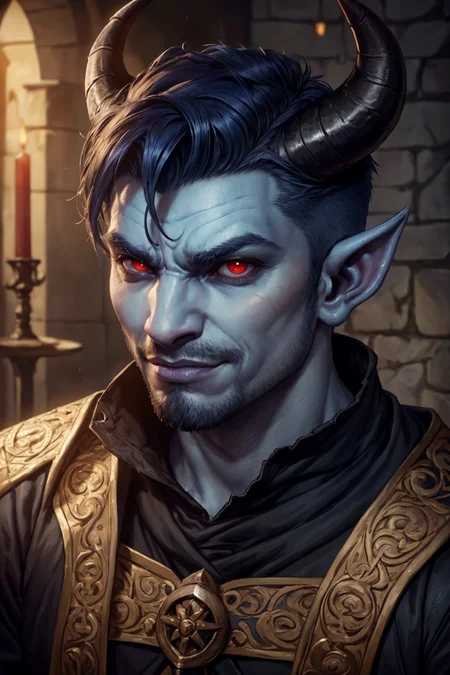
Note: Preview images are generated without the use of LORAs. Some inpainting might be present.
My Settings
These are just some examples of the settings I usually use and it's not really a hard requirement so you're free to experiment and see which setting works best for you:
Sampling Method: DPM++ 2M Karras or DPM++ 3M SDE Karras
Sampling Steps: 20 - 50
Hires. fix: On (optional)
Upscaler: ESRGAN 4x+ or 4x_NMKD-Siax_200k
Hires Steps: I usually put it at 0 so it'll be the same as Sampling Steps
Denoising Strength: 0.2 - 0.3
Upscale: 1.5 - 2
CFG Scale: 4.5 - 6
Extra Tips
Try to keep the prompts short and concise. No need to fill up the prompts with unnecessary wording that does the same thing like high detail, ultra detail, absurdres, hires, photorealistic, hyperrealistic, etc. Keep it simple.
ADetailer is kinda optional for this one unless your faces are really far away and distorted. But it does help adding extra details to your character's faces with things like lines, shading, eye details, eye color, face contour, etc. Use either face_yolov8n or mediapipe_face_mesh..
Use negative embeddings instead if writing paragraphs of words into the negative prompts. Here are some examples of the ones I usually use:
Description
v4
What's new:
Rebuild using the latest version of HomoFidelis and HomoSimile
Slightly more flexible when it comes to generating beefier and bara characters
Slightly adjusted the realism to fit the 2.5D style.
FAQ
Comments (17)
Thank you for this model. It adds just the right amount of animated qualities to make great artful images.
You're welcome, I'm glad you like it.. :)
Thank you so much for the latest update! This is my all time favorite male checkpoint, I use it all the time and I'm so glad to see you still haven't stopped improving it.
There's just something magical about it, it just produces so many great pictures. I haven't found any other checkpoint that creates such beautiful AI-men as well as this one (not even the pony and XL ones). It works well and easily with all kind of Loras and embeddings.
The only con is that I find it quite difficult (if not impossible) to generate men with slender/thinner build without the help of Lora, otherwise with just prompting I always get beefy men (not that I'm really complaining, i love hunks).
Anyways, much love from your long-time fan <3
Thank you so much, that really means a lot to me!
Also yes for this new version I purposely made it easier to generate 'beefier' men because, well.. That's how I like my men lol.. Because of that it is slightly more difficult to get slender men, especially if they're nude. You can try adding '(skinny and thin:1.4)' into the prompt to see if that helps. If not, you can always use the previous 3.0 alt version, that one has better control over body build types..
@Kairen92 It's really not a big deal, since i like to generate beefy men as well :)
But in case i want to generate skinnier guys, i've found workaround for this issue. I got great results with using these LoRAs: muscle slider / turbomale with negative value (-1.5 and -0.6 respectively). Works great in conjuction with Twunkshaper LoRA as well.
On top of that, adding (skinny and thin:1.3) to positive and (bara, muscular, bodybuilder:1.2) to negative prompt also helps. I guess i could've just use the previous version but i like using latest version haha
Heyo! I've been using this model for ages, HomoVeritas is genuinely fantastic & I haven't found anything that compares! Just had a quick question for anyone using it-
I'm still very new to image generation & prompting, so I wanted to ask how yall are able to define different colors or characteristics on the clothes the character wears? E.g. If I prompt something like "(blue shirt), (green jacket)" the prompt doesn't seem to understand & tends to make the shirt green as well. Sorry if this isn't the right place to ask, just wanted to check here since it's practically one of the only models I use 😅
Hi, thank you so much. I'm glad you like it.
Unfortunately that's just one of SD1.5 model's 'weakness'. They're not that good at precise and specific prompting and can be a bit random, at least compared to latest models like Flux. Sometimes it works, sometimes it doesn't. Also, avoid emphasizing the color as well because it might make the tag stronger that it appears on other clothing as well. So just write 'blue shirt' or 'blue (shirt)'. I also heard people saying that using BREAK tags can help. like for example 'man wearing blue shirt, BREAK green jacket' but tbh it's still a bit random. I'm sorry I don't have a better solution for you..
Also, feel free to ask me any questions, I'll try to help whenever I can. You can also just DM me if you're not comfortable asking here..
Thank you so much for the detailed response!!! I really appreciate it, that definitely helps me understand the issue a bit more. Needless to say though, it's such a minor thing considering the quality of the model. If I have any other questions I'll be sure to ask, thank you! ❤️
i dunno... i tried to generate belly man but its always with 6 packs.
Try using 'plump' and 'round belly' and increase the strength if needed. With that said, even with rounder belly it'll still have abs outline - it's just the bias of the checkpoint. I also recommend using Soft Abs lora for inpainting, it'll improve the visual a lot. Hope that helps
@vinsander thnx for tips!
@DadLair No problem! Weight slider lora also helps with chubbier men. https://civitai.com/models/180008?modelVersionId=202032 If you want to check it out
@vinsander Weight slider works sooo good
@DadLair I'm glad to be of help :) Enjoy
Any chance you could produce a pony model based on this training data pretty please? i thought it would look better than simile
I cannot wait for this in pony/XL. This is my favorite
This is fantastic, why on earth has it been withdrawn from the generator?