
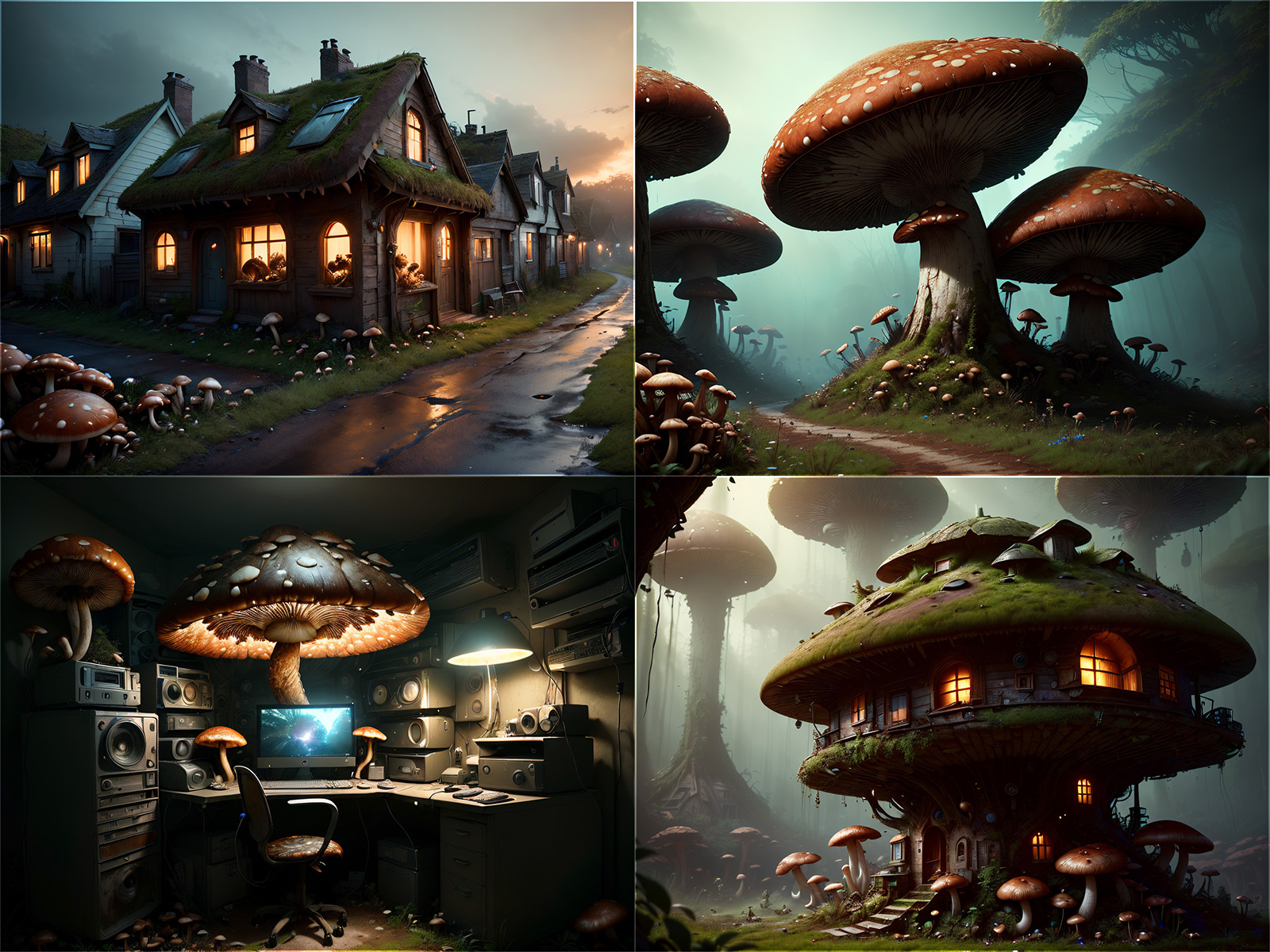
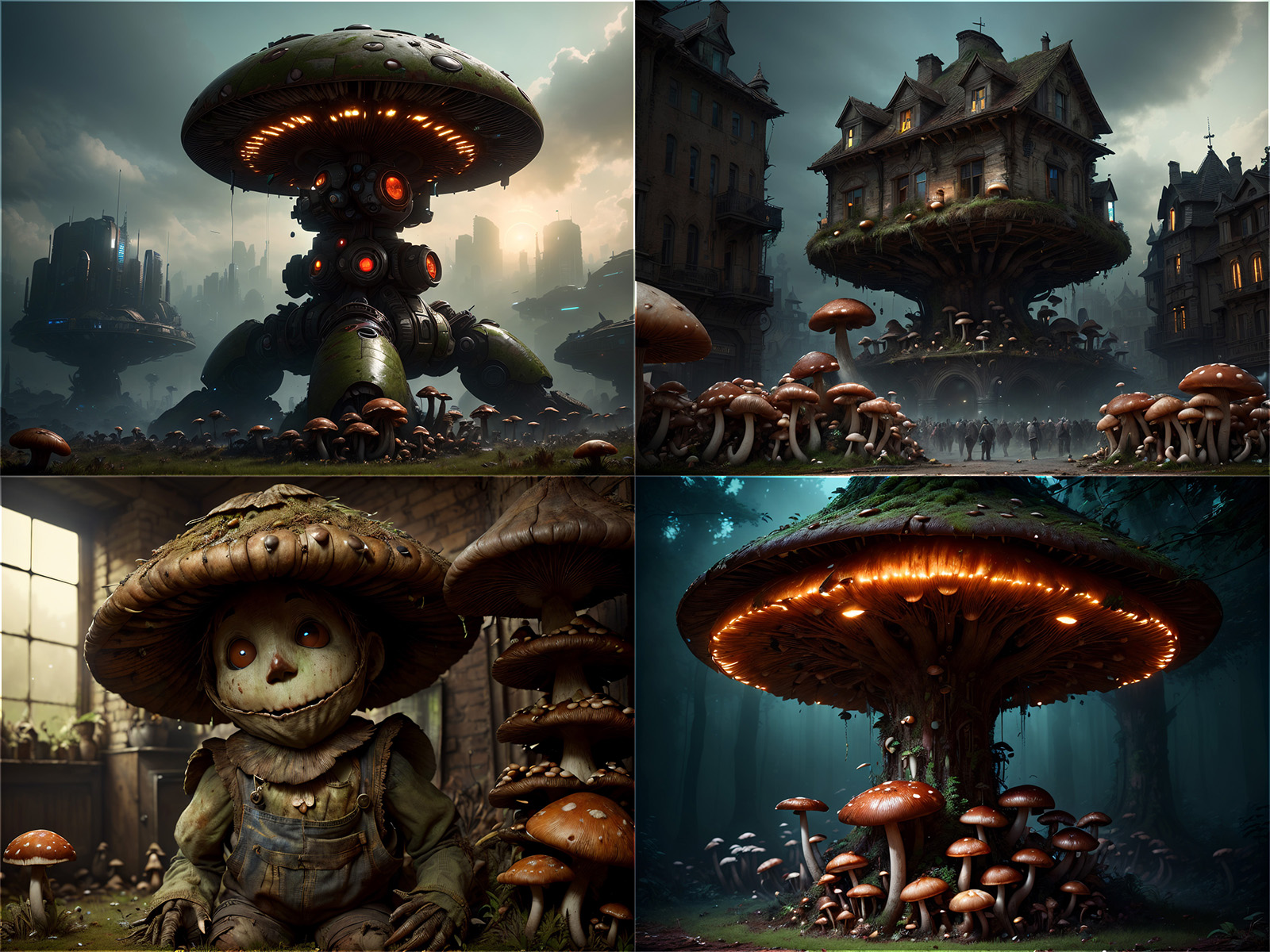
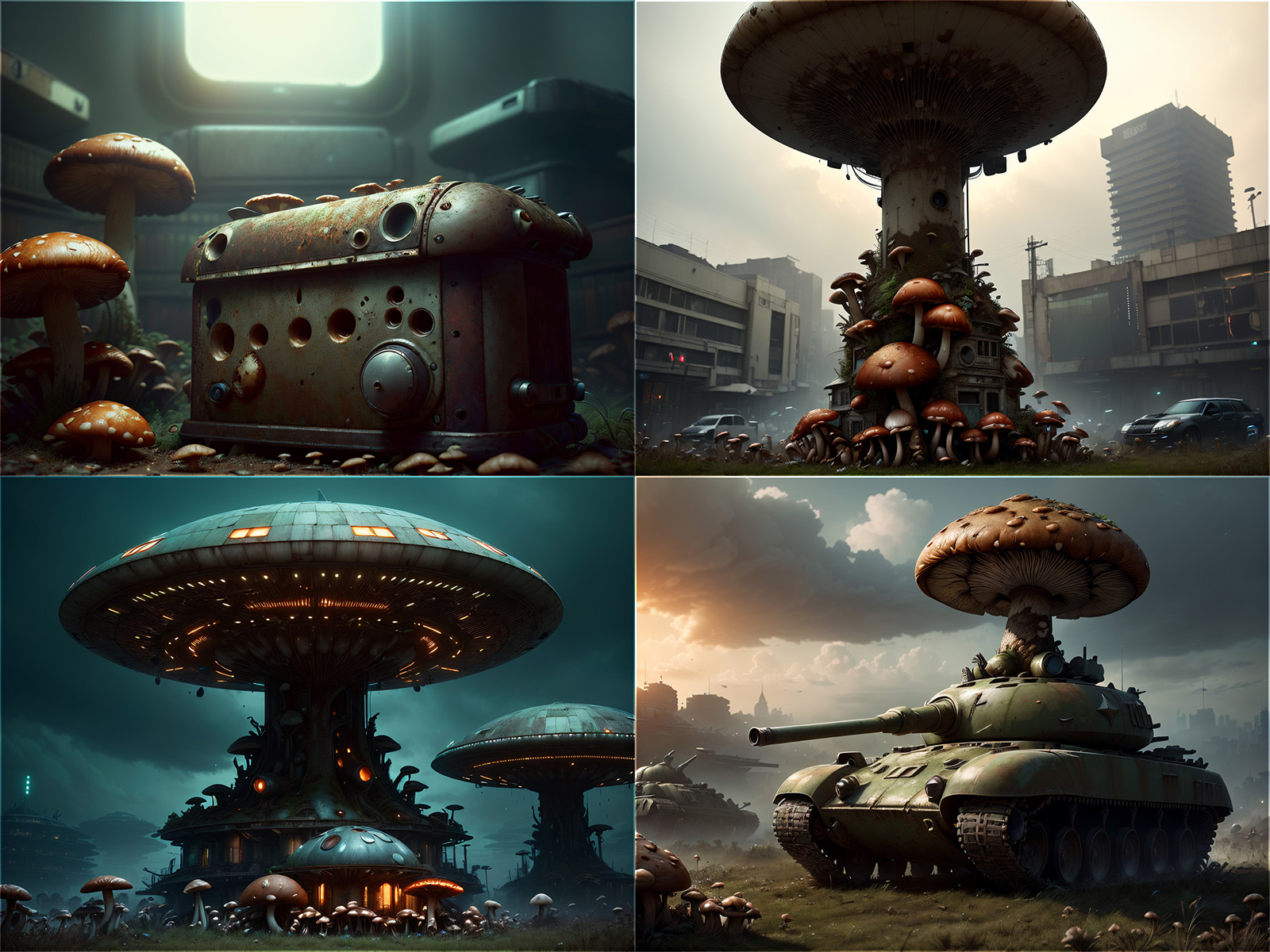
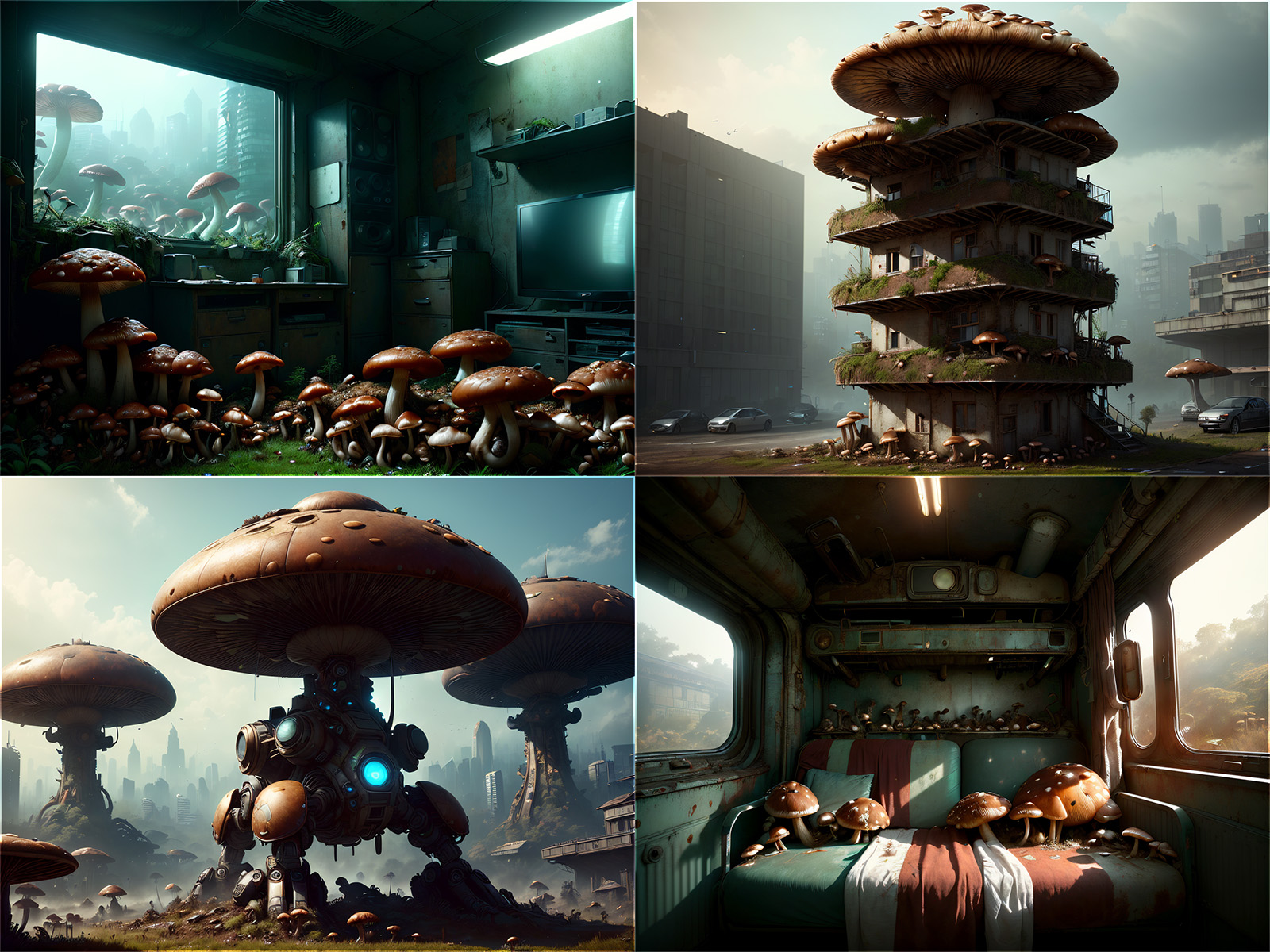
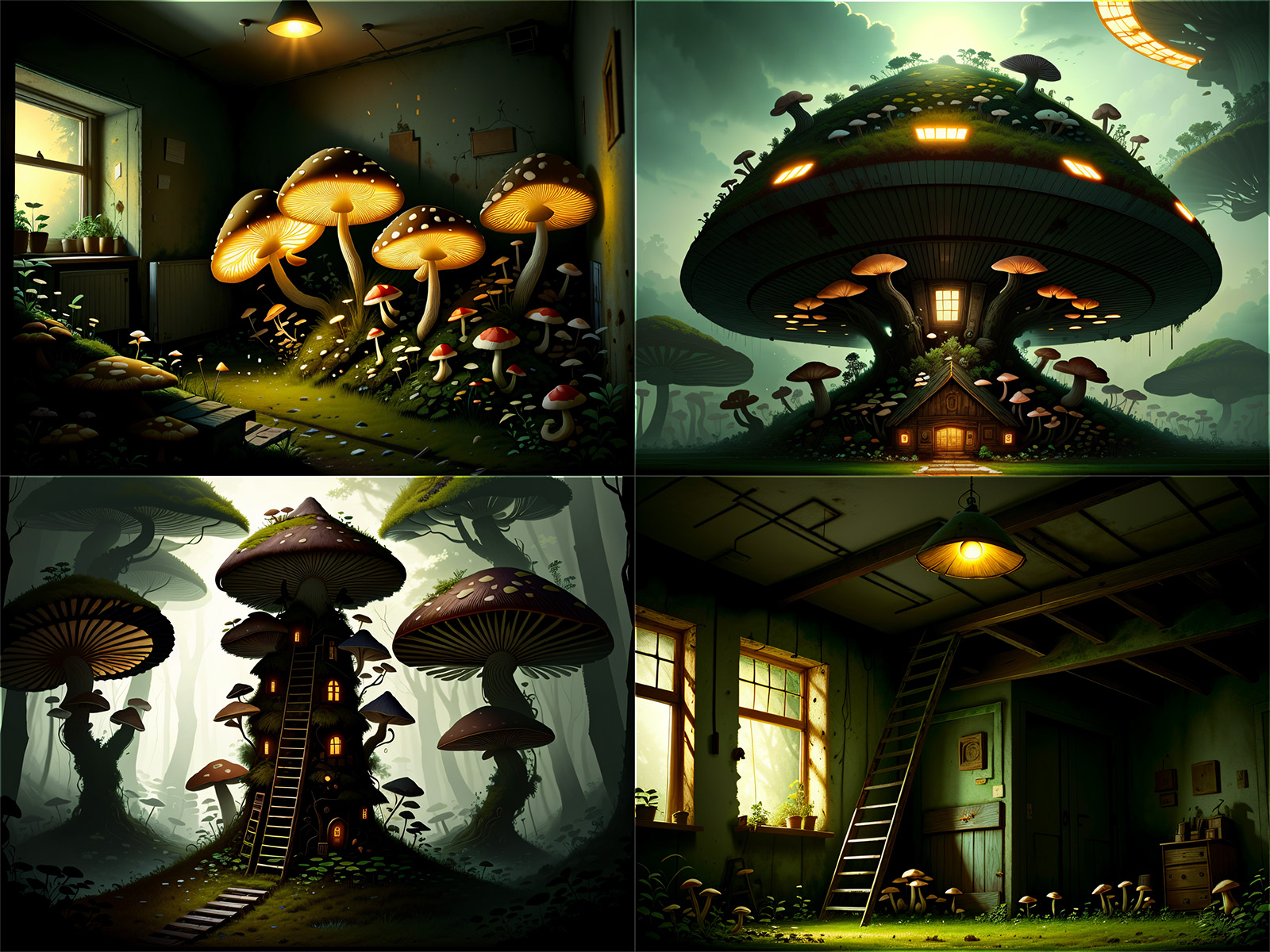
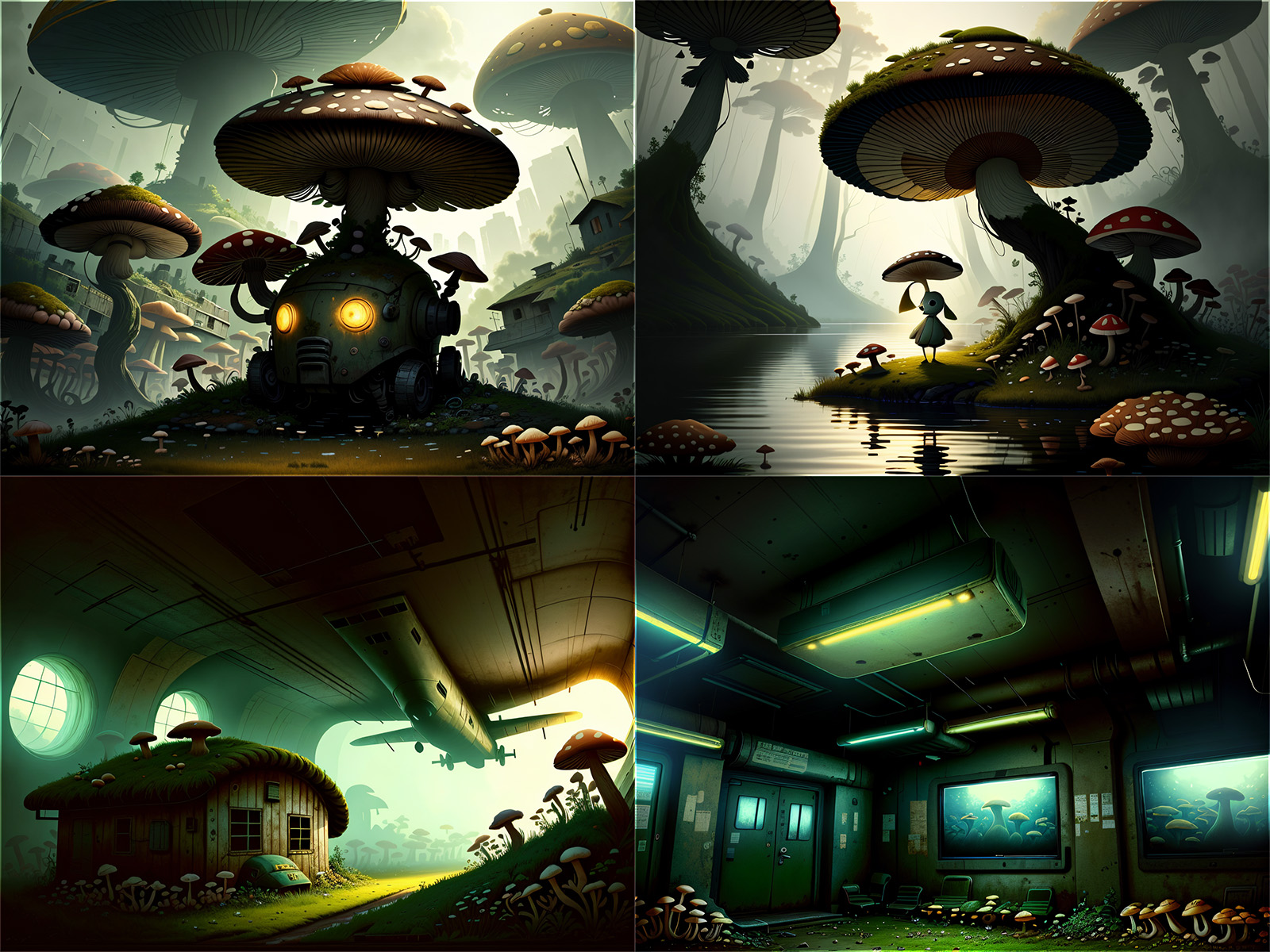
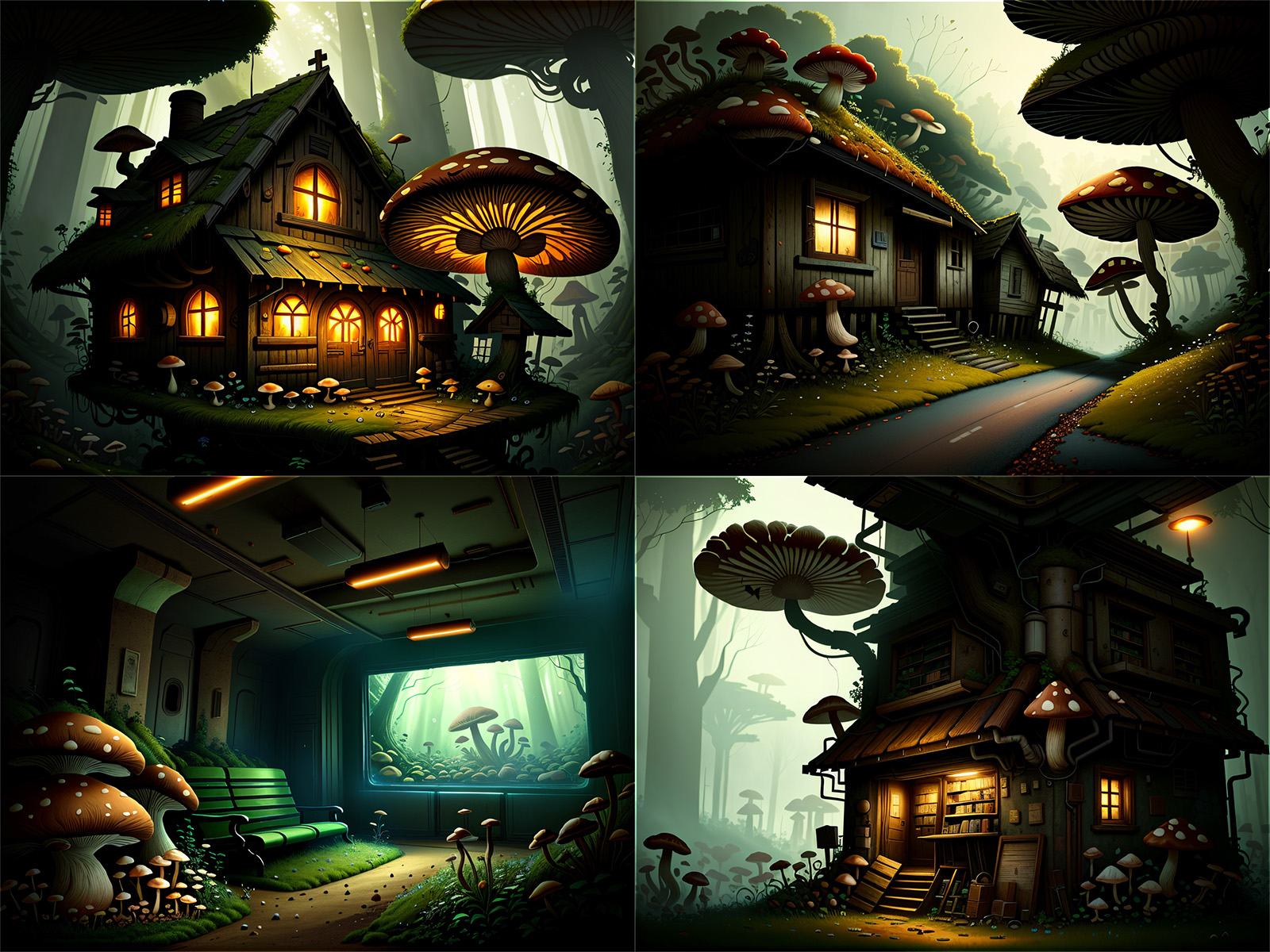
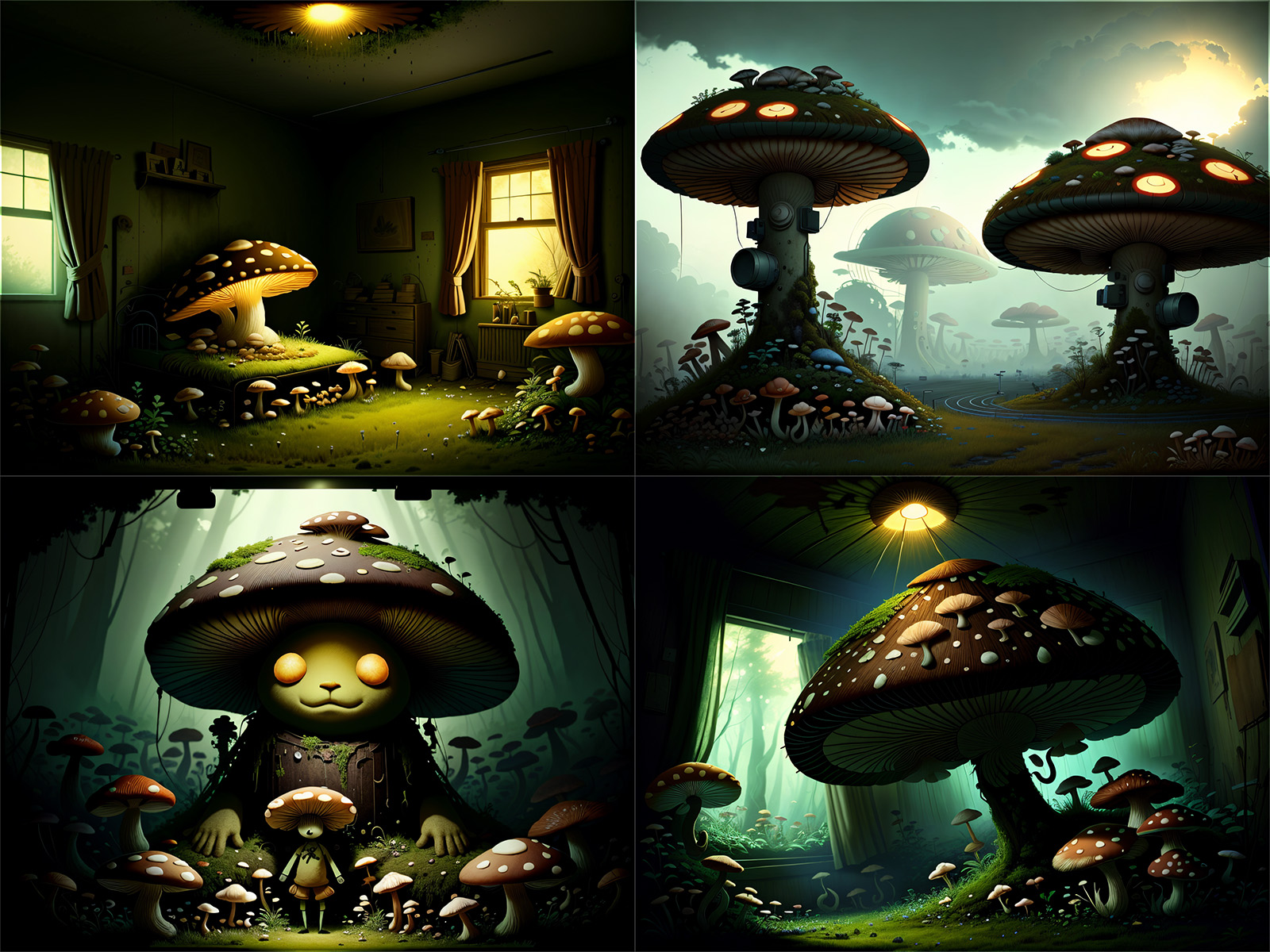



New version of this tutorial is here: https://civarchive.com/articles/771/tutorial-konyconi-style-lora-update
After some trial and error, I discovered an efficient method for creating LoRAs that can apply styles or features to various items. My LoRAs have been well-received here, on civitai.com, and it's surprising how easy and fast the process is. It almost feels like cheating. I've enjoyed the recognition, but I believe it's time to humbly share my approach with everyone at no cost.
This tutorial showcases the typical process I follow for creating most of my LoRAs.
TLDR version: I utilize generated images; I incorporate simplistic illustrations into the training data; I employ basic captioning: [triggerword] [concept], and I use a simple Python script to create the caption files.
STEP 1: Find an idea (style / feature) and check that SD with your favorite checkpoint can't do it. Let's say, the boho-style.
Dear revAnimated, please generate a "boho tank" for me:
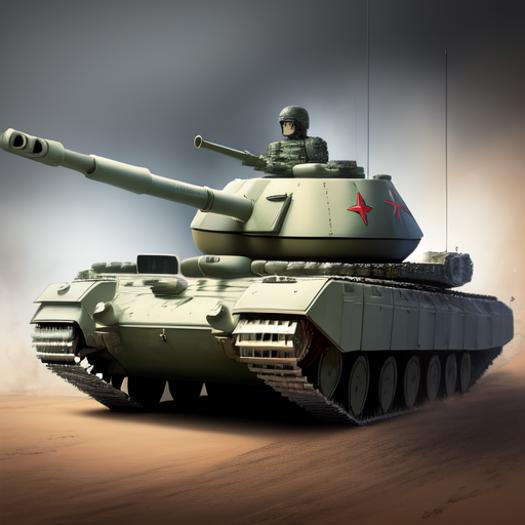
OK, the boho-style seems a good idea to try,
STEP 2: Check other image generators.
Dear Bing, please generate a "boho tank" for me:
prompt: illustration of battle tank in boho-style

Dear DALEE-2, please generate a "boho tank" for me:
prompt: battle tank in boho style, illustration
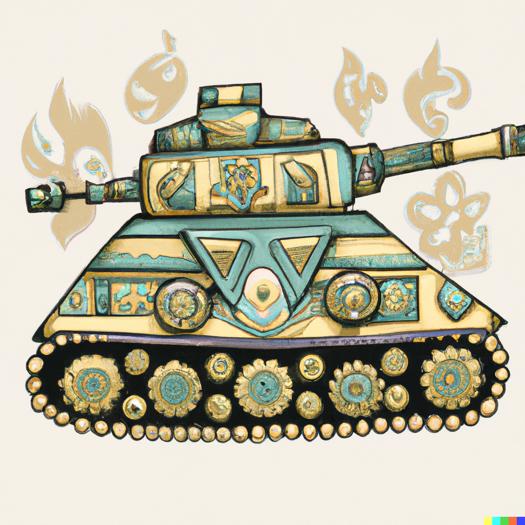
OK, we can see that these pictures somewhat capture the boho-style. Therefore ....
STEP 3: Generate the training set using an image generator which can understand the boho-style.
Some of my LoRAs use no generated images in the training set, while others incorporate a portion of generated images. Notably, my most recent LoRAs rely exclusively on generated pictures.
For example, generate "boho tank," "boho computer," "boho village," "boho dirigible," "boho submarine," etc. Aim for 1-6 images per concept, totaling 50-100 images.
When you generate such uncommon things, like "boho tank" you might come across images such the ones shown in STEP 2. Don't worry about including these images in the training data; they're often better than (semi-)realistic pictures. For instance, my training data for BohoAI only contains the following examples of dirigibles:

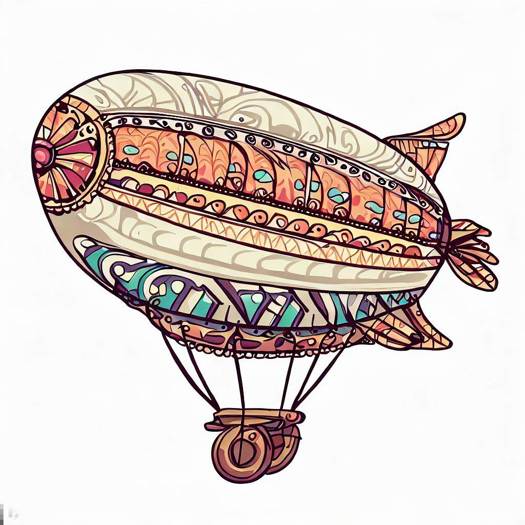
Yet, the final model produces this:
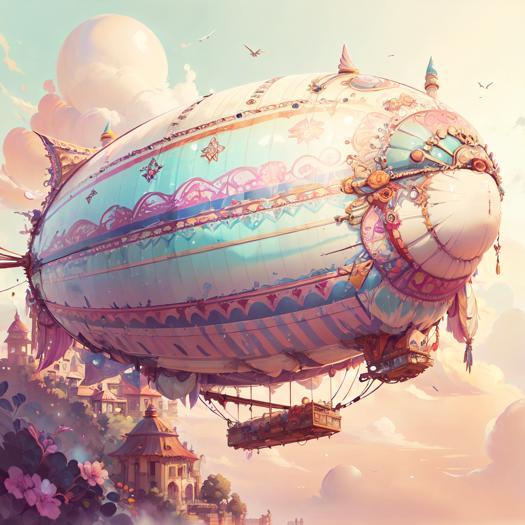
Include also some (semi-)realistic pictures. They should not be problem to generate for some concepts, like "boho living room".
STEP 4: Clean up the images by removing logos, generated author signatures, and other similar elements. Also remove unwanted artefacts, like the extra cannon on the tank tower.
The removal can be quite crude: just place other part of the picture over the unwanted part.
Do not resize the picture.
STEP 5: Captioning.
Use very basic captions, like "BohoAI dirigible."
To expedite the process, try this trick: save the images in a folder named after the concept. So, all dirigible pictures will be in a folder named "dirigible."
Once you have all images organized in their respective folders, execute the Python procedure I provide in attached files. It recursively travels through folders, and for each .jpg file creates .txt containing a given triggerword and the folder name.
STEP 6: We are good to go. Train the LoRA.
I think that you cannot go wrong with your usual setting.
After some experimenting, it seems that rank 128 and alpha 128 are needed to get the desired result. I'm going to make a deeper study later.
I'm sharing the config for kohya ss, but please take it with a grain of salt. I often change it and experiment blindly. BohoAI was trained with this config using 10 repetitions.
The LoRA encapsulates boho-style, adeptly applying it to untrained concepts.
Check dajusha's review picture (there are no pictures of any animals in my dataset.): https://civarchive.com/images/616301?period=Week&periodMode=published&sort=Most+Reactions&view=categories&modelVersionId=56427&modelId=51966&postId=172873
I've shared my secret and kindly request one favor: if you publish your LoRA trained using this method, please credit this tutorial.
Numerous creators can adopt and enhance this idea, ultimately elevating the quality of civitai.com content. By sharing my golden goose, I kindly ask you to consider supporting me with a coffee through these links:
Description
FAQ
Comments (86)
I don't see "Python procedure I provide in attached files" anywhere ? Cheers :-)
Check the versions above the picture: [basic captioning script]
@konyconi Gotcha. Thanks. I think I expected it all in one file. Cheers !
In step 4, you have mentioned that "Do not resize the picture." but your files shows that all pictures are resized to 1024x1024. When do we have to resize those pictures?
Hi. The pictures are not resized; they arrive at this size from the Bing creator.
Thank you!
You have provided me with a good idea, thanks!
@konyconi : Thank you for your great tutorial! I was able to fill some gaps in my knowledge and after some failed experiments in the last few days, I am slowly getting to something useful! =)
These are the first pictures of my dystopian mushrooms concept (posted to the gallery section). I’m not quite satisfied yet. But I hope that I can fix the last weaknesses with a bit more fine-tuning! :-)
nice!
nice!
Hello God, can you share your anti-utopia mushroom concept with such high photo clarity? I would also like to fine tune a clearer photo through your experience
@Shivae My dataset contains 500 images I've created with the Bing AI only. I started by using 5 images per concept / location / object / ect. - 3 realistic ones and 2 cartoonish illustrations. But I recognized, that some pictures / locations / objects are harder to create or even fail completely, so I increased the amount of images in thoose areas. In addition I'm constantly reviewing and increasing the quality of my dataset and I am thinking about mixing in some of the best SD results in the end. I'm still not 100% satisfied yet, but I'm getting closer every day step by step! ;-) For the training itself I'm using konyconi's Khoya_SS settings, but I raised the epochs from 15 to 25 and I'm using a little bit different instance prompting. I can post some images of improved quality from the current version, if you like?
@AvaCadava Thank you for sharing your experience, I can see that you are constantly improving the quality of the images, please let me see your better quality images, God.I used the same konyconi Khoya_SS setup for the model training.Very helpful to me as a newbie.Here is the break at 12 noon, looking forward to the response of the god,A friend from the city of Chengdu
amazing!thanks
Thank you for sharing the amazing tutorial! I learn more about training now. Thanks again! Awesome work!
agreed!
Thank you for sharing. 謝謝您的分享,好人平安。
Thanks for sharing!!
Thanks a lot for the detailed sharing!!!
I would like to give a shout-out to this incredible model: https://civitai.com/models/57933/glasstech-world-morph. Its creator, following this tutorial, has crafted a truly remarkable model for generating glass objects.
Thx mate ! But where is the Kohya config ?
check the versions above the picture. You will see [kohya-ss-setting] there.
@konyconi Thx mate !
Could i also ask which GPU you have ?
@konyconi 3090 ? or 4090 ? And you think your settings work well with a rtx 4070ti ?
@dervlex959 I use rtx 4090. Sorry, I don't know how it works with other gpus.
@konyconi ei kony Im digging into the augmentations vs cache on cos/constant. Could you tell me how many restarts you're using? The json wont show.
@LDWorksDavid one restart.
@konyconi Thanks a lot. Now I have another question since I already "split" concepts in the past but wanted to know a bit of your method. Do you have a 10_bohoAI or 10_submarine 10_tank 10_coffee machine etc.? Since when training it's not the same. If is the first you're bleeding more if is the second you're doing a mini anti bleeding layer (which is not as powerful as Loha, for example)
@LDWorksDavid No, I just put them all to one folder. Only when I have two triggerwords (or more), I split the data, like 10_cogpunkai, 10_steampunkai
Thx buddy,i think this's very very useful for everyone.
Amazing method, unfortunately my VRAM can't handle the lora training... but I'm pretty sure I could not do something as good as your effort.
Tried out your sweet tutorial. Not a horrible first attempt! Definitely making more of these. https://civitai.com/models/59848?modelVersionId=64300
How does one train? I read both your guides, I don't see where it describes the "training" process... Which is the part I am most confused about unfortunately.
Yes, the guides are rather on data preparation for the training. For actual training, I recommend this video: https://www.youtube.com/watch?v=70H03cv57-o&t=551s&ab_channel=Aitrepreneur . Basically follow his steps, but use mine config file instead of his.
@konyconi Thank you thank you! I will review the video and give it a shot. Again, thank you!
@konyconi Hi! The video link you provided is not accessible anymore. Can you please provide another video link?
@3186188652587 Strange... it work for me now.
I followed your excellent tutorial and came up with TigerstripeAI as my first ever LoRA. I think it came out pretty good, all things considered. I have a lot to learn still.
When you say you do 10 repititions do you mean you set it for 10 epochs? Cheers...
Figured it out....tks for sharing
@dr_dredd OK, sorry, forgot to answer this.
I see in your metadata you're messing with full captions again, have you been finding that better ?
I'm still mostly using your original tag method but i definitely add a few more words than you (and my scripts now create captions on a whole folder structure so I can nest keywords like human/male/walking
the thing i mess with the most is number of images, and then the number of repeats... definitely feeling more images and less repeats is better for the type of themes i'm doing, tohugh the ones that are more your original style do seem to work fine with less repeats since I think it picks up the idea easier than it picks up a particularly accurate style
If you mean the Teslapunk/Valvepunk LoRA, it uses this tutorial plus I've also added training data from the original TeslapunkAI (captioned by BLIP) and used them with much less repeats.
@konyconi ah ok, the 1970s retro was you too right ? i dont remember if you had an earlier version of that
@theartificialanalyst 1970retro uses the lazy-ass approach -- the captions are parts of midjourney prompts.
@konyconi hahaha fair enough :D looks sexy though so it obviously worked.
@theartificialanalyst It is not completely "lazy-ass" ... yes, the pics are mass downloaded from midjourney, captioning takes the parts of prompts, but then it took a lot of preprocessing to obtain the colors.
That tutorial work also with colab version of it? Or it just for local?
You're a true hero! Thanks for sharing your process!
Thank you very much, Your tutorial is very useful
thx!!!!!
This method is beautifully non-invasive to IP. Thank you for your work.
im like a noob but is this something i can use in the future to train my own ?
Sorry, I don't know a single thing about python, but the captioning scrip disappeared right after I ran it, and nothing happened. What am I missing?
Open the script in a text editor.
Replace arguments in the last line:
process_folder(r'.\pictures_for_my_new_lora', 'BohoAI') to your path and chosen word.
Save.
Open a command prompt, navigate to the script's directory.
Run the script with the command: captioning.py.
(this way, it does not disappear, and you will see an error message, if something is wrong)
@konyconi Thanks for the explanation, I will give it a try again after work!
Fantastic tutorial! I was wondering how the heck you were training so many styles so rapidly- this is kind of amazing, frankly. These LoRAs have completely changed how I approach using these tools!
Hey @konyconi how many steps are you doing for each image? Like when you name the folder for the images like 100_BOHOai to do 100 steps per image?? And for epochs do you have a standard you use? I'm training one now with 56 images, 100 steps per image and 10 epochs and it seems to be taking forever. 47 minutes so far and it's only 38%. I'm guessing I'm overdoing it by a lot!
I do 10 repeats and 15 epochs.
I don't mind sending some coffee's for the info =)
@konyconi ok so you do the folder like... 10_BOHOai??
So I'm pretty much over doing it at 100 repeats and 10 epochs?
Enjoy the Ko-Fi's
@SouthbayJay Thank you. Yes, i have 10_boho folder (you can see it in the training data in this tutorial). For 100 repeats 1 epoch should be enough -- so just check how your first epoch performs.
@konyconi ok great! Thank you!!
@konyconi hey, in your sample json I see
"dataset_repeats": "40",
"train_batch_size": 4,
"epoch": 15,
but here you commented 10 repeats for 10 epochs. Any comments which way to go?
@irakli_ff I'm confused. I haven't recommend 10 epochs and in the json I do not see "dataset_repeats": "40"
@konyconi weird, seems like my JSON has changed since being downloaded from here? Sorry plz ignore me for now
@konyconi is training a 2.1 LoRA pretty much the same as training a 1.5 Lora except you check the box that says "v2" and choose your 2.1 pretrained model??
@konyconi wow, i'm glad that i found this, i try since many many days and the result is always Fxckedup but now i know why, my training for 25-50 photos was between 2000-6000 steps and 10 epochs, damn I was slightly off :D Thank you.
for anyone like me - looking for the original model to compare if me following the guide will make the same thing - its here
https://civitai.com/models/51966/bohoai
Thanks for the tutorial, I'm working on it :)
I would like to ask about the image size of [Training images]: Do all images have to be fixed at the ratio set in "Max resolution"?
I saw that the command responded "make buckets
min_bucket_reso and max_bucket_reso are ignored if bucket_no_upscale is set, because bucket reso is defined by image size automatically / bucket_no_upscale...."
It seems that images with different scales are acceptable as [Training images]?
No, you can use any size of images.
I can't finde josn for kohya ss((
There isn't josn file for kohya ss in attached zip archive :(((
Could you write the params wich you use, please?
Check versions above the picture. You will see [training data], [Kohya-ss-setting], ...
@konyconi Damn, I'm very inconsiderate. thanks a lot again!
Hello, thank you for this guide!!! I have a question can this be done the same if you're trying to teach a concept like "tipping your hat" or "doing a cartwheel"?
I dont know.. never tried that.
Love your works
Great Tutorial!
Great Tutorial ! Thanks a lot !
Your work is so impressive and inspirational... Finding this article motivated me to tray and train my first LoRa... After many sweat and curses, I eventually managed to get... well... something. (Not quite as impressive as your work but this is but a start)
You can guess from the sample pictures I posted below for what "style" I went lol (It was actually quite hard to figure one out, you already made so many styles/ambiances/materials/... with great success)
Looking forward to see what you'll do next ! Keep up the excellent work !
Thank you. Also, here is newer version of the article: https://civitai.com/articles/771/tutorial-konyconi-style-lora-update
Can't get the python script to work at all for some reason, no errors it just doesn't do anything even when I've changed the directory in the code. I guess I've got the syntax wrong?
I take it this doesn't work with AMD GPUs, right?
I want to use colab. Can I use colab successfully?
couldn't this also work as a negative lora or embedding instead, as modifying the thousands of models on here isn't feasible?
@MorganFreeman In case it's of interest, konyconi encouraged me to try making a SD v1.5 TI from his training set. I only used the images, not the captions. The result works well I think:
UPDATED VERSION OF THIS METHOD::: if anyone reads this after coming here I DID an experiment updating a model using method that works much better this one, slight change to tagging this model page has example