v7.0 Fixed
Pruned and fixed problems.
v7.0
A mix of AbyssOrangeMix3, Chilloutmix-Ni and PerfectWorld
v5.0
A mix of AbyssOrangeMix2 Hardcore and Chilloutmix-Ni
I really love this models!! Thanks!
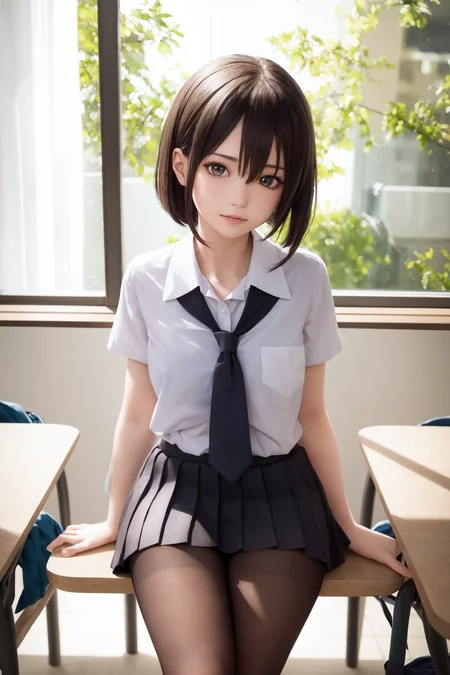
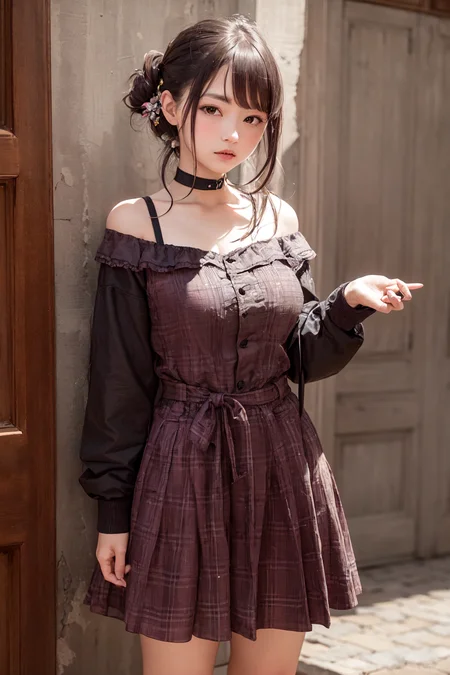
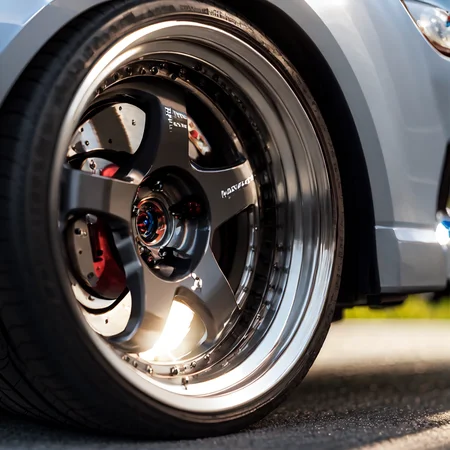
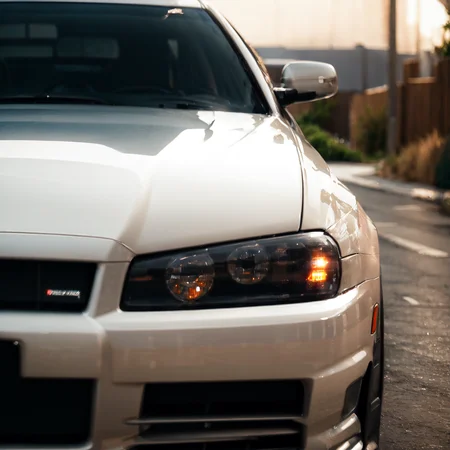
This mix can make perfect smooth deatiled face/skin, realistic light and scenes, even more detailed fabric materials. Also can make picture more anime style, the background is more like painting.
This merge is still on testing, Single use this merge will cause face/eyes problems, I'll try to fix this in next version, and i recommend to use 2d/3d LoRA with Hires.fix to make face better. I'll slowly upload my generated picture on this site.
Sample images used some LoRA and Hires.fix. if you use my prompt the result may be different.
Sample images use:
And my own LoRA mix
I hope you enjoy this merge!!! Thanks!
Description
Mix with AbyssOrangeMix3 and PerfectWorld models.
More face, skin and cloth deatils.
FAQ
Comments (13)
Would there be a pruned or fp16 one to save storage? Thanks! ^o^
I feel like this merge is hurting the merged checkpoint because the three sources all share the same merge sources and some way or are a 50/50 merge already.
May I suggest prune this model to fp16?
I can't get it to work. I am only getting pixelated images.
Any possible can it be merged with SD 2.1?
Korean Doll Likeness link not working
Is it possible to upload a pruned version?
You seem to have the old Cheshire model ive been looking for a while, could you upload it somewhere?
Very good. This checkpoint can generate everything i want to make.
Next time, upload no-ema fp16 too please
Model is 7.17 GB. Multiple model types identified: SD-v1, EMA-v1. Model type SD-v1 will be used. Model components are: UNET-v1-SD, VAE-v1-SD, CLIP-v1-SD.
Contains 3.20 GB of junk data! Wastes 1.99 GB on precision. CLIP has incorrect positions, missing: 41.
Uses the WD-VAE-v2 VAE.
Model will be pruned to 1.99 GB
.......
Download Model Toolkit
https://github.com/arenasys/stable-diffusion-webui-model-toolkit
To use, select toolkit tab in webui, click refresh, load the model to prune, save the model (it use a new name automatically), click clear. Delete the old model. Done.