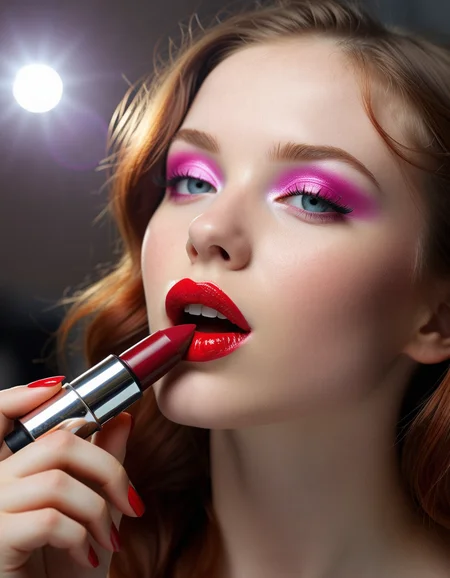
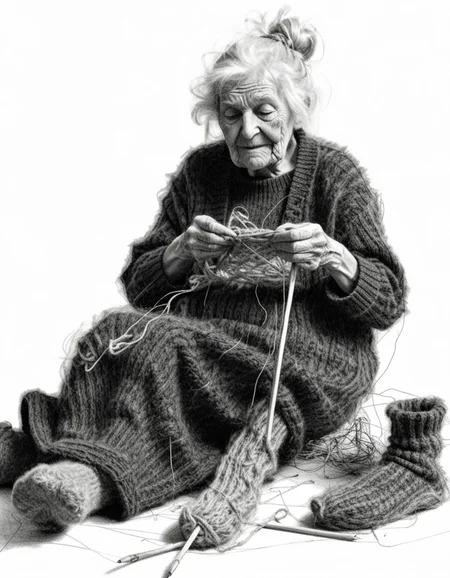
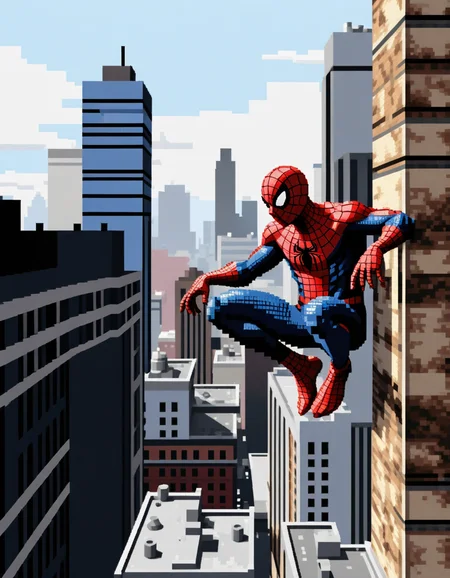
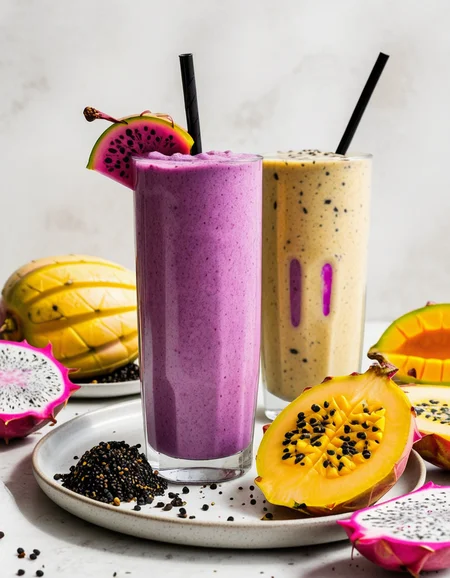


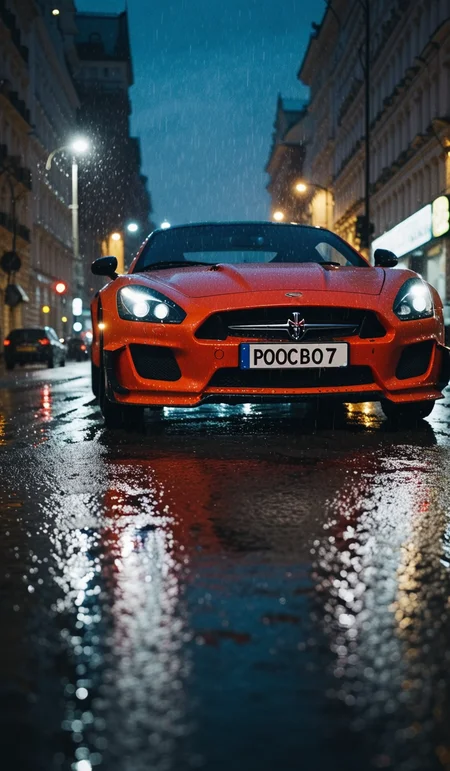
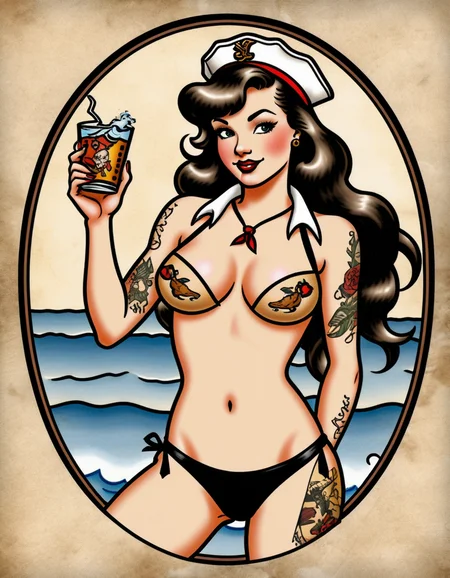
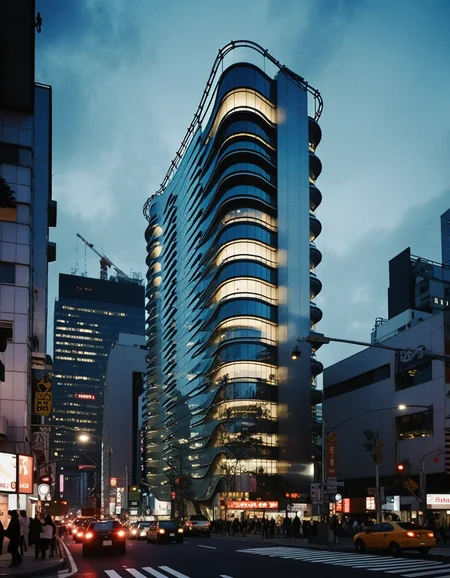
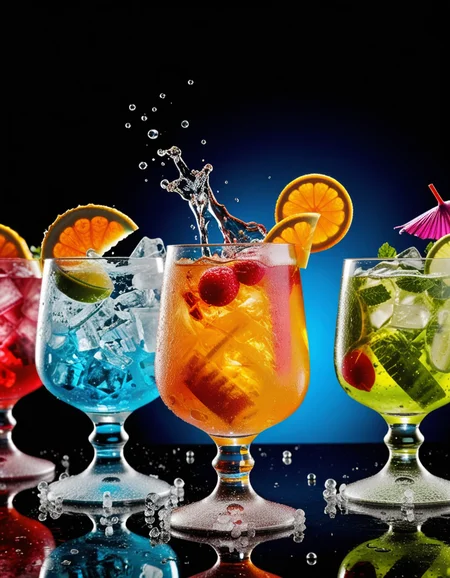



Splashed Mix V5 – Final Release
This is it — the final version of Splashed Mix.
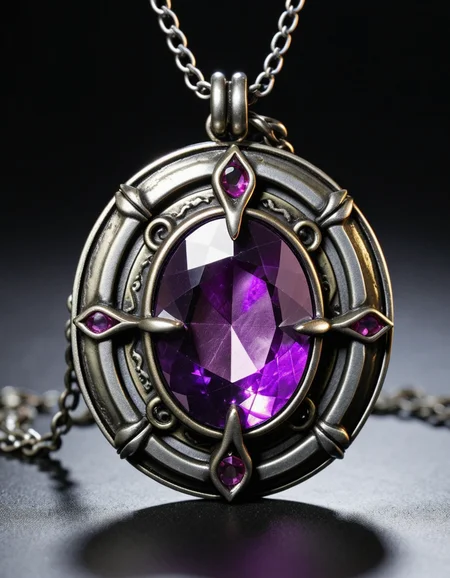
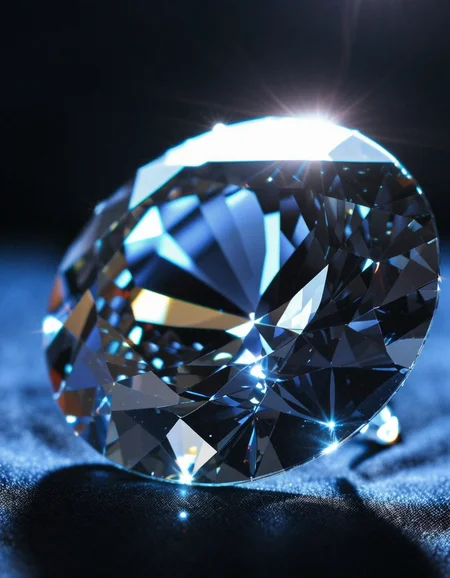
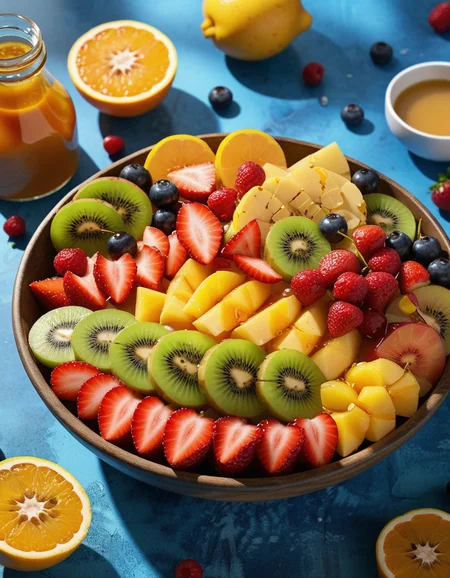
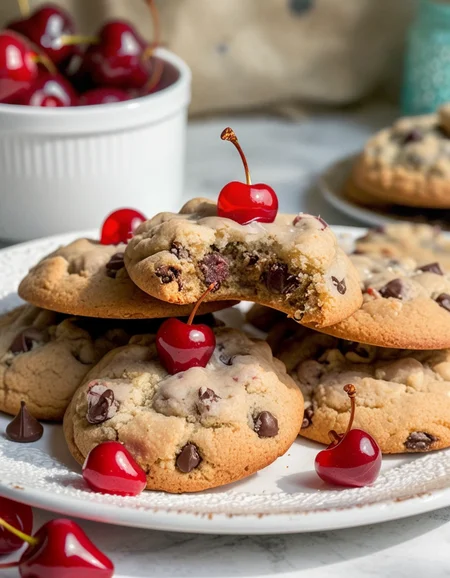
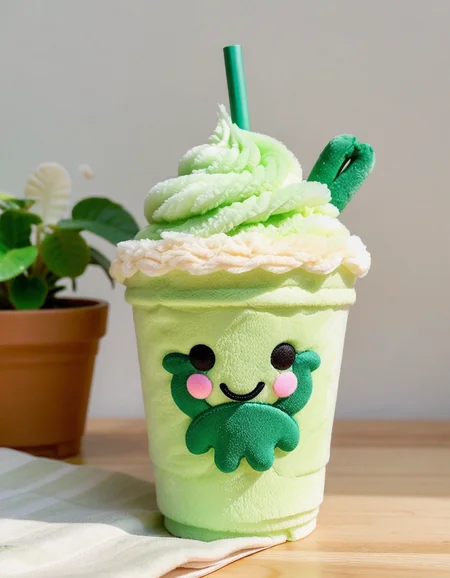
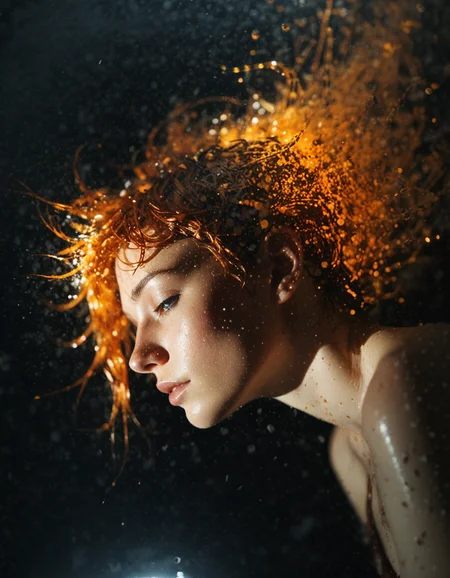
After five iterations of merging, testing, and refining, V5 pushes SDXL as far as it can go. It’s stronger in every way: richer textures, deeper prompt understanding, and a more intuitive feel for both art and photography. This version thinks differently — it’s not just an upgrade, it’s the sum of everything that came before.
The settings remain the same:
8–10 steps, LCM Exponential, CFG 1.0 — to match the results shown, stick to these.
V5 is a swansong — the last checkpoint in a long journey. Hope it inspires you to create something unforgettable.
Description
Introducing v2.0: Unleash Creativity in Just 8 Steps
Experience the next level of image creation with v2.0! Building on the success of v1.0, our latest model generates stunning images in just 8 steps, taking a little over 2 seconds on a 4090 GPU, and just 40 seconds on even as low as 4gig VRAM. It continues to outperform both Flux and XL in quality, with perfected details—hands and feet included.
What’s New in v2.0?
Richer Colors: Enjoy more vibrant and dynamic visuals.
More Detail: Achieve even greater realism and intricacy in every image.
Better Prompt Following: Enhanced accuracy in interpreting and executing your prompts.
Closer to MidJourney: Rivals MidJourney even more closely in terms of creativity and output.
FAQ
Comments (6)
Could you release a version without DMD?
I have done a comparison shot. I think #2 is a bit noisy in those pics. I like to control the amount of DMD with the LORA. Around .8 .9 can be really good.
Can go really low and then up the CFG.
It still is fairly fast but that speed is just a bonus.
it took a bit of figuring out, using Easy AI 3.5 beta, the best settings are:
6 steps
LCM
Sched - Uniform
Cfg .95
In my case i'm doing 1600x1024
i found this works very well on steampunk and sci-fi themes, lending itself to video game like look, with lots of details. I found the exponential setting left it soft looking, uniform, normal worked the best but uniform looked more complete some how?
the one thing i do notice is that when I try to enlarge it, or there are more steps (and I think its related), the images look bad, bright, and not as finely detailed as the smaller one. And i'm not sure what to do with that. I'm using the pluggin ScaleUp, by Avidgamefan
This one is magic!
One of the best of the year!
Details
Available On (1 platform)
Same model published on other platforms. May have additional downloads or version variants.