
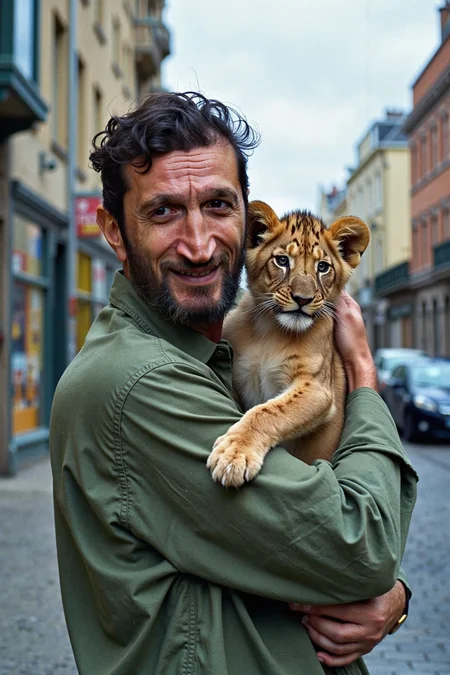


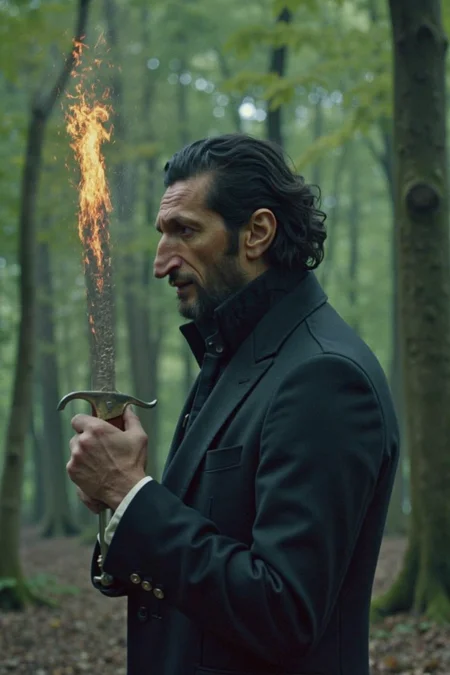
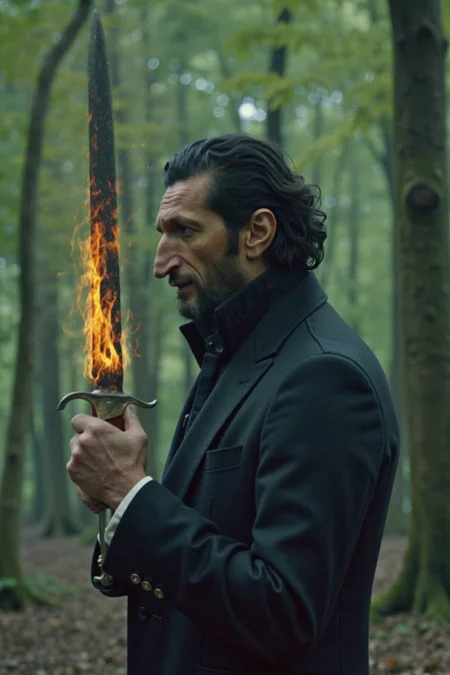
Since CivitAI is going down THE DRAIN
I won't be updating this workflow here anymore, and I won't post any more models from now on.
I hope to find interest from people to keep updating this. Thanks everyone!
Keep following this workflow development and more on my new Discord server: https://discord.gg/EwKE8KBDqD
Get new releases from GitHub: https://github.com/diodiogod/Comfy-Inpainting-Works
Now there is a "simple/compact" version that I will update together with the normal one.
Read "about this model" on the right panel please!! I recommend reading v6.0, v5.0, v5.1 as well.
This is a proper inpainting with alimama control-net + Flux Fill + Flux Tools (Depth an Canny) support from V7 and above.
I try my best to avoid hiding the workflow flow, while balancing keeping it clean and user-friendly.
This workflow will make sure your image is composited in the end to prevent VAE degradation AND from v5 will make sure your image is a multiple of 8 (so it doesn't get resized by ksampler) at the same time it avoids resizing at all (unless you want to) since resizing will degrade the original image as well.
For inpainting that leaves a face and changes the whole background and character, Alimama works way better. Alimama also works better for LoRas. Alimama is terrible at outpainting and Flux Fill is amazing. You should test both. My comfyUI OOM or crashes when switching from one to the other IF my system memory page file is not large enough. With a pagefile of 50GB I can freely switch from Flux Fill to normal Flux Dev now.
It does use a lot of custom nodes to make life easier and workflow cleaner. Use manager to install the missing ones.
Supports loading of an external mask (need to match the image size) or doing the inpainting within the right-click "Open MaskEditor" on the image itself.
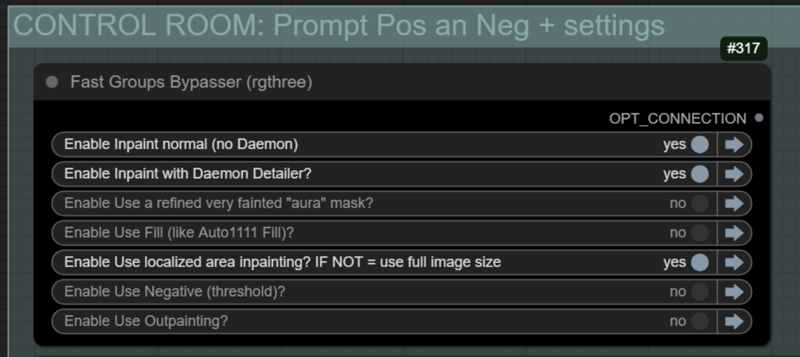
Supports FILL -the normal fill, like Auto1111- (use FastBypasser - black node)
Supports area inpaiting x full image inpaiting (use FastBypasser - black node)
Supports variable denoise (Change denoise on the CONTROL ROOM)
Supports Negative (use FastBypasser - black node)
Proper composite so no VAE degradation
Support for Flux Tools (Depth an Canny) with Alimama
I added LoRa support and Daemon Detailer support (both are optional)
Description
1- Added First Block Cache as an option for speed-up generation
2- Added a whole new group to retain original pre-inpainted image metadata. You probably don't want to inpaint an eye and end up with "eye" as a positive prompt. You may choose to keep the previous prompt, seed, cfg, steps, and most important LoRas used previously on the original image.
4- It will add Alimama-Contolnet Hash and cross-post it there as well if using Alimama.
5- For all that to work, we need to be able to add manual_hash.
You will need to uninstall "image-saver" custom node and install my fork of image-saver: https://github.com/diodiogod/ComfyUI-Image-Saver
OR maybe the original owner will accepted my pull request, so you can keep it.
It is now merged to https://github.com/alexopus/ComfyUI-Image-Saver use that
FAQ
Comments (11)
New v6 have some improvements, specially Block Cache for speedup, and way to keep your metadata of the pre-inpainted image. But it will need my fork of an updated version of image-saver. Read the about this version.
You can also use the manual_hash to add whatever resource you want to cross-post!
Error: When loading the graph, the following node types were not found "Civitai Hash Fetcher"
well it doesn't show up in Missing nodes, nor does it apply what Node_package it should be.
OK, figured it out. As mentioned in the model notes you need to uninstall the ComfyUI-Image-Saver node and install diodiogod's node of the same name from https://github.com/diodiogod/ComfyUI-Image-Saver/tree/webp-workflow-save. As mention on his Github page, it also provides the Civitai Hash Fetcher.
Haven't played with it yet but it loads w/o errors.
@strichte559 Exactly, we are in the precess of integrating my changes to the original repo. So probably in the next week you won't need to use my github node and can keep the original one. But for now, it is required to use mine.
Is this workflow allow to use a reference images for inpainting area?
What do you mean? like the in-context lora technique? No, it does not. It's for text 2 img inpaint or outpaint only, sorry. Maybe I'll look into that one day. But the workflow is big enough already... in this case I would probably release a different one maybe, IDK.
But not trying to fake modesty here, my workflow is probably the one I know that doe inpaint properly. It will not resize and loose quality on the input image. I mean, I've never seen a workflow that makes sure a image is multiple of 8 that does not resize to keep the original quality like I did here.
The error still occurs:
Missing Node Types
When loading the graph, the following node types were not found
Civitai Hash Fetcher
LogicUtil_ReplaceString
Sorry, I need to make a new version. My changes were finally accepted by the current maintaner author of Image-Saver (in which now you will find my Civitai Hash Fetcher) custom node.
So I need to make a new version with that standard node instead of my fork. If you could wait an hour or so. I'll be releasing it today, I think. I hope you can test it!!
About the LogicUtil I'll see what it was about, thanks for sharing.
LogicUtils is always giving me problem... These nodes not found are actually NOT LogicUtils but "JDCN" that have logicutils in it... I will try to avoid JDCN from now on as well since it was not recognized by the missing nodes... I think other string replacers also use regex, so next version this will be fixed.
@grandpaulyam it is fixed now, please test it!