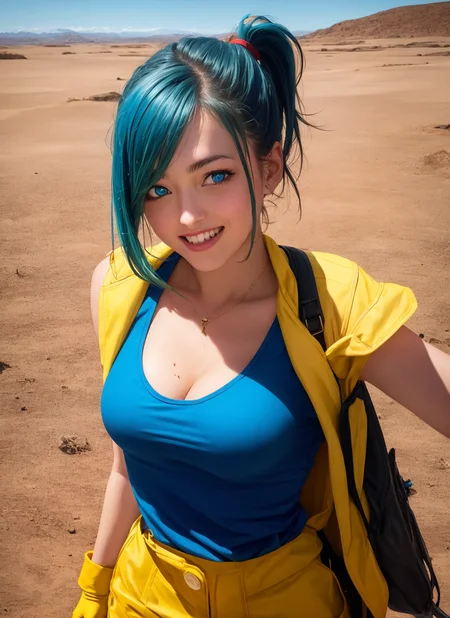
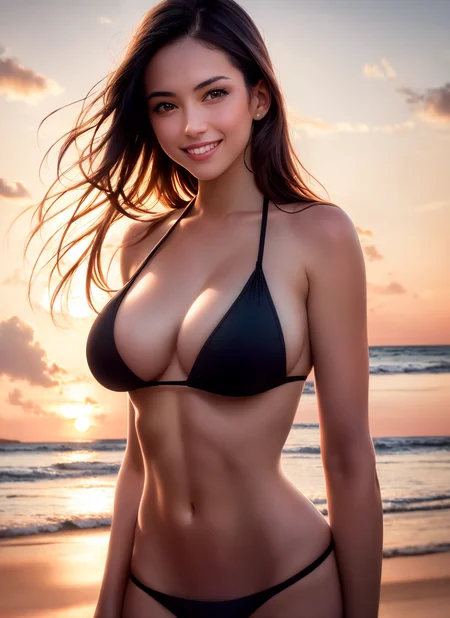
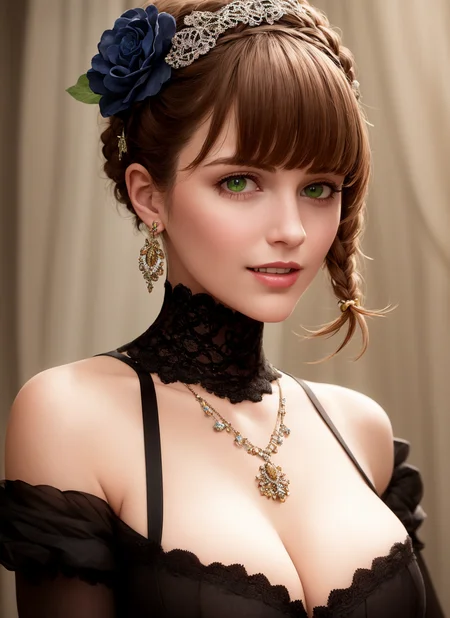
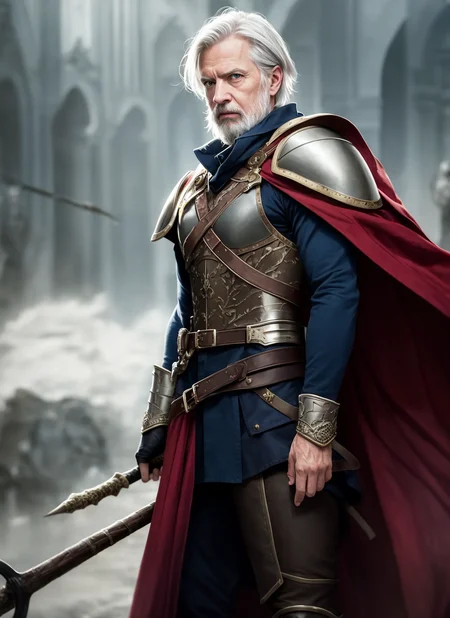
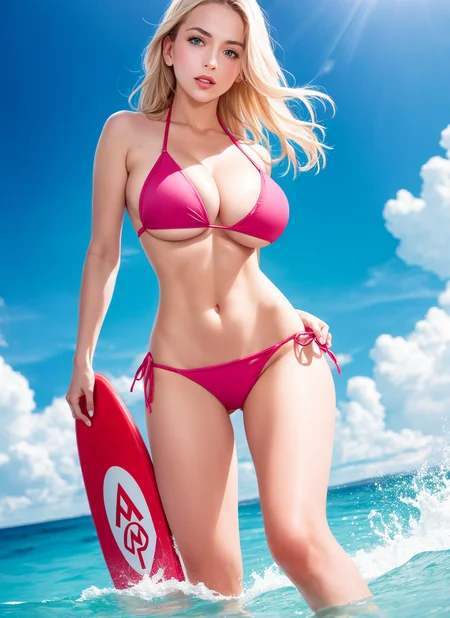
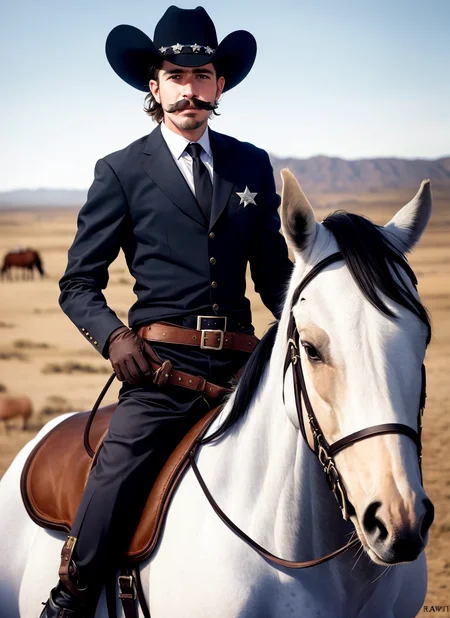
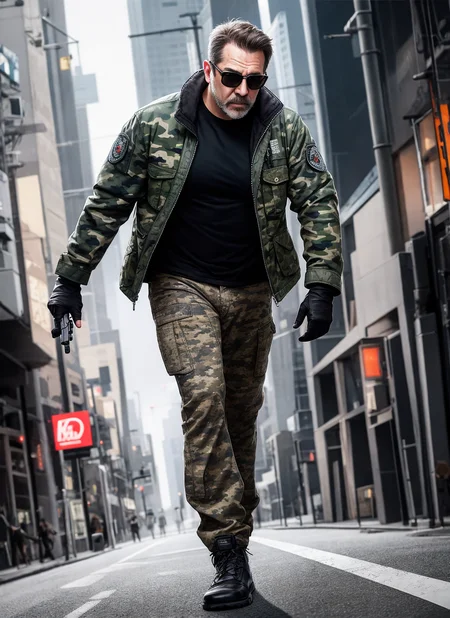
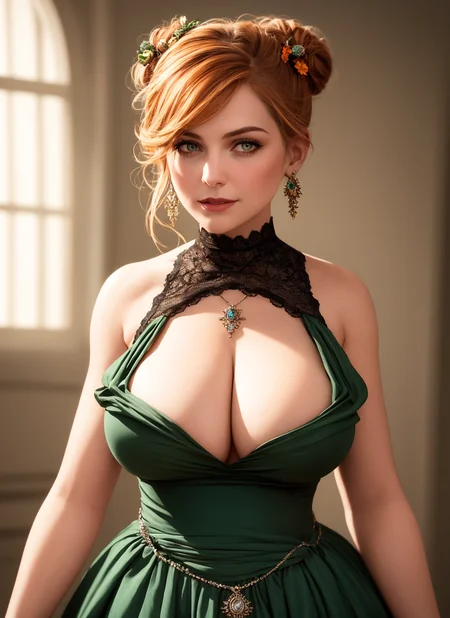
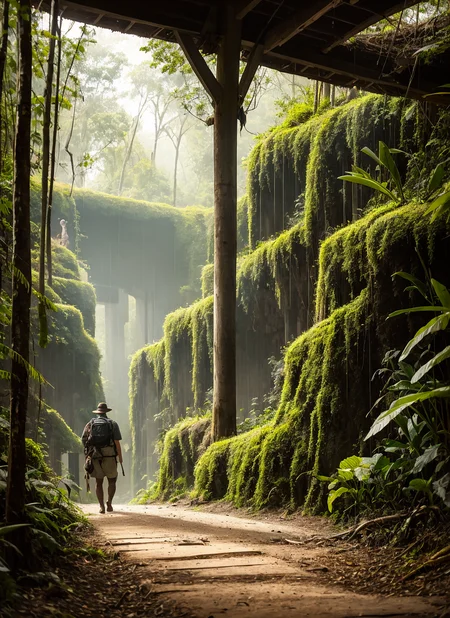
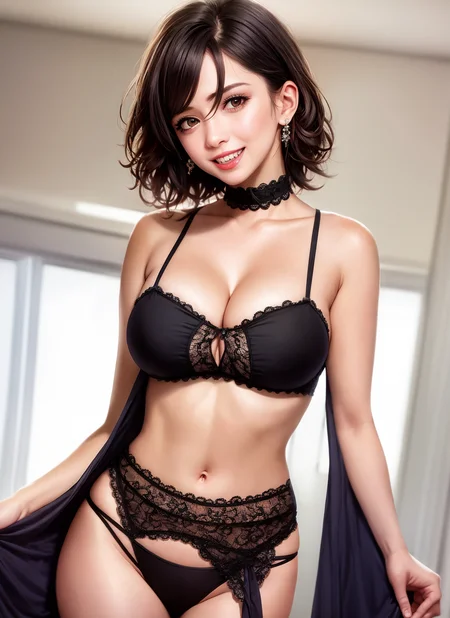
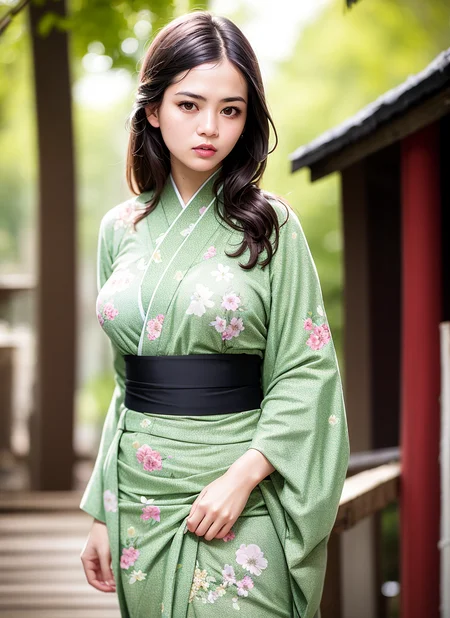
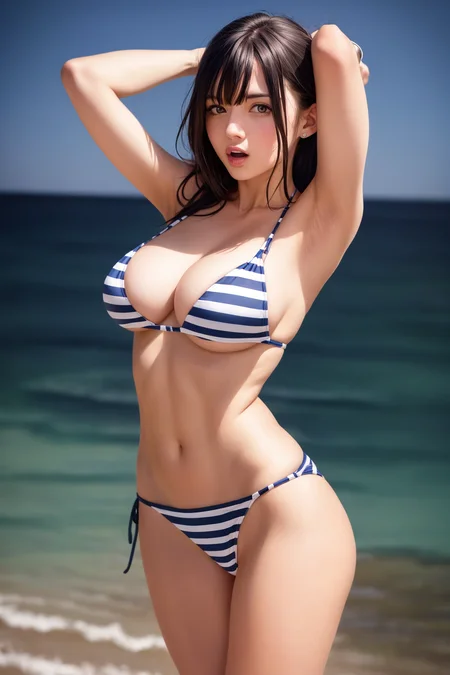
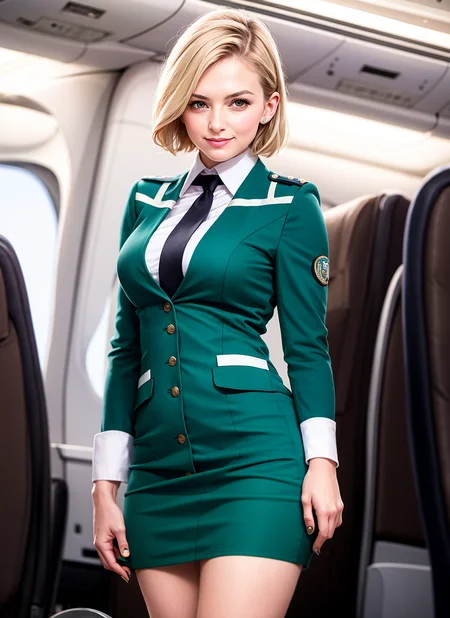
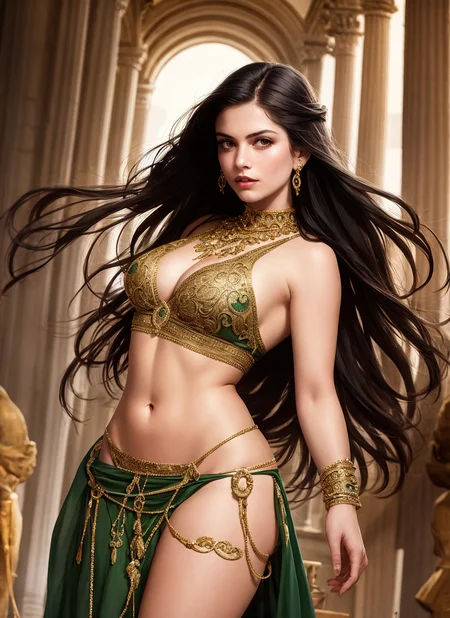
Uhmami v1.0
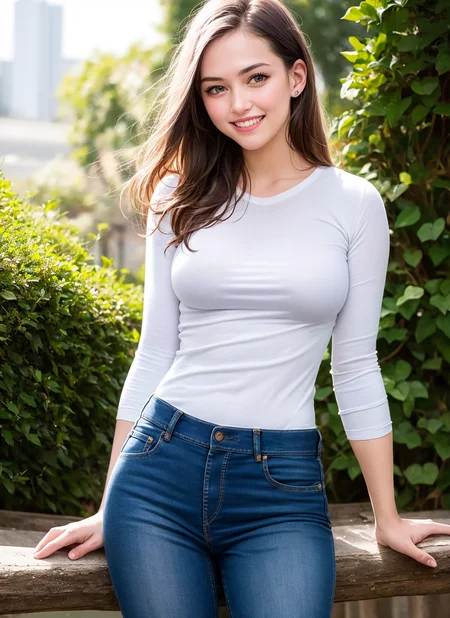
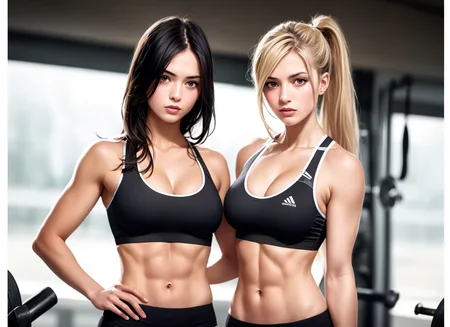
This model is a blend of anime-focused models with a semi-realistic aesthetic, combining 3D digital imagery with photography. It allows the use of prompts based on booru tags, similar to the novelai model, resulting in high-quality semi-realistic images.
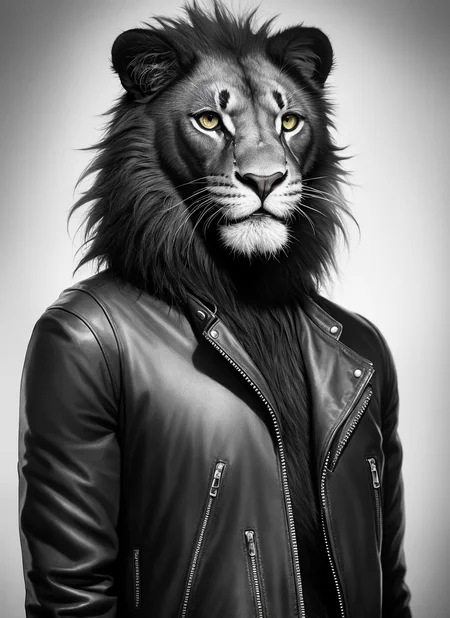
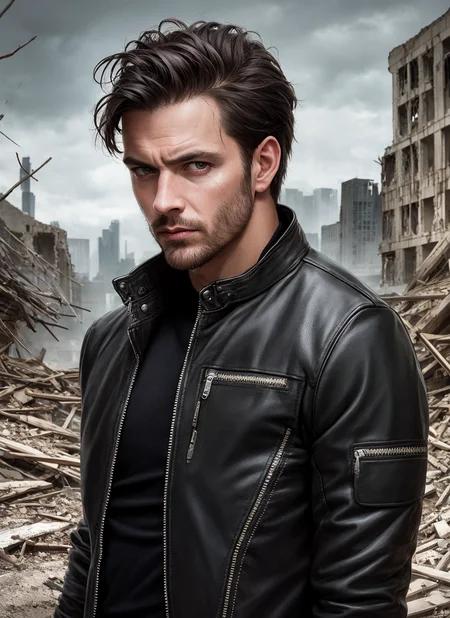
The model excels at creating images of young women and can even handle NSFW prompts, although it may not be the best at representing explicit sexual content. However, it's just as effective at creating images of men, animals, and landscapes, as seen in the sample images.
One limitation to note is that it may be somewhat limited in its ability to provide female faces for similar prompts. However, in some cases, this can be an advantage in maintaining visual coherence across multiple images.
Usage recommendations:
We highly recommend using the negative prompt (low quality:1.4) as it has a tremendous impact on improving the resulting images. You can combine it with other negative prompts to further enhance the result, but this one is essential. Without it, the resulting image may be flat and of poor quality.
Because it incorporates anime models, it tends to represent Asian features, but this can be easily avoided by using the appropriate negative prompts.
While not necessary, we recommend using VAE, specifically the vae-ft-mse-840000-ema-pruned model, for best results.
Additionally, using Clip skip 2 in the configuration can add depth and richness to the resulting images.
I hope you find it both useful and enjoyable to use!
Description
First version.
Negative prompt (low quality:1.4) neeeded.
FAQ
Comments (11)
beautiful photos. especially the smiles in them. I will try it out soon ♥
hey, tried it, and managed to reproduce the images almost exactly, but they are totally washed out on the last render and unsharp. what might i do wrong? any VAE i have to use? tried it with the most recent automatic1111 release. Thanks ahead
same
Adding the VAE in the description helps with the washed-out colors a lot, haven't gotten it 1:1 though.
@agrias oh i see, the description has been updated, thanks!
In the description, in the section on usage recommendations, it can be read:
- While not necessary, we recommend using VAE, specifically the vae-ft-mse-840000-ema-pruned model, for best results.
I'm using the model but for some reason all my photos come out incredibly washed out, as if someone applied a filter to it. This is especially weird since the previews all look colourful and vibrant.
In the description, in the section on usage recommendations, it can be read:
- While not necessary, we recommend using VAE, specifically the vae-ft-mse-840000-ema-pruned model, for best results.
@Bitter_bite I should've mentioned I already tried that as well. It didn't fix the problem.
@Bitter_bite Yeah, nevermind that. I didn't realize I had to click "apply settings" and thought it saved automatically. Now it works well.
Hello friend! Could you consider uploading this model again? I knew about it thanks to your reddit post in february!
Details
Files
Available On (1 platform)
Same model published on other platforms. May have additional downloads or version variants.