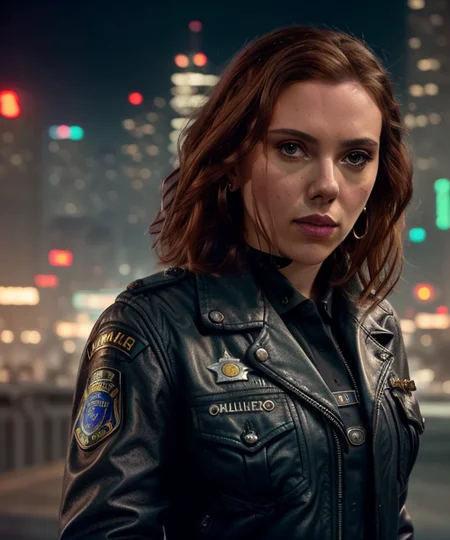
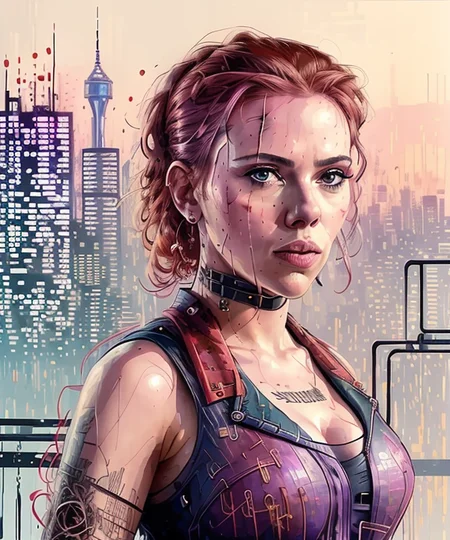
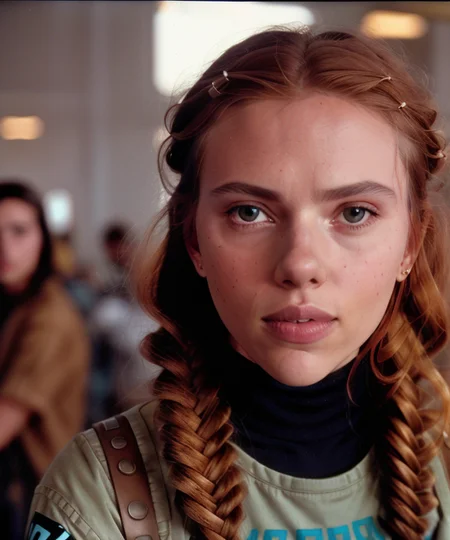
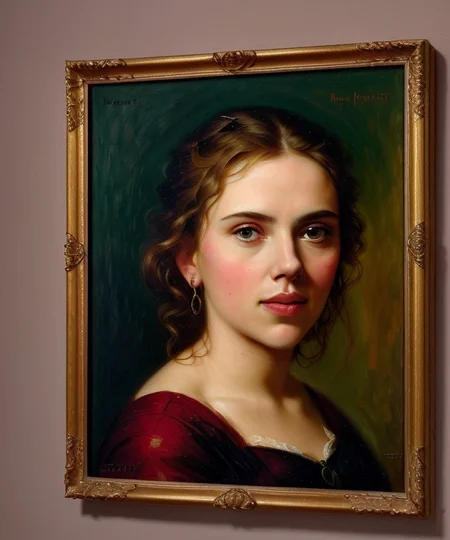
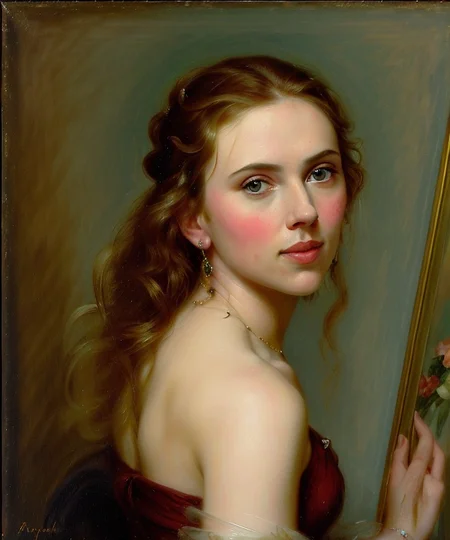
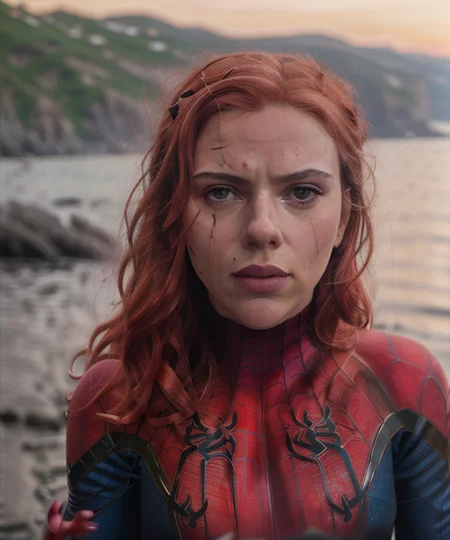
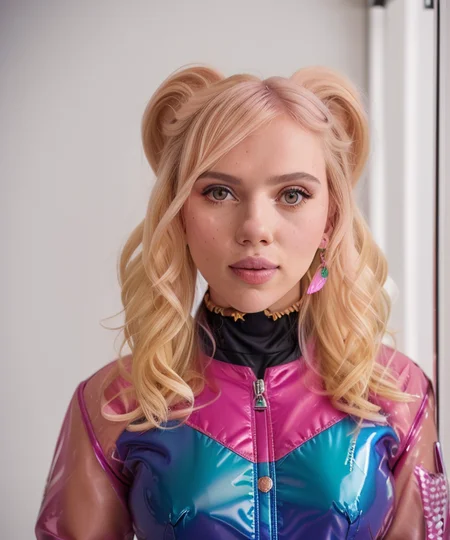
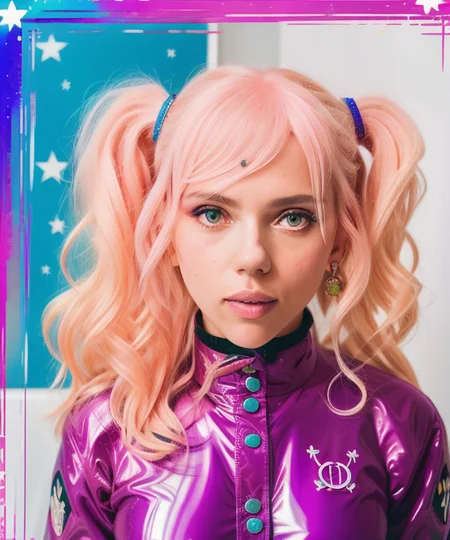
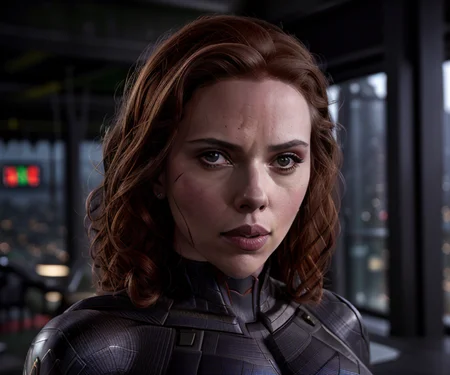

Trigger word : scarlett
Scarlett Johansson LoRa.
Thank you for visiting my post <3
Description
should be fine apart from some usual artifacts, just generate another don't be a fuss
FAQ
Comments (18)
How many images you use on average for training
and what is the learning rate?
20-25, and default LR
Absolutely awesome LoRA, and plays perfectly with Dreamshaper. Could I ask where and how you trained this? I've been having issues getting LoRAs to play nice with Dreamshaper, using Huggingface's Diffusers library.
thank you for fulfilling my request 😁
Really dumb question, guys. What I should do with this file? It like models files, but it is not model. I really suck with understanding all this lora stuff, all tutorials are all about "train your face, ets"(which I anyway need to listen, I know)) ) but if I have this file or .pt file like other face trained models here, what my next action to start generate picture with particular face? Any good tutorial?
Hey! If you see the description of the post, you'll see type : Lora, there's a question mark next to it, it'll have a much better explanation than I can give. But tldr, you take the file, put it in the appropriate sub folder in your stable diffusion directory (eg: Textual inversion goes into the embeddings folder). Then on the automatic1111 UI, under the generate button, click the 3rd icon, and then click on the embedding or lora you want, the appropriate tag for that will be added to your prompt (it'll be added to negative if you're editing that, so just move it to prompt)
@no1droidgame210 Thank you very much!
can anyone send me the model link or tell me where do I copy it from cause I can't see it
it's right here
How do I set it up after downloading it??
I couldn't find a tutorial online. some please tell me how to do it. or share a link of a tutorial
斯嘉丽:超体单挑妇联
she has no neck T-T
Thanks for the amazing Lora! Can I ask how to decide what resolution to put with this Lora? It seems the result largely depends on what resolution I put in. I keep getting messed up faces even with 512x512. Not sure what is the right resolution aspect ratio for this Lora
Try this , Euler a, steps 30, Cfg 7.5
Height : 640,
Width : 768,
Enable high res fix, 1.5x or 2x depending on your GPU
0.3 Denoise strength
@dogu_cat yes that's working a lot better for me! Thank you very much
You can click on the picture at the top of the page, those are showcases, which contain resolution and prompt examples
Beautiful model
Details
Files
Scarlett4.safetensors
Mirrors
Scarlett4.safetensors
Scarlett4.safetensors
Scarlett4.safetensors
8603_Scarlett4.safetensors
Scarlett4.safetensors
Scarlett4.safetensors
Scarlett4.safetensors
Scarlett.safetensors
Scarlett_Johansson.safetensors
scarlettJohanssonLora_v10.safetensors
scarlettJohanssonLora_v10.safetensors
scarlett.safetensors
character_2.safetensors
Scarlett4.safetensors
Scarlett4.safetensors
Scarlett4.safetensors
Scarlett4.safetensors
scarlettJohanssonLora_v10.safetensors
Scarlett4.safetensors
Scarlett4.safetensors
Scarlett4.safetensors
Scarlett4.safetensors
Scarlett4.safetensors
lora_2.safetensors
Scarlett4.safetensors
Scarlett4.safetensors
Scarlett4.safetensors
Available On (2 platforms)
Same model published on other platforms. May have additional downloads or version variants.