


Hello ♥
for whatever reason you want to show me appreciation, you can: ❤️Ko-Fi❤️
___________________
Please Check out Blackforestlabs
these guys are absolt amazing. Thank you so much for creating this stunning masterpiece ♥
Since there is no place yet where I upload my flux images here on Civit, here is the simple workflow to create FLUX images using text prompts.
You can use the fp8 or fp16 variant.
In the future I will extend this workflow. (upscaling, ...)
Please read the original documentation
https://huggingface.co/black-forest-labs/FLUX.1-dev
Please load the workflow and

in the notes, you will find all links to download the models and the right path.
You can use this as help too
https://comfyanonymous.github.io/ComfyUI_examples/flux/
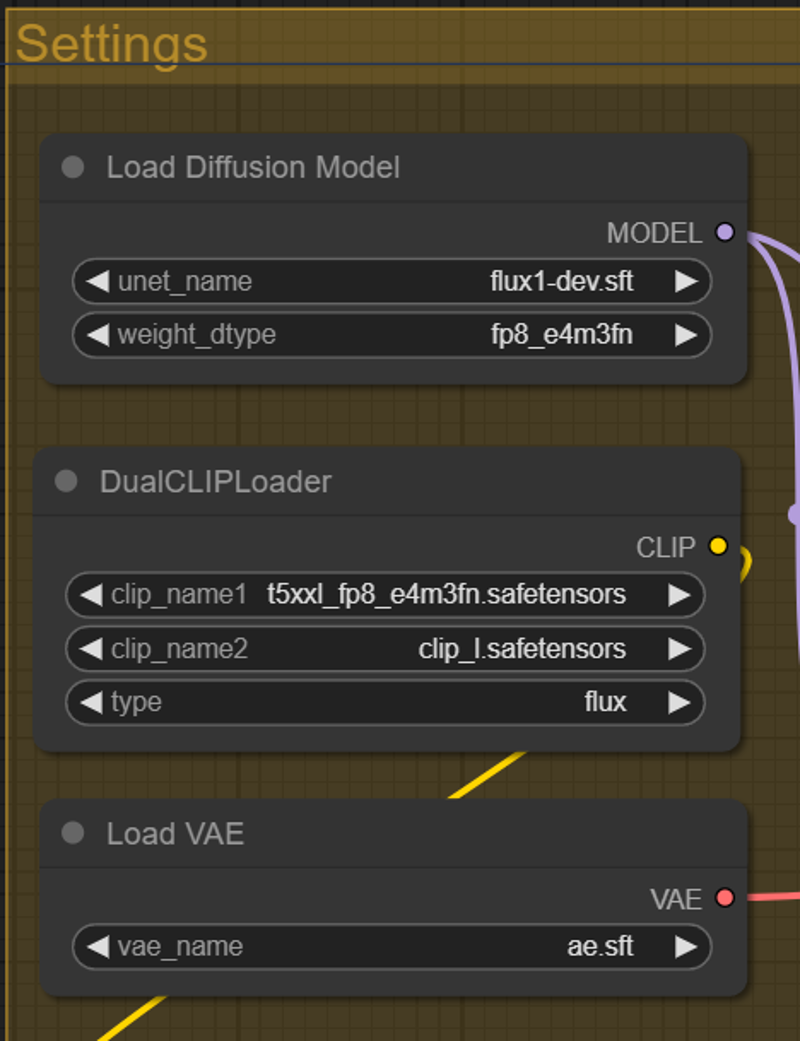
Settings for FP8
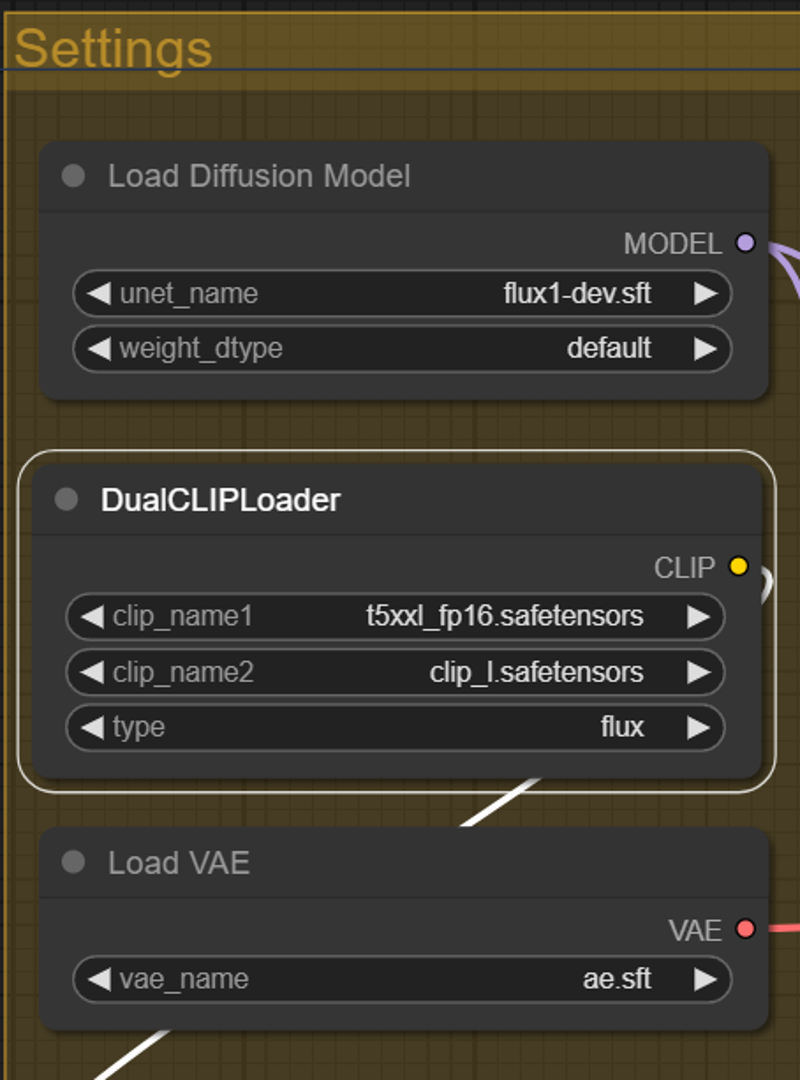
Settings for FP 16
Hope you get a lot of beautiful results ♥
Description
added Lora support
FAQ
Comments (7)
Thank you for adding LoRa support. Are you seeing appreciable results using the XLabs LoRa's with your workflow? I've been testing them including trying some of the trigger words from their huggingface page and it doesn't seem to do anything at all. I even tried bumping up the strength to 1.5.
I haven't tested any Lora from XLabs yet. I still have to take a look at it
This is because they don't do anything at all... ever.
@robadams171 I've tested the comfyanonymous converted realism lora and it worked. as did a tarot card lora I saw on Twitter the other day.
I save images out to a different drive but I get so many error messages, have you found anything on fixing them?
File "D:\ComfyUI_windows_portable\ComfyUI\server.py", line 295, in view_image
if os.path.commonpath((os.path.abspath(full_output_dir), output_dir)) != output_dir:
File "<frozen ntpath>", line 826, in commonpath
ValueError: Paths don't have the same drive
Any clues as to why it's painfully slow? I usually generate Flux images of same size in about 30s but this takes several minutes per image..
There are many things that can slow down the rendering.
You have to look at what is too slow and if it is random.
- In the load Diffusion Model, replace default with the e4m3 or the e5m2 depending on the model you have chosen.
For some reason, leaving it in default lengthens the rendering time.
- Check that your Vram is reset before another rendering. Normally, it does it automatically after each rendering but it sometimes does not empty.
- A Unet loading that is too long is often due to a hard drive or ssd that is too slow or faulty or/and an outdated video card driver, Cuda problem, etc..
There are other things to see so I advise you to take a look at reddit to find a solution.