

Hello ♥
for whatever reason you want to show me appreciation, you can: ❤️Ko-Fi❤️
___________________
Please Check out Blackforestlabs
these guys are absolt amazing. Thank you so much for creating this stunning masterpiece ♥
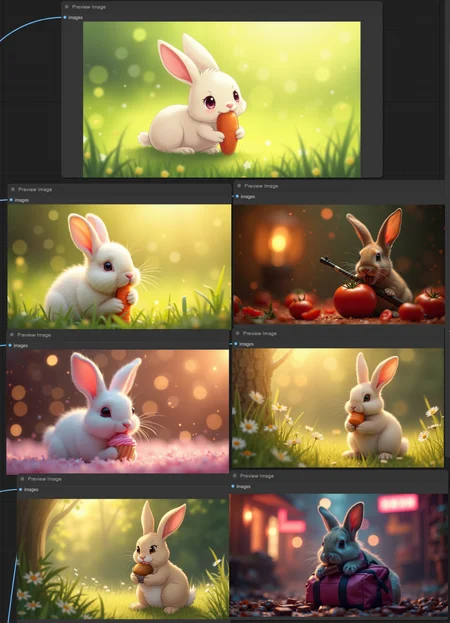
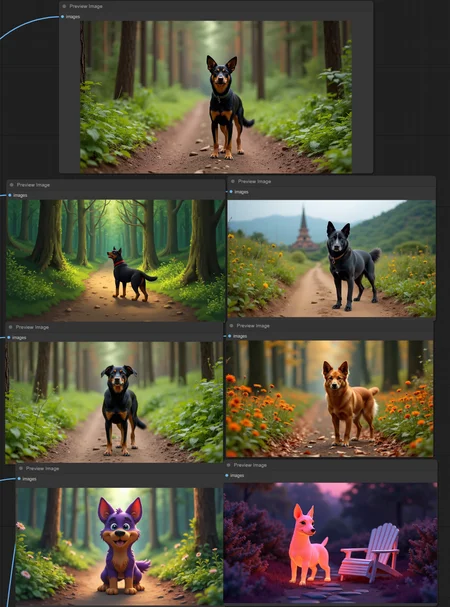
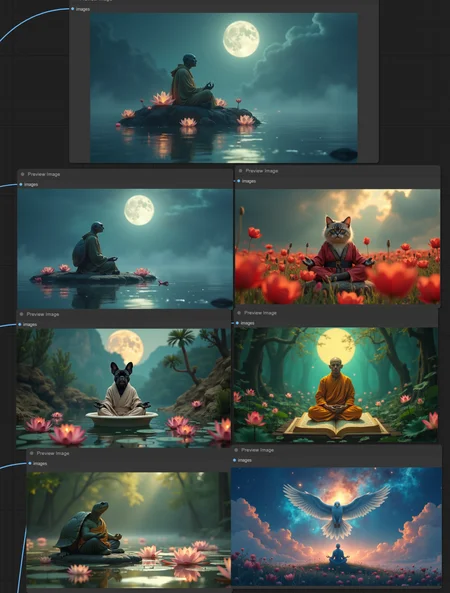
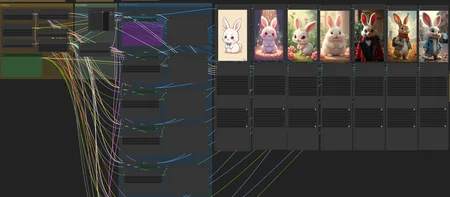
Since there is no place yet where I upload my flux images here on Civit, here is the simple workflow to create FLUX images using text prompts.
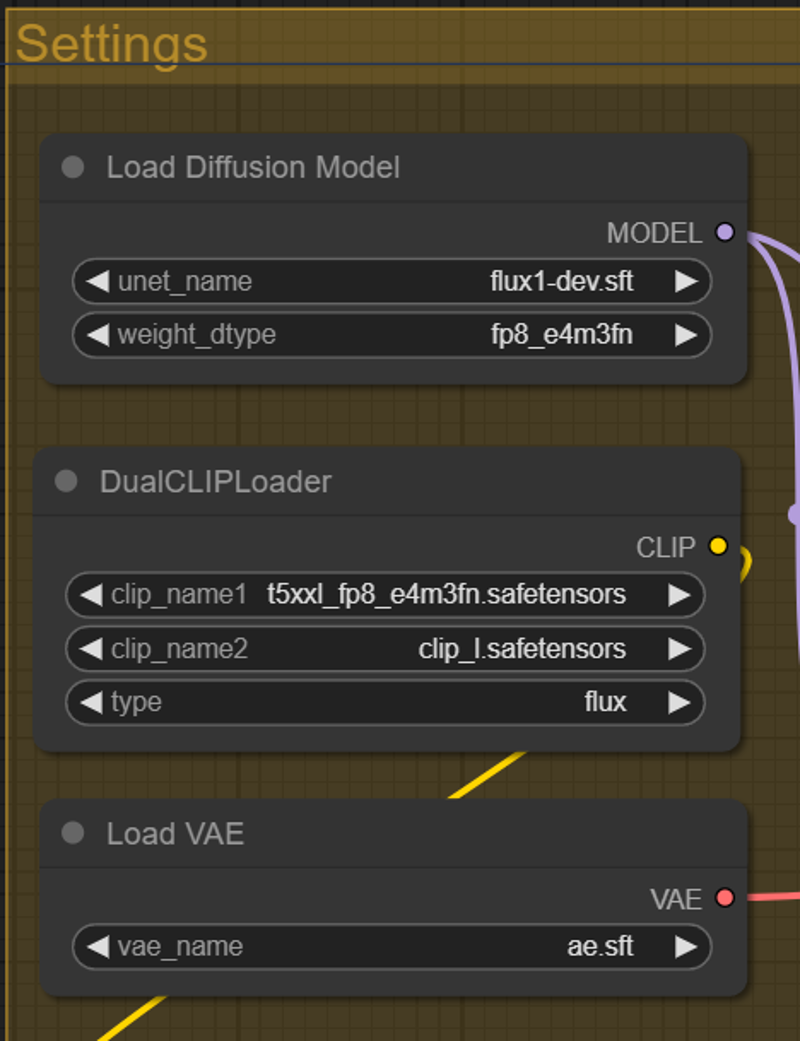
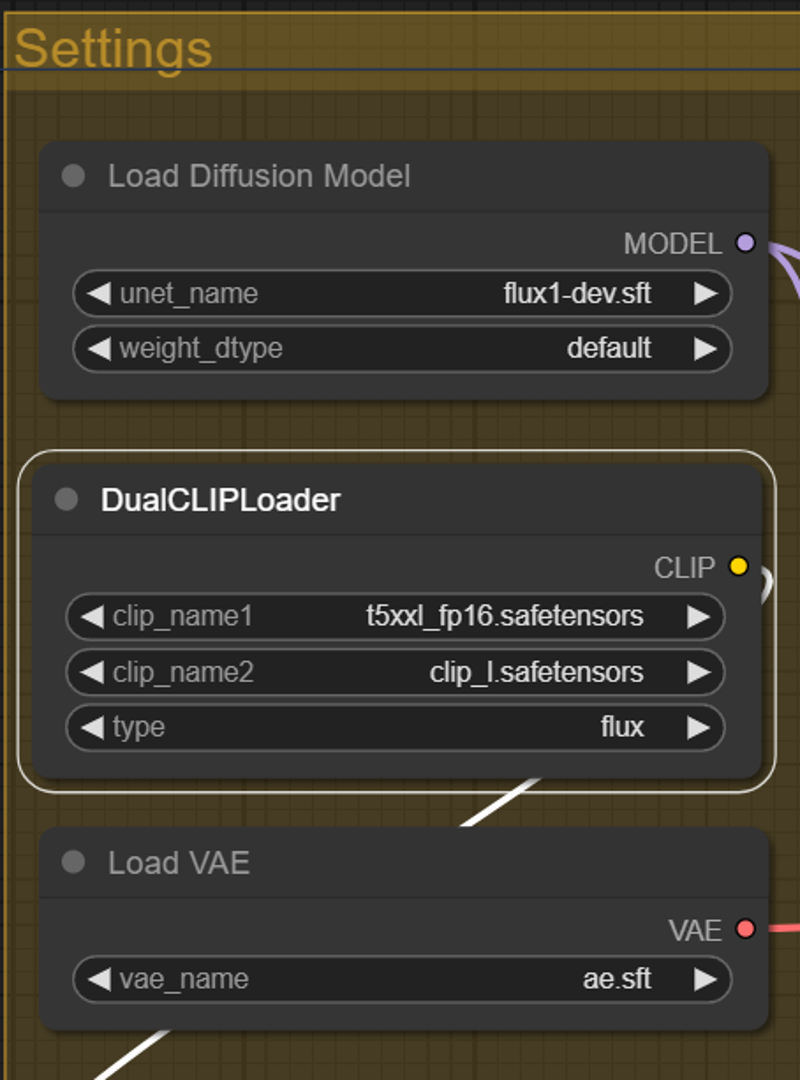
You can use the fp8 or fp16 variant.
In the future I will extend this workflow. (upscaling, ...)
Please read the original documentation
https://huggingface.co/black-forest-labs/FLUX.1-dev
Please load the workflow and

in the notes, you will find all links to download the models and the right path.
You can use this as help too
https://comfyanonymous.github.io/ComfyUI_examples/flux/
Settings for FP8
Settings for FP 16
Hope you get a lot of beautiful results ♥
Description
added metadata support
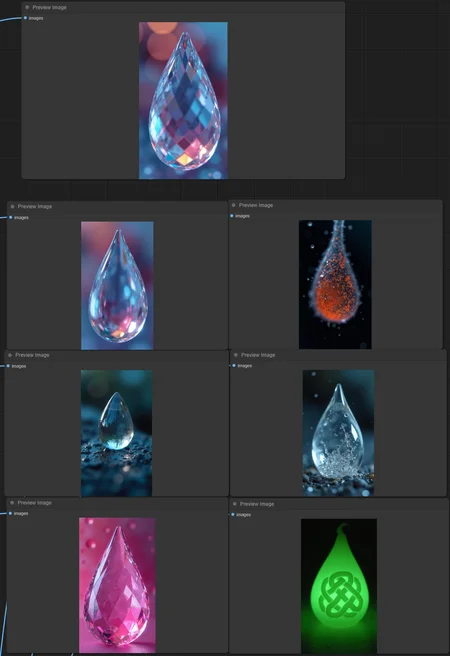
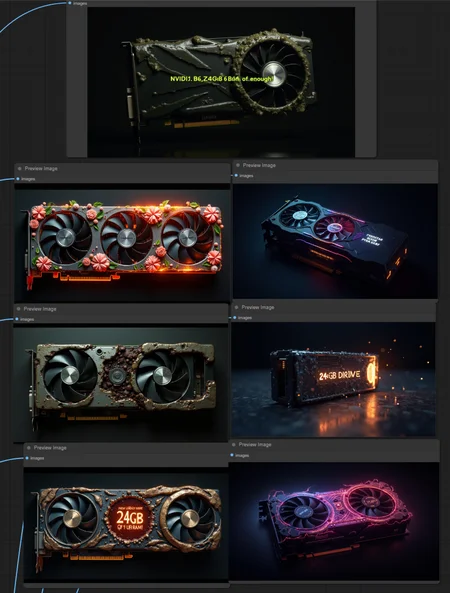
now you get 7 images, 1st - original Prompt - the 6 others are variations
FAQ
Comments (22)
Really nice workflow! It runs great on my mobile 4090 with 16GB.
thank you so much, glad you like it. hope you can create a lot of nice artworks ♥
Great workflow! Is there a way to keep the original prompt and have the variations add to the original prompt? Reason for this is if I want variations of a lion and the word lion gets replaced, even at low insanity levels, the image changes completely beyond a small variation. Maybe an "add insanity after original prompt" option?
I don't understand exactly what your problem is. Can you explain it to me better or give me an example?
@AIDigitalMediaAgency
Example would be I want my prompt to start off "A photo of a lion" and I want that to be in every prompt with the variation (insanity) added to the end of the prompt. The reason for this is I would always want "A photo of a lion" as part of my image but with varying insanity added after the default "A photo of a lion" in each of the additional 6 variant images.
@iodrg244 you can run the prompt variations, copy (parts of the) prompts and run just one prompt without variation with you new prompt.
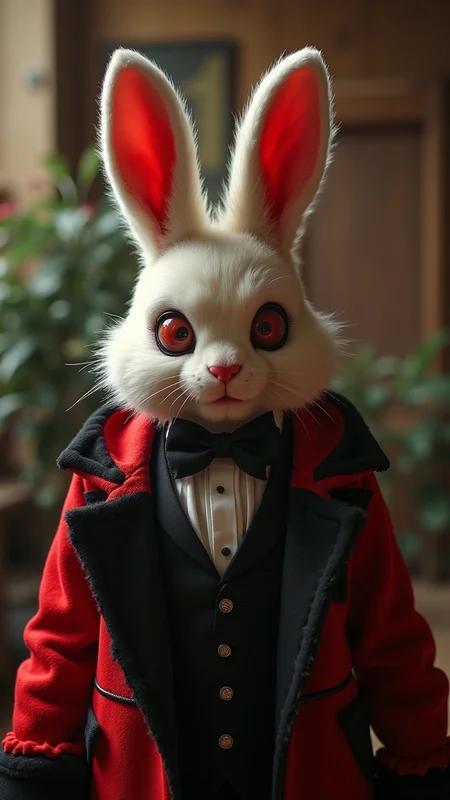
@AIDigitalMediaAgency Please forgive my ignorance. I see each of the 6 variants has a "Show Text" but it doesn't seem modifiable to add the original prompt to each of those boxes. How (or where) do I copy the part of the prompt I want to keep to? Do I need to modify each of the "Show Text" boxes somehow to allow me to copy the part I want to keep to each of those? (basically making sure every variant has "A photo of a lion" in it, along with the added variants), Also for example, your sample image has a bunny every picture. How did you ensure that the word "bunny" would not change in any of the variants?
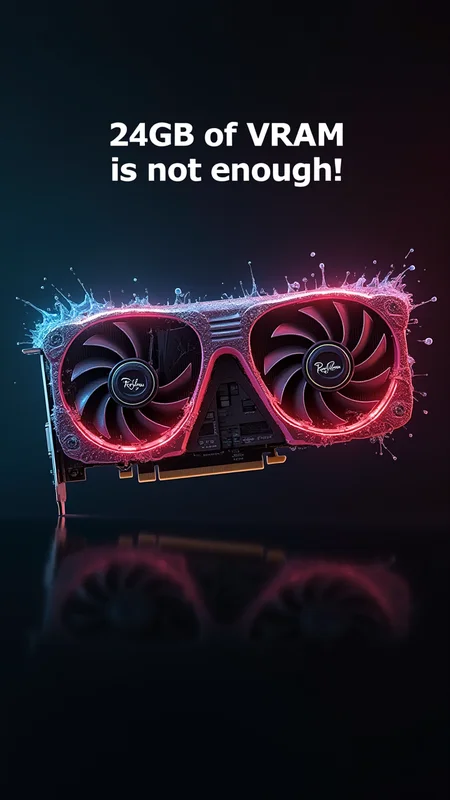
24GB? I wish, have to deal with just 12GB for the moment. If only video cards had RAM slots like motherboards...
they used to but they took them out to force you to upgrade and pay more money
@brechtcorbeel I don't recall videocards ever having memory slots, not consumer ones at least, got a link?
Thanks for your hard work! Great view! :-D
This doesn't work??? It just generates text prompts but it doesn't actually generate the images from them??
checked the path in the image saver nodes?
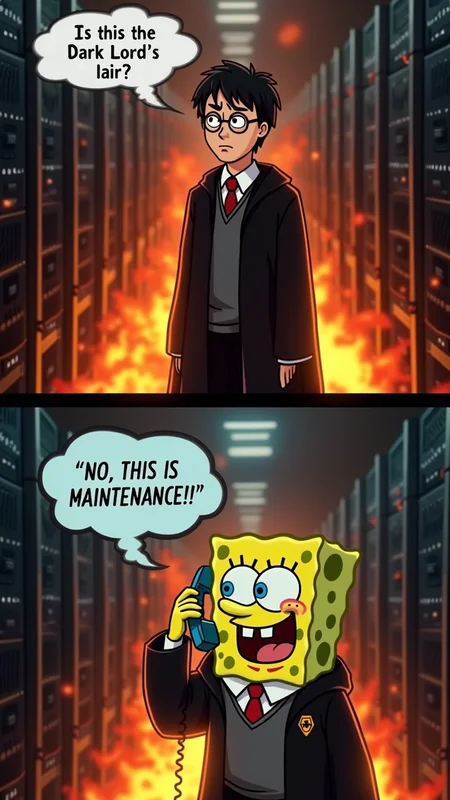
if you need help with prompting for Maintenance Contest, check out my Prompt Collection - https://civitai.com/articles/6557/prompt-collection-for-maintenance-contest
I love it! Having a blast! Thanks for this!
glad you like it, so cool results! ♥
@AIDigitalMediaAgency Just posted more. The different sizes you can get with flux are amazing.
Hello, I have just learned how to use Flux model. can I adjust the cfg value, I didn’t find the node for adjusting it, or the value is fixed to 1?
The basic is CFG 1.0. Maybe there is a other workflow where you can experiment with CFG
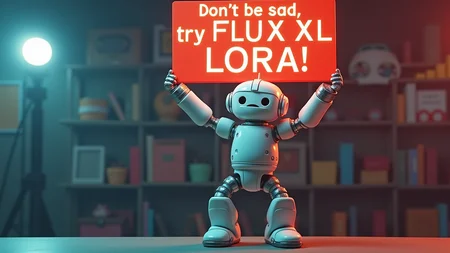
Any plans to update the workflow to incorporate Flux LoRa's?
yea i will look into it.