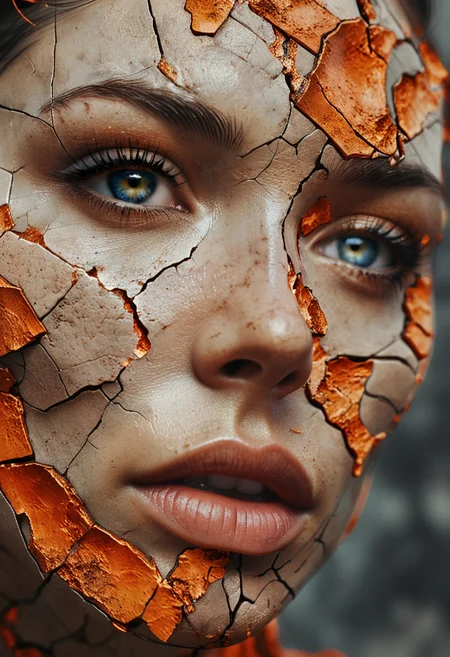

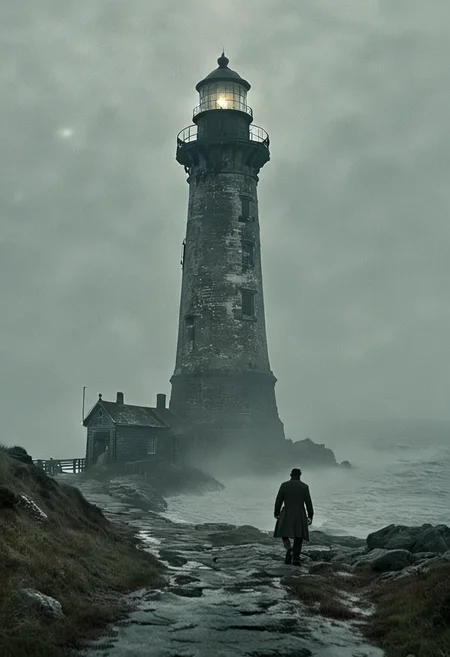
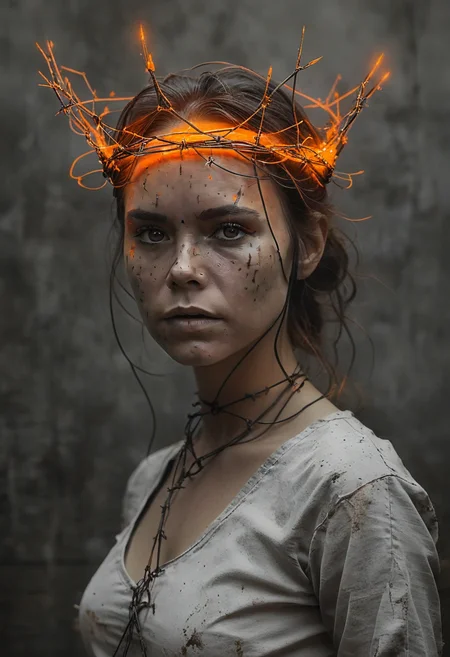
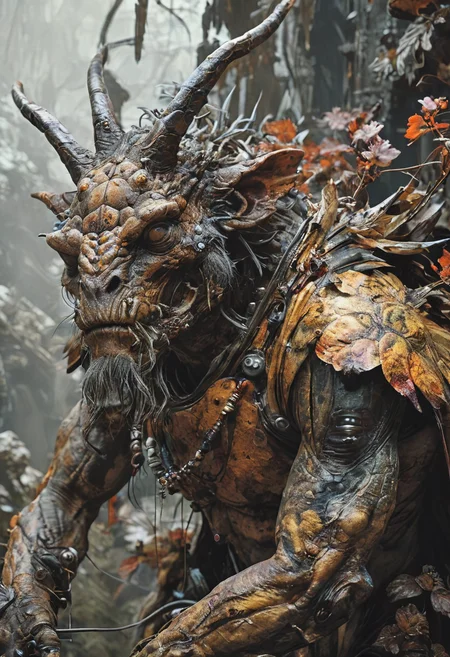

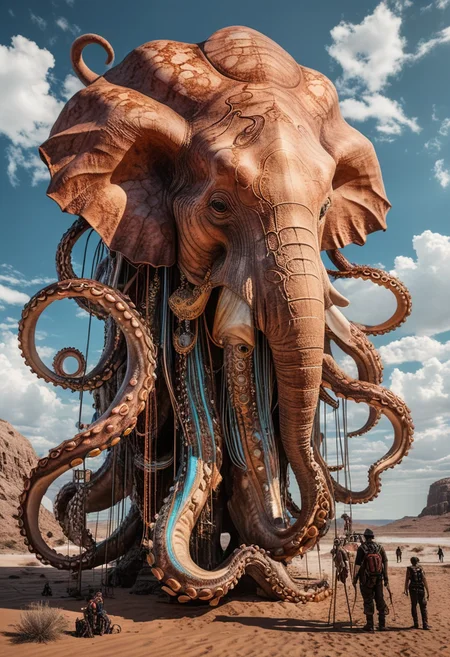



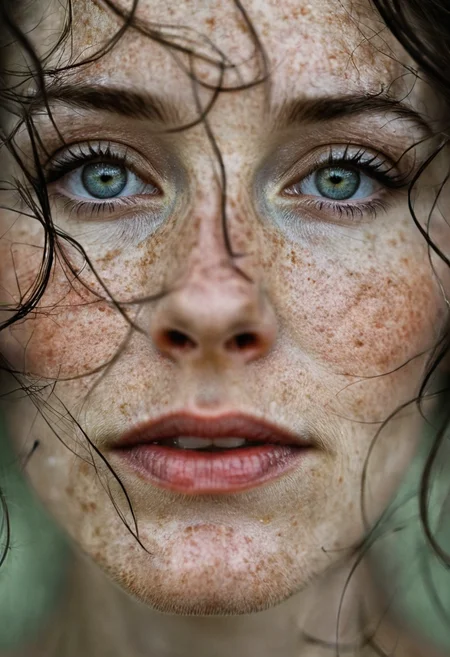


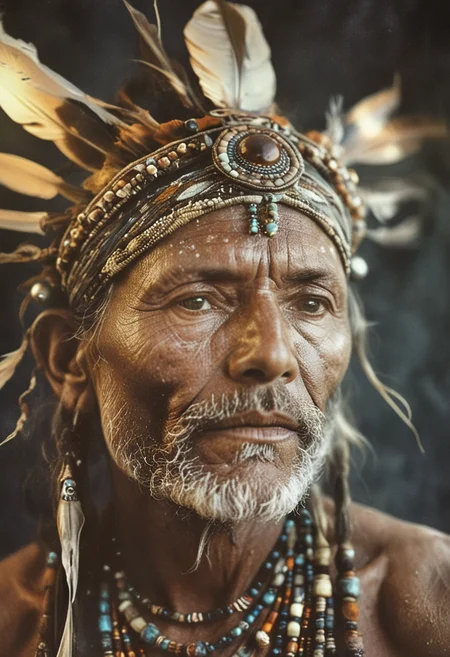
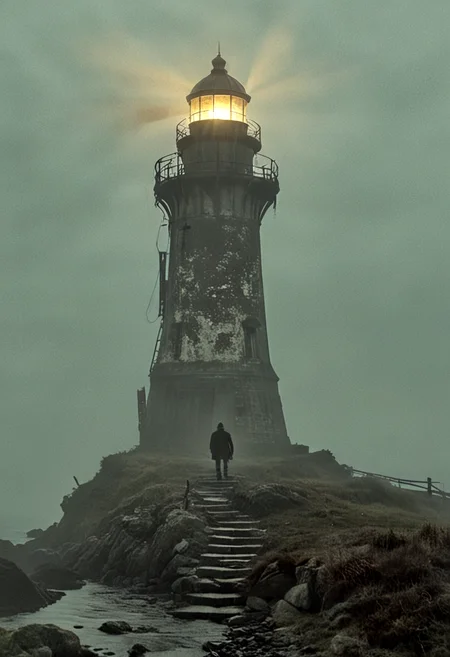

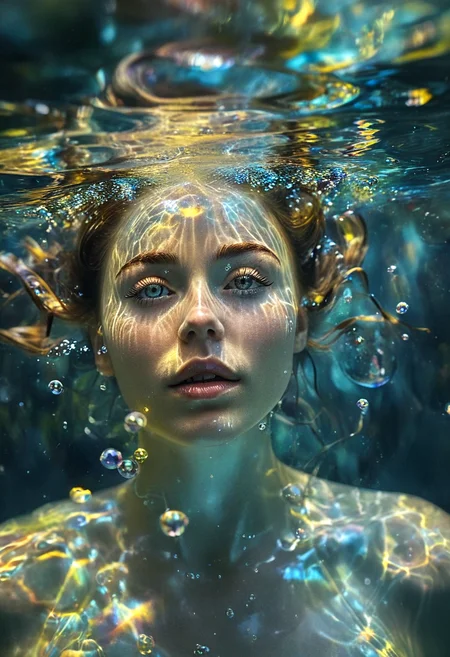

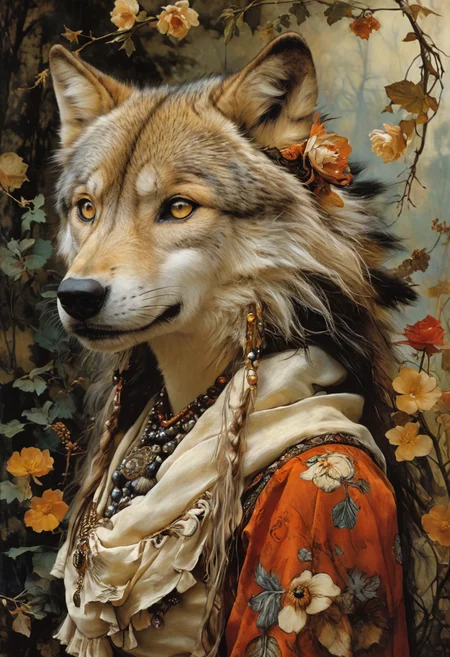
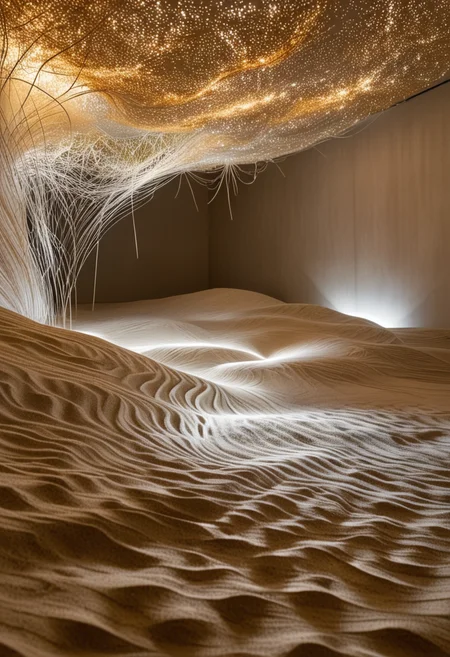
Pixel Alchemy 30
Recommended settings :
· Sampler: dpmpp_2m_sde_gpu
· Scheduler : sgm_uniform
· CFG: 4
· Steps: 30 - 40
Pixel Alchemy Hyper V20 & V22
Improvement of human body and hands from the merger of the unreleased Pixel Alchemy V2.0 and Hyper-SDXL-12 steps CFG LoRA
Settings (ComfyUI) : Sampler : heunpp2, ddim, Euler/ Scheduler : sgm_uniform, ddim_uniform, simple / Steps : 16 to 20 / cfg : 2.5 to 3
For A1111, I won't be able to give any recommendations, because I don't use it, but I think that with a few tests you will end up finding what works best.
Pixel Alchemy Hyper V16
It's a merging of Pixel Alchemy V1.6 model with 2 LoRAs :
Hyper-SDXL-12 steps CFG LoRA : https://huggingface.co/ByteDance/Hyper-SD/blob/main/Hyper-SDXL-12steps-CFG-lora.safetensors
Hand Detail XL LoRA : https://civarchive.com/models/260852/hand-detail-xl-lora
Settings (ComfyUI):
Sampler : ddim / Scheduler : ddim_uniform / Steps : 20 / cfg : 3
Sampler : Euler / Scheduler : Simple / Steps : 14 / cfg : 2.5
Sampler : heunpp2/ Scheduler : sgm_uniform / Steps : 18 / cfg : 2.5
but feel free to test others settings, specially for A1111
Pixel Alchemy V16
Version 1.6 of Pixel Alchemy brings a significant improvement in the rendering of photorealistic portraits, the texture of the skin appears more natural.
It's a merging of Pixel Alchemy V1.3 with 1 checkpoint and 2 LoRAs
RealVisXl model : https://civarchive.com/models/139562?modelVersionId=344487
Steve McCurry - Photography SDXL LoRa : https://civarchive.com/models/213283/steve-mccurry-photography-sdxl-lora?modelVersionId=240247
Essenz - Better Photography (Style LoRa for SDXL 1.0) : https://civarchive.com/models/198378?modelVersionId=250573
Pixel Alchemy V13
It's a merge of 4 checkpoints and 3 LORAs (see list below).
One of the main goals is was to obtain a very versatile checkpoint. It's NSFW one.
Quite efficient in rendering landscapes, realistic portraits, surrealism and gives better results with noise reinjection in ComfyUI (see below, the recommended extension)
All my uploaded images were generated with low strength ADetailer (Eyes / hands / Face).
Models merged in:
Realism Engine SDXL : https://civarchive.com/models/152525/realism-engine-sdxl
Crystal Clear XL : https://civarchive.com/models/122822/crystal-clear-xl
Juggernaut : https://civarchive.com/models/133005?modelVersionId=348913
LoRAs merged in:
Detail Tweaker XL : https://civarchive.com/models/122359/detail-tweaker-xl
xl more art-full / xl_real / Enhancer : https://civarchive.com/models/124347/xlmoreart-full-xlreal-enhancer
SDXL Film Photography Style : https://civarchive.com/models/158945/sdxl-film-photography-style?modelVersionId=180569
Recommended settings :
· Sampler: dpmpp_2m / Euler / heunpp2 / dpmpp_3m_sde_gpu
· Scheduler : Karras / Exponentiel / sgm_uniform
· CFG: 5 - 7
· Steps: 36 - 46
Description
Version 2.2 is a merge with SD3 clip, which significantly improves the renderings, with more details, image sharpness and better designed backgrounds and skin.
FAQ
Comments (48)
what did you use to merge the SD3 Clip in?
using a classic merging on comfyui, with model / vae from Pixel Alchemy v2.1 (unpublished) and Clip from the SD3+Clip+T5 checkpoint
@Adel_AI ok thanks, so to see how much new clip changes it one would have to compare it to 2.1.
@TiwazM you can do it with v2.0
@Adel_AI maybe I will, just testing it with a merge I did but I used a slightly different Comfy workflow
@TiwazM I did more than ten different clip merging workflows, I got exactly the same result. It seems that the configuration of the WF has no impact on the final result, particularly when I tried to plug in the T5 encoder, with or without, it gave the same result
@Adel_AI using the FP16 version did not change anything either.
I hope you will continue to make non-Hyper versions! I definitely think the quality is better in the non-sped-up models.
not the same opinion, the hyper come from the basic models (which I do not publish) and by comparing the 2 variants, the hyper model far supplants the basic model. Steps 20 / cfg 3, seems to be the right settings for hyper
@Adel_AI That's interesting to hear. I will give it another shot, thank you.
Oh, comfy workflow.
I'm so tempted to download Comfy now and start using it...
I've heard it's fast than automatic...
yes faster and above all better VRAM management
weight of size [320, 4, 3, 3], expected input[2, 16, 128, 128] to have 4 channels, but got 16 channels instead
have you tried merging models?
@Adel_AI i changed "EmptySD3LatentImage" with "EmptyLatentImage" to solve it.
@Adel_AI I need you insight regarding: https://civitai.com/posts/3584374
@Adel_AI https://civitai.com/images/16044546
@RGX the ClipMergeSimple node did not give me any notable changes
@Adel_AI i updated comparaison images in https://civitai.com/posts/3584374
@RGX that's also what I got too, more interesting renderings with ClipMergeAdd
Which sampling method and scheduler is best option to achieve highest quality? Heun? I've noticed that DPM samplers causes much glitches.
For me the best settings on ComfyUI are: Sampler: heunpp2 or Euler or ddim / scheduler: sgm_uniform or ddim_uniform / steps: 16 to 20 / CFG: 2.5 to 3. On A1111 I don't know the best settings and in general , this interface does not seem to be able to give the same rendering quality as that of ComfyUI
Wow a very strong model. The eyes are 100% from SD3, you can see that immediately, no more Lora or detailer needed. I'm currently testing the model in Swarm and the results show... mega good work... Buzz donation is on the way.
many thanks bro !
Please, teach me how to merge a SDXL model with the SD3 clip.
So, it is important to understand that this is not a model merge between SD3 and SDXL (Unets are not mergeable), it is just the grafting of Clip SD3 onto an SDXL. The ComfyUI workflow used is shared on this page
any idea how to fix hands??
Great model. Now accomplish the impossible and combine it with some realistic PONY and you will be a God ;)
thank you for your nice comment, as for your proposal to become a god, I prefer to decline, already since I barely arrive with the status of human
where can i find the SD3 clips G-L t5
https://huggingface.co/stabilityai/stable-diffusion-3-medium/tree/main
the model which is 10.9 GB
This is the first time I'm leaving a comment here. I'm a bit of a reserved person, to be honest.
These days, I'm trying to learn how to get Pixel Alchemy to behave correctly using Comfy. On Forge, I was creating nice images, but I believe that with Comfy, I'm starting to find the golden mean.
Your model is perfect
thank you for your appreciation. I would have liked it to be perfect, but unfortunately it has SDXL limitations, particularly on the anatomical renderings which I was unable to correct.
Seems a little overcooked. Everything comes out like the HDR tuning was too high.
probably you are on A1111, in this case the settings recommended on the page are not optimized for this UI. Try varying the sampler, scheduler, cfg and steps, you will eventually find the right settings. Others have achieved it, so I know it's possible
I'm on Forge and I've been getting great results with the Hyper version. 20 steps, Euler A Turbo, CFG 3, clip skip 2 and running hi-res 4x_NMKD-Siax-200k 10 steps 0.25 denoise.
Positive Prompt: RAW photo, subject, 8k uhd, dslr, soft lighting, high quality, film grain, Fujifilm XT3
Neg: (deformed iris, deformed pupils, semi-realistic, cgi, 3d, render, sketch, cartoon, drawing, anime), text, cropped, out of frame, worst quality, low quality, jpeg artifacts, ugly, duplicate, morbid, mutilated, extra fingers, mutated hands, poorly drawn hands, poorly drawn face, mutation, deformed, blurry, dehydrated, bad anatomy, bad proportions, extra limbs, cloned face, disfigured, gross proportions, malformed limbs, missing arms, missing legs, extra arms, extra legs, fused fingers, too many fingers, long neck
The only downside is that this model has the worst hands I've ever seen on any model and I can't get Adetailer to fix the problem.
@mj22222222222 If the image seems a little burnt, you have to lower the CFG, try with 2.5 or even 2, increase the number of steps, preferably not below 16.
The problem with the hands is indeed exasperating, I haven't managed to improve their rendering, it's a problem inherited from SDXL Base. During my tests, I obtained a few variants where the hands were better rendered, but I lost out on the overall quality. So I logically preferred to keep the quality.
THIS MODEL IS WITCHCRAFT GOOD
Precisely, it is made for. I hesitated to name it Pixel Witchcraft
Hey there!
NICEEEEEE model! However... I tried to use the data from one of your images and I couldn't install these two nodes (where can i install them???):
1) Adel_AI (In group node 'workflow/Adel.AI.::Custom Negative Prompts')
2) workflow/Adel.AI.::Custom Negative Prompts
Thanks
They are not important, you can remove them and use a normal text node for your negative prompt. I use 5 or 6 negative prompt formulas, so I don't have to write them, I configured it as a menu in a python file, it's faster for me.
If you still want to have the file, here is the link: https://drive.google.com/file/d/11Z-LnMcyDjpHnWL0nORRWSvRg4kKHWyx/view?usp=sharing
You put it in the custom node and restart ComfyUI.
You will find it in the “Adel AI Node” menu
For some reason I'm not able to download the merge workflow. Can you re-upload pls?
you should be able to download it now
@Adel_AI Got it downloaded, thanks!
Details
Files
Available On (1 platform)
Same model published on other platforms. May have additional downloads or version variants.