



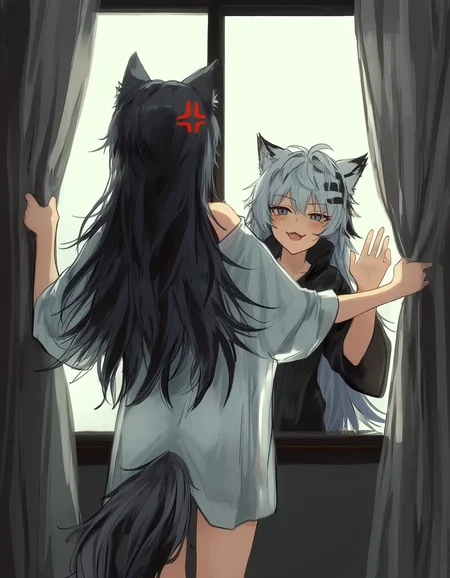

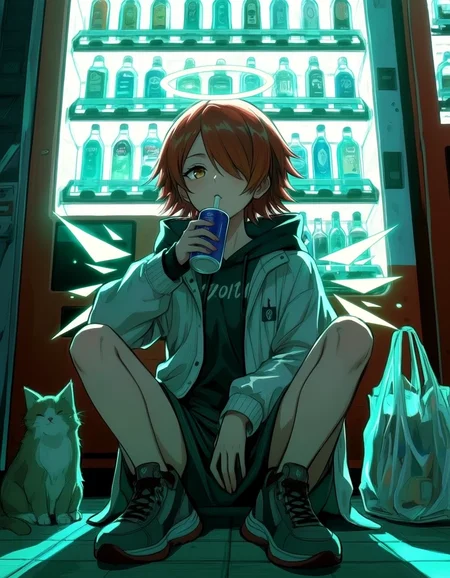

(9/26/2026): Distilled ckpt will not be updated. Use the new standalone acc LoRA here. After v2.4. All versions will be the "base" version (not distilled).
Update log and version info: link.
RDBT [Anima]
A general finetuned base model, better overall quality, better prompt adherence, less artifacts and errors.
Dataset contains ~10k images, handpicked by professional amateur artists, captioned by latest LLM. Accurate body/hands anatomy. Complete background.
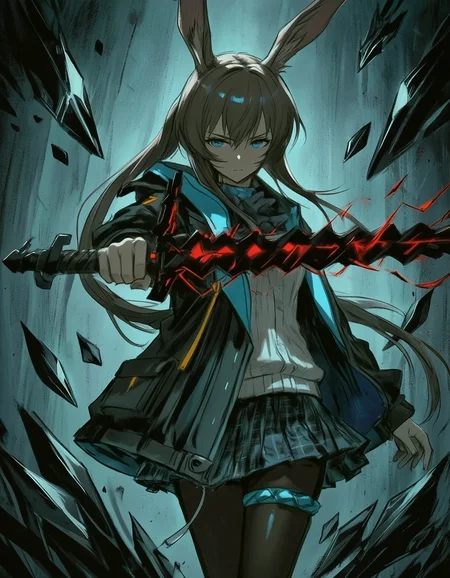
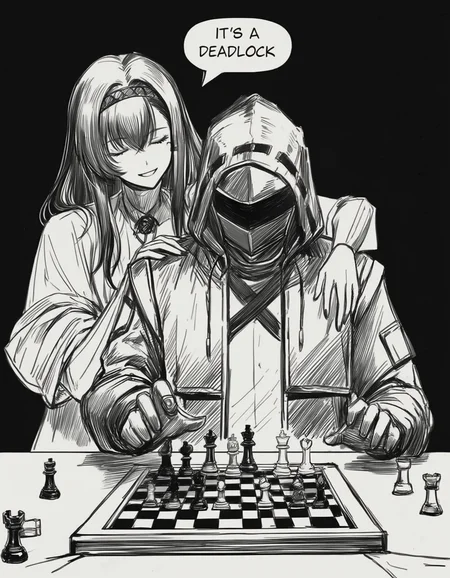
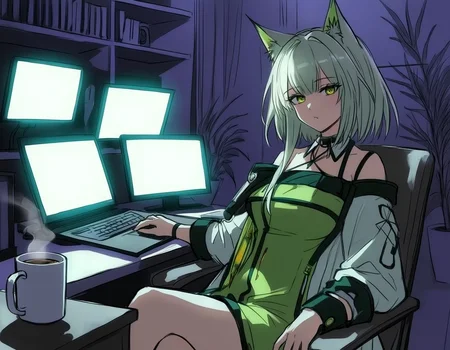
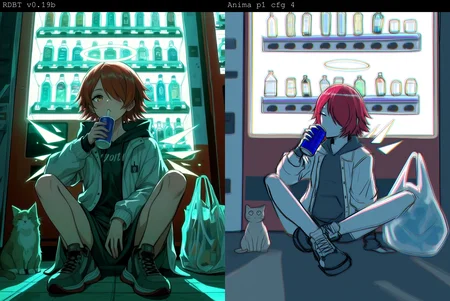
Some cover images look ridiculous; they're just for demonstration purposes for corner cases.
There is no overfitted default style. Because the dataset is big enough. It's a feature not a bug. You must specify @style in prompt, or use a style LoRA. Otherwise, you will get random/mixed style.
If you're not good at mixing LoRAs for a pretrained model, I also released a ckpt that merged many useful things, here. Out-of-the-box high quality, 16-step fast generation.
If you're an advanced user and want to minimax everything: RDBT is trained as LoRA natively: link.
16-step Acc LoRA: link.
Usage:
Settings:
Base version: has a suffix "base". CFG 4 and steps 24+ is recommended.
Distilled version (discontinued): CFG: 1. Steps: 16+.
Sampler: Euler (best diversity), Euler a/er_sde etc. (better stability)
Res: 1MP
Prompt:
Always specify @style in prompt, or use a style LoRA. Otherwise, you will get random/mixed style.
Quality tags:
Omit ALL quality tags. The fine-tuning dataset has higher quality than "masterpiece". Thus quality tags don't have effects. Omitting those redundant tokens allows LLM to pay more attention on other words.
FAQ:
Why I won't bake a default style:
If a model has a "default" style (ignores prompt and is always active). We call it "overfitted". Technically, it's not a feature, it's a bug. This means the training dataset is not big enough, and the model has lost its ability to generate other styles.
The goal of RDBT model is to "perfectly" reproduce styles. As some of you know, I use this model to aid in drawing. I need unique textures and details, instead of uniformed 2.5D AI slop style.
This model has excellent compatibility. You can stack any type of Lora on it. After all, it's you who decide what style you want, not me.
RDBT can't remove nor resist overwhelming Al slop effects
Too long, see: link.
My homemade distillation vs Anima official turbo model:
Official turbo: 8 steps. High stability, low entropy. Adds a strong 2D anime filter that will overwrite style and cause style shifting.
My homemade distillation: 16 steps. High diversity, low stability. Minimal style shifting.
Sharing merges using this model is not allowed.
This mode is a free and it will always be free. This "restriction" won't affect anyone. It's only aimed at those who steal others' models to sell.
Known model thieves: NukeA.I (selling this model behind paywall on tensorart).
Because he is such a jerk I wrote a story about it. Also contains a guide for trainers about "how to bake special trigger word into your model".
Description
FAQ
Comments (3)
What's the benefit of this over regular Anima? Just aesthetic?
speed
Fine-tuned checkpoints such as this generally perform better than the base model depending on what do you want to make: Realism, cartoonish, Anime style, etc. It is possible to get good results with the base Anima Preview-3 but its generally harder without adding stuff like "masterpice,best quality," and "low quality, bad hands" on the negatives, so that's why people usually look for fine-tunes to get better without having your prompts become a giant wall of text.
I have been trying this checkpoint and apart from the huge generation speed boost from generating at 1-3 cfg and 8-16 steps, it has been able to work well with an anime style Anima Preview-2 LoRA (haven't trained on Preview 3 yet) that I'm working on and it gets very nice results keeping the anime aesthetic from the LoRA with the added bonus of fast generation.