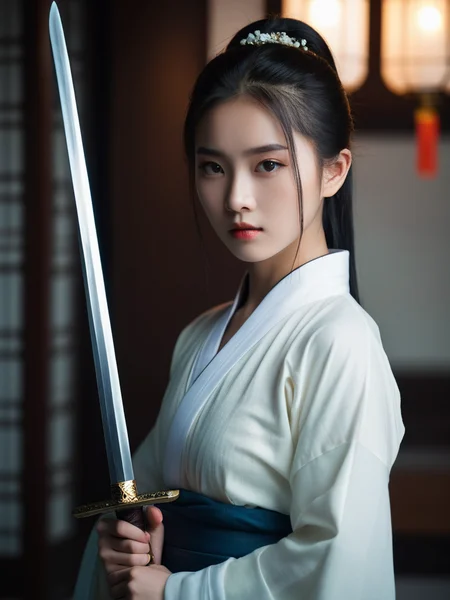
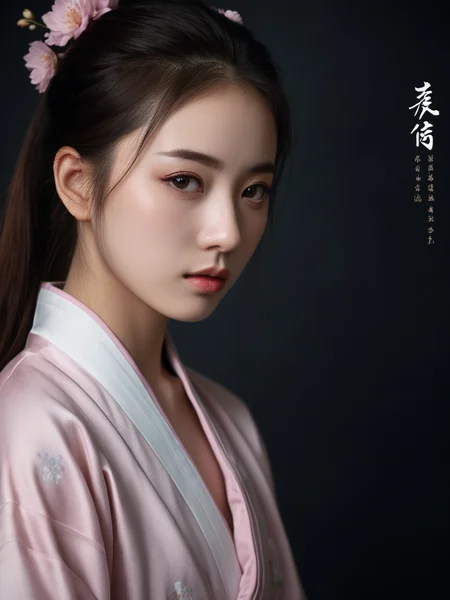
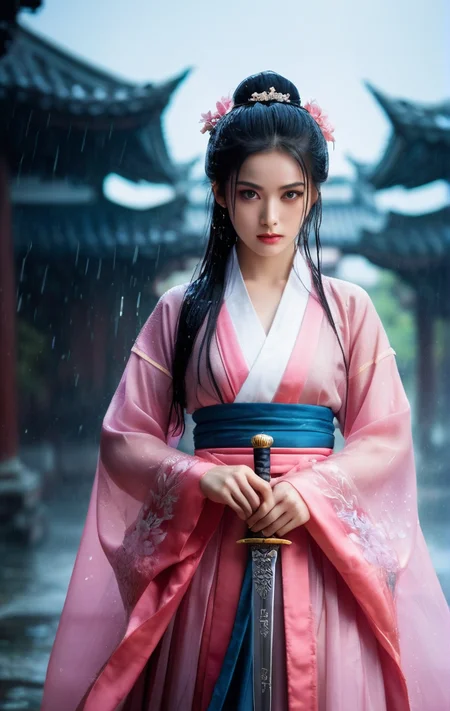
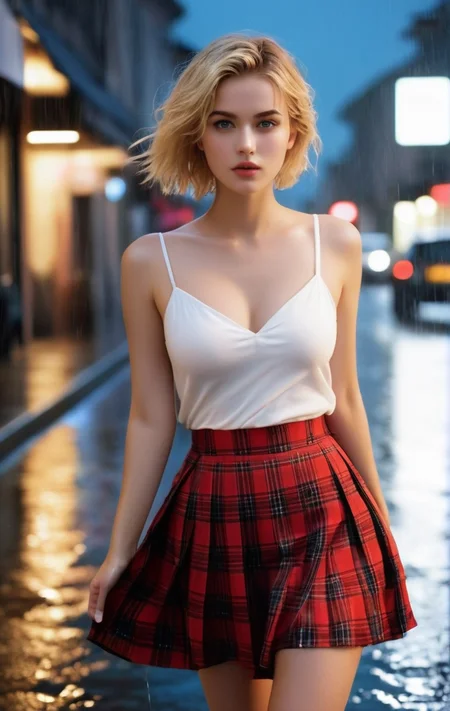
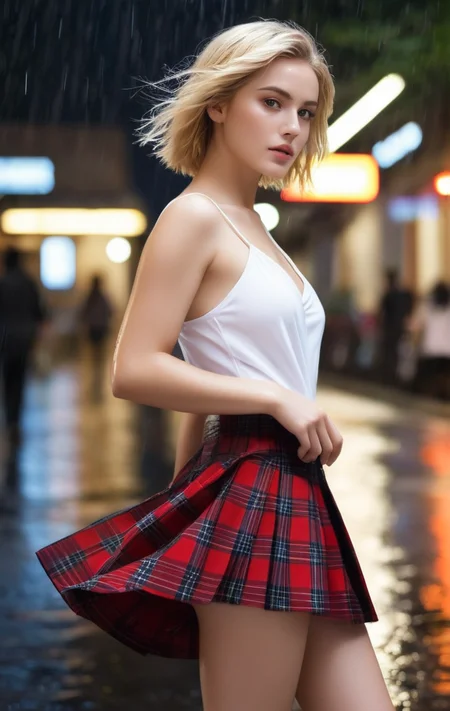
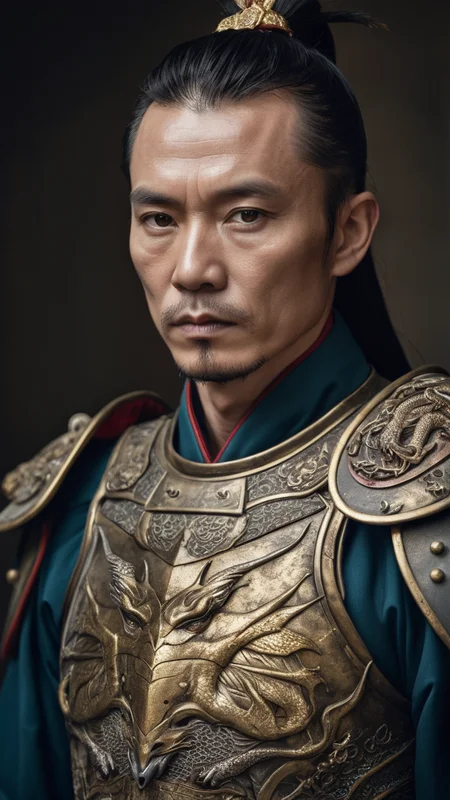
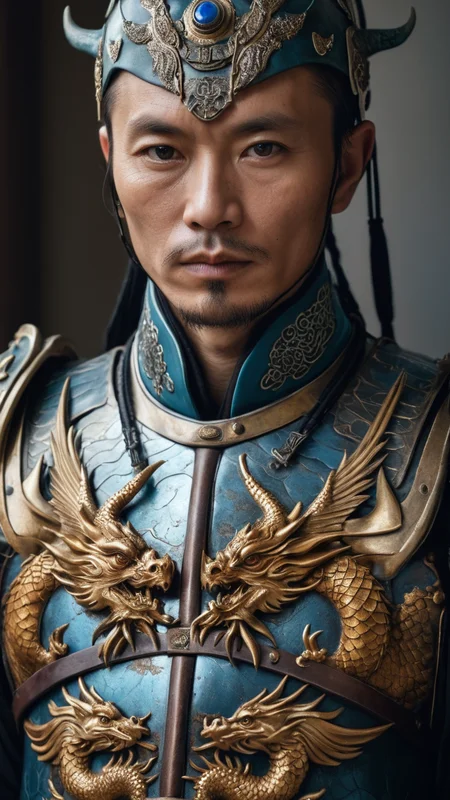
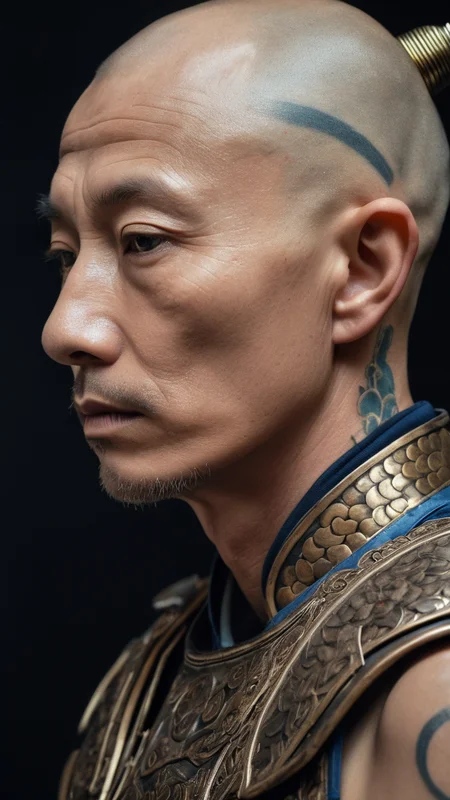
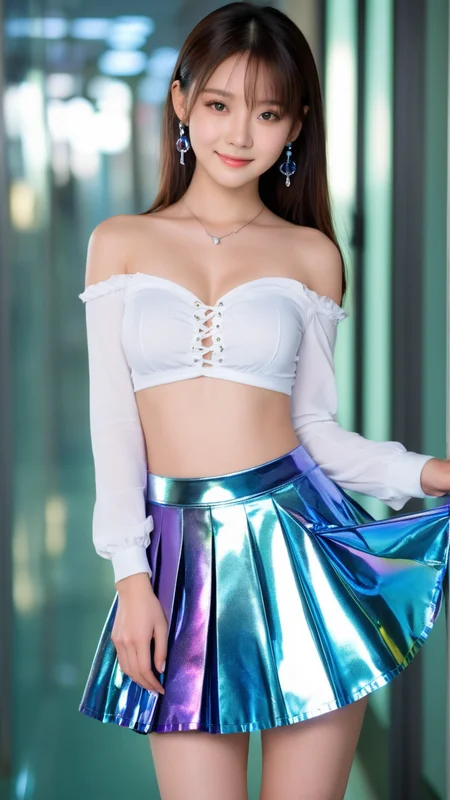
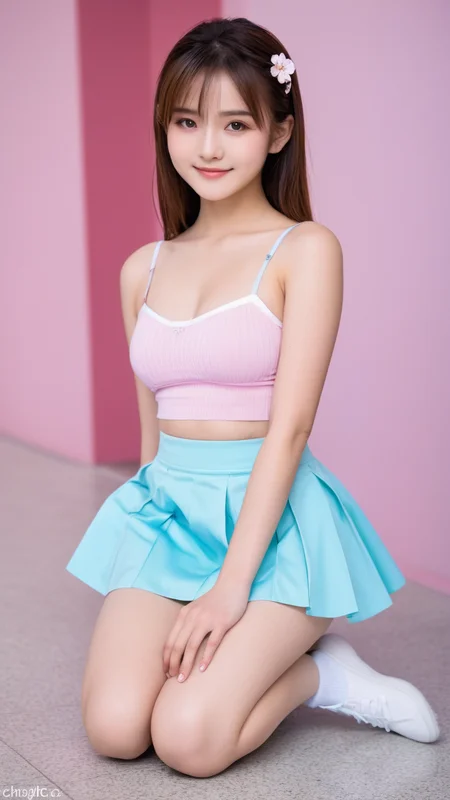
A model with a highly realistic feel, optimized for Asian girls. It performs well with girls from various countries and diverse styles, capturing intricate details of the body.
Recommended resolutions: 768, 1024, 1280 for the best visual experience.
真实感非常强烈的模型,针对亚洲女孩进行优化。各国女孩和多种风格都不错,身体细节都有。 建议768、1024、1280最佳分辨率。各路大神可以+VX:jinngame ,请备注C站 ,期望共同成长互通有无。
comfyUI 工作流下载 workflows download: Pony 、Flux
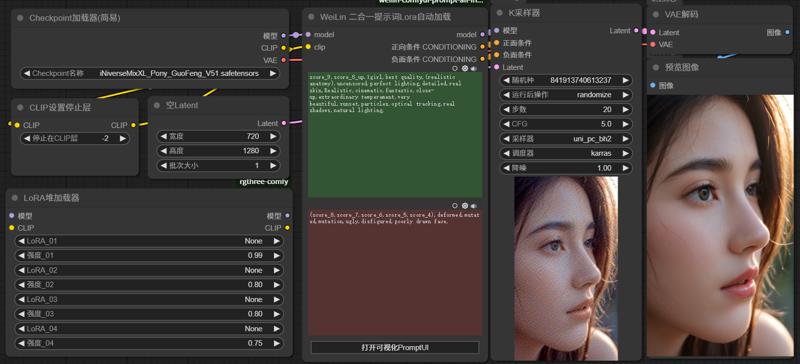
这里包括了Flux.1、Pony、XL 等不同模型,各版本有递进和分支关系,请酌情下载不同版本。
This collection includes various models such as Flux.1, Pony, and XL, each with progressive updates and branching versions. Please choose and download the version that best suits your needs.
Pony 5.1 在之前版本的基础上修正了一些问题,进一步提升了细节表现,并且依然保持了完全避免卡通画风格的脸型等问题。我们加强了身体上的细节处理和光源的表现,使得整体画面更加真实、自然。
Pony 5.1 builds upon the previous version by addressing several issues and continuing to fully avoid cartoon-style faces. We have enhanced the details on the body and improved the lighting effects, making the overall visuals more realistic and natural.
Pony 5.0A 是 Pony 4.9 的升级版本,彻底解决了脸部存在卡通画的问题,经过大规模优化,成为专为亚洲人设计的特化版本。早期下载国Pony 5.0A的朋友们可以重新下载这个模型,他已经更新到了最新的版本。
Pony 5.0C 是 Pony 5.0A 的稳定升级版本,面部表现更为丰富,无论是东方人还是西方人的面部表现都非常出色。
Pony 5.0A is an upgraded version of Pony 4.9, thoroughly resolving the cartoon face issues. After extensive optimization, it has become a specialized version designed specifically for Asians. Friends who downloaded Pony 5.0A early can re-download this model, as it has been updated to the latest version.
Pony 5.0C is a stable upgrade of Pony 5.0A, offering a richer facial expression, with outstanding representations for both Eastern and Western facial features.
Pony Real GuoFeng v4.9 是一个具有历史意义的版本。该版本在不影响 Pony 对多种“听话”姿态表现的前提下,显著增强了真实的面部表现,无论是东方人还是西方人,面部细节的还原都无限接近完美。同时,对于中国古代服饰的材质表现也得到了提升,细腻地展现了传统服饰的质感。此外,该版本在光影处理上有了质的飞跃,特别是在阴影和暗部的光影表现方面,对整体画质带来了显著提升。
值得一提的是,Pony 版本的优化已达成熟阶段,因此 v4.9 大概率将是 Pony 的最后一个重要更新版本。希望大家在这一版本中能体验到极致的画质效果。
Pony Real GuoFeng v4.9 is a milestone release. This version enhances facial realism to an unprecedented level, capturing near-perfect details for both Western and Eastern features without compromising Pony's characteristic ability to render a wide range of "obedient" poses. Additionally, material textures of traditional Chinese attire have been refined to showcase authentic quality.
Notably, there is a substantial improvement in lighting and shadow performance, especially in darker areas, leading to an overall enhancement in image quality. This update marks a significant evolution of the Pony model series, and it is likely that v4.9 will be the final major update for the Pony line. We hope this version brings users the ultimate visual experience.
F1D Real GuoFeng fp8 v2.0 是一个具有里程碑意义的版本。该版本在强化亚洲面孔方面有显著提升(如果没有特别指定,默认会生成亚洲面孔),同时丰富了面部变化,使得人物形象更加多样化。国风特色得到完美强化,色彩表现也更为出色。但需注意,NSFW的表现效果相比之前有所下降。
F1D Real GuoFeng fp8 v2.0 is a historic release. This version offers a highly enhanced focus on Asian facial features (defaulting to Asian faces if unspecified) and introduces greater diversity in facial variations. The model achieves a perfect enhancement of GuoFeng (Chinese-inspired) style and improved color depth. However, please note that NSFW performance has seen a slight decrease.
最近我更新了两个版本,分别是Flux_1D nsfw fp8 v1.0和Flux_1D nsfw fp16 v.12。这两个版本都把必要的t5xxl、clip和EAV放进了模型文件里边了,所以下载的模型会大一些,但这免除了新手的麻烦。对于老手来说也不影响正常使用,实际显存的消耗没有任何增加。
如果你希望下载更小的正常版本,请在下载的时候选择对应的版本。
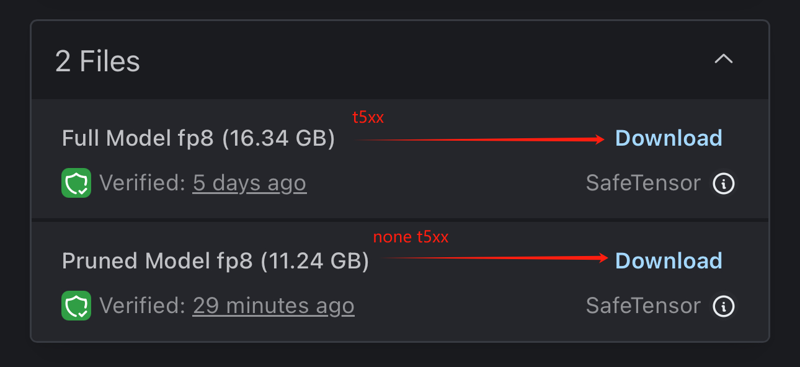
如果你已经下载了更大的包含T5XXL版本,但不想再次下载更小的正常版本,我提供了Python代码,你可以使用该代码将已下载模型内的keys删除,生成更小的正常版本。
FP16版本下载链接:[这里]
FP8版本下载链接:[这里]
以下是版本对应显存的建议:
>= 24G 显存:下载fp16版本。
12-16G 显存:下载fp8版本。
< 12G 显存:pony GuoFeng v4.3 or GuoFeng XL v1.5
工作参数:
步数(Steps):20
采样器(Sampler):Euler
时间表类型(Schedule type):Simple
CFG比例:1
蒸馏CFG比例(Distilled CFG Scale):3.5
Version Update Description
I have updated two versions: Flux_1D nsfw fp8 v1.0 and Flux_1D nsfw fp16 v.12. Both versions now include necessary files like t5xxl, clip, and EAV within the model, which makes the download size larger. However, this removes hassle for beginners and doesn't affect advanced users. There's no actual increase in VRAM consumption.
If you prefer downloading a smaller, normal version, please choose the corresponding version during download.
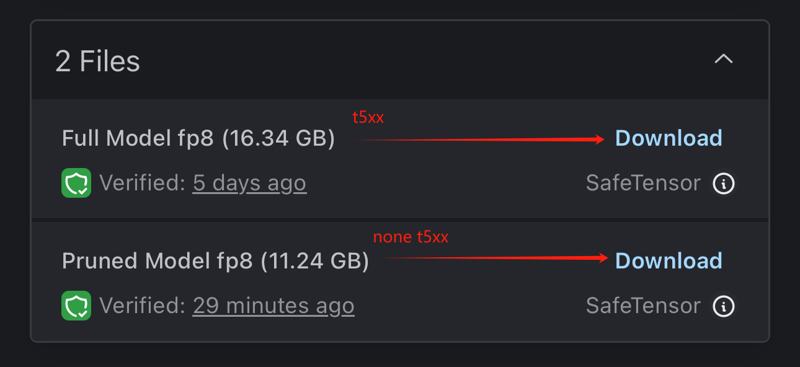
If you’ve already downloaded the larger version that includes T5XXL but don’t want to download the smaller normal version again, I’ve provided Python code that you can use to remove the keys from the downloaded model and reduce it to a smaller, normal version.
FP16 version download link: [here]
FP8 version download link: [here]
Recommended VRAM for each version:
>= 24G VRAM: Download the fp16 version.
12-16G VRAM: Download the fp8 version.
< 12G VRAM:pony GuoFeng v4.3 or GuoFeng XL v1.5
Working Parameters:
Steps: 20
Sampler: Euler
Schedule type: Simple
CFG scale: 1
Distilled CFG Scale: 3.5
Pony GuoFeng 4.3 版本加强汉服表现、真实感、优化光源、加强低光照质感。过度版本懒得传了:)
Pony GuoFeng 3.0 版本终于解决了Pony的汉服问题。这也是第一个支持汉服(hanfu)提示词的NSFW版本。虽然表现不是很完美,但这是一个好的开始。此外,我花了几周时间处理Flux之后回来继续开发Pony,发现相比之下Pony真的很快,对于硬件配置中低的用户来说,是最好的选择。
Pony GuoFeng 4.3 version enhances Hanfu representation, realism, optimizes lighting, and improves texture quality in low-light conditions.I’m too lazy to upload the transitional versions :)
Pony GuoFeng 3.0 has finally addressed the issue with Hanfu in Pony. This is also the first NSFW version that supports the 'hanfu' keyword. Although its performance is not perfect, it marks a good start. Additionally, after spending several weeks on Flux and returning to work on Pony, I've found that compared to Flux, Pony is really fast and remains the best choice for users with low to medium hardware configurations.
iNiverse Version Explanation:
In the entire iNiverse series, the versions are not all progressive upgrades. The model you need might be in an earlier version, so please pay attention to the version numbers.
The Pony beta is an initial trial version primarily aimed at addressing compatibility issues. The current challenge is that most of the existing Pony models are not compatible with previously trained XL Lora. Therefore, this version is dedicated to developing a Pony model that is compatible with the older XL version of Lora. We are committed to ensuring that the new Pony model can seamlessly integrate existing training data so that users can continue to utilize their current resources while also benefiting from the new features and improvements of the Pony model.
The V7 series is the realism series, with 7.1 improving skin depiction based on 7.0 and 7.4 better understanding prompt words. Each version has its own tendencies.
GuoFeng is a branch version, also based on the V7 model. GuoFeng adds more Chinese elements and clothing, such as the outstanding performance of hanfu in this version. Version 1.1 is a trimmed version; if you need higher precision and larger images, you can try versions before 1.05.
The Turbo version is another branch version, capable of producing very high-quality images within 8-12 steps. However, subsequent versions have generally continued the Turbo characteristics, so they are no longer explicitly labeled.
The Cartoon version is another sub-branch. It depicts a cartoon style and includes elements from Genshin Impact. You can use prompts like NAHIDA\(genshin impact\) to find these characters. If you enjoy this style, please give me more suggestions, and I will continue to experiment.
Finally, thank you all for your support. Your likes and feedback are my greatest motivation. I hope you enjoy Chinese culture.
iNiverse版本讲解:
在整个iNiverse系列模型里边版本并不都是渐进升级的,可能你需要的模型在之前的版本里边,请各位注意观察版本号。
Pony beta 是一个初试版本,主要目的是解决兼容性问题。目前的问题在于,大多数现有的 Pony 模型无法兼容之前训练的 XL Lora。因此,此版本旨在开发一个能够与老的 XL 版本 Lora 兼容的 Pony 模型。我们正在努力确保新的 Pony 模型可以无缝集成既有的训练数据,以便用户能够继续使用他们现有的资源,同时也享受到Pony模型的新功能和改进。
V7系列是真实系列,基于7.0刻画出皮肤更好的7.1和更理解提示词的7.4,每个版本都有所倾向。
GuoFeng是个分支版本,也是基于V7模型的,GuoFeng增加了更多的中国chinese元素和服饰,你可以看到例如hanfu在这个版本里非常出色的表现。而1.1是一个裁剪版本,如果你需要更大精度更高的图片可以尝试1.05以前的版本。
Turbo版本是另外一个分支版本,可以在8-12个Steps里的到非常高质量的图片,然而之后的版本都基本延续Turbo,就没有再刻意写入版本里。
Cartoon版本是一个分支里的另外一个分支。卡通风格刻画,并加入了原神的角色元素,你可以使用NAHIDA\(genshin impact\)等提示词找到这些角色,喜欢此风格的朋友们可以给我更多建议,我会继续尝试。
最后感谢各位的支持,您的点赞和反图是我最大的动力,希望各位喜欢中国文化。
Description
FAQ
Comments (22)
You wrote optimized for Asian faces but I love your model for western girls as well, very beautiful girls :) I use it as a refiner and start with pony realism or perfect pony but switch at 0.3 or 0.4 to your model :)
I will try out your new version soon
Thank you very much for your love and detailed feedback on my model! I'm glad to hear that my model performs excellently not only for Asian faces but also for Western girls. Your usage method sounds very interesting, and I appreciate you sharing this technique. I hope you continue to enjoy using my model and feel free to share more of your experiences and optimization suggestions at any time. Thanks again for your support!
when you do this, do you prompt in booru and adding score_7, score_8... or you prompt like in a not pony model?
@Neodemo I prompt booru and without the pony stuff
Is it possible to add an inpaint version that focus more on NSFW side while retraining the asian specific details? or even merge with pony base? Right now with everything out there is either stay on XL for the realistic asian looks/effect and lose most of the strong NSFW stuff or the other way around go with a pony base that has trained on asians and have all the nsfw you want, but the image quality is really bad forget about realistic just trying to get the right body type and face is almost impossible.
Thank you very much for your detailed feedback and suggestions! I completely understand your need to balance NSFW content with retaining Asian-specific details. Regarding adding an inpaint version that focuses more on NSFW content while retaining Asian details, or merging with the pony base, I will seriously consider this and conduct relevant research. If you have more specific needs and expectations, please feel free to let me know so that we can better meet your requirements.
Additionally, if you need to balance NSFW content with Asian-specific details, you might want to try versions 7.3-7.5. However, please note that these versions have insufficient Hanfu elements. Thank you again for your support and valuable suggestions!
are you using a good inpainting technique? there should be no problems inpainting with this model over pony or anime images to make them look like realistic/photographic asian women.
@liia I have tried and researched varies methods for serval months, and came to the conclusions of using an XL base model thats heavily trained for Asian specific style then inpaint with either a ponyxl that's heavily trained for Asian details which there is none existing. There is a few thats super overtrained just to get the asian detail and realism but the offset is it loses almost all NSFW functions, they just became another XL base that lacks the nsfw functions, I even scraped the CN side of the community already and still nothing.
And then the other method I'm trying to poke around is inpaint with an already heavily Asian specific model that further overtrain for NSFW or have it merge it with a pony.
And theres also a huge reason I don't want to directly generate with a pony base then inpaint with xl, because you will be inpainting 90% of the whole image due to the lack of asian specific details, style, and realism. And if you try to force it with prompt and then inpaint with XL over it... it loses all the NSFW details.
I might be alot simpler to make something with like 100 word prompt, but the level of specific details I'm looking for will require inpaint.
@WishIknow I feel you. It's not easy to get something with AI when you are looking for specific details. Oftentimes my "final" images have 20-50 inpaints until they are satisfying in high resolution, including all the details that i was after, earrings, clothing, skin, background, hair, hands, feet,...
We have to wait a bit longer until 'our' perfect model comes along that can do it all, until then it's a lot of experimenting and combining. That said i am using iniverseMix a lot, it's a great workhorse and model/inpainting model, but i am also trying to make sfw images :) Good luck with your creations!
@WishIknow try fooocus ... they use the original model as inpaint better than a1111
and you can easy make yourself inpaint-modles for a1111 if you like, read my articel
https://civitai.com/articles/3990/inpaint-sdxl-for-the-manipulation-of-your-images
Why is there no description for all these 20 models?
tired to load one of them if I don't know it...
Thank you for your feedback. I understand that having descriptions can be very helpful. At the moment, I’m not planning to add descriptions for these models, but I’m more than happy to assist you with any questions or provide more information about any specific model you’re interested in. Please feel free to ask, and I'll do my best to help you out. Thank you for your understanding.
I would ignore everything before 7.1, those dont work nearly as well. 7.1 and 7.3 are the same model, so you only need one of the two. He has said in previous comments that the 7.x series is him testing different things, so they are not direct upgrades to each other. 7.1, 7.2, 7.4 and 7.5 are all general use with several porn and nsfw images trained into them. I personally like 7.1 and 7.5 best. The Guofeng series is a different set of checkpoints focused on chinese and has some ancient chinese themed training triggered by the hanfu tag in the prompts.
he has added a lot of models in the last few months, and he seems more focused on new models than adding descriptions(which I am ok with, as his models are great). if you look at the pictures he and others have posted you can get an idea of the prompts to use, and you can just put in various prompts to test. The model works well with certain topics and bad with others. you can use it as a refiner for other models to improve the appearance of the women in them for themes his models dont do well. for example using it as a refiner starting at .3-.4 steps in, it can turn images from anime checkpoints or pony checkpoints into realistic images even, it keeps the general image the first checkpoint was trying to make, but them makes the people attractive(if the people from the other checkpoint are too deformed from what a real person looks like, these checkpoints cant make it look human though and you will end up with some weird stuff)
One of the best model
Thank you so much for the awesome compliment! I guess my model has been hitting the gym regularly and eating its veggies. 😄 If you have any questions or need more models to be amazed by, just let me know. I'm here to help!
vae? no vae?
Thank you for your question. This model does not have VAE embedded. If you need a specific VAE to use with it or have any other questions, feel free to let me know. I'm here to help!
Would love with VAE @JinnGames as not all SD software and online apps we can use this model on support external VAE. They only work with baked in. Like mage.space for example.
I wrote a freaking book, sorry about that... I wanted to give my experience and advice for this excellent checkpiont. It is the most realistic and simultaneously creative checkpoints I've tried, and I've tried quite a lot.
I started this in response to a comment asking about getting better facial realism and these are my findings about realism overall. The best option has been #3 for what I enjoy, completely unrealistic scenes using hyperrealistic details and textures. Think high production scifi/fantasy without destroying your ideas with those prompt words.
**Be careful overloading realism based prompting in main prompt, you will remove this checkpoint's creativity. It already leans hard into realism given the creativity that it has.
1. Normal prompt: Natural skin, around the description of the person. Sometimes in the beginning of the description, sometimes towards the end. Realistic, photorealistic image/picture/photo(these have different results, but almost always increase realism), Detailed face or realistic face, eh... sometimes. Negs like cartoon, sketch drawing usually seem to be enough on the negative side.
2, Using BREAK; It's trial an error, doing that can also overpower things outside that break section... Usage would be like: Person and pose or interaction/concept BREAK; (maybe mention the character again), Character details like detailed skin, hair, eyes, clothes... BREAK; Background/Scene. Quality prompts like realism and whatnot can usually work fine in the scene section without another break since the scene affects the entire image by nature.
Sidenote: People say don't use underscores, don't listen. Natural_skin helps guide "natural" to the "skin" moreso than the whole image, giving less likelihood of a nature scene. This varies by checkpoint in usefulness, it's very affective here. Bump your steps when doing this, you be the judge on how much.
3. Use hiresfix( or similar in non a111 based software) to increase realism after initial generation: By going to far with forcing realism into the main prompt* you will take out parts of where this checkpoint really shines, it's creativity. You will get frustrated playing with weights trying to get abstract elements back.
I typically use dpm++3m sde exponential or dpm++ 2M SDE Karras at 40-60 steps(I sometimes have some heavy prompts, more steps helps). For hires I've been using 20 steps, the 4x_NMKD_Siax upscaler, with .3 denoising with no change in hires positive prompt and "plastic_skin, wax_skin, blurry, (cartoon, sketch, drawing:1.2), " along with other things I want to make more real after original generation.
Understanding:
When using ideas (wildcard list of patterns and body paint) or lora styles that would be more scifi/fantasy like those from @mnenic or @maDcaDDie. Using realism, photorealism... or negs like cartoon, anime...(use (cartoon, sketch:07) if you must) they will remove much those loras' affects since they aren't "realistic". I try not to use any realism based prompts but if I do, it's sparingly. Then use a short and strong negative prompt in hires instead.
Last sidenote: Most NSFW checkpoints are bland... in the creativity arena. If you want the creative zest of Iniverse with easier NSFW concepts, try 60% Iniverse and 40% sdxxxl. I still use some nsfw loras, but I can drop the weight very low, 0.2-0.5 generally. This means the lora doesn't have as much ability to overpower the rest of the image.
Hi rando2048,
Thank you so much for your detailed feedback and the effort you put into sharing your experience and advice! I truly appreciate the time you took to write this comprehensive guide. It’s fantastic to hear that you find this checkpoint both realistic and creative.
Your tips on balancing realism and creativity are invaluable, especially the detailed methods you shared about using normal prompts, BREAKs, and hiresfix. The specific prompt structures and negative prompts are very insightful, and I’m sure many users will find your advice extremely helpful.
I’m also intrigued by your recommendation for mixing Iniverse with sdxxxl for NSFW content while maintaining creativity. It's a great idea to keep the weights low for NSFW loras to avoid overpowering the rest of the image.
Thanks again for your thoughtful and thorough response. If you have any more tips or if there are other areas where you think improvements can be made, please feel free to share. Your insights are incredibly valuable to the community.
Best regards,
JinnGames
I have been playing around using these as a refiner for other checkpoints that have concepts that these ones dont do well. I have it switch as .3-.4 and it works well. Let the other checkpoint set the scene, and then these finish it so the end picture comes out much better with a much more attractive woman than what the other NSFW checkpoints can pull off. It sometimes screws up the image after the initial checkpoint sets the groundwork(like changing hands into faces), but overall it is working great.
I have no idea how JinnGames got the checkpoint to actually have pretty faces built into it, while basically all others can not make pretty women, but the man deserves some sort of AI award for it!
Besides _ do - do the same thing or nah?
Details
Files
Available On (1 platform)
Same model published on other platforms. May have additional downloads or version variants.