









I. Introduction
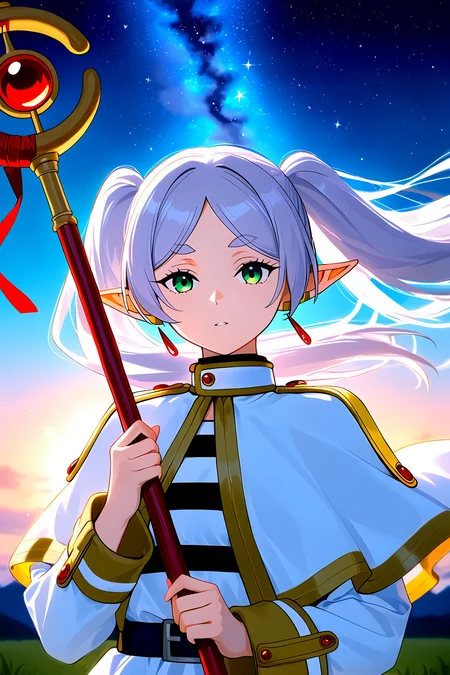
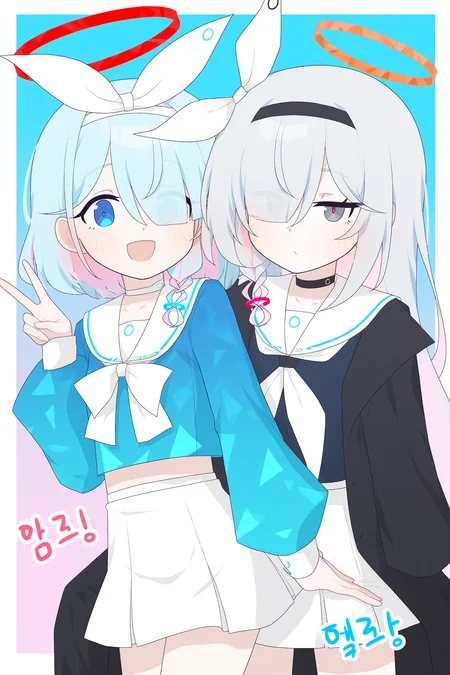
NetaYume Lumina is a text-to-image model fine-tuned from Neta Lumina, a high-quality anime-style image generation model developed by Neta.art Lab. It builds upon Lumina-Image-2.0, an open-source base model released by the Alpha-VLLM team at Shanghai AI Laboratory.
Key Features:
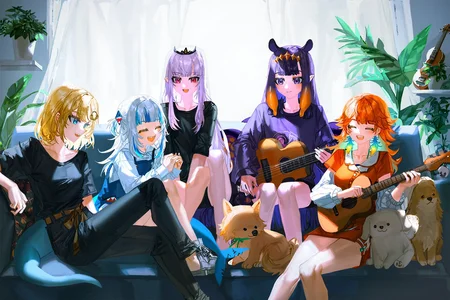
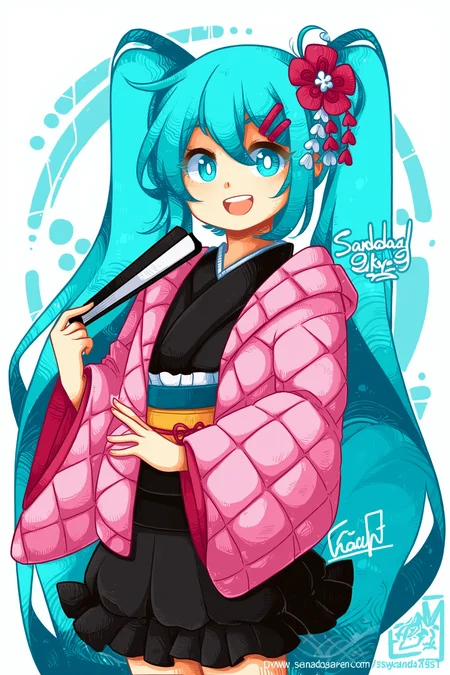
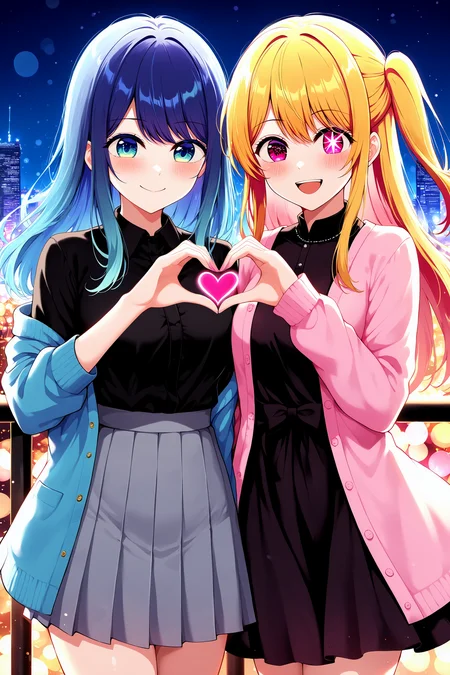
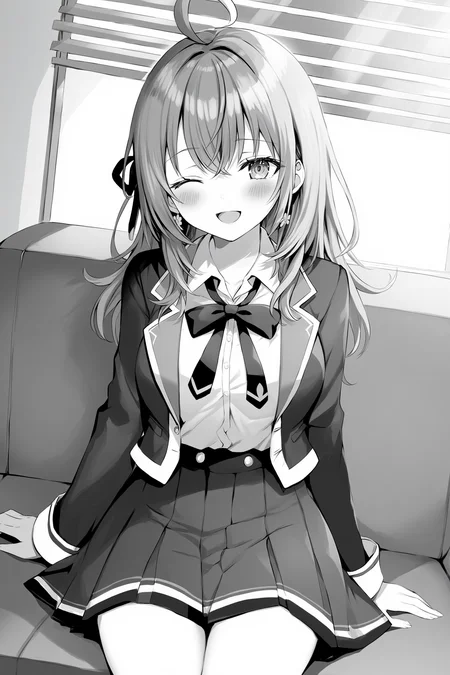
High-Quality Anime Generation: Generates detailed anime-style images with sharp outlines, vibrant colors, and smooth shading.
Improved Character Understanding: Better captures characters, especially those from the Danbooru dataset, resulting in more coherent and accurate character representations.
Enhanced Fine Details: Accurately generates accessories, clothing textures, hairstyles, and background elements with greater clarity.
II. Information
For version 1.0:
This model was fine-tuned from the NetaLumina model, version
neta-lumina-beta-0624-raw, using a custom dataset consisting of approximately 10 million images. Training was conducted over a period of 3 weeks on 8× NVIDIA B200 GPUs.
For version 2.0:
This version has 2 versions:
Version 2.0:
I switched the base model to Neta Lumina v1 and trained this model on my custom dataset, which consists of images sourced from both e621 and Danbooru. The dataset is annotated with a mix of languages: 30% of the images are labeled in Japanese, 30% in Chinese (50% using Danbooru-style tags and 50% in natural language), and the remaining 40% in natural English descriptions.
For annotations, I used ChatGPT along with other models capable of prompt refinement to improve tag quality. Additionally, instead of training at a fixed resolution of 1024, I modified the code to support multiscale training, dynamically resizing images between 768 and 1536 during training.
Notes: Currently, I've only evaluated this model using benchmark tests, so its full capabilities are still uncertain. However, based on my initial testing, the model performs quite well when generating images at a resolution of 1312x2048 (as shown in the sample images I provided).
Moreover, this version the model generates images with the size up to 2048x2048 based on my testing.
Version 2.0 plus:
This model is fine-tuned from version 2.0, which had been trained on a dataset of higher-quality images. In this dataset, each image is annotated with both natural language descriptions and Danbooru-style tags.
The training procedure follows the same overall design as version 2, but is divided into three stages.
In the first two stages, the top 10 layers are frozen, and training is performed separately on the Danbooru-labeled subset and the natural language-labeled subset.
In the final stage, all layers are unfrozen and optimized jointly on the full dataset, which incorporates both Danbooru and natural language annotations.
This version reduces the issue of generated images exhibiting an artificial or 'AI-like' appearance, while also improving spatial understanding. For instance, the model is able to generate images in which a character is positioned on the left or right side of the images according to the prompt (as illustrated in the example). In addition, it provides modest improvements in rendering artist-specific styles.
You can find gguf quantization at here: https://huggingface.co/Immac/NetaYume-Lumina-Image-2.0-GGUF
Version 3.0:
This version introduces new character knowledge and also improves some existing characters that could not previously be generated (I will provide a list of the improved characters later). However, please note that not all characters in the list may be generated, since I aim to preserve the old knowledge while also enhancing aspects like text rendering, anatomy (when using artist styles, the model may sometimes produce inaccurate or imperfect anatomy), model stability, and some additional secret improvements.
For generating text within the images, I recommend using this system prompt: "You are an image generation assistant if the prompt includes quoted or labeled on image text render it verbatim preserving spelling punctuation and case. <Prompt Start>", it may help you achieve better results.
Here is a link to a gallery of example images generated in an artistic style using this version: Artist Style Gallery. Thank @LyloGummy for contributing.
For version 3.5 (pre-trained model):
This version is a pre-trained model (I’m not sure what to call it, but it’s basically a continuation of the previous work by the Neta team, using the Neta Lumina v1.0 model). To clarify further, versions 2.0 Plus and 3.0 were fine-tuned from this pre-trained model. My workflow involves using the best checkpoint from this pre-trained model at that time and fine-tuning it.
In this version, I also updated my dataset (only the Danbooru dataset, up to date at 12:00 a.m. on September 3). The new dataset only contains tags, since I don’t have anyone to help me validate natural prompts.
Basically, I didn’t change the dataset too much I just updated it with the latest data, using a part of dataset from neta team and merged it with the previous one. So, the model still generates images that look quite similar. However, if you use the correct trigger prompts, the outputs will differ. The good news is that it still retains all of its previous knowledge accurately (some antistyle has been improved).
In addition, the default style of model currently is stable, the anatomy and text generation seems better than previous.
Lastly, this model is different from the test version I released on Hugging Face.
Here is the diffusers format for this version: duongve/NetaYume-Lumina-Image-2.0-Diffusers-v35-pretrained · Hugging Face
For version 4.0:
In this version, I changed the way I annotate the dataset. Instead of using only tags and natural language, I now use both unstructured and structured annotations for each image. In addition to tags and natural-language descriptions, I added JSON and XML formats. For the tag, JSON, and XML formats (in natural and tag format), I also shuffle the annotations. For example, in the XML format similar to JSON when formatted as tags:
<tags>
    <characters>kubo nagisa</characters>
    <general>long hair, purple hair, purple eyes</general>
</tags>
During preprocessing for each epoch, when this XML annotation is encountered, I randomly drop individual tags such as “purple hair” or other character-related attributes with some probability. I also shuffle the fields, so for example, the
<general>field may appear before the<characters>field.In this version, I also updated my dataset. It now includes the Danbooru dataset up to October 10, 2025. However, ten days ago, I also made an additional update by adding a small dataset during the period when I had paused the training process.
In this version, I reduced AI artifacts and improved the character anatomy. It’s still not perfect, but when you use natural language in the prompt combined with a suitable negative prompt, the results are noticeably better.
Note: All previous knowledge is still retained, you just need to use the correct trigger tags or prompts. Additionally, the current default style is set to anime for greater stability.
III. Model Components:
Text Encoder: Pretrained Gemma-2-2B
VAE: From Flux.1 dev's VAE
Image Backbone: Fine-tuned version of NetaLumina's backbone
IV. File Information
This all-in-one file includes weights for VAE, text encoder, and image backbone. Fully compatible with ComfyUI and other systems supporting custom pipelines.
If you only want to download the image backbone, feel free to visit my Hugging Face page, it includes the separated files along with the
.pthfiles in case you want to use them for fine-tuning.
V. Suggestion Settings
For more details and to achieve better results, please refer to the Neta Lumina Prompt Book.
VI. Notes & Feedback
This is an early experimental fine-tuned release, and I’m actively working on improving it in future versions.
Your feedback, suggestions, and creative prompt ideas are always welcome — every contribution helps make this model even better!
VII. How to Run the Model on Another Platform
You can use it through the tensor.art platform. Here is the model link: https://tensor.art/models/898410886899707191
However, to run the model in an optimized way, I recommend using Comfyflow from tensor.art (because its default runner lacks configuration, which makes the model run suboptimally). Here is an example flow you can use on the platform: https://huggingface.co/duongve/NetaYume-Lumina-Image-2.0/blob/main/Lumina_image_v2_tensorart_workflow.json
VIII. Acknowledgments
Big thanks to narugo1992 for the dataset contributions.
Credit to Alpha-VLLM and Neta.art Lab for the fantastic base model architecture.
If you'd like to support my work, you can do so through Ko-fi!
Description
FAQ
Comments (51)
This is an amazing model! Congrats on the new version! Haven't used base Neta since it came out
Hi, thanks for you compliment. I just want to make a version that stable and easy to use :D
How is his support for women with plump European and American bodies? Especially in terms of NSFW, the original Neta was so bad that I would rather use the fine-tuning of the Radiant model
Hi, i think NSFW is improved but i am not sure it can meet your expectations. If you dont mind you can use it. With European and American bodies i am not sure because i havent tested it
what does it even mean 'american' body, did you mean fat? hahahah
V2 Plus is very good! A real improvement over base Neta Lumina, IMO.
Thanks a lot! Glad you like it 🙏. My main goal of this version is to make a stable version so it’s easier for everyone to use.
Does this need the included text encoder or can you provide a "model only" version?
Hi, the file I uploaded here is an all-in-one package that includes all the necessary components. You can place this file in the checkpoints folder in ComfyUI and use it just like Stable Diffusion XL. If you only need the image encoder or another component, you can find them here: https://huggingface.co/duongve/NetaYume-Lumina-Image-2.0. A detailed guide is also available at this page: https://huggingface.co/neta-art/Neta-Lumina
Hello everyone, if you find it difficult to run this model on your own computer, you can use it through the Tensor.art platform. Here is the model link: https://tensor.art/models/898410886899707191.
However, to run the model optimally, I recommend using ComfyFlow from Tensor.art, because its default runner lacks proper configuration, which can cause the model to perform poorly.
Here is an example flow that you can use on the platform: https://huggingface.co/duongve/NetaYume-Lumina-Image-2.0/blob/main/Lumina_image_v2_tensorart_workflow.json
will illustrious loras work well with lumina? will lumina focus on anime mostly or will it branch to 3d and western styles as well?
Hello, at the moment this version mainly focuses on anime. You cannot use Illu's LoRA with Lumina because these two models are completely different. In the future, i may be support not only anime but also realistic images
想请问一下,8G显存得30系N卡可以用的上吗?
I first tried Neta Lumina v1.0 after discovering it on Reddit and saw great potential, though it felt somewhat unstable at the time. Later, I came across NetaYume v2 Plus on CivitAI, and after using it for about a week, I can confidently say this is a major step forward.
- Style & Anatomy: The default anime style is highly consistent, with much better hands and anatomy (only ~3 faulty cases in 20 images).
- Prompt Compliance: Compared to Neta Lumina v1.0, this model follows prompts far more accurately, even with long natural language prompts or large Danbooru/e621 tag sets. Surprisingly, it also handles text rendering inside images much better.
- Artist Styles: Certain artist styles that were either unavailable or unstable in Neta Lumina (though partially present in some beta releases) are not only fully supported and functional but also improving in NetaYume v2 Plus.
- High-Resolution: The model can reliably produce 2048x2048 resolution images with minimal artifacts, even though the generation process is slower.
In my opinion, NetaYume v2 Plus keeps the strong foundation of the original while delivering clear improvements in stability, detail, and versatility. A polished and reliable upgrade for anyone who enjoyed v1.0.
Thank you for your detailed review. However, Neta Lumina v1.0 is currently similar to the illu v0.1 version, so for it to truly become a widely used model, it will need support from the community.
Hi, i am still investigating and improving the model to make it more stable and can generate text more better. Next version: i will improve some knowledge of characters and generate text (according to my test i see that the model has better anatomy than previous version)
太棒了,你的模型能够比原版那个文本智障更好的理解什么是tag,什么是提示词,尤其是关于nsfw的人体解刨,虽然我明白它们是有自己的专门格式,以及防止惹火上身,但如此的繁琐,甚至比noobAI还要麻烦,只会导致无人使用,希望您能增加更多的nsfw相关,二次元需要一款无比强大的自然语言系统!(恳求!!!)
@2088996800908 你好,我会把它放进需求池(视为未来某个版本会出现的功能)。目前 NSFW 的图片虽然很多,但质量却比较差,会导致模型整体质量下降。因此我需要先进行尝试,找出最优方案之后再着手处理。
It would be cool if the model could acknowledge more characters from hoyoverse games, especially male characters, like komano or mydei
@Shinwoh I have checked the dataset i used for v2 and v2 plus it also have both of them. But the model is the current traing phase so adding new dataset is risk now because i havent trained it for more than a week
@duongve13112002 have you heard of AnimaTensor? Idk about coding but, is it possible for NetaYume Lumina to have technologies like that? (Zero Terminal SNR, V-Prediction, EQ-VAE)
@Shinwoh I have heard that but currently potential of Lumina Image v2 is not fully shown therefore firstly, i am focusing on improving it
@Shinwoh Zero Terminal SNR and V-Prediction are unnecessary for the flowmatch model, while EQ-VAE needs to train the flux vae. There may be many problems in training this sota vae.
Zero Terminal SNR, V-Prediction are not needed, EQ-VAE I'm not even sure gives actually an improvement and requires training to refit the model. Just improve this finetune... it needs a lot of training. Wish I had a bunch of gpus to throw at it.
@duongve13112002 只能说lumina是一款很好的底膜架构的优秀的模型,而目前社区只有您才有希望让它和当初的NOObAI一样破圈!
Is it possible to use this model on ReForge? (Or any other program than ComfyUI)
Hi, at the moment (according to what I have found), if you want to use Lumina Image v2 on Forge, you’ll need to run it through another library (Diffusers) since native support isn’t available yet. However, please note that the image quality generated via Diffusers is usually worse than the comfyui.
@duongve13112002 another library? Any guides? Please
@compgamer1337267 Hi you can use comfyui or diffusers to use it
I found a way to use it on reforge though a bit barebones, there is this extension
https://github.com/DenOfEquity/Lumina2-for-webUI
You can install this and switch the HF space for the regular Lumina to this one (line ~434 in lumina2_diffusers.py) and switch "dtype = torch.float16" into "dtype = torch.bfloat16" (line ~118)
https://huggingface.co/duongve/NetaYume-Lumina-Image-2.0-Diffusers
@duongve13112002 Is it possible to have 3.0 version as Diffusers too?
@vesola3327205 You can refer to how to convert to diffusers here: https://huggingface.co/docs/diffusers/main/api/pipelines/lumina2. However, I’ll publish it later since my Hugging Face is currently having some issues.
good job with this fine-tune, i like it!
is there something like the sdxl lightning lora for lumina? even with teacache i feel it's too slow.
Hi, currently there is a lighting version for the base model Neta Lumina, but the quality of the generated images drops significantly.
@duongve13112002 hmm i think it should be possible to extract the difference between the base model and the lighting one to create a lora, but i don't know how to do that. anyways thanks for replying!
hmm i can't find the lighting version of neta lumina, do you perhaps have a link?
@zezelash Here is the link for this model: https://huggingface.co/heziiiii/lu2_lightning_test
@duongve13112002 thank you!
新的微调版本何时上架,我已经等不及了!
另外,他的自然语言我觉得始终是个谜,是介于umt5_fp8模型或者强于它?
嗨,最终版我昨晚刚完成,现在正在测试,也让一些其他人一起测试。这个版本改进了很多,特别是只要换一下 system prompt 并配合合适的 prompt,就可以同时生成二次元和真人图像。等测试完我才能下结论
How do I set up this model on ComfyUI? Also I have a gtx 1660 super and the model is running wayy too slow for me, even more than SDXL, idk if I'm doing something wrong
It should work the same way as loading a XL checkpoint on comfyui. The model is slower than XL, don't think there is anyway around it unfortunately, price of prompt adhering I guess XD.
@hiben40387 gtx 1660 super 6gb vram, why would it be slow...
@jtk1996606 Lol yeah but it is fairly slow on my 3060 too compared to XL so speaking in general. Being said imo is pretty worth it with how great the prompt adherence is.
@Shinwoh You can use the model in GGUF, it may help you generate faster, but it will reduce the quality of the images.
It's because the model is in bf16, on gpus that are older than the 30 series it will upcast bf16 to fp32 which causes the massive slowdown. Even running it in fp8 takes like 5 minutes per image at 20 steps.
due to the difference in architecture between SDXL and Lumina Image 2.0 (which this model is based on), the latter is a lot slower despite being near the same size. this is expected.