









I. Introduction
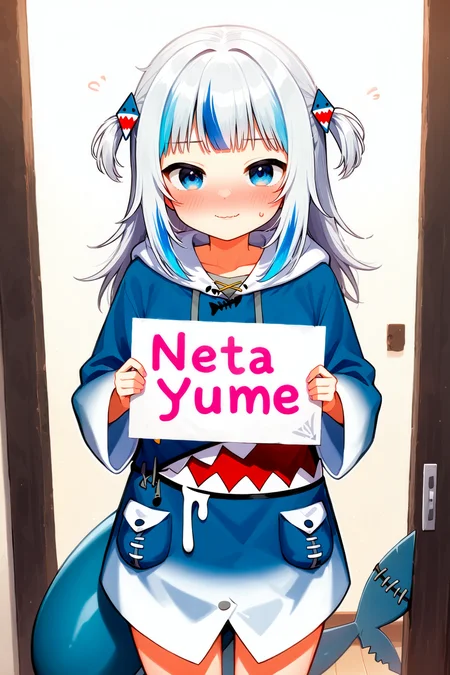
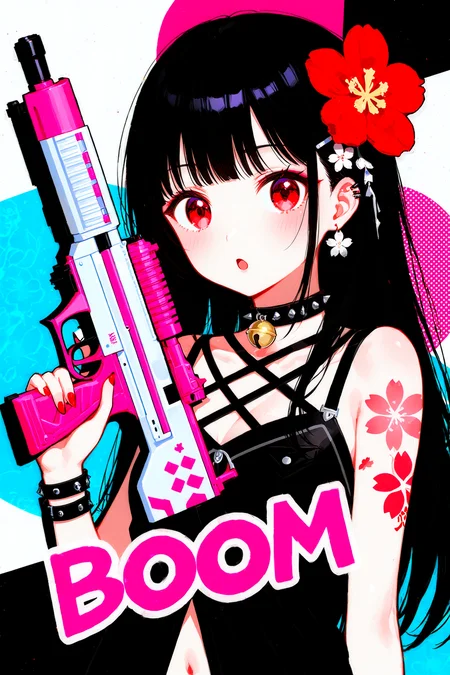
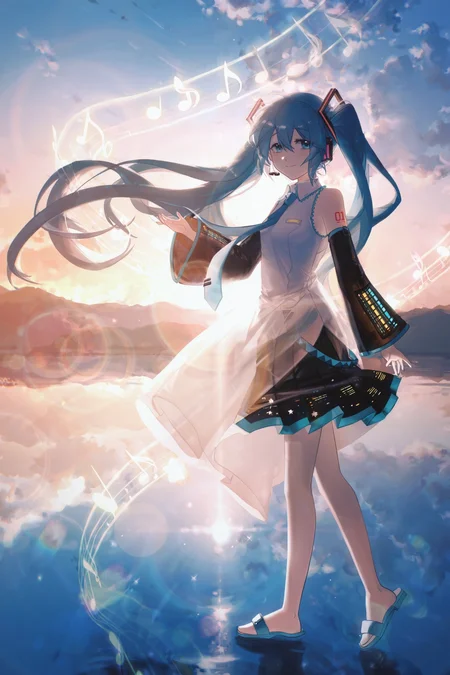
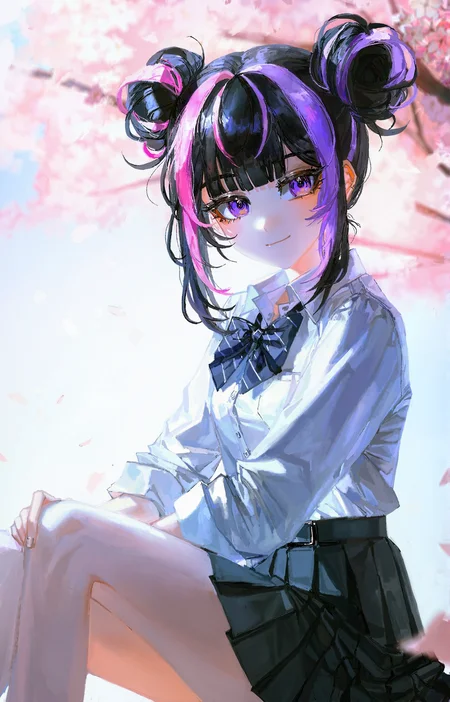
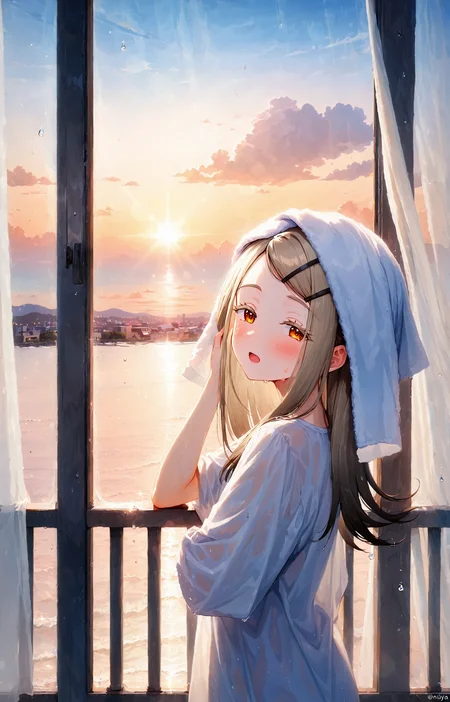
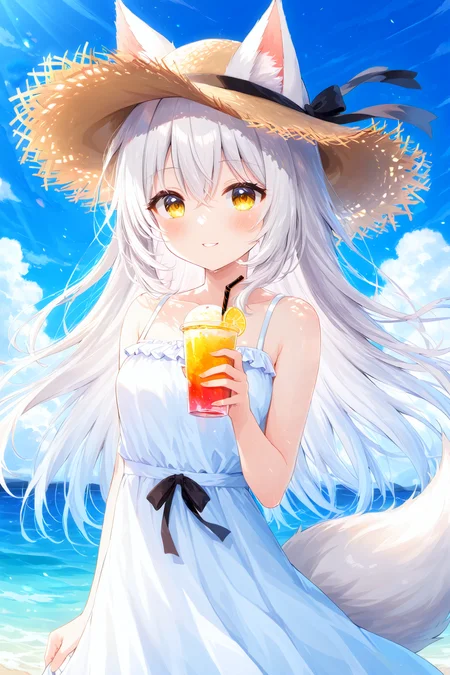
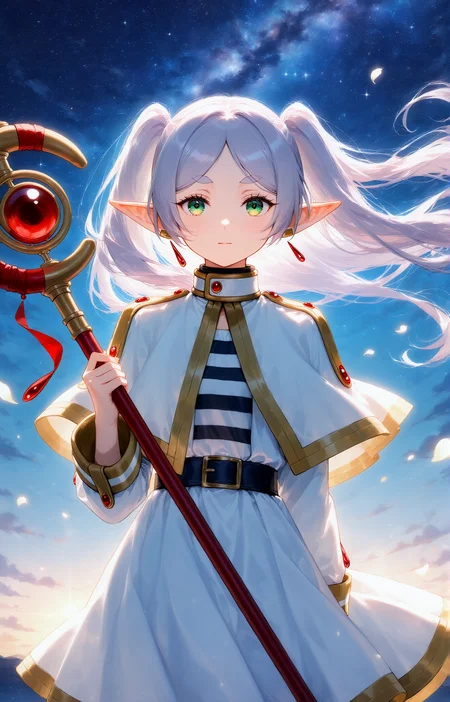
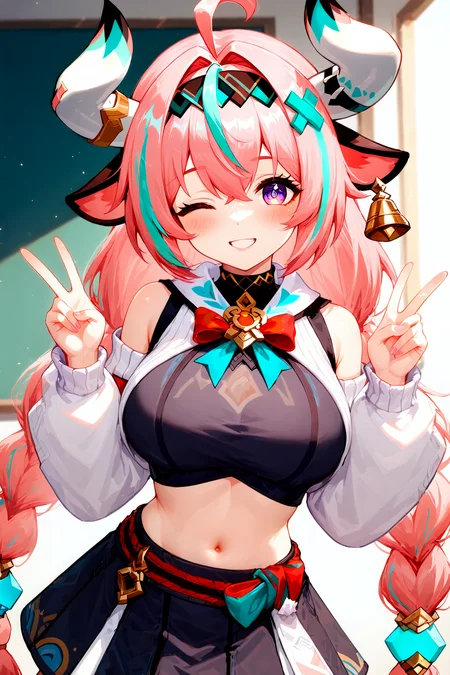
NetaYume Lumina is a text-to-image model fine-tuned from Neta Lumina, a high-quality anime-style image generation model developed by Neta.art Lab. It builds upon Lumina-Image-2.0, an open-source base model released by the Alpha-VLLM team at Shanghai AI Laboratory.
Key Features:
High-Quality Anime Generation: Generates detailed anime-style images with sharp outlines, vibrant colors, and smooth shading.
Improved Character Understanding: Better captures characters, especially those from the Danbooru dataset, resulting in more coherent and accurate character representations.
Enhanced Fine Details: Accurately generates accessories, clothing textures, hairstyles, and background elements with greater clarity.
II. Information
For version 1.0:
This model was fine-tuned from the NetaLumina model, version
neta-lumina-beta-0624-raw, using a custom dataset consisting of approximately 10 million images. Training was conducted over a period of 3 weeks on 8× NVIDIA B200 GPUs.
For version 2.0:
This version has 2 versions:
Version 2.0:
I switched the base model to Neta Lumina v1 and trained this model on my custom dataset, which consists of images sourced from both e621 and Danbooru. The dataset is annotated with a mix of languages: 30% of the images are labeled in Japanese, 30% in Chinese (50% using Danbooru-style tags and 50% in natural language), and the remaining 40% in natural English descriptions.
For annotations, I used ChatGPT along with other models capable of prompt refinement to improve tag quality. Additionally, instead of training at a fixed resolution of 1024, I modified the code to support multiscale training, dynamically resizing images between 768 and 1536 during training.
Notes: Currently, I've only evaluated this model using benchmark tests, so its full capabilities are still uncertain. However, based on my initial testing, the model performs quite well when generating images at a resolution of 1312x2048 (as shown in the sample images I provided).
Moreover, this version the model generates images with the size up to 2048x2048 based on my testing.
Version 2.0 plus:
This model is fine-tuned from version 2.0, which had been trained on a dataset of higher-quality images. In this dataset, each image is annotated with both natural language descriptions and Danbooru-style tags.
The training procedure follows the same overall design as version 2, but is divided into three stages.
In the first two stages, the top 10 layers are frozen, and training is performed separately on the Danbooru-labeled subset and the natural language-labeled subset.
In the final stage, all layers are unfrozen and optimized jointly on the full dataset, which incorporates both Danbooru and natural language annotations.
This version reduces the issue of generated images exhibiting an artificial or 'AI-like' appearance, while also improving spatial understanding. For instance, the model is able to generate images in which a character is positioned on the left or right side of the images according to the prompt (as illustrated in the example). In addition, it provides modest improvements in rendering artist-specific styles.
You can find gguf quantization at here: https://huggingface.co/Immac/NetaYume-Lumina-Image-2.0-GGUF
Version 3.0:
This version introduces new character knowledge and also improves some existing characters that could not previously be generated (I will provide a list of the improved characters later). However, please note that not all characters in the list may be generated, since I aim to preserve the old knowledge while also enhancing aspects like text rendering, anatomy (when using artist styles, the model may sometimes produce inaccurate or imperfect anatomy), model stability, and some additional secret improvements.
For generating text within the images, I recommend using this system prompt: "You are an image generation assistant if the prompt includes quoted or labeled on image text render it verbatim preserving spelling punctuation and case. <Prompt Start>", it may help you achieve better results.
Here is a link to a gallery of example images generated in an artistic style using this version: Artist Style Gallery. Thank @LyloGummy for contributing.
For version 3.5 (pre-trained model):
This version is a pre-trained model (I’m not sure what to call it, but it’s basically a continuation of the previous work by the Neta team, using the Neta Lumina v1.0 model). To clarify further, versions 2.0 Plus and 3.0 were fine-tuned from this pre-trained model. My workflow involves using the best checkpoint from this pre-trained model at that time and fine-tuning it.
In this version, I also updated my dataset (only the Danbooru dataset, up to date at 12:00 a.m. on September 3). The new dataset only contains tags, since I don’t have anyone to help me validate natural prompts.
Basically, I didn’t change the dataset too much I just updated it with the latest data, using a part of dataset from neta team and merged it with the previous one. So, the model still generates images that look quite similar. However, if you use the correct trigger prompts, the outputs will differ. The good news is that it still retains all of its previous knowledge accurately (some antistyle has been improved).
In addition, the default style of model currently is stable, the anatomy and text generation seems better than previous.
Lastly, this model is different from the test version I released on Hugging Face.
Here is the diffusers format for this version: duongve/NetaYume-Lumina-Image-2.0-Diffusers-v35-pretrained · Hugging Face
For version 4.0:
In this version, I changed the way I annotate the dataset. Instead of using only tags and natural language, I now use both unstructured and structured annotations for each image. In addition to tags and natural-language descriptions, I added JSON and XML formats. For the tag, JSON, and XML formats (in natural and tag format), I also shuffle the annotations. For example, in the XML format similar to JSON when formatted as tags:
<tags>
    <characters>kubo nagisa</characters>
    <general>long hair, purple hair, purple eyes</general>
</tags>
During preprocessing for each epoch, when this XML annotation is encountered, I randomly drop individual tags such as “purple hair” or other character-related attributes with some probability. I also shuffle the fields, so for example, the
<general>field may appear before the<characters>field.In this version, I also updated my dataset. It now includes the Danbooru dataset up to October 10, 2025. However, ten days ago, I also made an additional update by adding a small dataset during the period when I had paused the training process.
In this version, I reduced AI artifacts and improved the character anatomy. It’s still not perfect, but when you use natural language in the prompt combined with a suitable negative prompt, the results are noticeably better.
Note: All previous knowledge is still retained, you just need to use the correct trigger tags or prompts. Additionally, the current default style is set to anime for greater stability.
III. Model Components:
Text Encoder: Pretrained Gemma-2-2B
VAE: From Flux.1 dev's VAE
Image Backbone: Fine-tuned version of NetaLumina's backbone
IV. File Information
This all-in-one file includes weights for VAE, text encoder, and image backbone. Fully compatible with ComfyUI and other systems supporting custom pipelines.
If you only want to download the image backbone, feel free to visit my Hugging Face page, it includes the separated files along with the
.pthfiles in case you want to use them for fine-tuning.
V. Suggestion Settings
For more details and to achieve better results, please refer to the Neta Lumina Prompt Book.
VI. Notes & Feedback
This is an early experimental fine-tuned release, and I’m actively working on improving it in future versions.
Your feedback, suggestions, and creative prompt ideas are always welcome — every contribution helps make this model even better!
VII. How to Run the Model on Another Platform
You can use it through the tensor.art platform. Here is the model link: https://tensor.art/models/898410886899707191
However, to run the model in an optimized way, I recommend using Comfyflow from tensor.art (because its default runner lacks configuration, which makes the model run suboptimally). Here is an example flow you can use on the platform: https://huggingface.co/duongve/NetaYume-Lumina-Image-2.0/blob/main/Lumina_image_v2_tensorart_workflow.json
VIII. Acknowledgments
Big thanks to narugo1992 for the dataset contributions.
Credit to Alpha-VLLM and Neta.art Lab for the fantastic base model architecture.
If you'd like to support my work, you can do so through Ko-fi!
Description
FAQ
Comments (27)
add models in https://www.seaart.ai/ pls
Hi, i will upload it on seaart tommorow
can i use it with Forge?
Hi, yes but you need to install an extention to do that
duongve13112002 It says that an extension is required to generate it with forge, but what extension is it?
freedom19910205252 Here is the link: https://github.com/DenOfEquity/Lumina2-for-webUI
duongve13112002 thanks
duongve13112002 strange, but I can't use forge with 5080, although I managed to set up reforge for illustrious, but I already forgot how. Can you please tell me, maybe. is there a guide somewhere?
I installed the extension for the newest Forge & also updated the diffusers yet it does not work for me
meipaws compgamer1337267
Oh, in Forge you cannot use the safetensors I published here. You should use the model in the Diffusers library format. I will release it on my Hugging Face, and then you can use it.
Here is the link for my model in diffusers format: https://huggingface.co/duongve/NetaYume-Lumina-Image-2.0-Diffusers
Hi everyone. Would you mind sharing some feedback on version 2.0? I've tested it and noticed that the quality of the generated images is better than v1, especially in some artistic styles. However, that's just from my own perspective, so it may not reflect reality accurately, as preferences can vary from person to person.
Also, I trained this model primarily for my own use, but I wanted to share it so that everyone can try it out.
is realy a good model, i've ben testing since yesterday. it bring very good results.
I would like to share something, but I don't agree with civitai's new terms so...😑
stop grifting
Hugs288 Hi, I don't mean to be rude, but I feel that you're being a bit disrespectful. All of the models were created using my personal funds, I haven't received any sponsorship at all. Secondly, I build models simply because I enjoy it. And third, I’ve never made money from models, because I genuinely don’t care about profit. I just enjoy creating high-quality models for my own personal use.
I tried both versionf of your model, and v2 seems to provide better quality compared to v1. However, quality-wise, it is still not up to the level of SDXL-based Illustrious merges. It's sad that Lumina is all but abandoned by the community; it has lots of potential.
civit77899 To be honest, Lumina is a powerful model, but it requires a high-end GPU for inference. Fine-tuning the model is also quite challenging, as it demands multiple GPUs. During my experiments, I noticed that training can be unstable, the model sometimes struggles to converge, and I occasionally encountered NaN issues.
While XL models are currently more widely supported by the community, Lumina shows greater potential in the long run. In my tests, using the same prompt on both Lumina and Illu, Lumina consistently produced more detailed results. It also handles multilingual and natural language prompts more effectively.
I just wanted to reach out and say that I'm a huge admirer of your work. You're doing a fantastic job, and your model is truly one of the most powerful public anime models available.
If you don't mind, I'd also like to share a small observation. It seems there might be a bit of noise (like watermarks, artist signatures, focus lines, etc.) in the training images. This becomes more noticeable when comparing it with the 'Comradeship LU v2T14' model.
I can only imagine a significant amount has already been invested in training, likely in the tens of thousands of dollars. Should you plan on any further full fine-tuning, perhaps you might consider using 'Flux Kontext' to help automatically clean up some of that noise.
Thank you for all your hard work, and I'm really looking forward to what you create next.😊
sunbit Hi, I think this problem might be related to the argument "caption_dropout_prob" when I set it too high. However, I believe you can add "watermarks" or "artist signatures" in the negative prompt to solve this problem.
8g显存可以跑吗
你好,可以在 8G 显存的显卡上运行,不过需要以 GGUF 格式运行模型。
太够了
Compared to v1, v2 seems to be too close to AI pictures (similar to the style of sd1.x). I don’t know what others think, but I don’t like it very much.😣
Hello, currently I feel that the style of the generated images is not quite satisfactory. However, after thorough testing and deeper evaluation, the details in version 2 appear to be more refined compared to version 1, and its language understanding capabilities are better.
To achieve higher quality, I believe it would be beneficial to train the model on a more stable and reliable dataset, similar to the training strategy employed by the Neta team when developing NetaLumina. I think this approach would lead to improvements.
At the moment, I am also experimenting with fine-tuning version 2. If it’s not too much trouble, could you please provide me with some of the prompts you have used? This would help me evaluate the model more objectively.
duongve13112002 I tested this by directly copying the prompt from this image (link) (removing the style tag). The results show a more pronounced "AI-style" effect compared to v1 or netav1, and there may be some issues with text. Btw, I think most images from 4ch VAEs like SDXL/SD1.x have noticeable issues with detail (including text). It's not a lack of detail, but rather an excess of "ineffective detail." AI-generated images from NAI4 and later versions, using models like Flux VAE, have much less of an impact, as the loss of detail is lower and they resemble realistic artist images. Finally, thank you for your work.
new version is better with this
https://civitai.com/user/opopqs4221319/models
I've made two works, so please take a look.
If you are not satisfied, you can make it again.