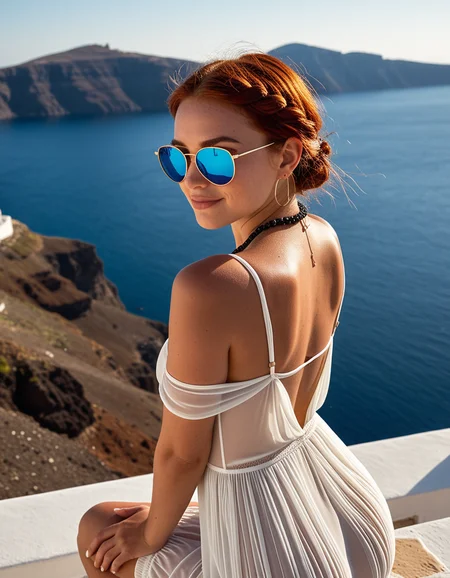
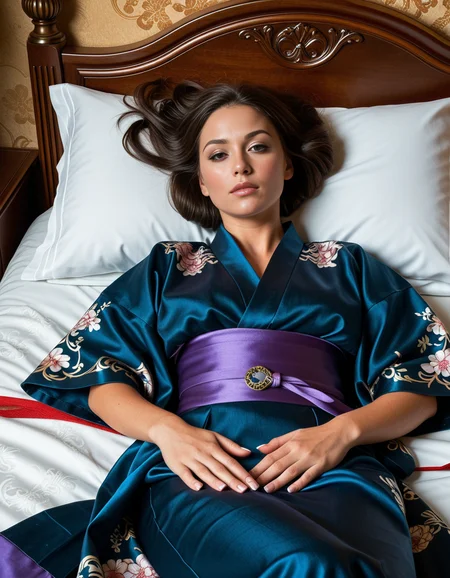


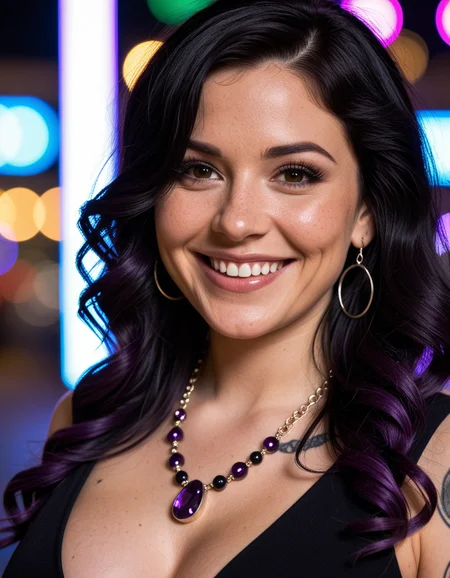


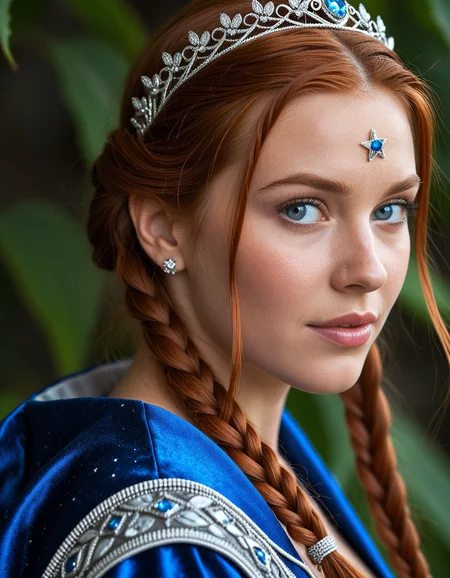
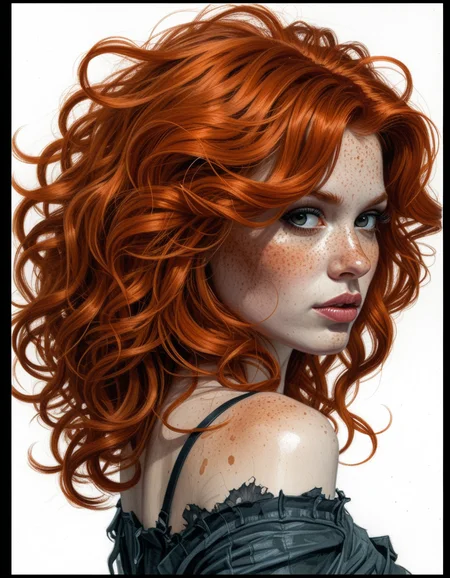
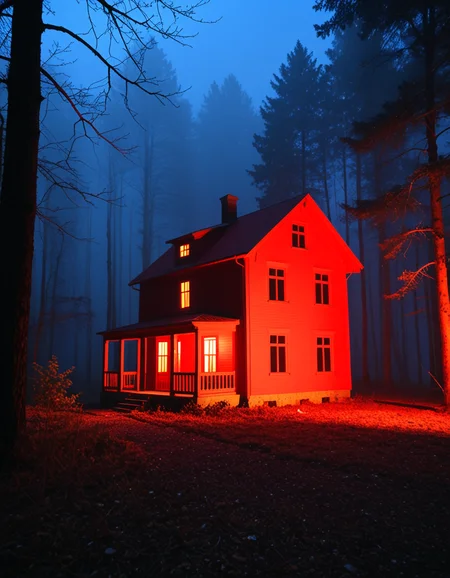
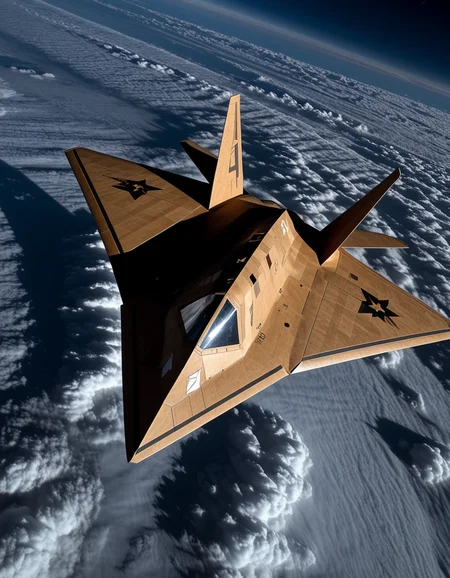
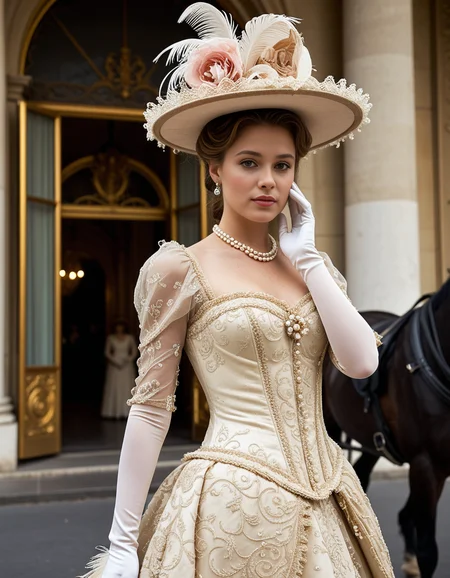
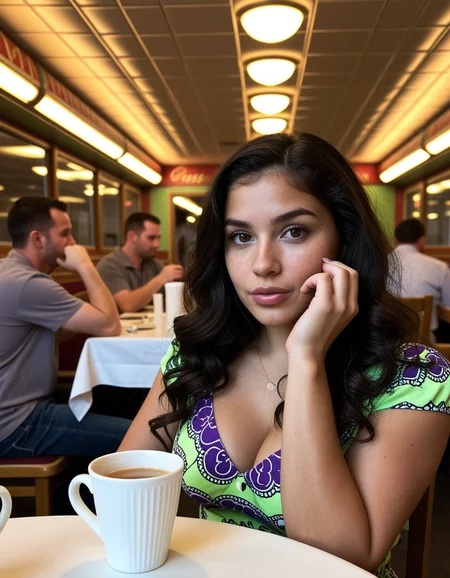

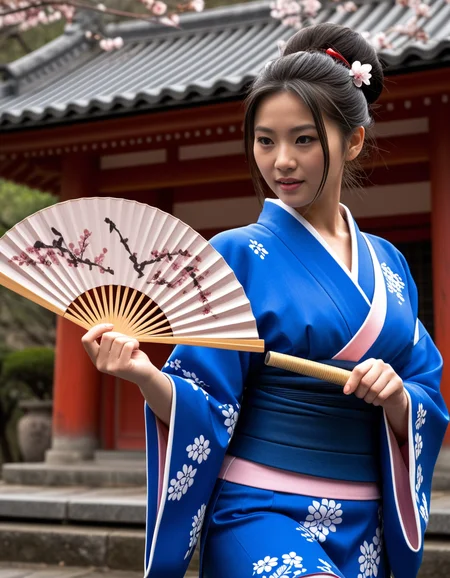

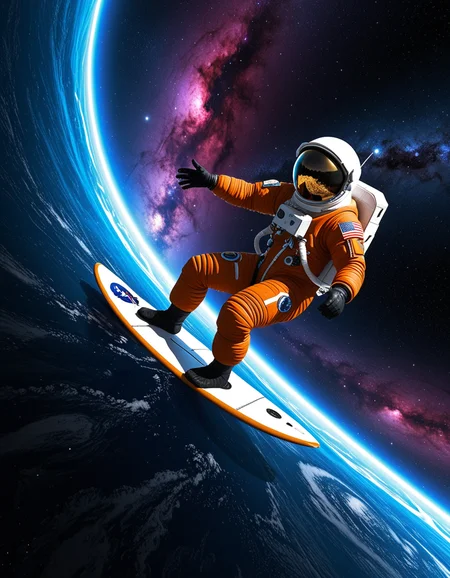
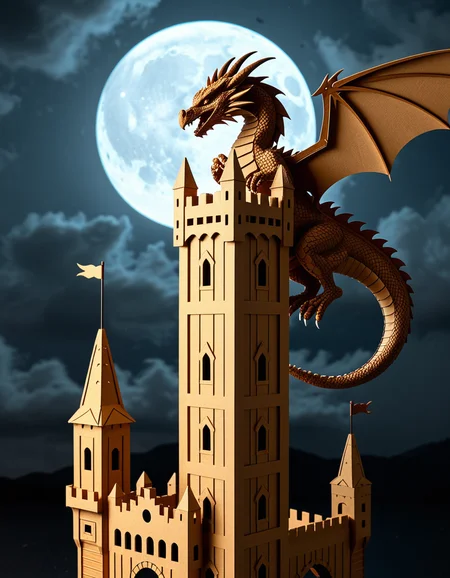
Get the full checkpoint at the best price from the official Ko-fi store.
Want to try it first? Generate up to 85 free images per day at the highest quality with Event Horizon here.
Join the Electric Dreams Discord for support, free tools, and everything related to AI image generation.

→ Get it now at a lower price.
🛒 Ko-fi
✅ Card & PayPal accepted
✅ Instant download
✅ Priority support
Also available:
Krea2EventHorizon 3.0 (kofi)
Krea2EventHorizon 2.0 (Kofi)
Krea2EventHorizon 1.0 (Kofi)
Event Horizon ZIT 3.0 (Kofi)
Event Horizon XL 8.0 (Kofi)
Event Horizon ZIT 2.0 (Kofi)
Event Horizon XL 7.0 (Kofi)
Get the complete Event Horizon collection with all the future updates included→ Ko-fi
Join the Electric Dreams Lab Discord to meet fellow AI creators, share ideas, and discover what's coming next.
Click here to join the Discord!
⚙️ Recommended settings with Krea2 Turbo versions:
8-12 steps, Euler ER SDE Simple, CGG1 896 X 1152
VAE: Qwen Image Safetensors.
Qwen3VL_4b_fp8.safentors
Note: Civitai doesn't support Krea2 in its online generator yet, so you won't be able to test it there for now.
If you'd like to try it online, it's already available on Tensor.Art:
https://tensor.art/models/1018321724501949622/Event-Horizon-Krea2-V1.0
⚙️ Recommended settings with Z-Image Turbo versions:
8 steps, cfg1, Euler or DPM++ 2s a RF sampler, Normal or Simple or Beta scheduler, 832x1216, 1024x1536 or 1280x1920 pixels
Upscaling:
12-16 steps, cfg1, Euler sampler, Normal or Simple or Beta scheduler, 1.5x upscale
Important: remember that you need to place qwen3_4b.safetensors in the text_encoder sub folder and ae.safetensors in the VAE sub folder for Z-Image Turbo to work properly.
⚙️ Recommended settings with SDXL versions with DMD2 lora:
Sampler: LCM Karras / Exponential
CFG: 1-1.3 (recommended is 1)
Steps: 8 - 12 steps
Resolution: 896x1152 / 832x1216
Clip Skip: 2
VAE is bundled in, you don't need to download anything else.
⚙️ Normal SDXL Recommended Settings:
Sampling method: DPM++ 2M SDE Karras
VAE: is already Baked In
Sampling steps: 30+ Steps
Resolution: 832x1216 / 896x1152 CFG: 3-5
Clip Skip: 2
Upscale: 1.5 upscale (0.3 - 0.35 denoise)
Upscalers: 4x_NickelbackFS_72000_G / 4x_foolhardy_Remacri / 4x_NMKD-Siax_200k
Description
Better skin detail, skin tone, contrast, color palette. Sharper image with enhanced details. Increased overrall creativity.
FAQ
Comments (13)
This version has to be one of the best at accurate interpretation of prompts. Excellent checkpoint in every way.
Thanks! glad you liked it @alulles!
What's worse than v1
1. The saturation has increased, making my skin darker
2. Increased exposure results in a white appearance of bright areas
3. V1 also had a lot of freckles and moles on his face, but v1.4 got seriously more
¯ࡇ¯
Fair enough. Yes, saturation has been slightly increased because i wanted to depart from the color palette of the first checkpoint. I just like more the new direction with vivid colors, but it's ok to like a more toned down palette. I don't have problem with bright areas tbh. Yes, skin is darker because in the original checkpoint was too livid or yellow -which is a pretty common skin tone in sdxl- I just didn't like it. I think now is closer to the natural skin tone. But It's not perfect. It's really hard to nail a realistic tone... but i think is still better than the first EH. It can be changed on the future, i'd like to know the opinion of more people about it.
Yes, there are more freckles and moles visibles because the skin texture has been hugely enhanced. It was by far the weakest part of the original checkpoint that feature a very plasticky skin texture without enough nuances. If you want less skin detail, moles, you can try to use only 8 steps. I personally don't think it's overdone but i guess is very subjective again.
For Lora Training i found this: https://github.com/tianweiy/DMD2/blob/main/experiments/sdxl/README.md
Read the last line, would that work with the checkpoint?
I don't know, tbh. I have my reasonable doubts a thing like that is gonna work whatsoever.
Great realistic model - maybe the best one for SDXL right now. I mixed in ~5% of the new bigASP 2.5 and am liking it even more!
Glad you like it. I tried to merge it with BA2.5 days ago but the outputs were too bad. It's very hard to work with the new Big Asp. Or maybe is a skill issue.
Beautiful model. Need some serious skin improvement, and a more natural photo look.
@yuvandevante775 thanks for the feedback!
Hi! Great model. Is there any setting for Hiresfix, which works?
Thanks! Sorry i don't use Hiresfix.
It was great idea to merge with eyedetailer.
The best sfw model i found(jugger) has bad eyes out of box. And even with this eyedetailer, its not so good.
Awesome checkpoint.