
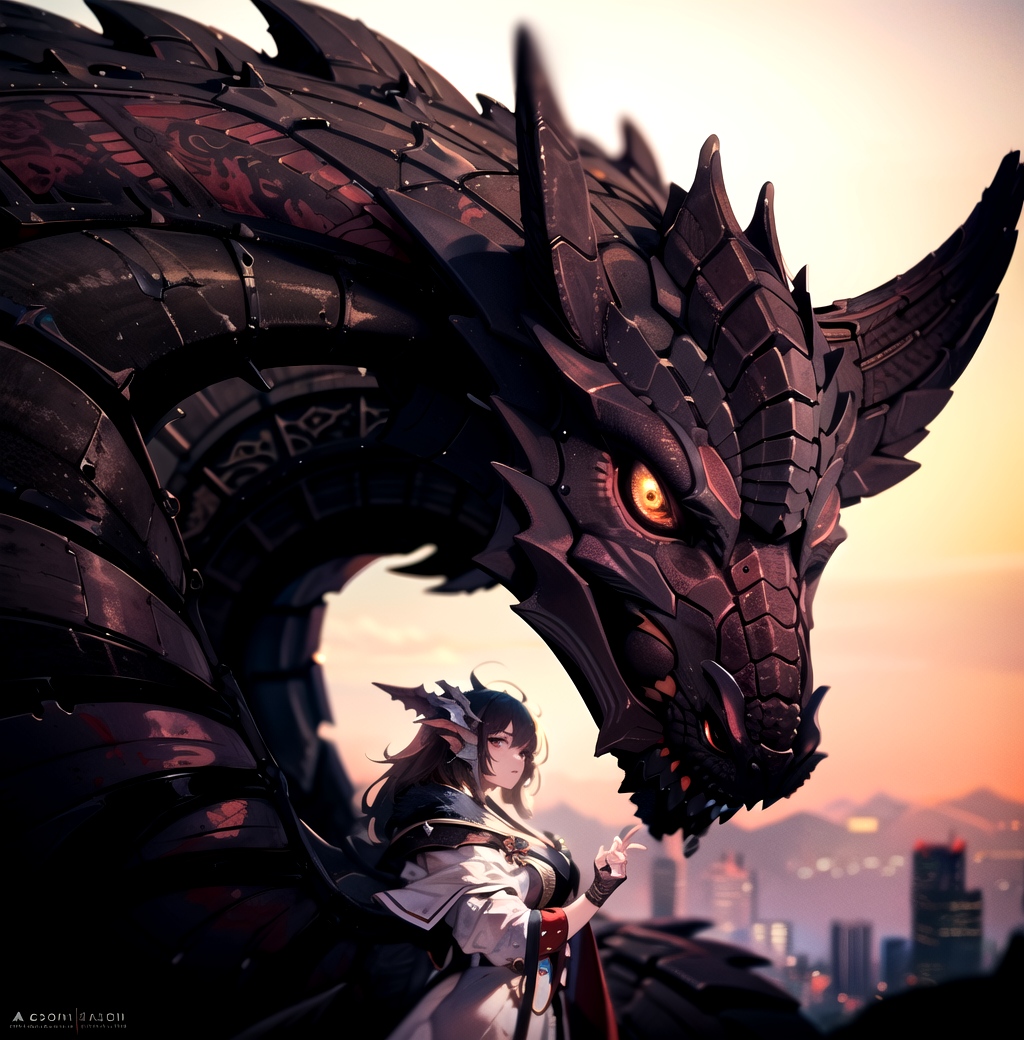
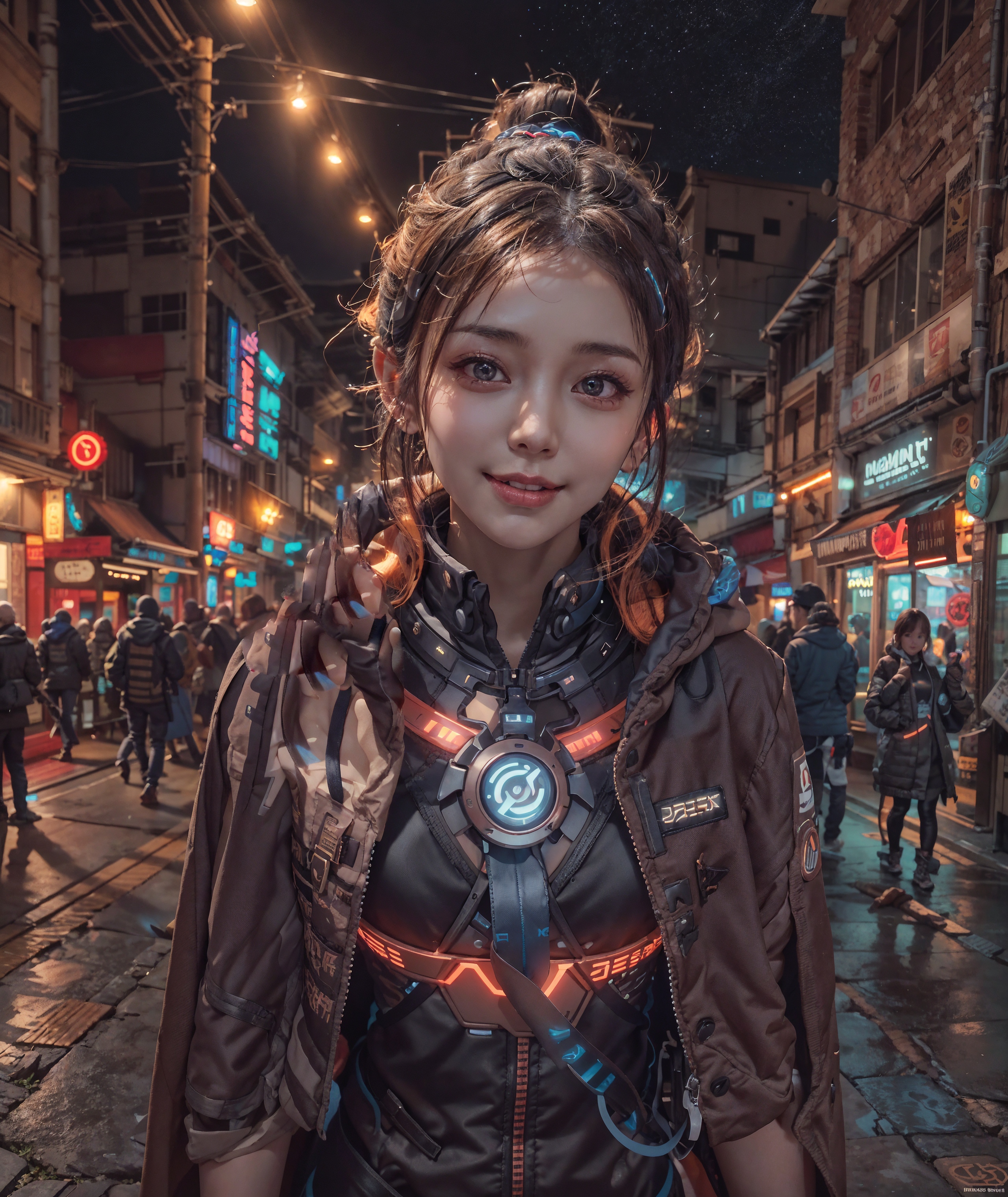
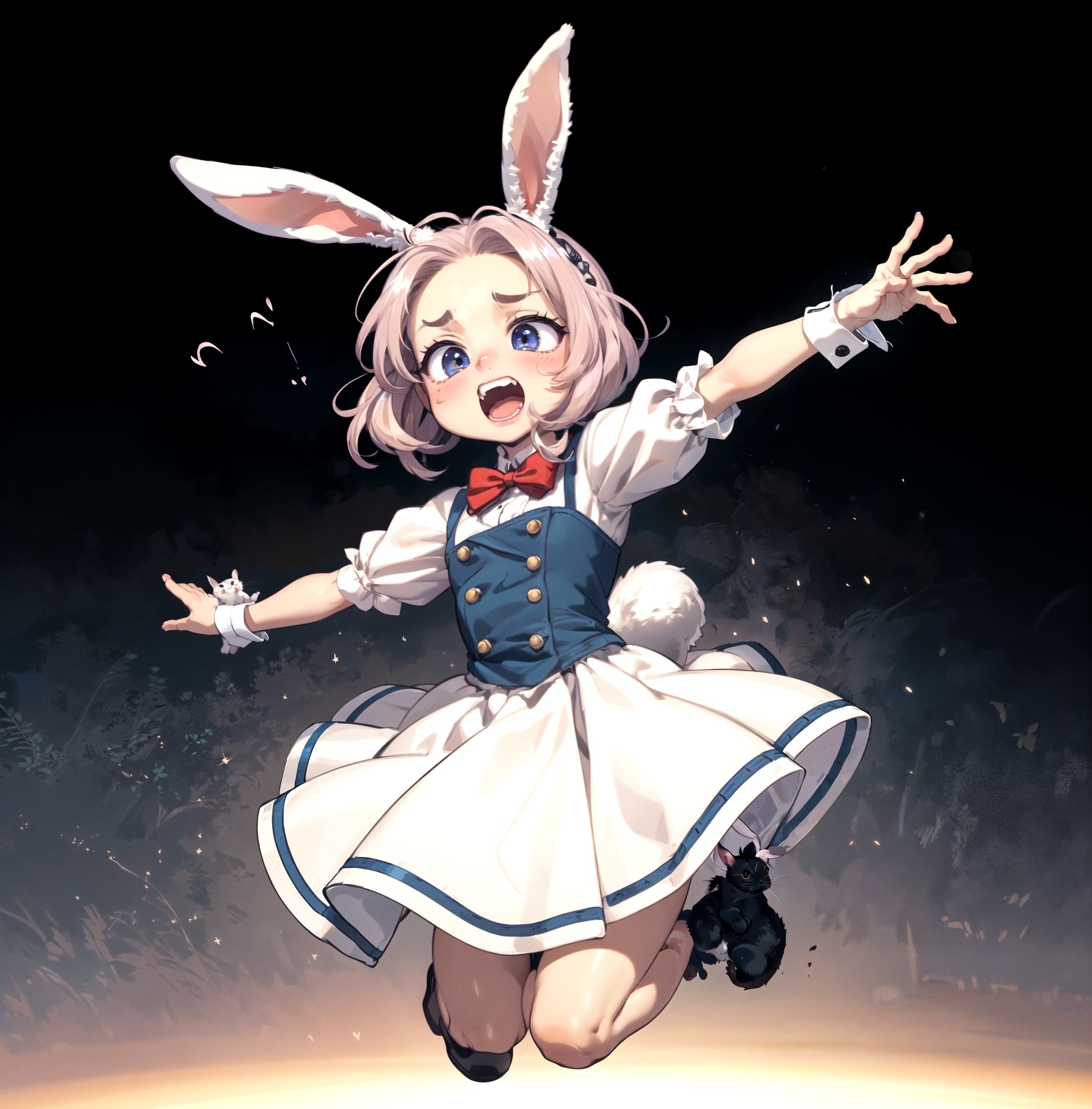
First i recommend reading the Part 1. It explains the extension and settings. Remember to leave some ⭐(~ ̄▽ ̄)~
I have planned to expand more on multidiffusion tutorials:
Workflow on multidiffusion + controlnet tiling
Maybe inpaint workflow tutorial
If you have something you would like to see tutorial on let me know in the discussion.
Please leave feedback and images you manage to create with the tutorial :)
⬇Updates and information below ⬇
Updates:
05/07
V1.0 of Region prompt control
Tutorial focused on Region prompt control.
05/01
V1.0 of Multidiffusion IMG2IMG Workflow
Tutorial more focused on scaling in IMG2IMG
04/29
V1.2 of Multidiffusion upscaler how to use + workflow
Clarified few things in the tutorial
04/25
V1.1 of Multidiffusion upscaler how to use + workflow
Fixed some typos, uncompressed images, wording
04/24
V1.0 of Multidiffusion upscaler how to use + workflow
multidiffusion upscaler for automatic1111
Disclaimer
This is information i have gathered experimenting with the extension. I might get something wrong and if you spot something wrong with guide, please leave comment. Any feedback is welcome.
I am not native English speaker and write such text. I can't do anything about that. :)
I am not the creator of this extension and i am not in any way related to them. They can be found from Gitgub . Please show some love for them if you have time :).
Description
Workflow more focused on upscaling in IMG2IMG
FAQ
Comments (32)
region prompt control would be super awesome. I have been experimenting with trying to compose images using "sketch line art" created on midjourney to assemble scenes. but the AI goes wherever it wants and I can't control it.
eg:

I'll do tutorial on this next. (~ ̄▽ ̄)~
@Potatovision I would love that.
@mjranum150 Hey, new tutorial up on the region prompt control :)
this upscaling method is very old and outdated just like ddetailer, do a better research
Everything is "old" after few weeks with this speed of AI development we have. Does not mean it is bad.
@ketrupz And what is newer and of higher quality?
@ketrupz Where's your better guide?
@xkm I guess source is: "Just trust him bro!"
I'm very curious about what is a better and newer method. If you know please tell me, I would like to implement one.
@liyi20129744 I have been testing multidiffusion + controlnet tile resample. Seems pretty solid combo.
@Potatovision Really thanks for your tutorial. I see your discussion post in the repo, but I'm too busy to reply. Thanks for making such an excellent tutorial for my extension. If you find any better technology I will find time to add to the repo. And I will give a link to your tutorial here.
@liyi20129744 Hey, no problem. The reason i am doing the tutorial is because i like the extension a lot and want to share how wonderful it is with the world :p. thank you for making it. The difference it makes is like night and day, for me at least. :) I have intention expanding the tutorials on all parts of the extension eventually. When i have time for it.
And now combined with controlnet tiling sampling, it became even more awesome. (~ ̄▽ ̄)~
i hope all south korea community opens to the world someday instead of gatekeeping models and tech. your friends are doing an amazing job sharing models and tech to the world, i hope you follow their path instead hiding important research tech, have a nice day
@ketrupz Kek
For newer workflow, you can combine MultiDiffusion with ControlNet Tile, which gives more control to the overall image, and also enables using higher denoise strength to add much more details (sometimes too much), without worrying about disrupting existing contents.
Hey, been on my list to check ControlNet tiling, but have not had time yet. Sounds good from your comment, gotta check that out soonish.
Thanks for comment. (~ ̄▽ ̄)~
@SLAPaper Okey i did fast test with really minimal prompt. Damn should have tried it last week when it came (~ ̄▽ ̄)~
Original image: https://i.ibb.co/WtHJSt3/00034-2171315855-project-AIO-v50-DPM-SDE-Karras.jpg

Compare of controlnet disabled/enabled with same settings: https://imgsli.com/MTc1MjE4
I like how you can make it follow the original picture more even with higher denoise.
Seems like DOF can be a bit tricky with it.
Thanks
yeah! the img2img section of this tool is great!.. somehow after auto1111 update the upscale takes 1hour.. when it used to take around 7 mins.. not sure whats happening ;-;
Yeah, have not updated mine yet, gotta wait until extensions catch up 〜( ̄▽ ̄〜) . Good idea to wait few days before updating after bigger update.
Have read some stuff about torch not updating to 2.0 People been deleting venv folder and redownloading necessary files again.
Thank you very much for the very clear guide!
One question: is it possible to save each setting
you change and make it the default?
Thank you for review!
Sadly the settings cannot be saved, but after some time using the extension it becomes pretty fast to adjust them. Definitely made me understand it better when i had to fiddle with the settings each time :P And you should only use same settings for same sized images.
@Potatovision
I understand.Thanks for the reply.
go to extensions and search "state", it keeps your last settings/prompt
@HazmatAI7 Hmm... Updated yesterday and seems like there is nice new tab.. Isn't this for backupping before update? Or am i missing something.
@Potatovision I mean get this extension, is in the available tab also. It keeps UI inputs, you can adjust it in settings to keep everything.
https://github.com/ilian6806/stable-diffusion-webui-state
@HazmatAI7 AH. I though you meant the backup/restore tab. My bad. Thanks this seems like good extension! (~ ̄▽ ̄)~
@Potatovision love the tutorials btw, thanks!
@HazmatAI7 Glad you liked! Tested the extension and only extension i can save settings for is control-net 🤔 Maybe it needs full restart.
why i keep getting everytime i use noise inversion, it gave me broken pixelated then crash with this notice AttributeError: 'StableDiffusionProcessingImg2Img' object has no attribute 's_min_uncond'
Hey, i do not personally use Noise inversion, here is someone with similar issue https://github.com/pkuliyi2015/multidiffusion-upscaler-for-automatic1111/issues/173
Updating the multidiffusion extension and Web-UI to the latest version fixed this issue for me today
Details
Files
Available On (1 platform)
Same model published on other platforms. May have additional downloads or version variants.