


 GENOVA APEX is an experimental model.
I created by merging my previous Gene Quantum model https://civarchive.com/models/885573/flux-gene-beauty with DEDISTILLED models and my own trained LoRAs. The process involved multiple stages and is purely an experiment to achieve high detail and realism similar to DEDISTILLED in just 8 generation steps(+ 8 generation steps Hires. Fix) .
Version (UNet) – This version requires Flux VAE, Clip-L, and T5XXL to work effectively with the Flux development model.
Recommended Settings for Optimal Generation
Sampling Method and Schedule Type: Euler Beta
Sampling Steps: 8 steps
I use Hires. Fix because it provides significantly better results: 8 steps, upscale 1.2.
My configuration: RAM 64Gb, VRAM 16Gb
Workflow for ComfyUi:
I use a straightforward workflow for image generation, available here: Flux Photos DEV WorkflowHyperDetailer workflow FLUX PHOTOS DEV (HyperDetailer update) https://civarchive.com/models/670083
However, it requires a lot of memory because the process includes nodes for detail enhancement and upscaling, which also deliver the best results.
Please note that the quality on Forge may be lower than on ComfyUI. Here are the parameters I used: last update Forge, steps 8, euler beta, Distilled CFG Scale 3.5, CFG Scale 1 and I recommend use Hires.Fix Upscaler Latent or other be better, 8 steps, Upscale by 1,2 (higher upscale factors give better results but are slower and require more VRAM/RAM), Denoising strength 0,7, Distilled CFG Scale 3.5, CFG Scale 1 .
My Prompt Writing Assistant: https://civarchive.com/articles/7868/gpts-flux-photo-prompt-gen
 P.S. The results I observe during the modeling process are even better than those I obtain from the final output of this process. Therefore, I continue experimenting, as the reason for this discrepancy has not yet been found...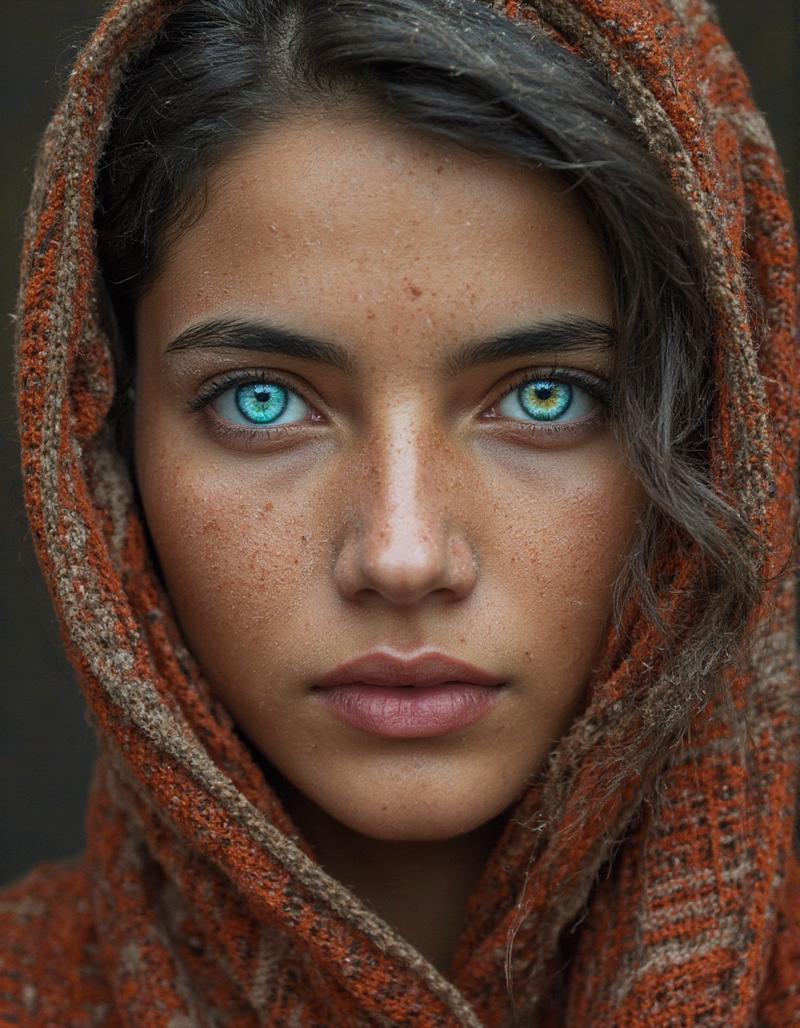
Description
This model prioritizes realistic images.
FAQ
Comments (6)
I really like the model, but I'm trying to get rid of the horizontal line artefacts. Do you have any tips or hints?
Yes, I also rarely encounter this issue. Recently, I reconfigured the ModelSamplingFlux node, but it affects other image parameters. The only thing that helped me was adjusting the scale_by coefficient in the Upscale Latent node within the HiresFix group in my workflow. The value may vary for different images; for instance, a value of 1.12 worked for one such case. Also i used value 1.01 for one such case.
I’ll also add that when using certain LoRAs I trained on this model, these lines can also appear. In such cases, the Advance Upscaler group in my workflow might help (though not always), while adjusting the scale_by coefficient in the Upscale Latent node within the HiresFix group does not resolve the issue.
@DNA_1_618 Oh, I got it. Thankyou!!
I worked with my workflow and I don't get horizontal line artefacts in my new workflow : FLUX PHOTOS DEV (HyperDetailer update) https://civitai.com/models/670083
@DNA_1_618 Great!! I'll try.