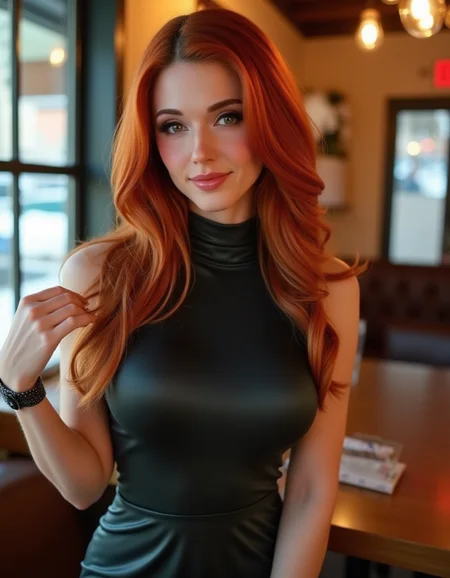
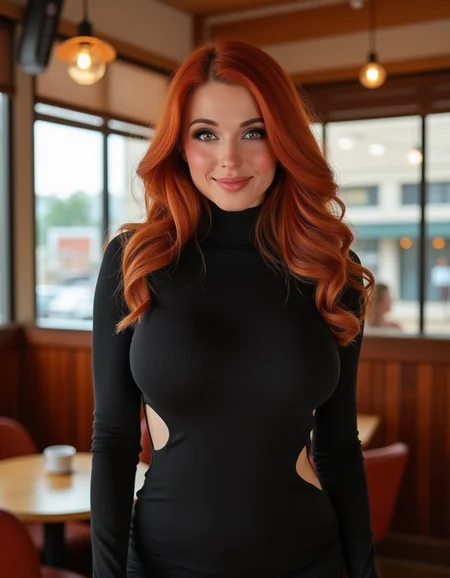
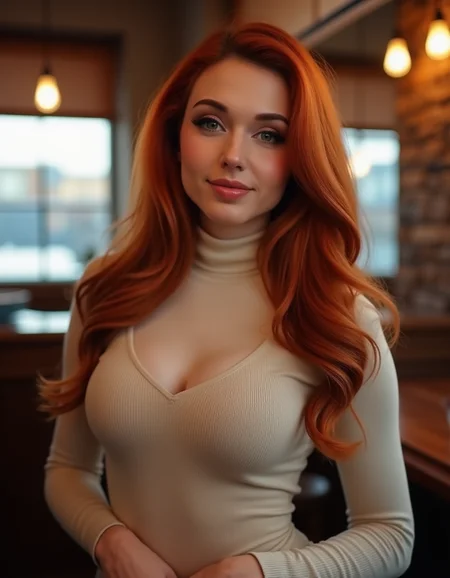
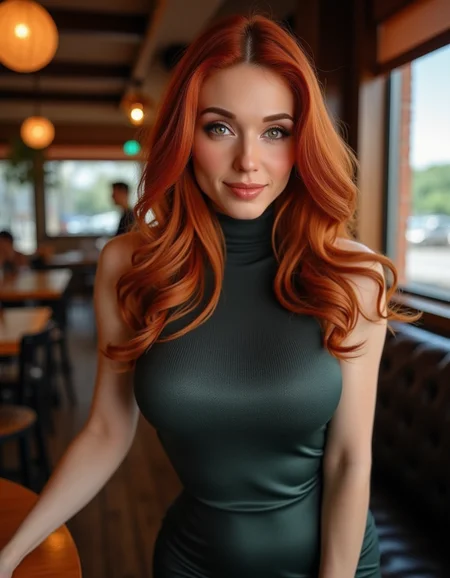
Amouranth - Trained for Flux
Description
FAQ
Comments (7)
I love her! You should try making one of rugby player Jamie Chapman
can you make pokimane?
Cool, isn't that Joe Peache future wife?
Hey there! I was hoping to maybe get some feedback on how to use this with AUTOMATIC1111 SD Web UI.
My understanding is to put the Lora in the 'models/Lora' folder (done) then place Dreamshaper safe.tensors in the 'models/Stable-diffusion' directory, which I also did. However, when prompting gens, they don't come out ANYTHING like some of these other pics on here.
Appreciate the feedback!
Never mind, I think I figured it out.🤣 Although, I'd still welcome some tips and stuff on models and Loras to generate better images; if anyone would be so willing. Appreciate it just the same!🙏
@aivalynAI I have been having the same problem. How did you fix it?
@Bumpy480 Hey there! So, I don't remember exactly, so I'll just cover the whole thing. When you nav to the UI, in the models tab, there should be your dreamshaper.safetensor file. If not, it's not in the right model folder. If so, put it in the model>stable diffusion dir. Make sure the Lora is ported to the model>Lora folder. Go back in the UI, click on Lora. If the Lora doesn't populate, press the refresh button to the right. You should see it if it's ported in right. If so, click on it. This adds it to the prompt menu. Then simply enter your prompt after the anchor tags E.g. "<lora:Amouranth_Flux:1> a photo of a woman in a cafe, wearing a red dress." And you should get a pretty decent shot. As always, higher sampling gets higher quality. I recommend setting it to CFG:10, Sample Steps:50 and add a refiner set to ~.7. That should get you some pretty good shots. Let me know if that helped.😊
Details
Files
Available On (3 platforms)
Same model published on other platforms. May have additional downloads or version variants.