
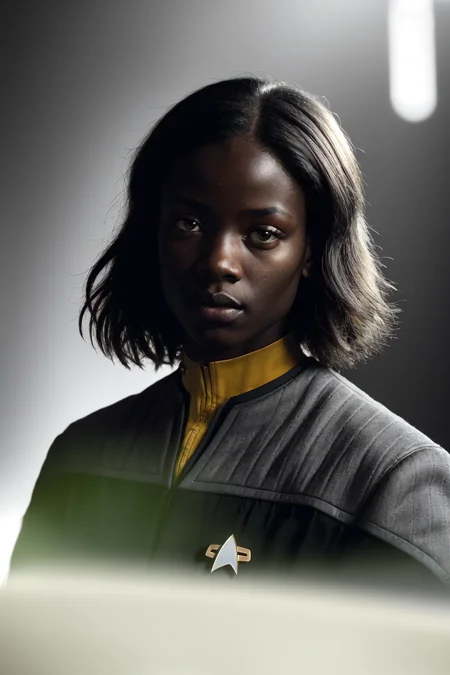
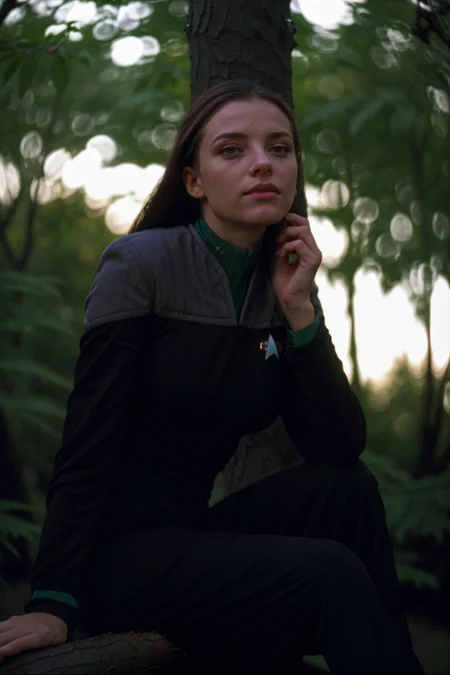
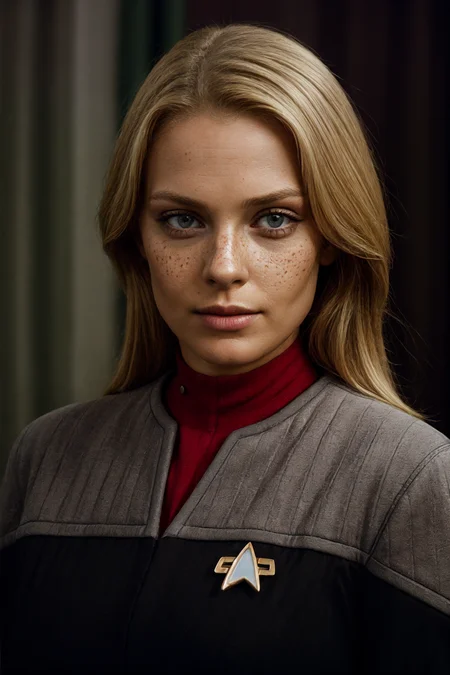
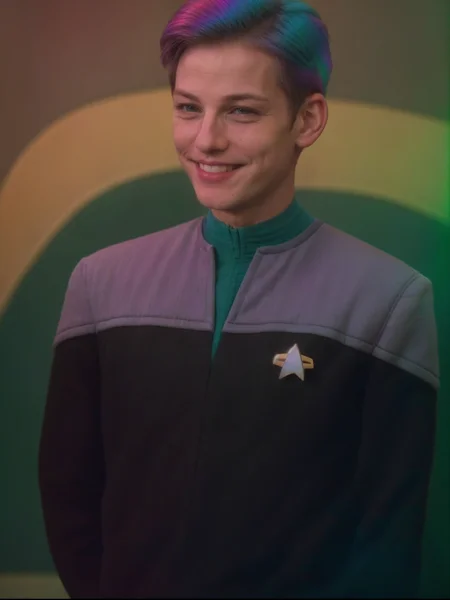
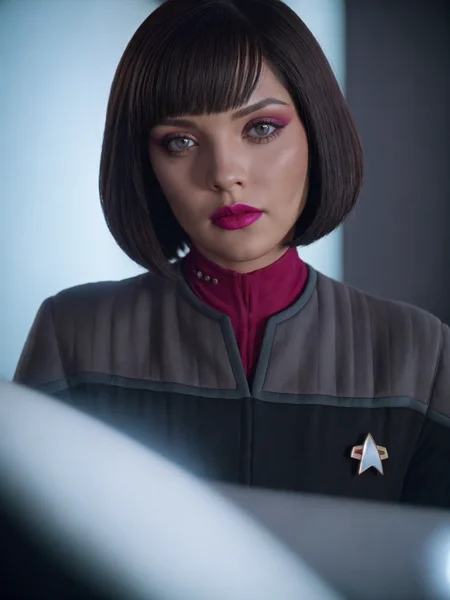
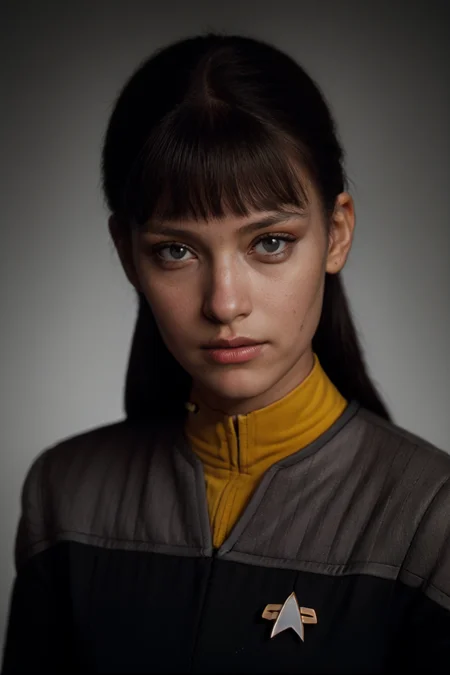
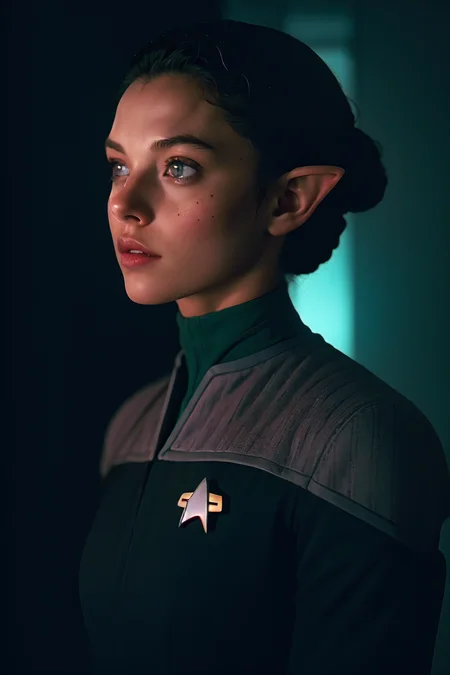
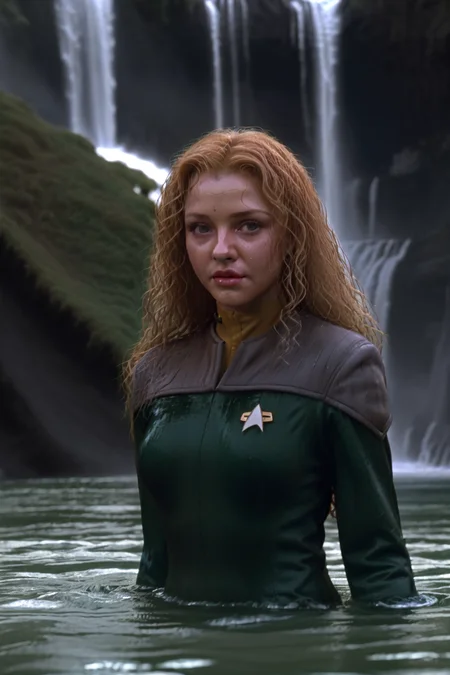
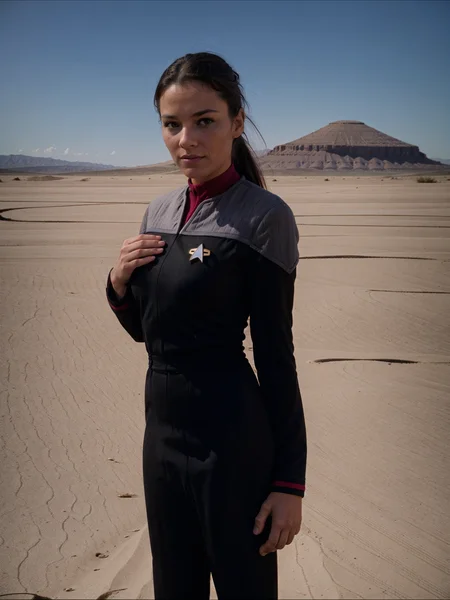
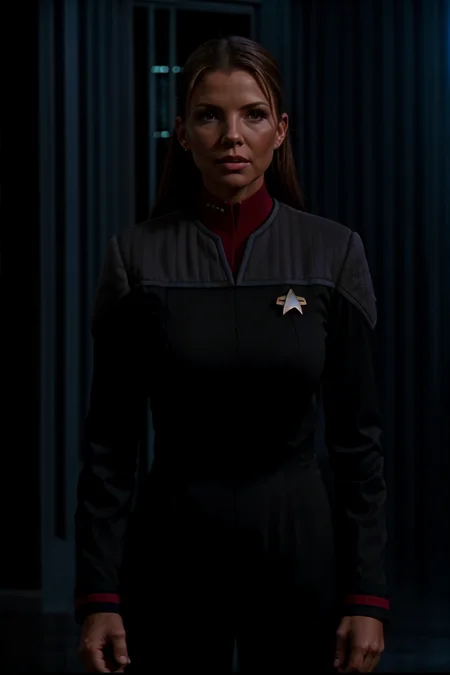
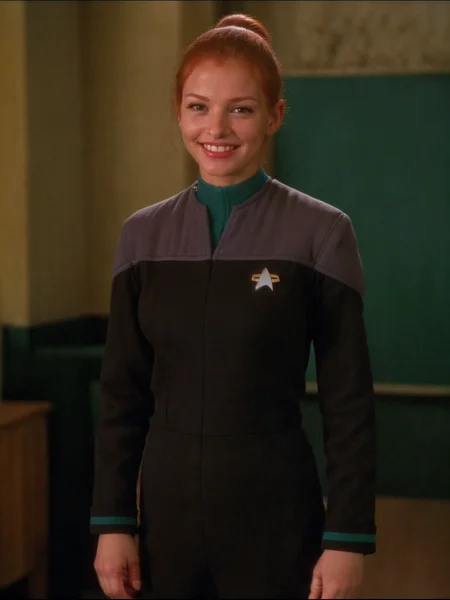
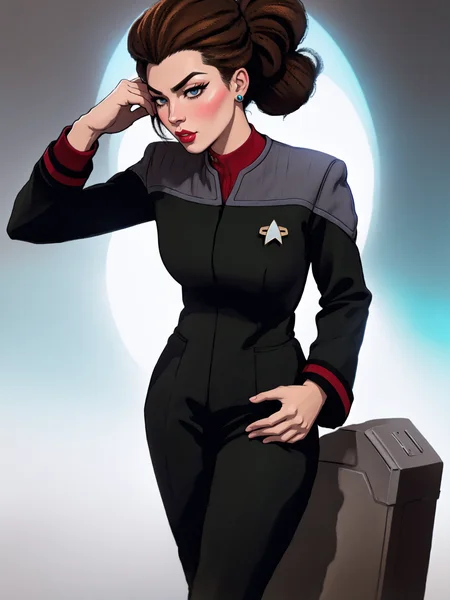
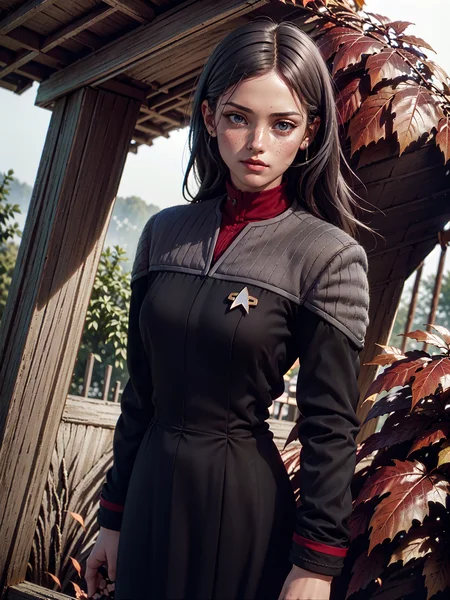
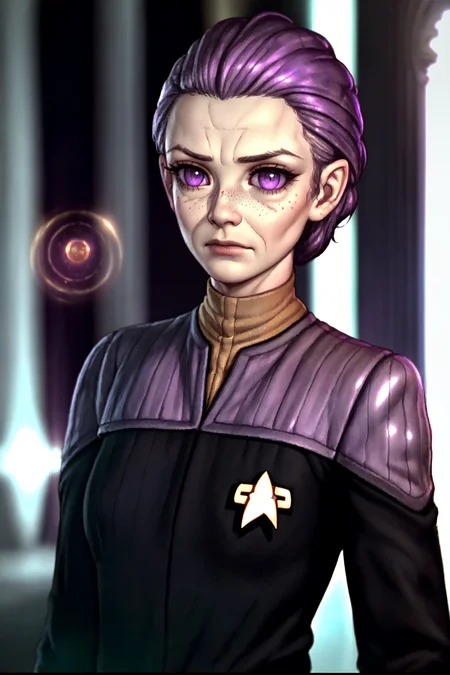
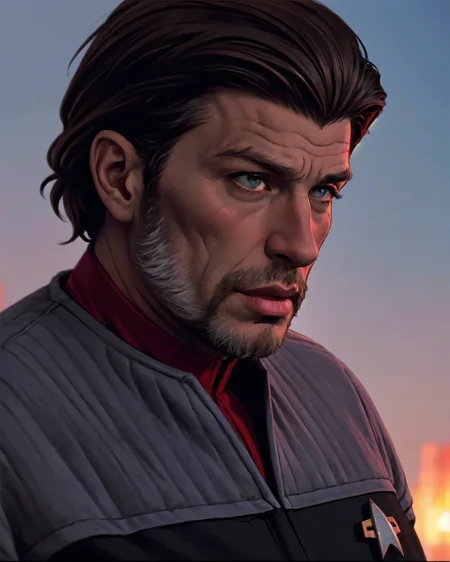
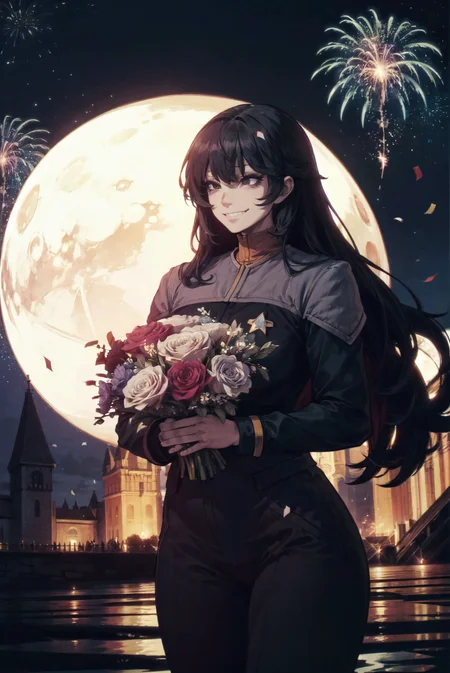
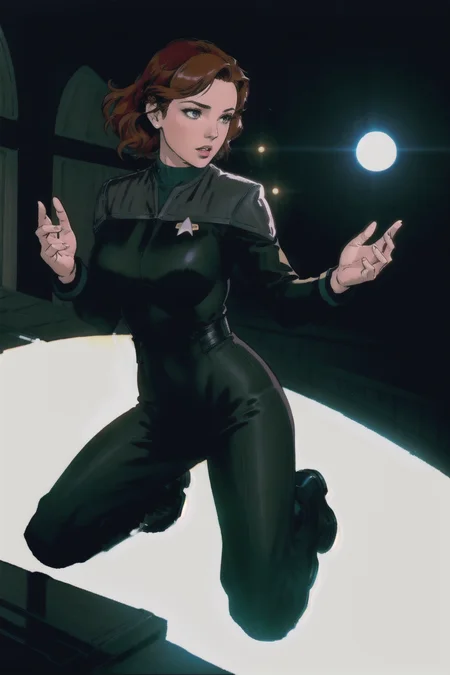
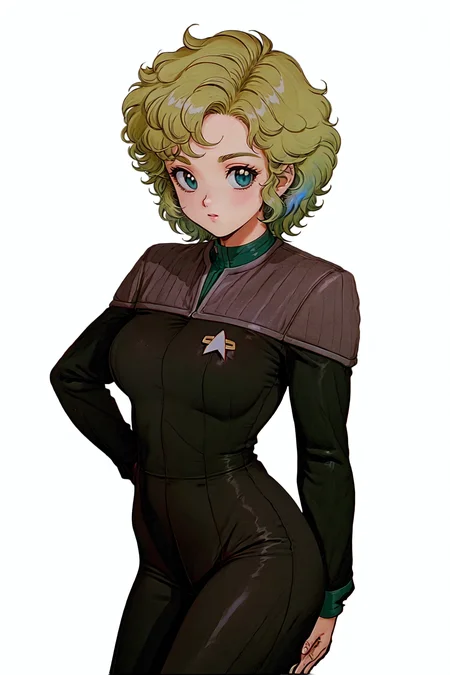
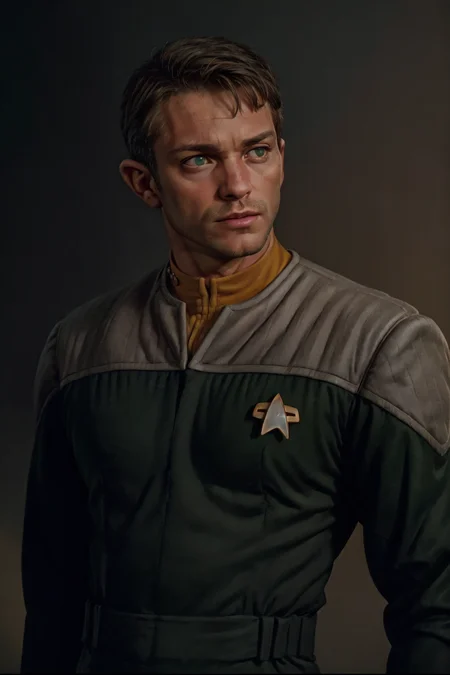
Another entry in ST suits series.
UPDATE V2
-This is a version trained without heads or backgrounds, the faces should be much better.
-The suggested triggers(example for red) is "ds9st black and red uniform", but "ds9st black and grey uniform with red collar" also works. You can also use something like "(ds9st command:1.2) uniform" for red, "(ds9st operations:1.2) uniform" for yellow and "(ds9st science:1.2) uniform" for teal. This is suggested if the colours in prompt are bleeding into the picture. You can consult the example pictures for specific use.
V1
Trigger phrase is "ds9st uniform". If you need a specific colour add "black and yellow", "black and red" or "black and teal" before the trigger phrase. "Black" word is very important here, as the coloured part should be much smaller then black part, and this ensures that the proportions will be all right.
For me it worked best at weight 0.8 or 0.7.
Description
headless version
FAQ
Comments (11)
When using character loras (that I have), V2 works - at 1.0.
Anything under 1.0 and it will lose/start to lose uniform effect.
When used at 0.7-1.0 it will wreck/impact the face on almost every character lora i tried.
For comparison, your TNG uniforms do not affect the face on most the character loras.
Hope that helps.
Yes, feedback is always appreciated! I will try to make this friendlier to character LORAs.
Hello OP. You state that you trained without heads nor backgrounds.
Does that mean that you edited every photo and removed all but the outfits? Did you white out, black out or deleted and used transparency in your dataset?
If you would be so kind as to share one image of your dataset for reference it would be very invaluable for another creator learning about training.
Yes, I did edit every single photo and removed everything but the outfits. I tried black,white and transparent backgrounds during testing and white worked best, so this version was trained on white backgrounds.
@impossiblebearcl4060 Thank you!
@impossiblebearcl4060 Hi. I'm trying something similar and have more questions.
Perhaps you could make it into a short article.
My questions are about the tagging.
Since you white out all but the outfit:
- How did you tag the background?
- How did you tag the poses (sitting, back, front, standing,…)
- Did you have tags to tell the trainer that it was a cut out?
Feel free to share one image tag (no need for the image) just to give a quicker answer.
Thanks!
@IndustrialVectors You can see all the tags in the metadata of the lora. Just edit it in any text editor. And the anwser to your questions are:
-i tagged the background with "white background"
-poses are taggedin a simple way (like "sitting"), maybe its something that can be refined
-I added the "headless" tag to all the captions. You still will get a headless image now and then, but i think it is generating images with heads consistently enough.
If you have any other questions, just ask.
@impossiblebearcl4060 Very insightful! Thank you for sharing. I only have questions as I start building a dataset for a test lora.
Excellent job on the re-training. It looks like you've eliminated a lot of the "fuzziness" that likely occurred by training heavily on 1990s/2000s SD screenshots. Definitely switching over to this for my star trek gens.
This is excellent. Please, please, PLEASE host this at Tensort.art so I can use this in a Star Trek project I'm working on. Thanks!
I dont even have an account there, maybe somebody else can upload my models? I see that some of my models are already there.
Details
Available On (1 platform)
Same model published on other platforms. May have additional downloads or version variants.