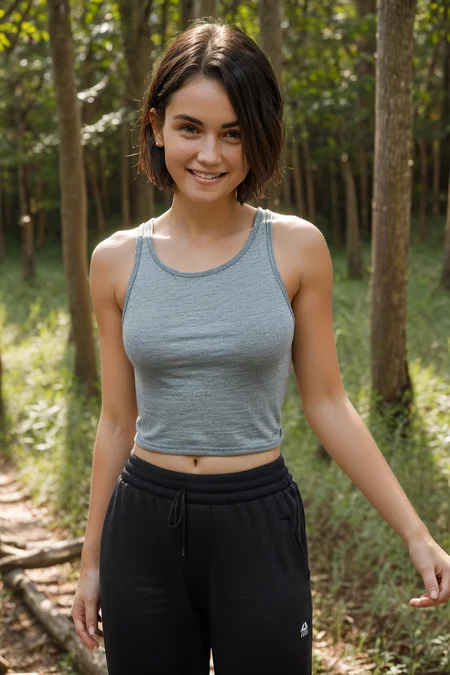
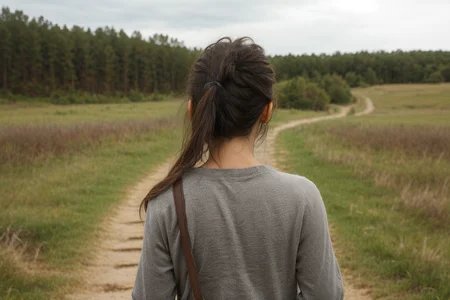
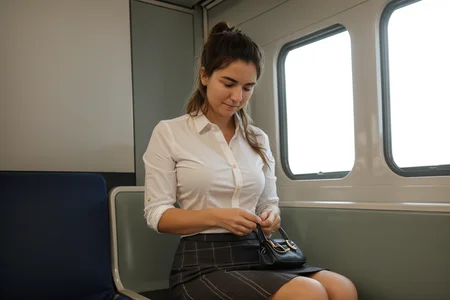
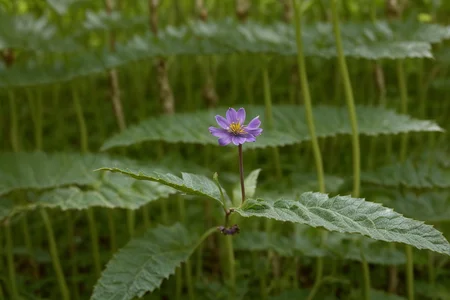
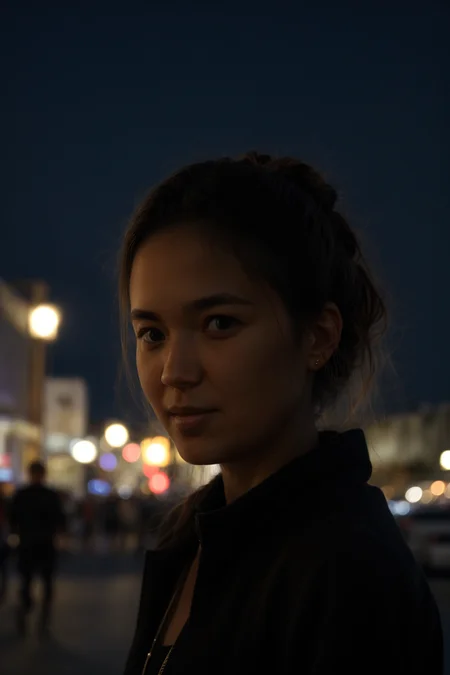
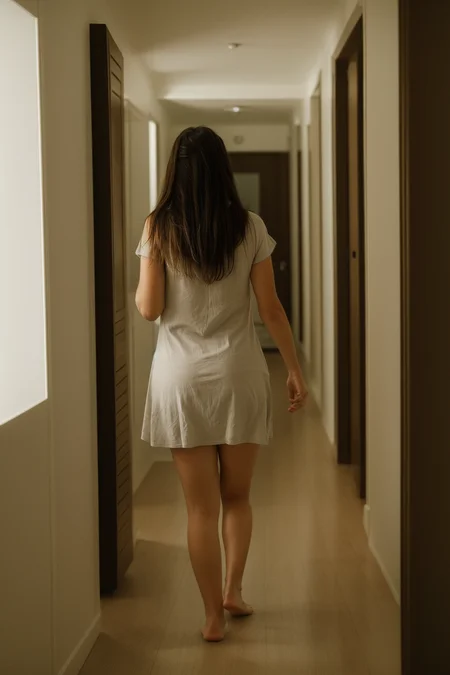
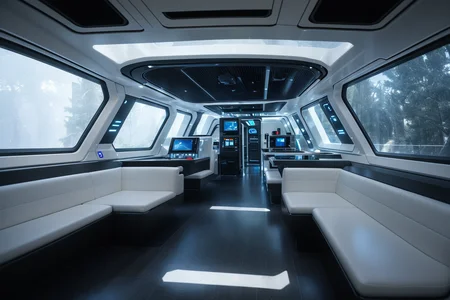
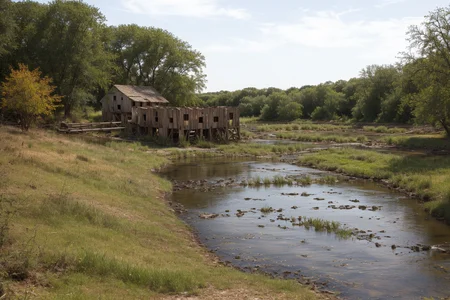
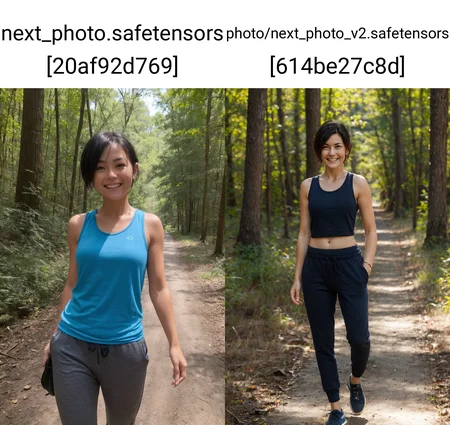
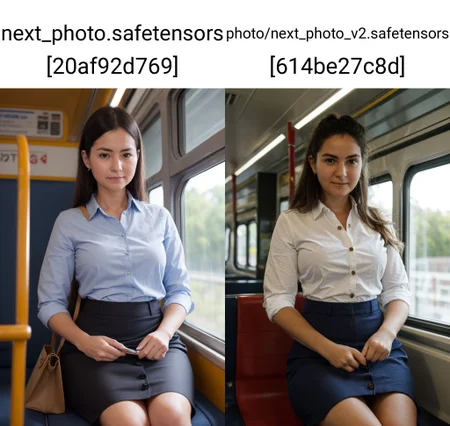
NOTE: This model has it's own VAE, which is baked into the model. For best results, please ensure that the selected VAE in automatic1111 is set to "Automatic". If you've never poked around in the VAE settings, this will be the default.
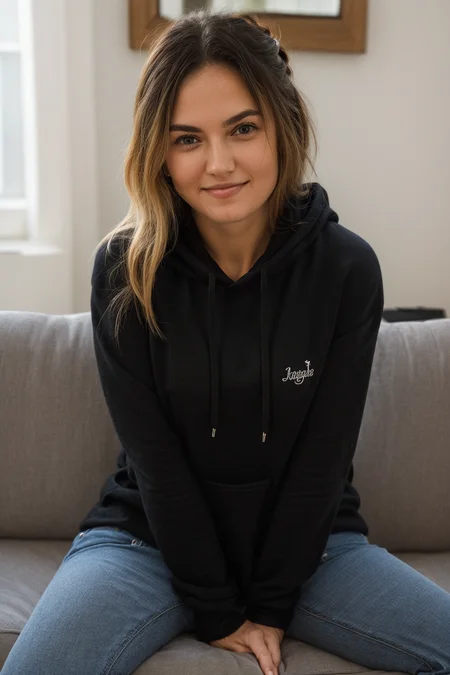
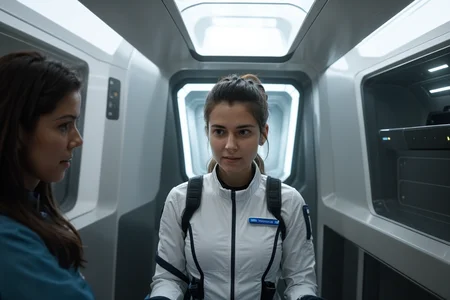
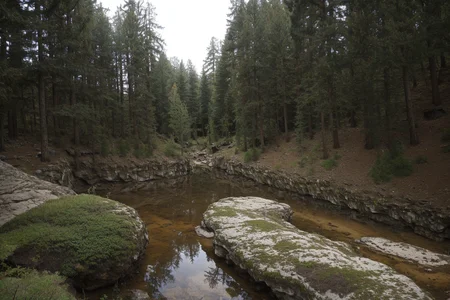
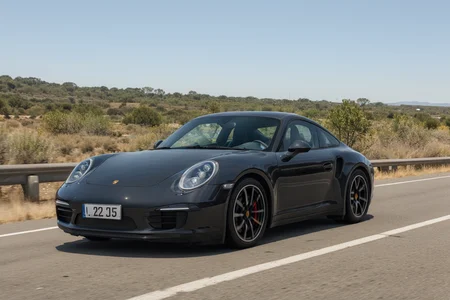
NextPhoto is the result of a whole lot of training, data curation, and block merging. The model is designed exclusively for the generation of photo-realistic photos, and as such it cannot generate non-photo images (even if prompted to do so). For more details about version 3.0, check out the "About this version".
All sample images were generated using ESRGAN_4x upscaling model at 2x upscaling, with 0.45 denoising strength. I'm not gonna upload a 32 bit model, as the v3 model was trained using 16bit precision, so it would literally just be a waste of space.
Usage Guide
(highly recommended) The negative prompt is quite important for the photorealism, but you don't really have to change it ever to get great results. I'd recommend the following negative prompt as a base: (worst quality:0.8), cartoon, halftone print, burlap,(cinematic:1.2), (verybadimagenegative_v1.3:0.3), (surreal:0.8), (modernism:0.8), (art deco:0.8), (art nouveau:0.8)
This prompt uses the verybadimagenegative_v1.3 textual embedding. You'll need
Place the downloaded file into the "embeddings" folder of the SD WebUI root directory, then restart stable diffusion.
Positive Prompts: You don't need to think about the positive a whole ton - the model works quite well with simple positive prompts.
Examples:
A well-lit photograph of woman at the train station
A perfect well-lit medium photograph of an old married couple sitting on their porch
A poorly lit photograph of a man walking on the trail at night
For more examples of positive prompts you can look at the sample photos for the model.
Upscaling: This model works will still generate photorealistic images without upscaling, but upscaling is strongly recommended for photorealism. You'll need to use the ESRGAN_4x upscaling model (not R-ESRGAN) in the hires fix section for decent results. Set the weight anywhere from 0.3 to 0.5 for best results, and the upscale amount to 2. I normally set my weight to 0.5 or 0.45.
Sampler: I use DPM++ 2M Karas, and generally don't stray from it. While the other samplers can still produce good results, DPM++ 2M Karas is the most consistent in my experience with this model.
For further improvements:
Reduce your CFG scale: The default classifier free guidance scale scale of 7 works good, but occasionally this can be too high. Reduce the CFG scale until you like the results - I generally bottom out at 4.0, as anything lower than that and the negative prompt starts getting ignored. Increasing the CFG scale past 7 or 8 will result in more "dramatized" photos (not in a good way), but will also result in the model listening more to the prompts, so balance as needed. High CFG scales can work well for specific situations, but lower CFG scales work great quite consistently.
Avoid excess LORA and Textual Inversion use: As v2 and v3 of this model are custom trained and not purely block merged, any LORAs or Textual Inversions may not work as well as they do in other models. Based on my experience, you can still get good results with them, but I'd recommend treading lightly - I'd recommend an additive approach where you add LORAs or inversions selectively when needed.
Description
I've trained the original NextPhoto model against a custom curated set of high quality photographs, then block merged against itself to improve results. The results are the following:
Significantly improved photorealism: the training was extremely effective at improving the realism of the model. Skin texture is improved, subject integration into the background is improved, lighting is improved.
Better NSFW support/moderate NSFW bias: This part wasn't actually intentional. I included a decent amount of NSFW into the training data to improve the skin textures, and as a result the model is better at the human body (though not hardcore). This also means that the model tends to default to NSFW in some situations - you'll probably need to add some stuff to the negative prompt to avoid this, or explicitly specify clothing in the positive prompt.
Minor feature overfitting: Some features are somewhat overfit - specifically some faces. This doesn't pose too much of a problem, as specifying more detail about the face can mitigate this (ethnicity, age, shape, emotion, etc.), but it's something to keep in mind. I'm already working on v3.0 which should resolve this, but I figured I should release v2.0 as it's such a major bump in quality.
Better non-human results: Non-human prompts are also improved - the model was trained with a roughly even mix of human/non-human images, so environments, macro shots, etc, are improved.
Lower negative prompt importance: The new model is more attuned to generating good results out of the box - even with no negative prompt at all. That being said, I do still recommend the same negative prompt as before (though with slightly lower emphasis - or removal - of the negative textual embeddings).
Different scheduler recommendation: When upscaling, the model performs better using Euler A instead of DPM++ 2M Karas. I've tested all the upscalers, and ESRGAN_4x still works the best (at 0.35 to 0.5 denoising strength), but when used with DPM++ 2M Karas, the results are oversharpened. Using Euler A can mitigate against this. DPM Adaptive also yields good results (but is much slower), and the other schedulers tend to be too blurry when upscaling.
FAQ
Comments (27)
Hello, I love this model!
Can you briefly explain the difference between the "normal" model, Pruned Version, and the Full Model? And how should we decide amongst them?
I'd recommend just using the full model. The pruned version is the same, just without the embedded VAE (which I included so that the model hashes with the demo images line up). Technically it's not "pruned" by the normal definition, but civitai doesn't give you the option to include an embedded VAE model separate to the normal model version, so I placed the non-embedded under "pruned". If you already have the "vae-ft-mse-840000-ema-pruned" version of the original SD VAE, then there's no reason to download the full model.
Anyone have tips to prevent excessive ribcages? Nothing I add to the negative prompt removes them. I even added a chubby lora and it just made a fat girl with ribs sticking out lol
I haven't dealt with any visible ribcages when I generate - I'm guessing it can be resolved by removing something either in your positive or negative prompts - the model was trained against prompts similar to the ones I provide attached to the sample images, if you want to use that as an example. One thing I've noticed with the new version is that it is very strongly affected by some textual inversion embeddings, more so than with other models. You may want to try decreasing the weights of these if they are present.
You can try negatives such as "ribs", "ribcage", "anorexic", and try adding "plump" at some strength to the prompt. YMMV but I tend to find that these can be helpful.
@nickfli121 Tried all those but it doesn't help. Not sure whats going on tbh
@bigbeanboiler Yeah, it's weird. I;m using your prompts and no textual inversions so not sure why it's happening. Really love the model though, well done!
Brilliant for everything photorealist and more (but not suitable for illustration). Need to keep GS/steps quite low (4/20 works well). New best photorealist model for me now: thanks!
one of the few that don't make things look like they were taken by a professional, which is great. ty
Prefer version 1.0 to version 2.0
Version 2.0 produces extremely thinner women, ignoring all the prompts and loras that should make it otherwise, unfortunately.
Otherwise, its my new favorite for photorealistic, thematic images.
This is the best model on civita for getting photorealistic portraits! No cyber, epic, magic, ultra, hyper-realistic and stand next to this model! thank you so much for this gem!
Version v2.0 produces really weird looking eyes compared to v1.0. Like different size, lazy eye, looking down etc
no idea but it fails on alot, v1 best
I tried using v1.0 and v2.0.
When I generate with v2 with the same prompt as the image generated with v1, the skin color is quite dark like a different person.
v2 may be better, but this is why I can't replace v1 with v2.
Is this an intentional change?
V2 does lean slightly towards darker skin, but this isn't an intentional change. The main improvements with V2 were focused on subject integration with the background (that is - avoiding the "photoshopped in" look), skin texture, and lighting. This does result in an unintentional reduced variety in body shape, skin color, and minor face overfitting. These issues are unfortunately hard to fix, so I'm working on gathering a much larger dataset to hopefully resolve these issues in v3.
@bigbeanboiler
I'm relieved that it wasn't an intentional change. I have a feeling that the V3 will be a more balanced and wonderful model. thank you
Can we expect an inpainting model?
Possibly, I haven't dug into making inpainting models yet, but I'll probably include one when I release v3
Hello, just wanna say thank you for the amazing work. Any plans for v3?
Thank you! I'm working on v3 presently, though it's taking a bit due to the difficulty that comes from fine-tuning these models in a way that actually improves the performance as opposed to just changing the performance. I'm making decent headway though, so I should have a v3 ready sometime this month.
けんこうてきですね。いっれ、ひとが、でざいんした、ひとが、うまれるんでしょうね
Hello, thank you for this great model. :) Hoping to see v3 soon
I really liked V1 version. But especially regarding men, the results of V2 aren't as good. It seems like V2 is a little overtrained. Looking forward to V3.
Hey, great model, thank you for that. Any plansfor v3?
One of the best in myopinion.Thank you for that. I would love to see what this model can do trainedon SDXL. Any plans for that?
I do plan on training an SDXL model, but the architecture is quite different so it'll take a while to get all the tooling ready for training.
Please can you share the block weights and source models?
Details
Files
Available On (1 platform)
Same model published on other platforms. May have additional downloads or version variants.