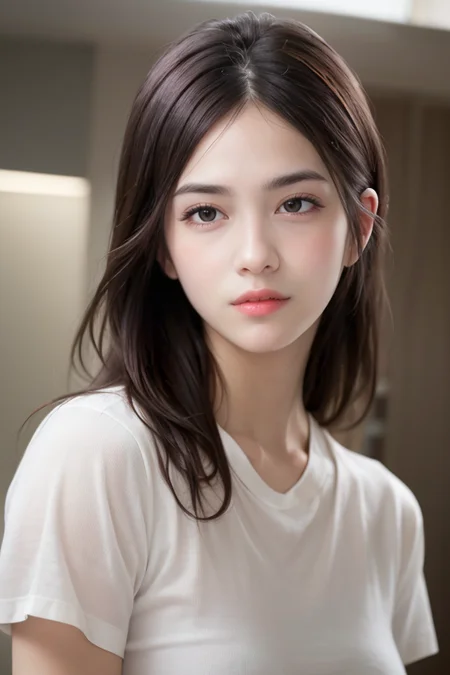
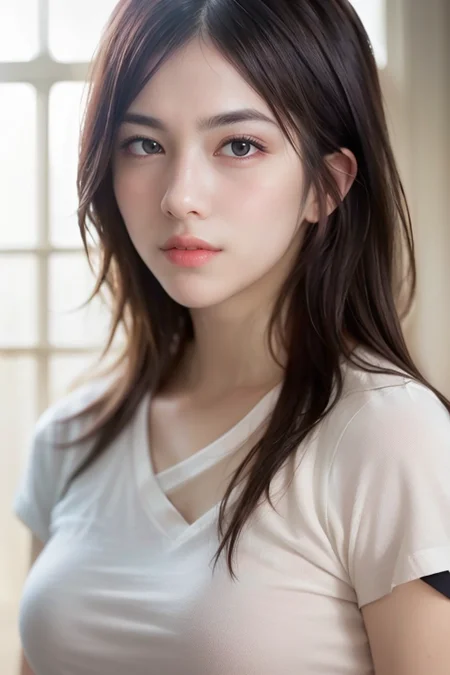
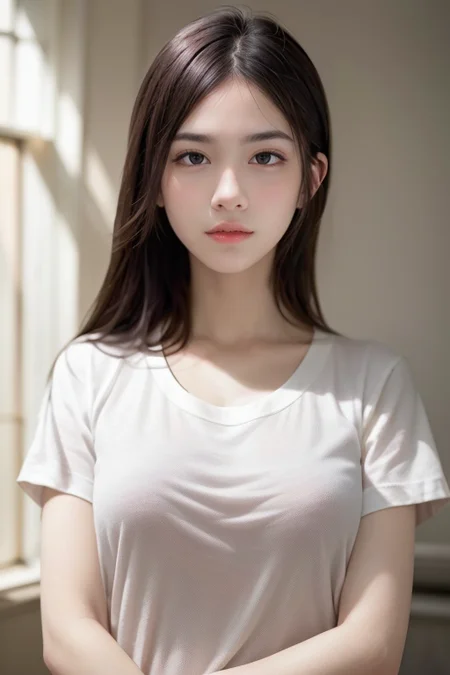
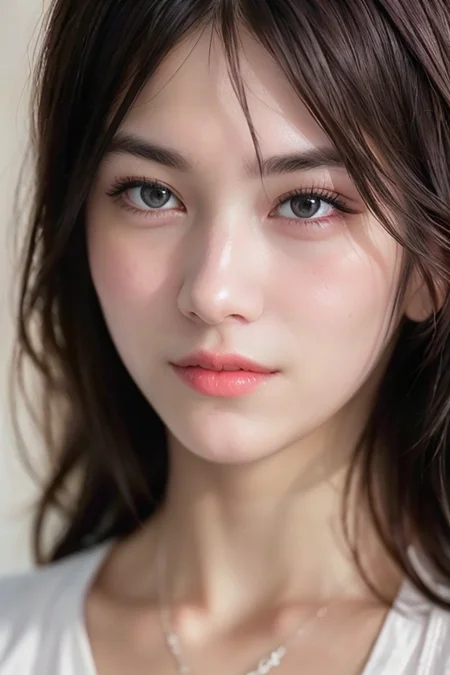
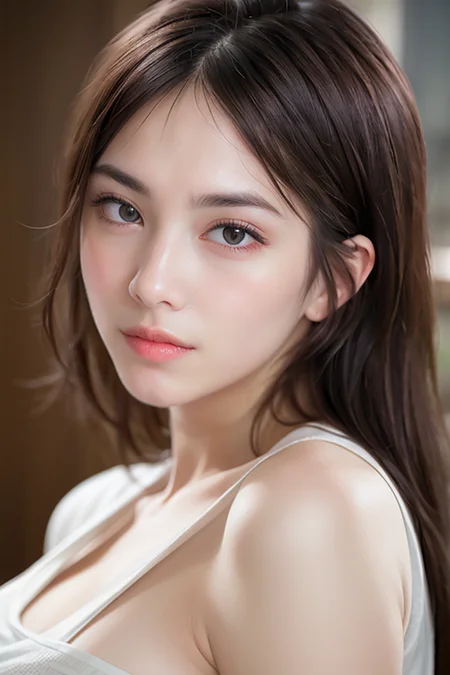
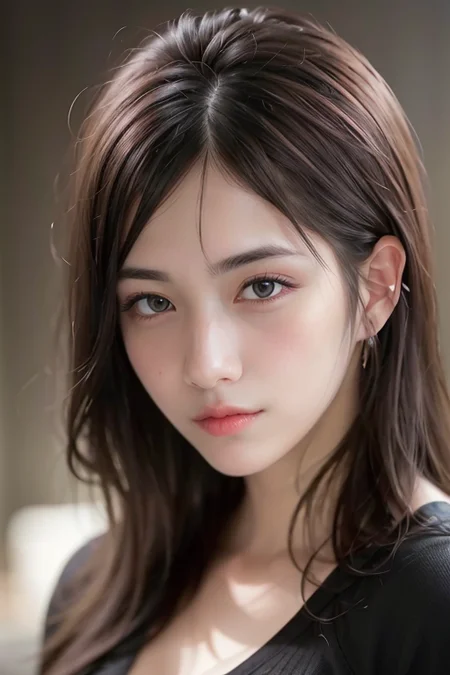
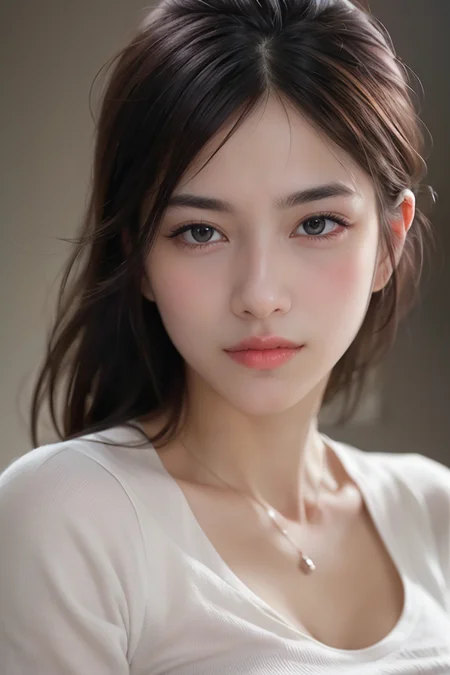
This is a free/open available Mixed Lora.
If you like my work, feel free to buy me a coffee at ko-fi. https://ko-fi.com/mixboy
The following LoRAs are used. All credits go to the original authors. Thanks!
LoRAs have been merged with the SuperMerger extension
Design points
don't try to make it too beautiful/cute/sexy
No.177 Girl is too cute but has a nice style.
preparing a natural style LoRA like Dr.She - Dr.She is a nice example. it is not so pretty and not so cute but well made.
add high-quality LoRA a bit like as KoreanDollLikeness. it makes LoRA more robust, it has cleaner skin nice smile, etc.
you may need to use OUTALL weights preset only - so many low-quality LoRA have not optimal IN* weights and it makes trouble. simply use only OUTALL weights to solve this issue.
Merge Recipe (V1)
Using LoRA Block Weight extension I've tried to find a good mix ratio as follows:
the obtained and used ratio is Dr.She : koreandolllikenessV20_v20 : No.177 = 0.2 : 0.1 : 0.6
use only OUTALL weights like as "<lora:Dr.She:0.2:OUTALL><lora:koreandolllikenessV20_v20:0.1:OUTALL><lora:sd-No.177-000014:0.6:OUTALL>"
in this case, No.177 Girl is 32 dim, but SuperMerger can "remake dimension" to 128. (the remaked dimension version is named NO177 in this case.)
merge with the SuperMerger extension "Dr.She:0.4:OUTALL,koreandolllikenessV20_v20:0.2:OUTALL,NO177:1.2:OUTALL" (x2 multiplied and check "same strength" option.)
it's not easy to reproduce the procedure but in this case "same strength" is used.
then merge and obtain the Sweety Mix Girl V1
In this case, only "OUTALL" weight blocks were selected to reduce possible interference by Lora "IN*" weights. (OUTALL is defined by Lora Block Weight extension as "OUTALL:1,0,0,0,0,0,0,0,1,1,1,1,1,1,1,1,1" that means BASE,OUT03-OUT11 weights are used.)
Merge Recipe (V2)
Use merge to checkpoint menu instead of Merge LoRA method.
same as V1: Dr.She : koreandolllikenessV20_v20 : No.177 = 0.2 : 0.1 : 0.6
same as V1: use only OUTALL weights like as "<lora:Dr.She:0.2:OUTALL><lora:koreandolllikenessV20_v20:0.1:OUTALL><lora:sd-No.177-000014:0.6:OUTALL>"
same as V1: in this case, No.177 Girl is 32 dim, but SuperMerger can "remake dimension" to 128. (the remaked dimension version is named NO177 in this case.)
V2: use merge to checkpoint menu with the SuperMerger extension
fill in the LoRA form: "Dr.She:0.2:OUTALL,koreandolllikenessV20_v20:0.1:OUTALL,NO177:0.6:OUTALL"
output file name as "MERGE1"
select checkpoint-A "v1-5-emaonly"
then press "merge to checkpoint" button and you can get the "MERGE1".
select checkpoint-A "MERGE1", and checkpoint-B "v1-5-emaonly", output file name as "new-lora"
then press "Make LoRA (alpha A - beta B)" button and you can get "new-lora" (alpha == beta == 1)
to make <lora:sweetyMixGirl_V2:0.6> is the default weight, scale the LoRA by "1.66666666666666666"(1/0.6=1.666...) with the "same strength" option.
now the lovely Mix Girl V2 obtained!
※ "merge to checkpoint + "Make LoRA (alpha A - beta B)" method is a much more reproducible method than the"make LoRA" menu.
How to use
recommended ratio is 0.5~0.7 like as
<lora:SweetyMixGirl_V1:0.5> or <lora:SweetyMixGirl_V1:0.6>
lower ratio weights could be a good starting point for non Lora-friendly-Models.
the higher ratio could result in overfitted behavior. in this case, lower your ratio.
What's the difference
What are the advantages of this unlike anything other loRA girls?
its recipe is open, anyone who wants to change the mix ratio and wants to get proper results can change their recipe based on it.
works nicely with the ChilloutMix, also works fine with ChillyMix or Muse_v1
Recommends
default Clip skip is 2, ETA noise seed delta: 31337
for BRA v5 model, Clip skip:1 is preferred.
Useful AUTOMATIC1111's webui extensions
webui model toolkit to examine Loras and models.
civitai extension to add several useful features for civitai.
License
Like as ChillyMix, its license has no commercial restriction. it is open and free:
Dr.She and KoreanDollLikenessV20 could be merged and the merges could "Have different permissions when sharing merges" license.
No.177 Girl is free!
CreativeML-Open Rail-M: This model permits users to:
✔Use the model without crediting the creator
✔Sell images they generate
✔Run on services that generate images for money
✔Share merges using this model
✔Sell this model or merges using this model
✔Have different permissions when sharing merges
Support me
If you like my work, feel free to buy me a coffee at ko-fi. https://ko-fi.com/mixboy
Description
2023/05/18: first version released