


**Please, read the correspondent "About this version" for the model you download**
My collection https://civarchive.com/user/cbrescia/models?sort=Newest§ion=published
Flux1-Hybrid: Blending Dev's Realism with Schnell's Speed and Improved Prompt Adherence
Introduction:
Introduce your new diffusion model, highlighting its unique combination of realism, speed, and prompt adherence. Emphasize the benefits of using this model compared to other popular options like Dev and Schnell. it is perfect for users with limited computational resources who want to generate high quality images quickly.
Key Features:
4-step generation: Produces high-quality images in a fraction of the time compared to many other models.
Enhanced prompt adherence: Accurately captures the nuances of your prompts, resulting in more relevant and creative outputs.
Photorealistic quality: Achieves a level of realism that rivals Dev, while maintaining the versatility of Schnell.
CFG sensitivity: Provides fine-grained control over image generation through the CFG scale.
Comparison with Other Models:
Create a detailed comparison table:
Feature Flux1-Hybrid Dev Schnell
Prompt Adherence Excellent Very Good Good
Realism High Very High Medium
Versatility High High High
Efficiency High (4 steps) Low Medium
Lighting Quality Very Good Excellent Good
Detail High Very High Medium
Artistic Style Diverse Realistic Artistic
Analysis:
Prompt adherence: Our hybrid model consistently generates images that closely align with the provided prompts, outperforming Dev in this regard.
Realism: While Dev excels in photorealism, our model offers a more balanced approach, combining realistic elements with artistic flair.
Efficiency: The 4-step generation process makes our model significantly faster than Dev, without compromising on quality.
Versatility: Our hybrid is capable of producing a wide range of styles, from photorealistic portraits to abstract art.
Inference Time: Intel I5, 32 RAM, Nvidia 3060 12Gb, 45s (same settings, dev, 2m42s). tested with SwarmUI working on ComfyUI.
Caveat: The time of generation of images is measured with the model preloaded. From the click on generate button until the image ends. The model first makes an initial image, which is then refined in 4 steps, the 4 steps last much less than the generation of the initial image.
How to Use:
Recommended settings: Random seed, CFG=1 (0.8-1.2) range, sampler: Euler, Scheduler: Normal/Simple, in the examples Resolution: 5:8 (768x1216).
Clip,T5 encoders and vae are incorporated with Kijai Flux1-FP8. It´s recommended to use --lowvram interface flag to pass the handle of encoders to CPU
Limitations: the range of CFG for non distorted images is narrow. Realistic images are affected by CFG, abstract and landscapes not the same, so for images without humans, in dark images you can raise CFG, and for shinny ones you can lower it a bit more CFG (0.6-1.4). There´s no FluxGuidance as in dev model. Text is an issue to solve.
Acknowledgements:
Thank the teams: Express gratitude to the Black Forest Labs team for creating Flux1 and the ComfyUI community for their valuable insights.
License: CC BY-NC 4.0, No commercial
The following photos contain each one a workflow to generate an image with Hybrid models, Baked and NoBaked versions, and save it in ComfyUI/Output directory. Just click and drag the image to the ComfyUI desktop to see the respective workflow.
https://cdrive.page.link/KcLFPz9evDfMHgWA7
https://cdrive.page.link/aTwDun5S6KLjt8Cu7
FLUX.1 is a powerful tool, but the results may vary depending on the complexity of the prompt and the parameters used. Have fun experimenting and creating your own artwork!
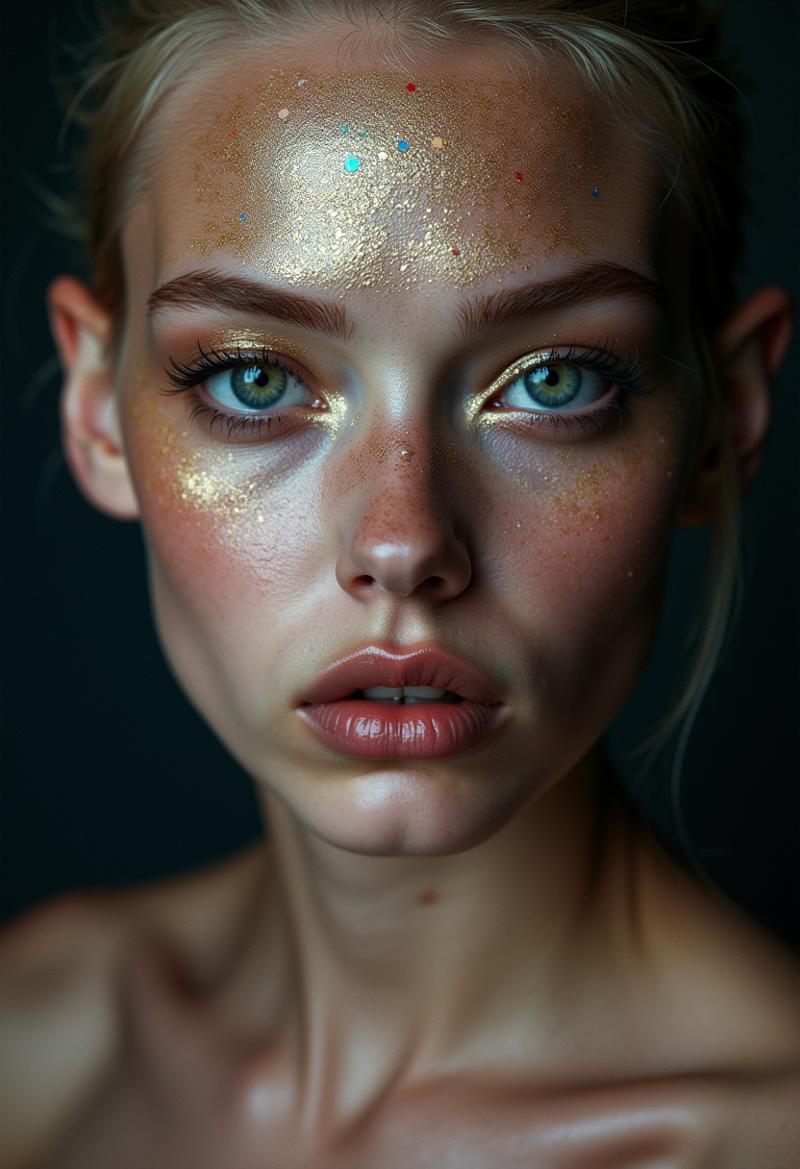
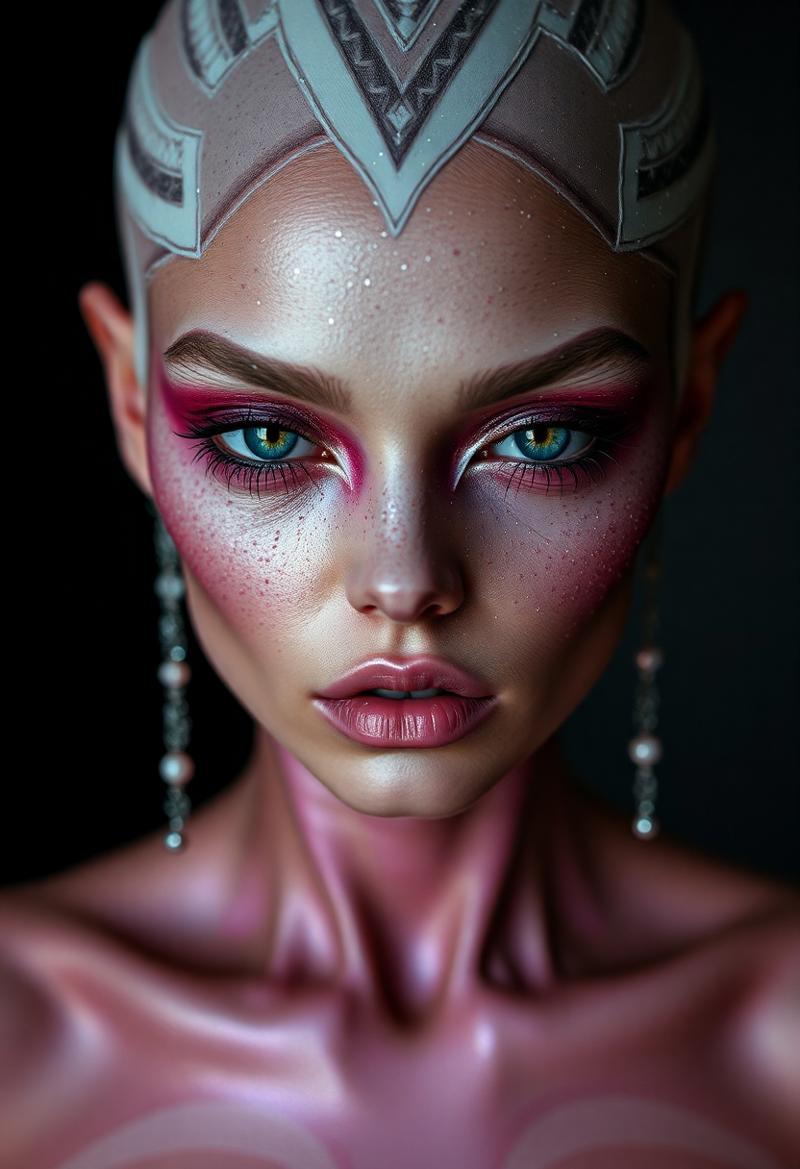 Up: Flux1 Dev, Down: Flux1 Hybrid
Prompt: portrait photography of a alien supermodel, with glitter makeup.
Seed:1826245848, Dev: 25 steps, Guidance 3.5, CFG 1, Sampler Euler, Scheduler Normal/Simple, Hybrid: 4 steps, CFG 1, Sampler Euler, Scheduler Normal/Simple
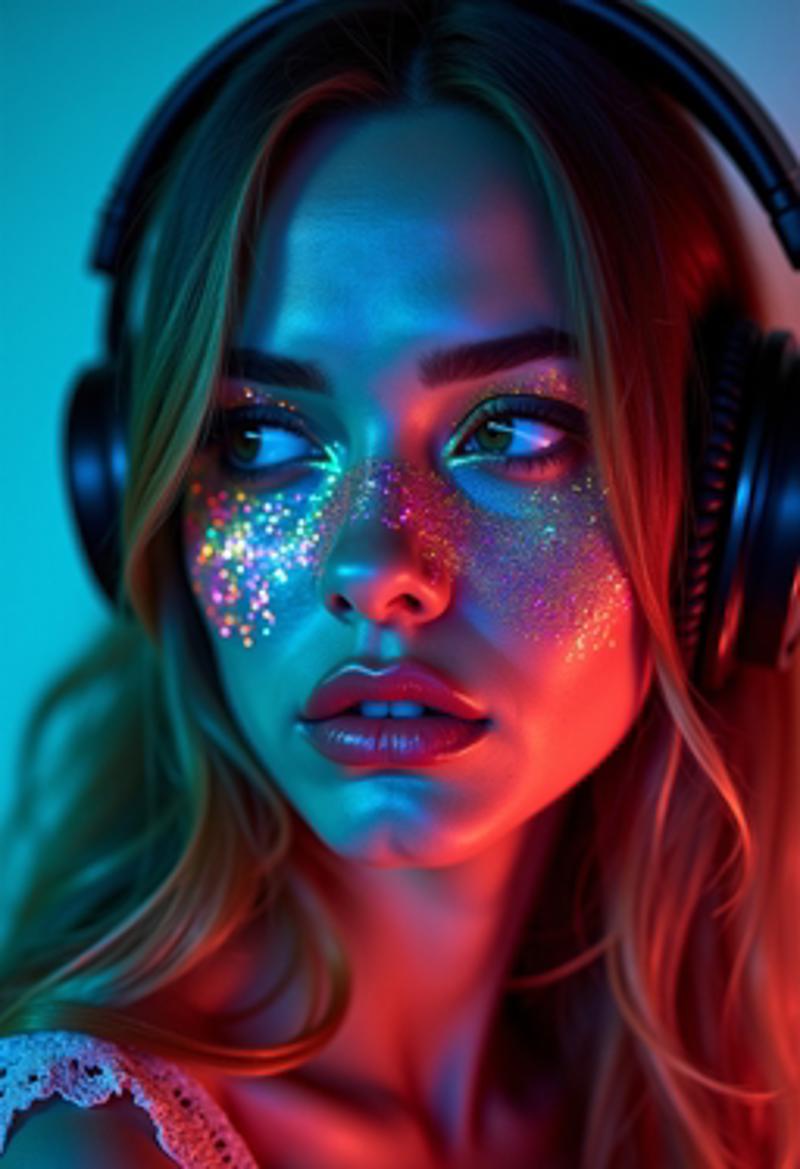
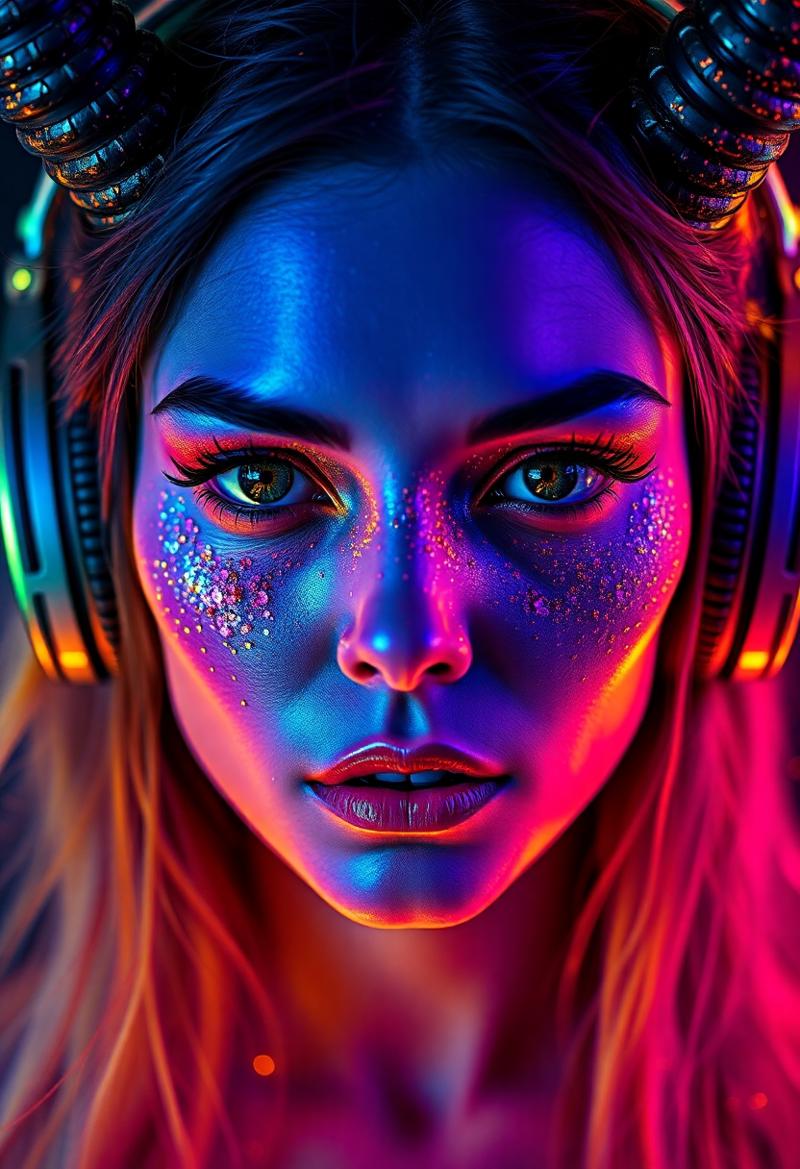 Up. flux1 Dev. Down: Hybrid
Prompt: Devil woman wearing headphones, in the style of mysterious abstractions, double exposure, bathed in vibrant neon colors. Face illuminated by a kaleidoscope of electric hues - cyan, magenta, yellow, and emerald green. Striking contrast between cool blues and warm oranges across the features. Iridescent, glitter-like particles scattered over the skin, creating a cosmic effect. Piercing eyes with multicolored reflections
Seed:1959765719 Dev: 25 steps, Guidance 3.5, CFG 1 Sampler Euler, Scheduler Normal/Simple, Hybrid: 4 steps, CFG 1, Sampler Euler, Scheduler Normal/Simple
 UP: Flux1 Dev Down: Flux1 Hybrid
prompt: (1girl, pale white skinny 18 year old redhead nurse, white nurse outfit, short skirt,white stockings deep cleavage, very big juicy ass and wide hips, blue eyes, thick thighs, very very big natural milky jiggly breasts. curvy milf body, wavy black and red hair, pawg, fat ass, huge ass, cleavage, massive tits, huge breasts, detailed face, heavy breasts, horny face, mssv breasts), hospital, playfull, posing, horny look, bubble butt, posing for a photo,photorealistic, 8k uhd natural lighting, raw, rich, intricate details, key visual, atmospheric lighting, 35mm photograph, film, bokeh, professional, 4k, highly detailed, cinematic, colorful hospital background, 8k, dramatic lighting, highly detailed, hyper realistic, intricate, intricate sharp details,realistic, high resolution,
Seed: 1176787681 Dev: 25 steps, Guidance, 3.5 CFG 1, Sampler Euler, Scheduler Normal/Simple, Hybrid: 4 steps, CFG 1, Sampler Euler, Scheduler Normal/Simple
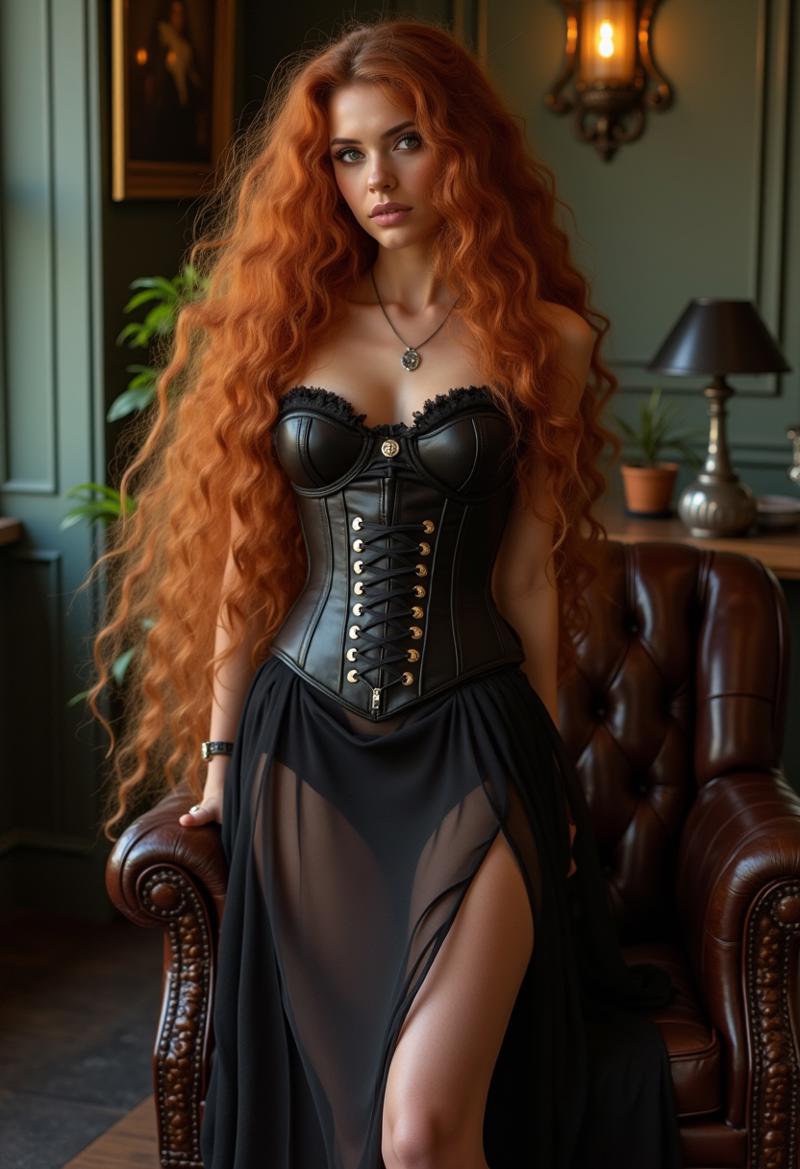
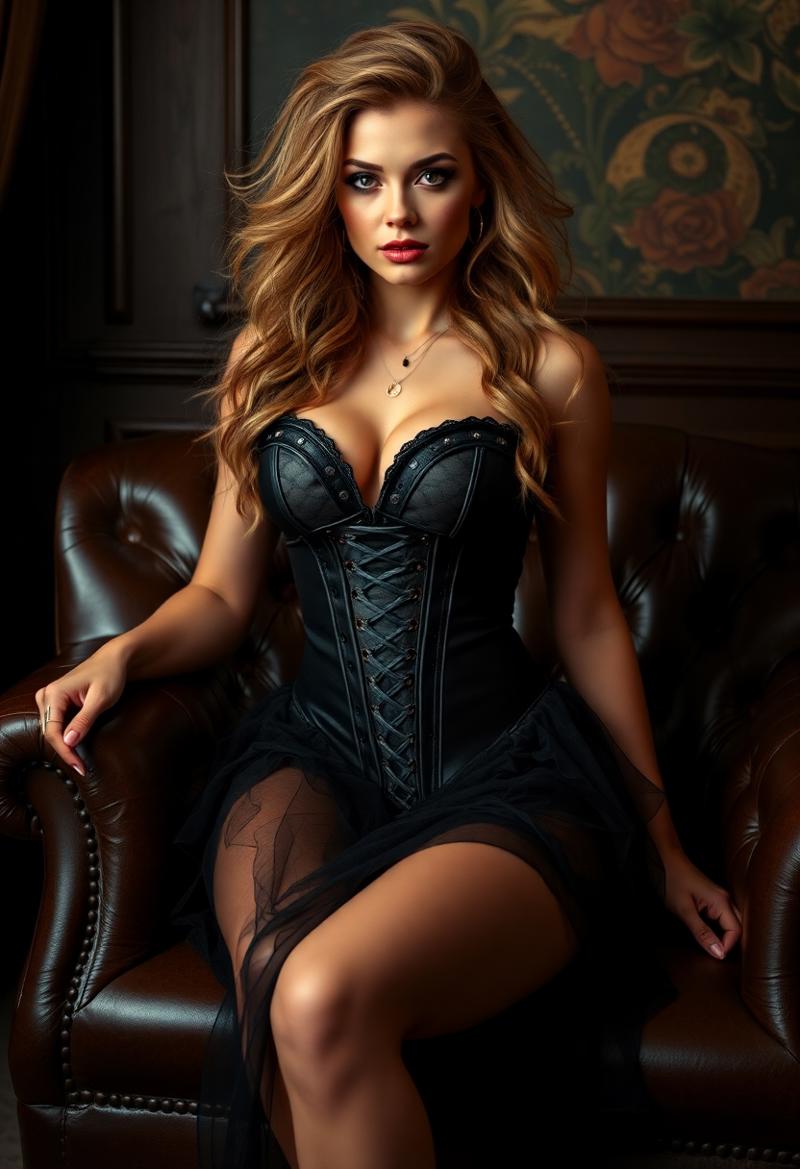 UP: Flux1 Dev Down: Flux1 Hybrid
prompt: eye catching, Bombshell beauty, Honey wild hair,
Silky long legs high heels Swedish Lounge Spunky Leather
Portrait of beauty Elegant lady in sheer dress and vintage clothing,
Bone corset
Seed: 726579420 Dev: 25 steps, Guidance 3.5 CFG 1, Sampler Euler, Scheduler Normal/Simple, Hybrid: 4 steps, CFG 1, Sampler Euler, Scheduler Normal/Simple
Dev is excelent doing images of thin models women at the price of prompt adherence.
Description
This upload serves as a demonstration of advanced image generation techniques using the publicly available svdq-int4-flux.1-dev model (original source: https://huggingface.co/mit-han-lab/svdq-int4-flux.1-dev/tree/main) in conjunction with my Finesse2FP16Lora and NSFW2FP16Lora. It generates 5X FASTER images than Flux1.Dev while using less than 8GB VRAM on budget GPUs.
Please note I am not the original creator of svdq-int4-flux.1-dev.
The key innovation here is the application of SWDQuant (https://github.com/mit-han-lab/nunchaku), which optimizes inference for this model far beyond simple quantization, ensuring the preservation of the original flux1-dev quality. Nunchaku isn't just another Flux model accelerator—it's a paradigm shift.
The presence of a separate BF16 preserved layers file is evidence of this careful optimization.
The showcased images were generated using this optimized svdq-int4-flux.1-dev with my Finesse2FP16 Lora in SwarmUI, 20 steps, CFG 1
To replicate these results, please create a diffusion_models/svdq-int4-flux.1-dev subdirectory and place the two .json and two .safetensors files from the provided Hugging Face link inside it.
On my Nvidia 3060, generating an image with 20 steps takes only about 50 seconds (flux1.dev-fp8 takes about 300 seg, 6x more). This represents a significant leap in efficiency (speed and size) without any noticeable degradation in quality or the characteristic flux1-dev aesthetic.
If you want to install SwarmUI: In X:\ (not in C:\Program files) put https://github.com/mcmonkeyprojects/SwarmUI/releases/download/0.9.5-Beta/install-windows.bat into it, then execute it, will create a X:\SwarmUI. Wait some minutes.
A guide for ComfyUI users https://www.reddit.com/r/StableDiffusion/comments/1j7dzhe/nunchaku_v014_svdquant_comfyui_portable/
Workflows for nunchaku
https://github.com/mit-han-lab/ComfyUI-nunchaku?tab=readme-ov-file
FAQ
Comments (5)
I got this error: CheckpointLoaderSimple
ERROR: Could not detect model type of: E:\ComfyUI_windows_portable\ComfyUI\models\checkpoints\transformer_blocks.safetensors
Is it a lora or the base model?
I Use SwarmUI a ComfyUI front to use SVDQuant. Two safetensors files must be put under diffusion_models, a subdirectory svdq-int4-flux.1-dev with both transformer_blocks and unquantized_layers and I load the first cuantisazed one. Also put there the config.json files. Try to do it extracting the zip into ..ComfyUI\models\diffusion_models\svdq-int4-flux.1-dev. transformer_blocks might be a unet file, nopt a checkpoint I think Load_model node must be used. A nunchacku custom node must be installed to int4 be executed properly
@cbrescia Ok. Do you have any simpler model to load in 8gb vram? Any base model that includes clip + vae, as long as it offers good image quality.
@bic99 there's a price in quality to fit in 8 GB. Test this 7.84 Gb to fit FluxDev in the VRAM and preserve Flux1Dev Style https://civitai.com/models/715925?modelVersionId=800644. You will need the GGUF node to load it in the menu: Add Node=>bootleg-> unet loader (GGUF) and DualCLIPLoader (GGUF) to load Clip-L and T5XXL encoders. Also ae.safetensors must be indicated as VAE: Add node-> loaders-> LoadVAE. If you do want beefy women with nipples, this Lora https://civitai.com/models/1564353/female-body. Remember to download the last Nvidia drivers, VRAM+RAM must be seen as only one space of memory. If you are open to another style use my https://civitai.com/models/646328?modelVersionId=1131955. In "About this version" there's a link to https://github.com/rainlizard/EasyQuantizationGUI/releases. With this you can cuantisize the original Flux1Dev to the size you like. For 8 GB VRAM I recommend Q5_K_S
Details
Files
Available On (1 platform)
Same model published on other platforms. May have additional downloads or version variants.