
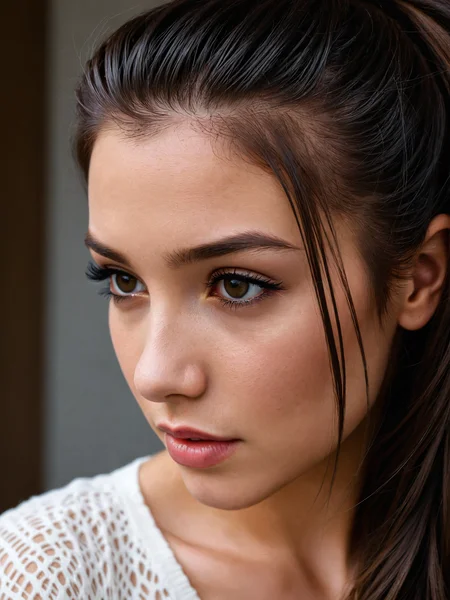
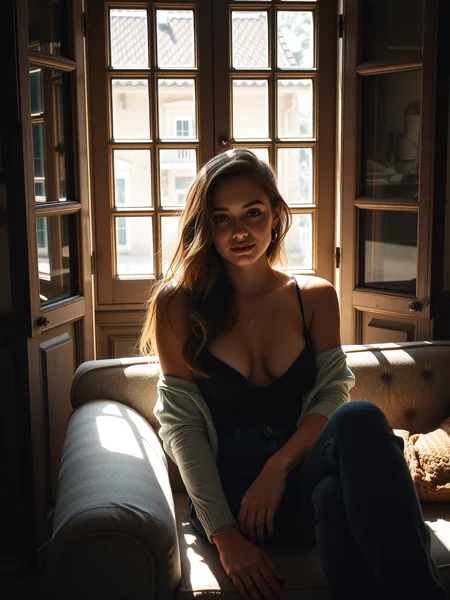
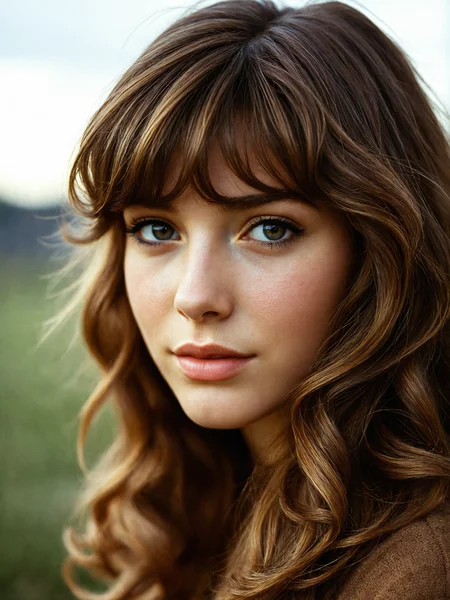
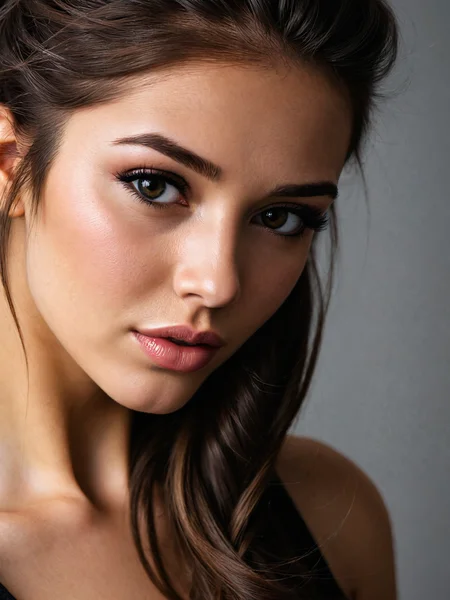
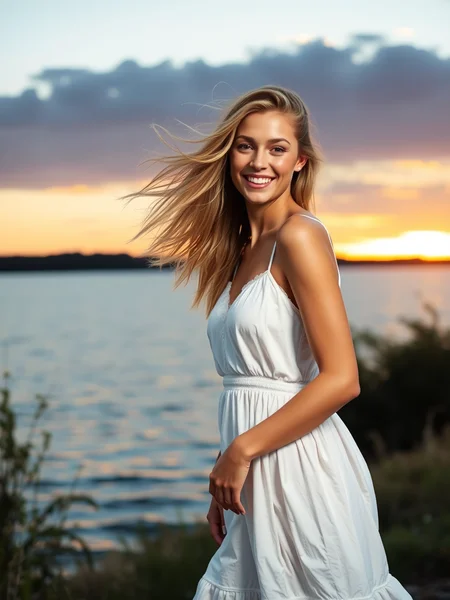
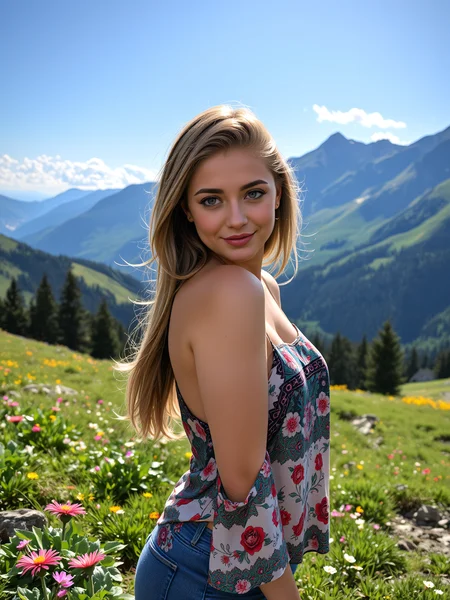
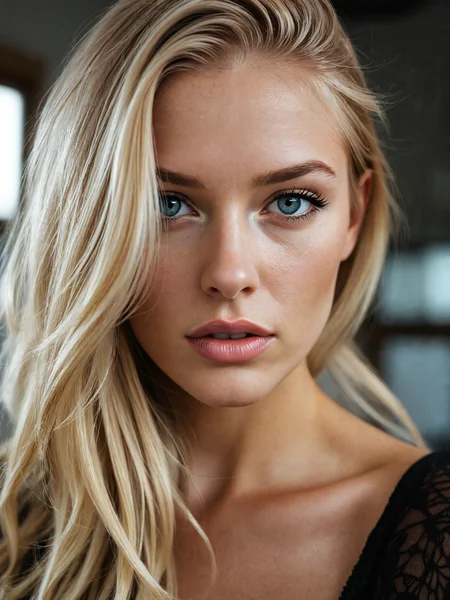
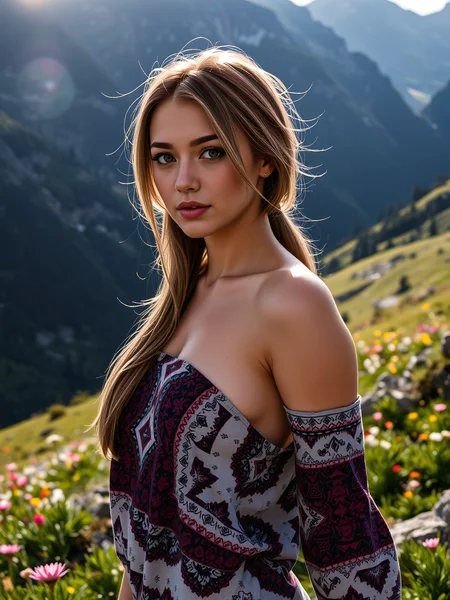
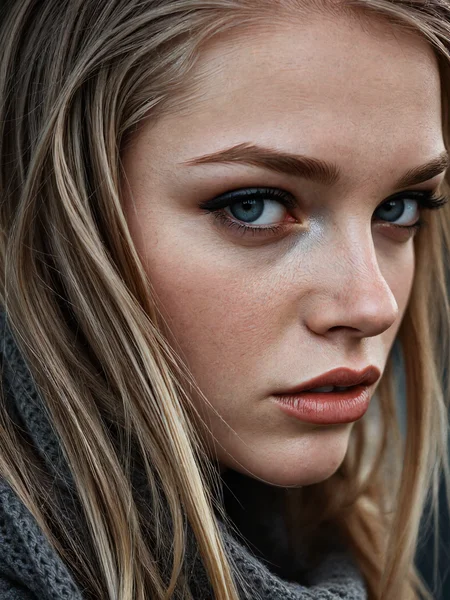


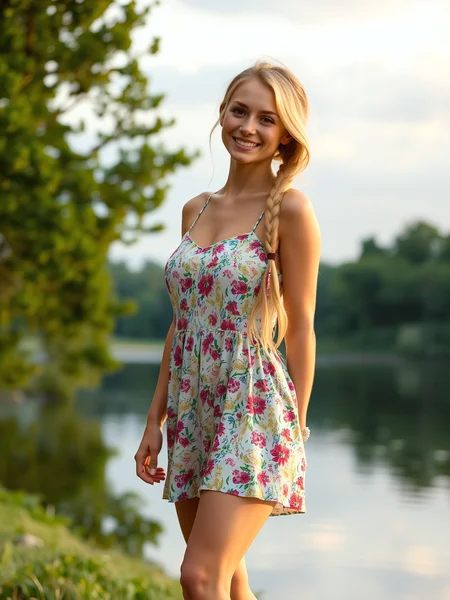
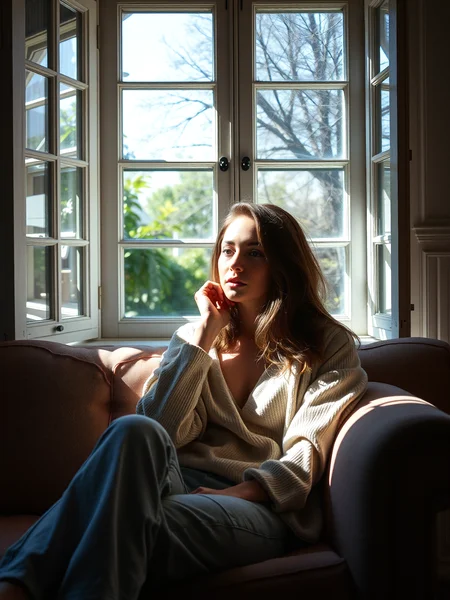
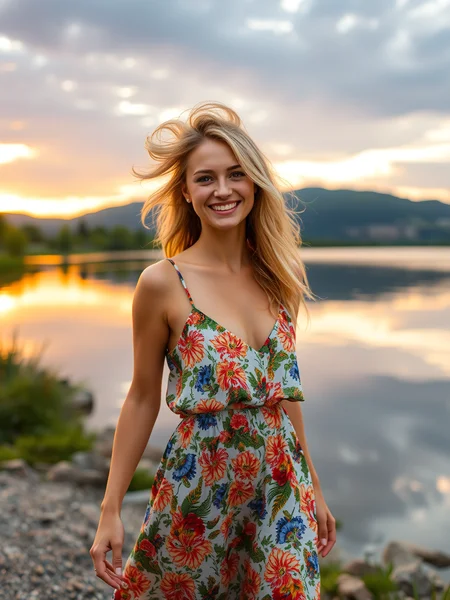
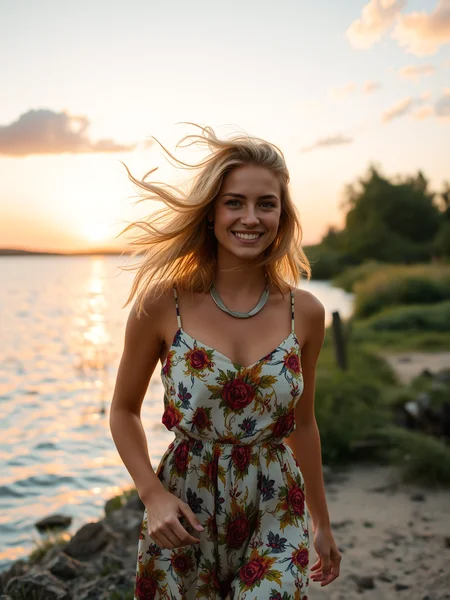

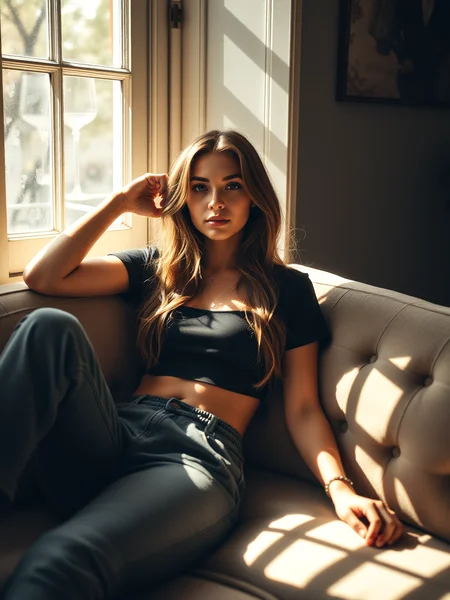
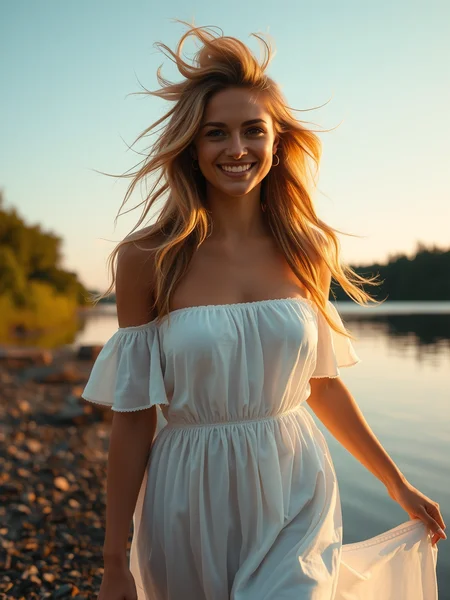
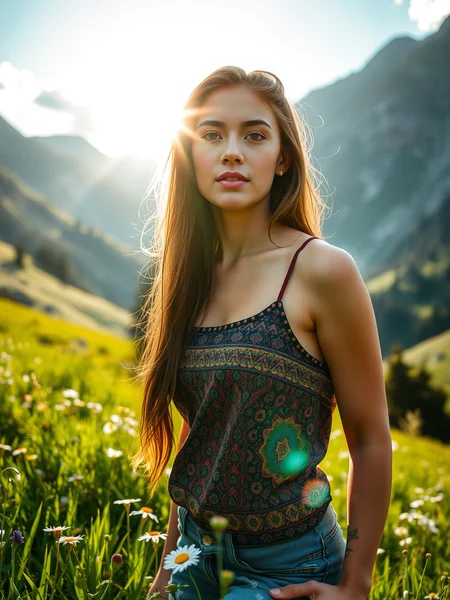
Welcome to version 1.2 it is just as fast, but the colors are better, the details are finer and the contrast is better, the overall image is just better.
For detailed portraits as seen in the gallery, use the Flux.1 S Workflow with Lightning upscale and detailing.
!!! There is a better workflow for refining skin, it's called the Flux Refiner workflow and it is also based on SDXL Lightning and works best with the model found in the description !!!
I have a 4070 12GB and with CFG 1 and 4 Steps a batch of 4 images takes less than a minute. It's based on Flux.1 S, also called Schnell, so it's free, easy to use and fast!
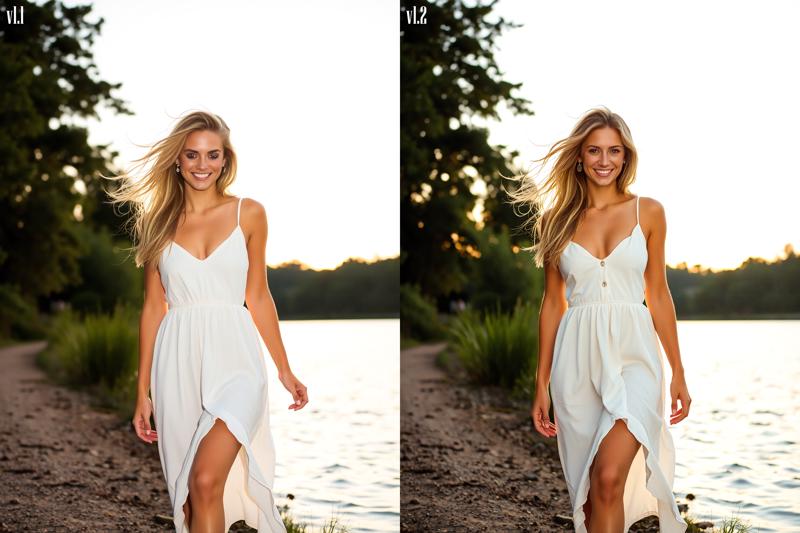 Best use is CFG 1 and around 4-6 steps, but feel free to experiment.
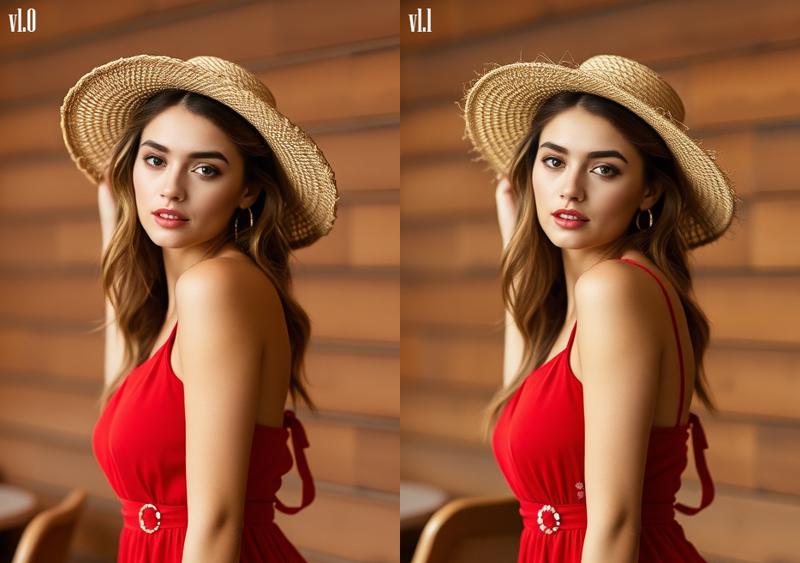 It's 100% Flux.1 S based, so the Dev license does not apply on generated images.
Description
Realism, contrast, details and vibrance added
FAQ
Comments (23)
v1.1 was really good but v1.2 is a noticeable step up to the kind of quality that I've only gotten out of a couple other models. Well done!
I'm trying to get it closer to dev, but with the schnell license, think it got a step up indeed! 👌
@JayNL The more I use the Schnell models the more I realize that you can't think of it as a faster, less-capable version of Dev. It's really its own thing that can be better than Dev in some ways. For instance, I think Schnell does a better job with color and composition than Dev, and also with displaying emotion on people's faces. Dev does better with out-of-the-box fine details but I've found a properly upscaled/refined Schnell composition can be better than Dev.
@Grumblebutt yes they are totally different, with Dev you can say dragon head and it gives you a detailed, kinda interesting picture, with Schnell you have to steer the whole image more. I have a lot of pics with small prompts, but those are only for testing and comparing versions and LoRA's. To get what you want, you have to describe it proberly and it can be better than Dev sometimes.
And no license like Dev, that's why it's still popular, when you search for Flux.1 S models there are only a few, some merges are also marked as S, but they should be marked as D, cause they still have the D license!
https://civitai.com/search/models?baseModel=Flux.1%20S&modelType=Checkpoint&sortBy=models_v9%3Ametrics.thumbsUpCount%3Adesc&query=flux
ArtFusion Flux is probably the #1 pure Flux.1 S checkpoint.
@JayNL Up until now I haven't really cared about the license restrictions but I can see why that would be super important to a lot of people that are making a living off of this stuff.
@Grumblebutt I talked to some people that want to use it for illustrations for a book for example
Just started using this and it's amazing. Can't believe how good the images can be in just four steps.
Try 2 steps and then upscaling. That's my current workflow and it works great - and fast!
how to use this model with diffusers?
Please suggest. Thanks
There is a workflow here
https://civitai.com/models/693450/flux1-s-workflow-w-lightning-upscale
Actually use thise one
https://civitai.com/models/716929/flux-refiner-workflow
Edited(!) 05-09, this workflow is better
https://civitai.com/models/716929/flux-refiner-workflow
Those feedback pictures look promising. Is there a plan for GGUF format? Like Q8 and Q5.
No not for this one, this is already based on Flux.1 S / Schnell, so for low VRAM and very fast, I even think with the Refiner workflow it creates better faces than Dev. But if someone wants to convert this to GGUF, they are free to do so, just credit the original! 👌💕
@JayNL Sounds reasonable. I am currently downloading this and the Refiner as I'm typing, going to try them with your workflow. Thank you in advance.
It's actually good, thank you!
Funny I was doubting in a comment to update this and later I was #1 in the Flux Contest with this checkpoint! 🙏💕
https://civitai.com/articles/7439/flux-training-contest-results
What a well-deserved award! I haven't found any image style this model does not excel at.
I use this model with Krita ai, It's fast and produce good result in just 2 steps. For 4060 Laptop, I get an image by just 22 secs, then refine with your refiner (also in Krita ai).
This is the only FLUX model that doesn't freeze my pc, I've tried 7 models so far. I have an old 16gb ram.
That's great to hear, happy generating! ✌️💕
Nice model, I can generate picture in 1min40s around on my gtx1650 4gb vram !!!
extra/missing fingers problem.
Details
Files
Available On (1 platform)
Same model published on other platforms. May have additional downloads or version variants.